4 Ways to Build an Immersive Metaverse Gaming Platform
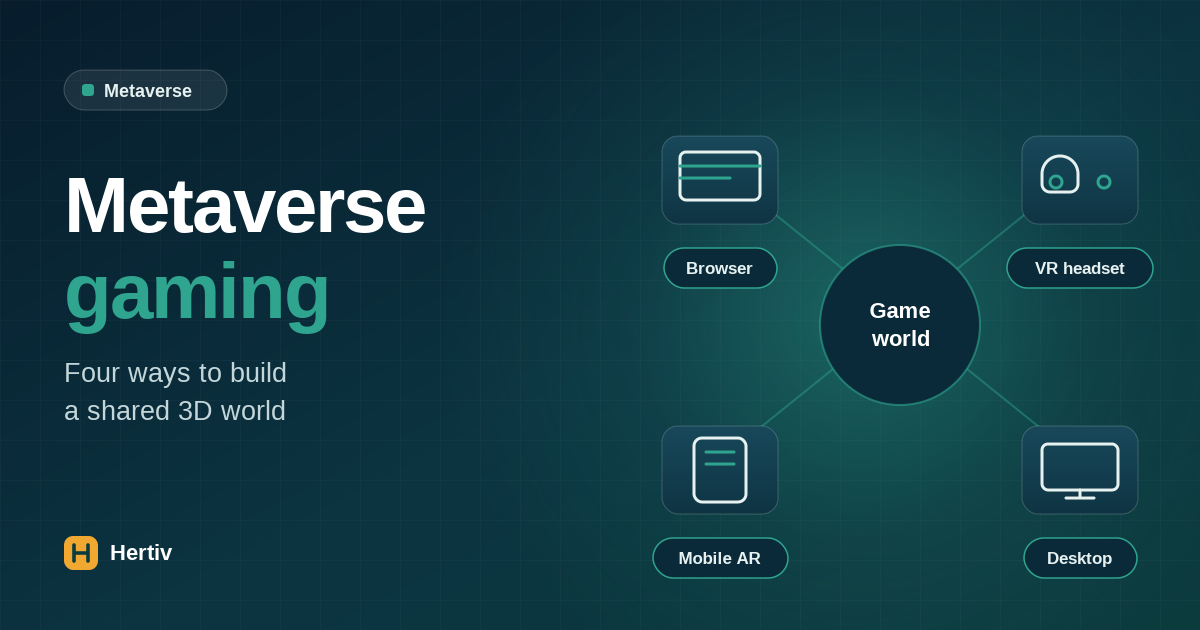
A metaverse gaming platform can run in a browser, on a VR headset, on a phone or as a desktop game. Compare the four ways and pick the one that fits your players.
On this page
Short answer
An immersive metaverse gaming platform is a shared 3D world where players meet, play and trade as avatars in real time. You can build it as a browser game, a VR headset game, a mobile AR game or a desktop client game. The right choice depends on who your players are, what devices they own and how much you can spend on art, servers and testing.
What makes a metaverse game immersive?
A metaverse game feels immersive when players share one world in real time and can see, hear and affect each other. The world stays open when a player logs out, other players keep playing, and the things a player owns or builds are still there when they come back. That shared, lasting world is what sets a metaverse game apart from a single-player game.
Immersion also comes from the senses. A 3D view, spatial sound and a body that moves in the world make a player feel present, even on a flat screen. Avatars, gestures and voice chat add the social part: players talk, trade and team up instead of playing alone. If you want the background, read what the metaverse is first.
| Way to build | Best for | Main tech | Player reach |
|---|---|---|---|
| Browser-based 3D world | Quick reach, no install | WebGL, WebXR | Anyone with a link |
| VR headset game | Deep immersion | Unity, Unreal, OpenXR | Headset owners |
| Mobile AR game | Play anywhere | ARKit, ARCore | Phone owners |
| Desktop client world | Rich graphics, big worlds | Unity, Unreal | PC gamers |
The four ways differ in cost, reach and depth. A browser world is the cheapest to ship and the easiest to try, but it cannot match a headset for presence. A VR game is the most immersive, but it reaches the fewest players. Pick the way that matches your audience first, then plan the tech around it.
Two ways to start: browser world and VR headset
1. Browser-based 3D world: best for quick reach
A browser world runs in a normal web page with no install. Players click a link, pick an avatar and join the world. You build it with WebGL and a 3D engine that runs in the browser, and the server keeps every player in the same shared state. This is the fastest way to test an idea with real players.
The trade-off is graphics and feel. A browser cannot push the same detail as a desktop game, and the controls are a keyboard and mouse, not hands in space. Even so, for social worlds, events and simple games, a browser world is often enough. Many teams start here and add a headset mode later.
Pros: no install, works on most devices, easy to share, cheap to update.
Cons: weaker graphics, limited controls, browser performance limits.
2. VR headset game: best for deep immersion
A VR game puts the player inside the world. They look around by turning their head, pick things up with their hands and move through space. That sense of presence is the strongest any platform offers, and it is why VR is the first choice for games where feeling there matters more than reaching everyone.
The cost is higher. You need 3D art built for VR, careful performance work so the frame rate stays high, and testing on real headsets. Your audience is also smaller, because a headset costs money and not every player owns one. See how businesses use these worlds in metaverse use cases for business.
Pros: strongest sense of presence, natural hand controls, memorable play.
Cons: small audience, higher art and testing costs, motion sickness risk.
Two more ways: mobile AR and desktop client
3. Mobile AR game: best for play anywhere
A mobile AR game mixes the game world with the real world through the phone camera. Players walk around their street, find items in real places and meet other players nearby. The phone is the device almost every player already owns, so reach is high and the barrier to start is low.
AR games suit short sessions and location play, not long sessions in a full virtual world. The phone screen is small, the battery drains fast, and the game depends on the player being out and about. For a game built on places, movement and meeting people, though, AR is the natural fit.
Pros: huge reach, low barrier to start, play tied to real places.
Cons: small screen, battery drain, needs players to move around.
4. Desktop client world: best for rich graphics
A desktop client is a game players download and run on a PC. It has the most power for big worlds, detailed art and many players in one place. This is the way to build a large, rich world with complex systems, from crafting and trading to big team battles.
The cost is the highest of the four ways, because the art, the servers and the testing all take longer. Players also need a decent PC and must install the game, which cuts reach. If your game needs scale and detail above all else, this is still the right choice. The older model is compared in Web3 vs the metaverse.
Pros: best graphics, biggest worlds, most players in one place.
Cons: highest cost, needs a PC and an install, longest build time.
How to choose the right way
Choosing the right way starts with your players, not with the tech. A game for headset owners can be VR-first, but a game for everyone needs a browser or phone entry point. Answer these five steps before you write any code.
- List your players. Write down who they are, what devices they own and how long they play in one session.
- Pick one entry point. Choose the single way most of your players can reach on day one, and make it great.
- Sketch the core loop. Describe what a player does in the first five minutes, and what brings them back the next day.
- Price the art and servers. Get rough costs for 3D art, world servers and testing before you commit to a way.
- Test with a small group. Put a simple version in front of ten real players and watch where they get stuck.
Most teams do best by starting small. A browser world with one good activity teaches you more about your players than a big VR world built on guesses. You can add a headset or phone mode once the core game works.
What are the common mistakes?
The most common mistakes in metaverse gaming are building for the wrong device, spending too much on art too early, and forgetting the social part.
- Picking tech before players. A VR game with no headset owners in your audience will sit empty, however good it looks.
- Too much art, too soon. Detailed worlds are slow and costly; prove the game is fun with simple art first.
- Ignoring motion sickness. Fast movement and low frame rates make players ill, so test comfort early and often.
- No reason to return. A pretty world with nothing to do loses players in a week, so plan daily reasons to come back.
- Forgetting moderation. Shared worlds need rules, reporting and human review, or bad behaviour drives players away.
Key takeaways
- A metaverse game is a shared 3D world that stays open when players log out
- Browser worlds reach the most players; VR gives the deepest sense of presence
- Mobile AR suits short, location-based play; desktop clients suit big, rich worlds
- Pick the entry point your players can already reach, then add more ways later
- Test a small version with real players before spending on detailed art
Frequently asked questions
What is a metaverse gaming platform?
It is a shared 3D world where players meet, play and trade as avatars in real time. The world keeps running when a player logs out, and the things a player owns or earns stay in the world. It differs from a normal online game because the world itself is the product, not a single match or level.
Do I need VR to build a metaverse game?
No. A browser world or a mobile game can be a metaverse game too, as long as players share one lasting world. VR adds the strongest sense of presence, but it is only one of the four ways to build. Start with the way your players can reach most easily.
How much does a metaverse game cost to build?
It depends on the way you choose, the size of the world and the art. A small browser world costs far less than a large VR or desktop world. Get rough prices for art, servers and testing before you commit, and build a small version first to test the idea.
Can players own items in a metaverse game?
Yes, if you build ownership in. Items can be stored in a player wallet and traded with other players, often on a blockchain. Not every game needs this, so add it only if trading and ownership are part of why players come back.
What skills do I need on the team?
You need 3D art, game programming, server work and game design, plus testing on the devices you target. For a VR game you also need comfort testing, and for a shared world you need moderation and community work.
How do metaverse games make money?
Common ways are selling items, passes and cosmetic goods, charging for events or land, and taking a small fee on player trades. Pick the model that fits how your players already spend, and keep it simple at launch.


