AI-Powered API Integration: How It Works
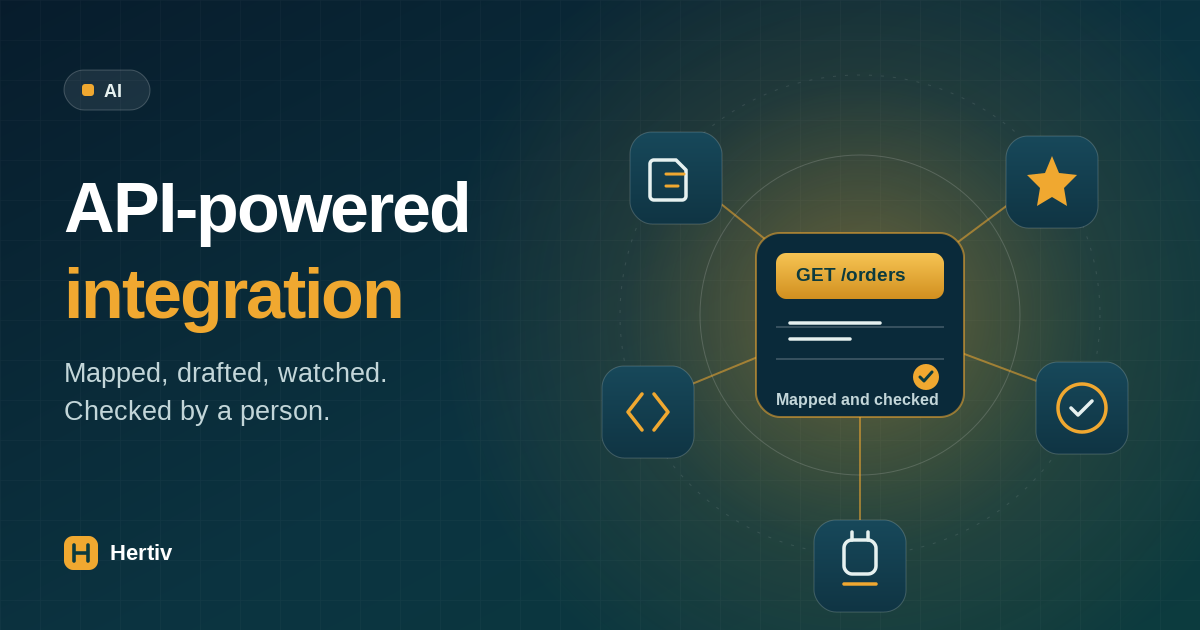
AI-powered API integration uses a model to map fields, draft code and watch for breaks. Here is what the AI does, where it helps, and what a person has to check.
On this page
Short answer
AI-powered API integration is the use of a machine learning model to help connect two pieces of software through their APIs: the model reads both APIs, suggests how their fields line up, drafts the code that moves data between them, and watches the connection for errors once it is live. A person still reviews the mapping and owns the result, but the slow first draft is done by the model.
What is AI-powered API integration?
AI-powered API integration is an API integration in which a machine learning model does the repetitive parts of the work: reading API documentation, matching fields between two systems, and drafting the code that moves data from one to the other. An API is the documented way one piece of software asks another for data or asks it to do something, and an integration is the working connection built on top of it.
The difference from a hand-built integration is who writes the first version. In a normal integration, a developer reads both sets of docs, works out that the field called customer_email in one system is the same as emailAddress in the other, and writes the code to convert it. With AI in the loop, the model proposes that match and drafts the code, and the developer checks it.
The AI does not replace the integration. It does not decide what the business needs, it does not know which system is the source of truth, and it cannot sign off on a mapping that moves money or personal data. Those decisions stay with people, as described in API integration: what it is and how it works.
How does AI build an integration?
AI builds an integration in four steps, and a person checks each one. First, the model reads the documentation of both APIs, including the endpoints, the fields each one accepts, and the error messages each one returns. It turns that text into a working picture of what each system can do.
Second, it suggests a field mapping: which fields line up, which need converting, and which have no match at all. Third, it drafts the connector code, including the calls, the retries when a call fails, and the logging that shows what happened. Fourth, it keeps watching once the integration is live, flagging failed calls and suggesting fixes when an API changes.
The handoff between the model and the developer matters more than the model itself. A good tool shows its reasoning \u2014 why it matched two fields, what it was unsure about \u2014 so the developer can check the uncertain parts first. A tool that only shows finished code forces the developer to re-read everything anyway, which removes most of the saving. Choosing the right platform is covered in API integration platforms worth comparing.
What does the AI actually do?
The AI does a small set of jobs inside an integration, and each one has a clear limit. The table below lists the job, what the model does, and what a person still has to check before the integration goes live.
| Job | What the AI does | What a person checks |
|---|---|---|
| Field mapping | Suggests which fields match across systems | Whether two same-named fields mean the same thing |
| Code drafting | Writes the first version of the connector | Error handling, retries and rate limits |
| Test data | Creates sample requests and edge cases | Whether the samples cover real customer data |
| Monitoring | Spots failed calls and odd patterns | Whether a flagged failure actually matters |
| Fix suggestions | Proposes a patch when an API changes | Whether the patch keeps old data valid |
| Documentation | Writes a plain-language summary of the flow | Whether the summary matches what was built |
Two of these jobs deserve care. Field mapping is where most mistakes start, because two fields can share a name and mean different things \u2014 a status field in one system can mean paid, while in the other it means shipped. Test data is the other one: a model can only invent samples from what it has seen, so it will miss the odd formats your real customers actually send.
Where does AI-powered integration help most?
AI-powered integration helps most where the work is repetitive and the APIs are well documented. Connecting a shop to a warehouse, a booking tool to a payment provider, or a helpdesk to a CRM are all jobs with the same shape: read two sets of docs, match the fields, write the calls, watch for errors. When the APIs are public and documented, the model has good material to work from.
It helps less where the API is old, thinly documented, or changes without warning. A model cannot guess what an undocumented endpoint does, and it cannot tell you that a field called code holds a discount in one system and a country in another. In those cases the developer still has to read the code, test calls by hand, and talk to the team that owns the other system.
It also helps less where the integration moves money or health data, because those need a level of checking that a draft cannot provide. The model can draft the code, but a person has to walk through every money path and every privacy rule before it ships. For teams planning this kind of work, generative AI integration covers how to scope the first project.
Example (hypothetical): connecting a helpdesk to a CRM
Example (hypothetical): a 30-person support team wants its helpdesk to send ticket details into its CRM, so sales staff can see what a customer asked about before calling them. The team has about 400 tickets a month, and copying the details by hand takes around 5 minutes per ticket, which is 400 times 5, or 2,000 minutes \u2014 about 33 hours a month.
The team asks an AI integration tool to draft the connection. The model reads both APIs, maps the ticket fields to the CRM contact record, and drafts the connector in an afternoon. A developer then spends two days checking it: the mapping of the ticket status field is wrong, because closed in the helpdesk means resolved, while in the CRM it means the deal is lost, and the model had matched them by name.
After the fix, the integration runs for a month and moves 400 tickets without a manual copy. The team saves the 33 hours, minus about 2 hours a month checking the error log and fixing the odd failed call. The saving is real, but it came from the checking as much as from the drafting: the model wrote the first version fast, and the developer caught the one mapping that would have caused real harm.
What can go wrong?
The most common failure is a wrong field match that looks right. Two fields with the same name, two dates in different formats, or a currency field with no currency attached can all pass a test and fail in production. The model can only match what the documentation says, and documentation is often out of date or silent about the odd cases.
The second failure is drift. APIs change: a field is renamed, a rate limit is lowered, an endpoint is retired. An integration that worked in January can break in June because the other side changed something and nobody noticed. AI monitoring helps here, but only if someone reads the alerts. An alert that nobody acts on is the same as no alert at all.
The third failure is over-trust. When the first few integrations work well, teams stop checking the mappings closely, and the first bad match slips through. The fix is boring but effective: keep a short checklist for every integration, run it on a copy of real data before going live, and review the error log every week, not every quarter.
What are the common mistakes?
Most failed AI-powered integrations fail for the same reasons as hand-built ones, only faster. The model writes the first version quickly, so the mistakes arrive sooner and in larger numbers if nobody checks the work.
- Accepting the model's field mapping without checking same-named fields
- Skipping a test run on real data and trusting sample data instead
- Shipping without retry and rate-limit handling because the draft looked complete
- Letting the integration move money or personal data without a person walking the path
- Ignoring the error log until a customer reports the break
- Treating the AI draft as finished code instead of a first version to review
The pattern behind all six is the same: the model is fast, and fast work that nobody checks is just a faster way to ship a mistake. A short checklist, a test on real data and a weekly look at the error log catch most of it before a customer ever notices.
Key takeaways
- The AI drafts the mapping and the connector code; a person checks the mapping and owns the result.
- Field mapping is where most mistakes start, because same-named fields can mean different things.
- AI helps most with well-documented public APIs and repetitive connections.
- Test every integration on a copy of real data before going live.
- APIs drift, so someone has to read the error log every week, not every quarter.
- Never let an unchecked draft move money or personal data.
Frequently asked questions
What is AI-powered API integration?
AI-powered API integration uses a machine learning model to help connect two systems through their APIs: it reads the documentation, suggests how fields line up, drafts the connector code and watches for errors. A person still reviews the mapping and owns the result.
Is AI-powered API integration the same as an iPaaS?
No. An iPaaS is a platform that hosts integrations and gives you connectors and a visual builder. AI-powered integration is a way of building the integration, and it can run on an iPaaS, in your own code, or in a mix of both.
Can AI write a whole integration on its own?
It can draft one, but it should not ship one alone. The draft needs a person to check the field mapping, the error handling and the rate limits, and to test it on real data. The checking is part of the work, not an optional extra.
Which integrations suit AI best?
Repetitive connections between well-documented public APIs suit it best, such as a shop to a warehouse or a helpdesk to a CRM. Old, thinly documented or fast-changing APIs suit it less, because the model has little to work from.
What happens when one of the APIs changes?
The integration can break, which is why monitoring matters. A good setup flags failed calls and suggests a fix, but someone still has to read the alert and apply it. Schedule a weekly review of the error log.
Does AI-powered integration cost less than hand-built integration?
It usually costs less in developer time for the first version, because the draft is fast. The saving shrinks if the APIs are poorly documented, because the checking takes longer. Budget for the review time, not just the build time.