AI Infrastructure as a Service: What You Rent and When
AI infrastructure as a service rents the compute, storage and model serving you need to run AI. Here is what it includes and when renting beats building.
On this page
Short answer
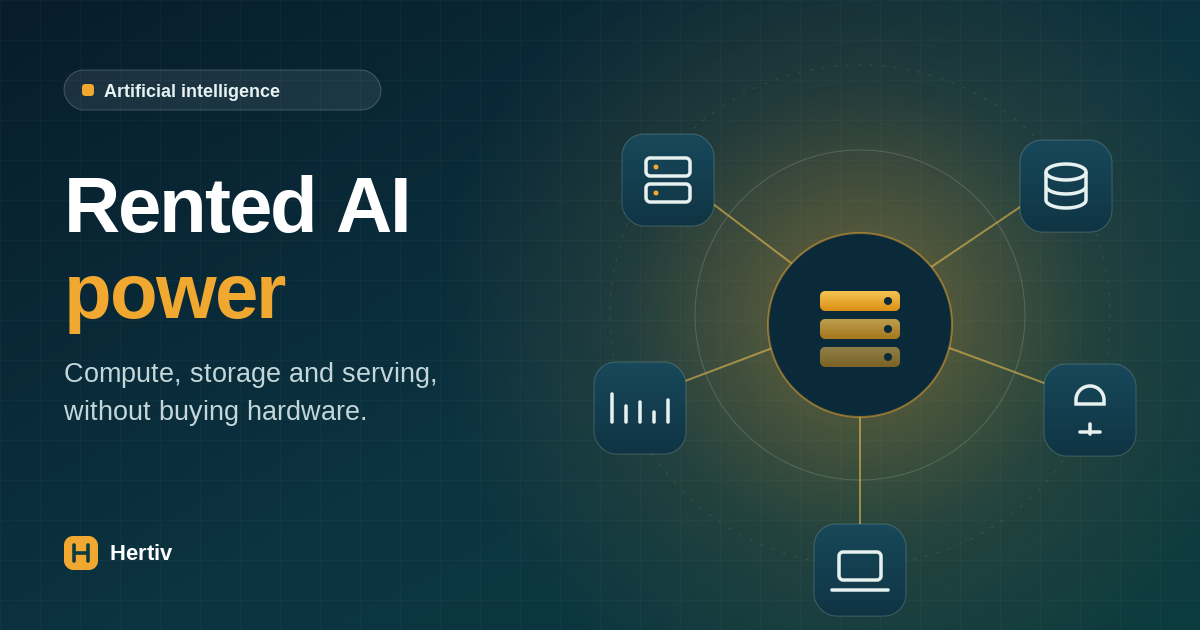
AI infrastructure as a service is rented computing that gives a team the hardware and software needed to train and run AI models, without buying or owning the machines. The provider runs the GPUs, storage, networking and serving tools, and the customer pays for what it uses.
What is AI infrastructure as a service?
AI infrastructure as a service is a way to rent the computing foundation that AI work needs, instead of buying and running it yourself. The provider owns the graphics processors, the storage, the network and the software that serves models, and you use them over the internet on a metered basis.
The idea is close to cloud computing, but tuned for AI workloads. Training a model and answering model requests need large amounts of parallel compute, fast storage for training data, and serving software that can handle many requests at once. A general cloud server can do some of this, but AI infrastructure services package the pieces together.
Most teams use it in one of two ways: to train a model on rented machines for a few weeks, or to run a finished model for users around the clock. In both cases the team keeps control of its data and its model, while the provider handles the hardware, power, cooling and most of the maintenance.
What counts as AI infrastructure?
AI infrastructure is the set of parts that sit below the model itself. If any part is missing or slow, the model trains slowly or answers slowly, no matter how good the model design is.
| Part | What it does | What renting it buys you |
|---|---|---|
| Compute | Runs training and model requests | GPUs on demand, no hardware purchase |
| Storage | Holds training data and model files | Fast, large storage that grows with use |
| Model serving | Answers requests from users and apps | Scaling, retries and uptime handling |
| Data pipelines | Moves and prepares training data | Managed jobs instead of custom scripts |
| Monitoring | Tracks cost, speed and failures | Dashboards and alerts out of the box |
Some providers sell the whole stack as one product, while others sell each part separately. A team that only needs to run a finished model can rent serving alone, while a team training its own model usually needs compute, storage and pipelines together. For teams that prefer to own the hardware, building AI infrastructure is the other path.
The three ways to rent AI infrastructure
AI infrastructure services usually fall into three shapes, and most teams use more than one over time. The differences are about who manages what, and how much control the team keeps.
- GPU cloud rental. You rent raw machines with graphics processors by the hour and install your own training or serving software. This gives the most control and the most work.
- Managed training. You upload data and a training script, and the provider runs the job, handles failures and returns the trained model. You manage less, but you accept the provider's limits.
- Managed inference. You deploy a finished model behind an endpoint, and the provider scales it up and down with traffic and keeps it running. This is the usual choice for a model already in production.
Managed inference is the easiest starting point for most teams, because the model already exists and the main job is keeping it fast and available. GPU rental suits teams that train often or need unusual setups. Managed training suits teams that train now and then and would rather not run their own training cluster.
Renting vs building: how to decide
Renting wins when the workload changes a lot, the team is small, or the model is still being shaped. Building wins when the workload is steady, large and predictable, and the team has the staff to run hardware.
A practical way to decide is to work through these steps:
- Measure the workload. How many hours of training per month, and how many model requests per day? Guesses here are the most common source of bad decisions.
- Price the rented option. Ask the provider for a quote at your measured usage, and check the price of the exact machine type you need.
- Price the owned option. Include the hardware, power, cooling, space, spare parts and the time of the people who keep it running.
- Check the lock-in. Can you move your model and data to another provider or to your own machines without rewriting everything?
- Pick a trial. Run the real workload on the rented service for a month and compare the bill and the effort against your estimate.
As a rough guide, a team that trains a few days a month usually pays less by renting, while a team that runs the same model at high volume every day should price the owned option seriously. See AI as a service for business for the wider buy-versus-build picture.
How is AI infrastructure as a service priced?
Pricing usually follows one of three models, and the right one depends on how steady the workload is. The cheapest headline rate is rarely the cheapest bill.
- Pay per hour. You pay for each hour a machine runs. This fits training jobs and tests, where use comes in bursts.
- Pay per request. You pay for each model answer, often with a charge per thousand tokens. This fits serving, where traffic rises and falls during the day.
- Reserved capacity. You commit to a machine type for a month or a year at a lower hourly rate. This fits a model that runs all day, every day.
Watch for the costs that sit outside the headline rate. Data leaving the provider's network, storage that grows with every training run, and idle machines left running overnight are the usual surprises. Set a spending alert on the first day, and review the bill weekly for the first month. Prices change often, so check the vendor's pricing page and write "see vendor site" in any comparison rather than quoting a rate from memory.
Example (hypothetical): a 12-person team trains a support model
Example (hypothetical): a 12-person software team wants to train a model that drafts replies to support tickets. It needs 4 graphics processors for 8 hours a day, 20 days a month, which is 640 GPU-hours in a month.
If the provider charges $2 per GPU-hour, the month costs $1,280. Buying 4 comparable cards outright would cost about $40,000 before power, cooling and setup, and the cards would sit idle between training runs.
The team rents for three months of training and testing, spending about $3,840 in total, and then switches the finished model to a managed inference endpoint that scales with ticket volume. Renting first let the team learn what it actually needed before committing to any hardware, and it kept the monthly bill easy to explain to the finance team.
What are the common mistakes?
The most common mistakes with rented AI infrastructure are about sizing, cost control and exit planning, not about the technology itself.
- Renting the biggest machine first. Start with the smallest machine that fits the model, then scale up only when measurements show a real bottleneck.
- Leaving test machines running. A machine left on over a weekend can cost more than the whole experiment. Shut down what is not running a job.
- Ignoring data transfer costs. Moving large training sets in and out of the provider can cost more than the compute. Keep the data where the compute is.
- No exit plan. If the model only runs on one provider's tools, moving later means rebuilding. Keep the model and its data in portable formats.
- Skipping monitoring. Without alerts for cost and errors, a broken job can run for days. Set alerts before the first real workload.
For a shortlist of tools in this space, see generative AI infrastructure software worth comparing.
Key takeaways
- AI infrastructure as a service rents the GPUs, storage and serving tools that AI needs, so a team can train and run models without buying hardware
- Compute, storage, model serving, data pipelines and monitoring are the five parts that make up the stack
- GPU rental gives the most control, managed training the least work, and managed inference the easiest production start
- Renting usually wins for changing or part-time workloads; steady, high-volume work deserves an owned-hardware price check
- Watch the costs outside the headline rate: data transfer, growing storage and idle machines left running
Frequently asked questions
What is the difference between AI infrastructure as a service and AI as a service?
AI as a service sells finished AI features, such as a chatbot or a document reader, ready to use. AI infrastructure as a service sells the lower layer instead: the compute, storage and serving tools you use to build and run your own models. The first buys an answer, the second buys the machines that produce it.
Do I still need engineers if I rent AI infrastructure?
Yes, but fewer of the hardware kind. You still need people who understand the model, the data and the application. What you avoid is hiring for power, cooling, hardware repair and cluster operations, which the provider handles.
Can I move my model off a rented service later?
Usually yes, if you keep the model files and training data in standard formats and avoid tools that only exist on one provider. Check the export options before you start, not after a year of work.
How much does AI infrastructure as a service cost?
There is no single price, because it depends on the machine type, the hours used and the amount of data moved. Pay-per-hour fits bursts of training, pay-per-request fits serving, and reserved capacity fits steady all-day use. Check the vendor site for current rates.
Is rented AI infrastructure secure enough for sensitive data?
It can be, if the provider offers encryption, access controls and a region that meets your rules. Read the provider's security and data-processing terms, and keep sensitive data out of any service that has not passed your own review.
When should a team build its own AI infrastructure instead?
When the workload is steady, large and predictable, and the team has staff to run hardware. In that case the fixed cost of owned machines can be lower than years of rental, and the team keeps full control of the stack.