How to Build AI Infrastructure That Scales With Demand
AI infrastructure is the data, compute, serving and monitoring behind a model. This guide walks through each layer and the steps to build it without overbuying.
On this page
Short answer
Building AI infrastructure means setting up four layers: data pipelines that feed clean training data, compute for training and inference, a serving layer that runs models reliably, and monitoring that catches drift and cost growth. Start small, measure usage, and scale the layer that is actually the bottleneck.
What is AI infrastructure?
AI infrastructure is the set of systems that lets a team train, run and maintain machine learning models in production. It covers data pipelines, compute, model serving, storage and the monitoring that ties them together.
It is not the model itself. A model is a file of weights; infrastructure is everything that gets data into training, gets the model in front of users, and keeps it working as data and demand change.
Teams often discover they need it after the first model ships. A notebook that works for one person breaks when ten people need the same model, when data arrives daily, or when usage doubles overnight. Infrastructure is the answer to those problems, built before they become outages.
The four layers of AI infrastructure
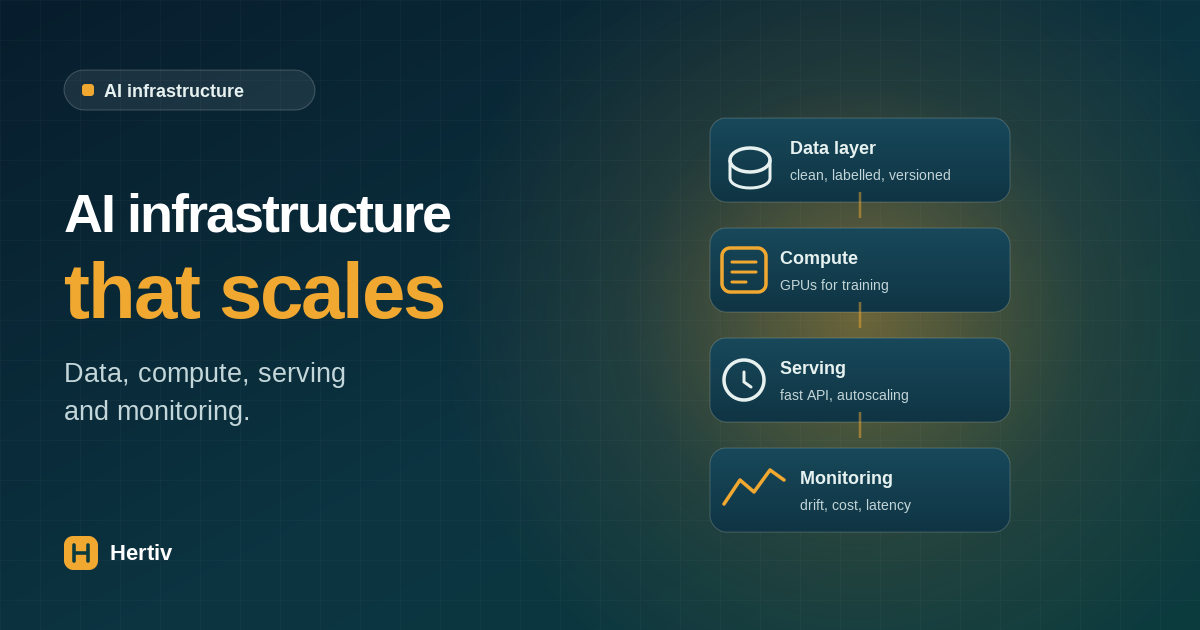
AI infrastructure has four layers: data, compute, serving and monitoring. Each layer can be built separately, but they have to work together, because a failure in one shows up as a failure in the product.
| Layer | What it does | Common tools | First sign it is weak |
|---|---|---|---|
| Data | Collects, cleans, labels | Pipelines, warehouses | Training data is stale |
| Compute | Trains and runs models | GPUs, cloud instances | Jobs queue for hours |
| Serving | Delivers predictions | APIs, model servers | Slow or failing responses |
| Monitoring | Tracks quality and cost | Dashboards, alerts | Nobody notices drift |
Start with the layer that hurts most. For most teams that is data, because a model trained on stale or messy data fails no matter how good the compute is.
How to build it, step by step
You build AI infrastructure in steps, starting with one model and one pipeline, then adding the layers the product actually needs.
- Pick one model to support. Choose the model with the clearest user value and build the infrastructure around it, not around a future platform.
- Fix the data pipeline first. Make sure training data is versioned, labelled and refreshed on a schedule. A model is only as good as the data it sees.
- Set up training compute. Use cloud GPUs on demand before buying hardware. Measure how long training takes and what it costs per run.
- Build a serving API. Wrap the model in a simple API with versioning, so the product can call it and the team can roll back a bad version.
- Add evaluation. Keep a fixed test set and score every new model version against it before it ships. How to test AI models explains the setup.
- Monitor in production. Track prediction quality, latency, error rates and cost. Alert on drift, not just on crashes.
- Automate retraining. Once the pipeline is stable, schedule retraining on fresh data and review the results before each release.
Each step should work on its own before the next one starts. A serving API that works with manual retraining beats an automated pipeline that nobody trusts.
Data: the layer that decides quality
The data layer decides model quality more than any other choice, because a model learns whatever patterns are in its training data, including the mistakes.
A working data layer has three parts: collection, cleaning and versioning. Collection brings data from products, databases and third-party sources into one place. Cleaning removes duplicates, fixes formats and handles missing values. Versioning records exactly which data trained which model, so a bad result can be traced back to its source.
Labelling deserves its own budget. Someone has to decide what the right answer is for training examples, and that work is slow and skilled. Data annotation services exist for teams that need labelled data at volume without hiring a full labelling team.
Data also needs governance. Know where personal data lives, who can access it, and how long it is kept. A model trained on data the team should not have is a liability, not an asset.
Compute and serving: training vs running
Compute splits into two jobs with different needs: training, which is heavy and occasional, and serving, which is steady and latency-sensitive.
Training needs powerful hardware for hours or days, then nothing until the next run. Cloud GPUs on demand fit that pattern well, because the team pays only while training runs. Buying hardware makes sense only when training is constant enough to keep the machines busy.
Serving is the opposite. It needs enough capacity to answer requests quickly at peak load, and it needs to scale up and down as demand changes. A model server with autoscaling handles that, and caching answers for repeated queries can cut costs sharply.
Keep the two apart. A training job that grabs the same GPUs the serving layer needs will slow the product at the worst moment. Separate pools, separate budgets, separate alerts.
Example (hypothetical): a support-ticket classifier
Example (hypothetical): a team builds a classifier that routes 10,000 support tickets a month. Training takes 4 hours on a cloud GPU at $3 an hour, so each training run costs $12. The team retrains weekly, which is about $48 a month.
Serving is a small API on two instances at $100 a month each, plus storage and monitoring at $50 a month. The total running cost is $200 for serving plus $48 for training, or $248 a month.
The classifier routes 8,500 of the 10,000 tickets correctly, and agents fix the other 1,500 by hand. Each correct route saves an agent about 2 minutes, so the team saves 17,000 minutes a month, or about 283 hours. At $25 an hour, that is roughly $7,075 of agent time saved against $248 of infrastructure.
The team watches one number closely: the share of tickets routed correctly. When it falls below 80%, they check whether the data changed or the model needs retraining, before users notice.
What are the common mistakes?
The most common AI infrastructure mistakes are overbuying hardware, skipping evaluation, and treating monitoring as an afterthought.
- Buying GPUs too early. Cloud compute on demand is cheaper until training is constant; hardware only pays off at steady high usage.
- No evaluation set. Without a fixed test set, the team cannot tell whether a new model is better or worse.
- Skipping data versioning. When a model misbehaves, the team needs to know exactly which data trained it.
- One pool for training and serving. Training jobs starve the product at peak times; keep them separate.
- No cost alerts. A runaway job or a traffic spike can multiply the cloud bill before anyone looks.
- Ignoring drift. Data changes over time; a model that was right in January can be wrong by June.
If you are planning the wider build, how to build AI covers the team side.
For help setting up the pipeline, see MLOps consulting.
Key takeaways
- AI infrastructure is four layers: data, compute, serving and monitoring
- Fix the data pipeline first; a model cannot beat stale or messy data
- Train on demand in the cloud and buy hardware only when usage is steady
- Keep training and serving on separate capacity so jobs never starve the product
- A fixed evaluation set and drift alerts catch problems before users do
- Cost alerts on every layer prevent a surprise cloud bill
Frequently asked questions
What is AI infrastructure?
It is the set of systems that trains, runs and maintains machine learning models in production: data pipelines, compute, model serving, storage and monitoring. The model is only one part; infrastructure is everything that keeps it working as data and demand change.
Do I need to buy GPUs to build AI infrastructure?
Usually not at first. Cloud GPUs on demand fit training, which is heavy but occasional, and the team pays only while training runs. Buying hardware makes sense only when training is constant enough to keep the machines busy.
What is the difference between training and inference infrastructure?
Training is heavy, occasional compute that builds the model, while inference is steady, latency-sensitive serving that answers user requests. They need separate capacity and budgets, because a training job can starve the product if they share hardware.
How do I know if my AI infrastructure is working?
Track prediction quality on a fixed test set, latency, error rates and cost. The most useful early signal is the share of predictions that are right on real data, and whether that share is stable or drifting over time.
What is model drift?
Model drift is when a model's accuracy falls because the real-world data has changed since training. Customer behaviour, language and products all shift over time, so teams monitor accuracy and retrain on fresh data when it drops.
How much does AI infrastructure cost?
It varies with usage, but a small setup is often a few hundred dollars a month for serving, storage and monitoring, plus the cost of training runs. Put cost alerts on every layer, because a runaway job or traffic spike can multiply the bill quickly.


