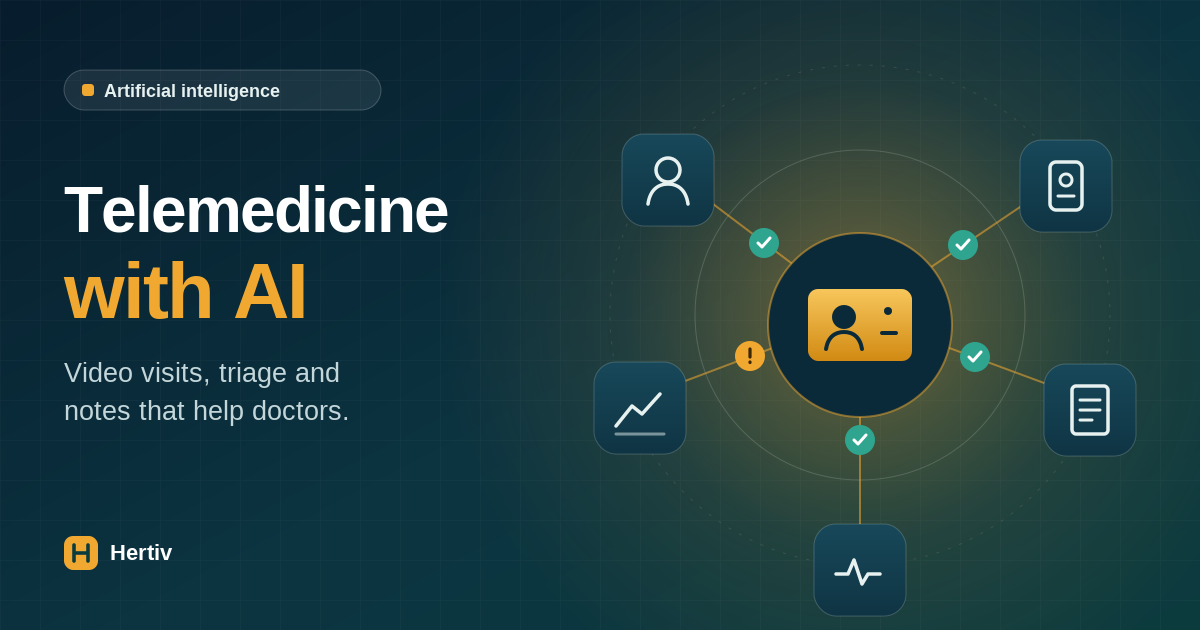
AI in Telemedicine: How It Helps Doctors and Patients
AI in telemedicine prepares the visit, drafts the notes and watches patients between calls. Here is what the software does and where the doctor stays in charge.
On this page
Short answer
AI in telemedicine is machine learning inside remote care: software that triages symptoms, drafts visit notes, supports diagnosis and watches vital signs between appointments. It prepares the work and flags what needs attention, while the doctor makes every clinical decision and reviews everything the software produces.
What is AI in telemedicine?
AI in telemedicine is the use of machine learning inside remote care: software that helps doctors and patients during video, phone and chat consultations. It reads symptoms, scans images, drafts notes and watches vital signs between visits, while the doctor stays in charge of every decision.
Telemedicine on its own is a video call with a doctor. AI adds a layer that prepares, checks and follows up: it gathers the patient's history before the call, flags urgent symptoms, listens and drafts the visit note, and watches readings from home devices after the call ends.
| Where AI helps | What it does | Who checks it |
|---|---|---|
| Symptom triage | Sorts patients by urgency before the call | Nurse or doctor |
| Visit notes | Drafts a summary from the conversation | Doctor |
| Image checks | Flags possible problems in scans and photos | Radiologist or doctor |
| Remote monitoring | Watches blood pressure, glucose and heart rate | Care team |
| Scheduling | Matches patients to the right clinician and slot | Admin team |
The pattern is the same in every row: the software prepares and the clinician decides. That boundary matters, because a wrong suggestion caught by a doctor costs a few minutes, while a wrong decision sent straight to a patient can cost far more.
How does AI help during a video visit?
During a video visit, AI works in the background while the doctor talks to the patient. It transcribes the conversation, pulls the relevant history onto the screen, and suggests questions the doctor may want to ask based on the symptoms described.
The most useful job is documentation. A doctor who types notes during a call splits attention between the screen and the patient. When the software drafts the note, the doctor can look at the patient, then read and correct the draft after the call.
AI can also check details the doctor might miss in a busy clinic: a medication that conflicts with a new prescription, an allergy noted in an old record, or a test result that never came back. Each flag is a prompt, not an order, and the doctor decides what to do with it.
A telemedicine app already handles booking, the video call and prescriptions. AI adds the preparation and the note-taking on top of that flow, so the visit itself feels more like a conversation and less like data entry.
What does AI do before and after the visit?
Before the visit, AI triage asks the patient a short set of questions and sorts the request by urgency. A rash that can wait goes to a routine slot; chest pain goes to urgent care at once. The questions adapt to the answers, so a patient with diabetes gets asked about blood sugar, not about a sprained ankle.
After the visit, the software turns the visit note into the next steps: a prescription request, a lab order, a referral letter and a follow-up reminder. Each item goes to the doctor for approval before anything is sent, so nothing leaves the clinic unchecked.
The follow-up is where remote care often fails. Patients forget instructions or skip a second test. Automated reminders tied to the visit note keep the plan moving without adding work for the clinic staff, and they can ask the patient to confirm the test was booked.
None of this needs a large system to start. A clinic can begin with triage and reminders, measure the time saved, and add note-taking later once the team trusts the drafts.
How does AI support remote patient monitoring?
Remote monitoring uses home devices, such as blood pressure cuffs, glucose meters, pulse oximeters and wearables, to send readings to the care team between visits. AI watches the stream and flags the readings that need a human look, instead of asking a nurse to review every number.
The flag is based on change, not just on a single high value. A blood pressure reading of 150 on its own may be normal for one patient and a warning for another. The software compares each reading with that patient's own history and with the limits the doctor set.
What gets flagged:
- A sudden rise or fall against the patient's normal range
- Readings outside the limits the doctor set for that patient
- Missed readings for several days in a row
- A pattern across readings, such as a slow climb over two weeks
Remote patient monitoring software already collects these readings. AI adds the triage layer that decides which ones need a call today and which can wait for the next check-in.
How to start using AI in a telemedicine service
Start with one job, not five. Pick the task that eats the most clinician time, usually visit notes or triage, and prove the software there before adding more.
- Pick one workflow and name the owner who will judge the results.
- Check the rules first: patient consent, data storage and who can see the records.
- Run a shadow pilot for two weeks, with the software drafting while the doctor works as normal.
- Compare the drafts with the real notes and count how much correction each one needs.
- Go live on one workflow only, then add the next one after a month of steady use.
Run the pilot in shadow mode before anything reaches a patient. If the drafts need heavy correction, the tool is not ready for live use, and the pilot has told you that cheaply.
Measure time saved per visit, not how many features the tool has. A note draft that saves a doctor four minutes per visit is worth more than five features nobody uses.
Example (hypothetical): a small clinic adds AI triage
A clinic with three doctors sees 120 patients a week by video. Before AI, a nurse spent two hours a day sorting requests by phone. The clinic adds AI triage that asks patients five questions and sorts requests into urgent, same-day and routine.
In the first month, 480 requests arrive. The software sorts 400 correctly on its own and flags 80 for the nurse to check. The nurse now spends 30 minutes a day on sorting instead of two hours, saving about 7.5 hours a week. The 80 flagged cases include six urgent ones the software routed to same-day slots, which the nurse confirms by phone.
The clinic keeps one rule: no patient is turned away by the software. Every request the software cannot sort goes to the nurse, and every urgent flag gets a phone call within the hour.
After three months the clinic reviews the numbers again. The sorting time stays low, and the number of missed urgent cases is zero. Only then does the clinic add AI note-taking as the second workflow.
What are the common mistakes?
Most failures come from letting the software act without a clinician in the loop, or from trusting it on patients it was never tested on.
- Letting the software send messages to patients without a doctor's review
- Training on one clinic's patients and trusting it for every age group and condition
- Skipping the privacy check on where recordings and notes are stored
- Measuring how often the tool is used instead of how much time it saves
- Buying five tools at once instead of proving one workflow first
- Forgetting to tell patients when they are talking to software
The fix for most of these is the same: keep a doctor between the software and the patient, and check the results on your own patients before you scale. AI in clinical trials shows the same discipline at a larger scale, with human review at every step.
Key takeaways
- AI in telemedicine prepares, drafts and flags; the doctor makes every clinical decision.
- Triage and visit notes save the most clinician time and are the safest place to start.
- Remote monitoring works when alerts are based on change against each patient's own history.
- Run a shadow pilot and compare drafts with real notes before anything reaches a patient.
- Keep a clinician between the software and the patient at every step.
Frequently asked questions
What is AI in telemedicine?
AI in telemedicine is machine learning inside remote care. It triages symptoms before a video visit, drafts the visit note during the call, and watches home readings between visits. The doctor reviews everything the software produces and makes every clinical decision.
Can AI diagnose patients during a video visit?
No. AI can suggest what to check and flag possible problems, but diagnosis stays with the doctor. The software is a preparation and checking layer, not a clinician, and any suggestion it makes must be reviewed before it reaches the patient.
Is AI triage safe for urgent symptoms?
It is safe when the design is conservative: anything the software cannot sort goes to a nurse, and any urgent flag gets a phone call. The risk comes from letting the software turn patients away on its own, which no safe service allows.
What does AI remote monitoring watch for?
It watches home readings such as blood pressure, glucose and heart rate, and flags sudden changes, readings outside the doctor's limits, and missed readings over several days. The care team then decides whether to call the patient.
How long does it take to start with AI in telemedicine?
A single workflow, such as triage or note-taking, can run as a shadow pilot in a few weeks. Going live takes longer, because the team needs to check consent, data storage and how much correction the drafts need before patients see any output.
Do patients need to know AI is involved?
Yes. Patients should be told when software is triaging their request or drafting their notes, and they should know a doctor reviews the result. Clear disclosure builds trust and is required in many places.