What Is a Telemedicine App, and How Does It Work?
A telemedicine app lets patients consult a doctor by video, phone or chat instead of visiting a clinic. Here is how a video visit works and what to check first.
On this page
Short answer
A telemedicine app is an application that lets patients consult a doctor by video, phone or chat instead of visiting a clinic in person. It handles booking, the video visit, prescriptions, test results and follow-up messages in one place, so a consultation can start and finish without anyone travelling.
What is a telemedicine app?
A telemedicine app is an application that lets patients consult a doctor by video, phone or chat instead of visiting a clinic in person. It handles booking, the video visit itself, prescriptions, test results and follow-up messages in one place, so a consultation can start and finish without anyone travelling.
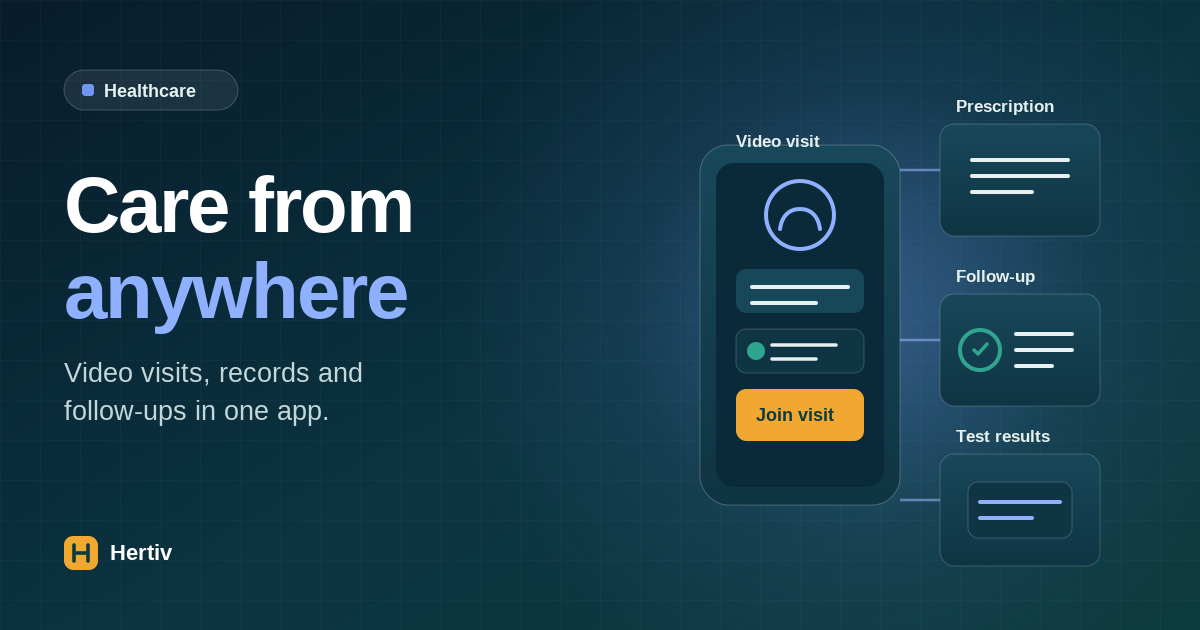
The app is the front door of a remote care service. A patient opens it, describes the problem, books a slot with an available doctor, joins the video call, and afterwards receives the prescription and any notes in the same app. The doctor, meanwhile, sees the patient's history, writes notes during the call, and issues the prescription from the same screen.
Telemedicine apps are used for follow-ups, repeat prescriptions, minor illness, mental health check-ins and chronic care reviews. They are not a replacement for physical examination, emergency care or procedures, and a good app makes that boundary clear instead of hiding it.
What can patients do in a telemedicine app?
Patients can do five things in a telemedicine app: book a consultation, join the video visit, receive a prescription, view test results, and message the care team afterwards. Each one replaces a phone call, a queue or a paper form.
Booking is the first job. The patient picks a doctor by speciality and language, sees the available slots and the fee, and pays in the app. The app then sends reminders, so fewer appointments are missed because the patient forgot the time.
During the visit, the patient can share photos, describe symptoms in a structured form, and show medicine packaging to the camera. After the visit, the prescription, the doctor's notes and any lab requests stay in the app, so the patient does not lose a paper slip on the way home.
Follow-up matters as much as the visit. A patient with a long-term condition can send readings, ask a short question, and book the next review without starting the whole process again. That continuity is what makes the app useful beyond a single call.
How does a video visit actually work?
A video visit works in five steps: the patient books and pays, both sides receive a link, the doctor reviews the history, the call takes place, and the record is written up afterwards. The whole visit usually takes 10 to 20 minutes.
- Book and pay. The patient chooses a doctor, a time and a reason for the visit, and pays the consultation fee in the app.
- Check in. Shortly before the slot, the patient confirms the connection, the camera and the microphone, and fills in a short symptom form.
- Review history. The doctor reads the patient's record, past visits and current medicines before the call starts.
- Hold the consultation. The doctor asks questions, examines what the camera can show, and decides on treatment, tests or a referral.
- Write up and prescribe. The doctor writes notes, issues an electronic prescription and sets the follow-up, all inside the app.
The table below shows which visit types fit a video call and which need an in-person visit.
| Visit type | Fits video? | Why |
|---|---|---|
| Repeat prescription | Yes | History is known, no examination needed |
| Follow-up review | Yes | Progress can be discussed on camera |
| Minor illness | Often | Symptoms and history usually decide it |
| Mental health check-in | Yes | Conversation is the examination |
| New chest pain | No | Needs an in-person examination at once |
| Injury or wound care | No | Needs hands-on examination and treatment |
The boundary between video and in-person care is a safety decision, not a preference. An app that pushes every case to video is cutting corners; an app that routes urgent cases to in-person care quickly is doing its job.
What should a telemedicine app include?
A telemedicine app should include secure video, a booking and payment flow, an electronic prescription, a patient record, and a way to share test results and messages. Without any one of these, the patient has to leave the app to finish the visit.
Security is not a feature to add later. Consultations, records and prescriptions are health data, so the app needs encrypted calls and messages, access controls that limit who sees a record, and an audit trail of who opened it. Rules differ by country, so the app must be built for the laws where it operates.
The doctor's side matters as much as the patient's. Doctors need a clear schedule, a one-screen view of the patient, templates for common notes, and a way to hand a case to another doctor when it needs in-person care. If the doctor's screen is slow or confusing, the visit suffers.
For teams building one, the cost angle is covered in telemedicine app development cost.
The wider healthcare picture is covered in healthcare software.
Example (hypothetical): a small clinic goes remote
Example (hypothetical): a clinic with 4 doctors decides to offer video visits two days a week. Each doctor does 20 video visits a day, so the clinic handles 4 times 20, which is 80 video visits a day, or 160 a week.
Each visit takes 15 minutes, so one doctor spends 20 times 15, which is 300 minutes, or 5 hours, on video visits in a day. The other 3 hours of the day stay for in-person patients, notes and follow-up messages.
About a quarter of the video visits need an in-person follow-up, which is 40 of the 160 weekly visits. The clinic books those into the in-person slots the next week, so the video service does not create a backlog it cannot clear. The numbers are invented to show the arithmetic, not a real clinic.
The lesson is that a telemedicine app changes the schedule, not just the channel. The clinic has to plan how many video slots, how many in-person slots, and how the two hand over to each other.
What are the common mistakes?
The most common mistakes with telemedicine apps are treating video as a replacement for examination, underestimating the compliance work, and building for the patient while ignoring the doctor.
- No clear boundary. If the app does not route urgent or examination-dependent cases to in-person care, patients get the wrong kind of visit.
- Weak privacy controls. Health data in a chat or a video call needs encryption, access limits and audit logs. A consumer chat tool is not a medical record.
- Ignoring the doctor's workflow. A beautiful patient app with a slow, confusing doctor screen produces rushed visits and poor notes.
- No follow-up loop. A visit without a prescription, a result and a next step is a dead end. Patients need the whole journey in one place.
- Skipping local rules. Prescribing, licensing and data rules differ by country and sometimes by region. Building first and checking later is expensive.
Each mistake has the same root: the app was treated as a video feature instead of a care service with a clinical boundary, a privacy duty and a follow-up loop.
How do you start building a telemedicine app?
You start building a telemedicine app by defining the care journey, the clinical boundary and the compliance rules, then building the smallest version that handles one visit type end to end.
- Pick one visit type. Follow-ups or repeat prescriptions are the safest start, because the history is known and the risk is low.
- Define the boundary. Write down which cases go to video and which go straight to in-person care, and build that routing into the app.
- Set the compliance baseline. Confirm the data, licensing and prescribing rules for each country where the app will operate, before writing code.
- Build the full loop. Booking, video, notes, prescription and follow-up must all work before the first real patient uses it.
- Pilot with one clinic. Run real visits with a small group of doctors and patients, and fix the workflow before opening it wider.
Once the pilot runs cleanly for a month, the case for adding more visit types and more clinics writes itself, because you can show the visits completed and the follow-ups handled. Teams that need help with the build often work with a mobile app development partner.
Key takeaways
- A telemedicine app covers booking, the video visit, prescriptions, results and follow-up in one place
- It suits follow-ups, repeat prescriptions and minor illness, not emergencies or physical examination
- Secure video, access controls and audit logs are part of the product, not an add-on
- The doctor's workflow matters as much as the patient's, or visits become rushed
- Start with one low-risk visit type and pilot with one clinic before opening it wider
Frequently asked questions
Is a telemedicine app the same as a health app?
No. A general health app tracks steps, sleep or diet. A telemedicine app provides a consultation with a real doctor, including a prescription and a medical record. The two solve different problems and follow different rules.
Can a telemedicine app replace a clinic visit?
Sometimes, but not always. It works well for follow-ups, repeat prescriptions, minor illness and mental health check-ins. It cannot replace physical examination, emergency care or procedures, and a good app routes those cases to in-person care.
How do doctors get paid in a telemedicine app?
The patient usually pays the consultation fee in the app, and the platform pays the doctor, either per visit or per session. The exact split depends on the platform and the country, and doctors should check the terms before joining.
Is my health data safe in a telemedicine app?
It should be, if the app is built properly. Consultations and records should be encrypted, access should be limited to the care team, and every access should be logged. Patients should check the app's privacy policy and the rules in their country before sharing sensitive information.
Do I need a prescription from a telemedicine visit?
It depends on the condition. A doctor on a video visit can issue an electronic prescription when the diagnosis is clear and the medicine is safe to prescribe remotely. Some medicines require an in-person examination first, and the rules differ by country.
What do I need for a video visit?
A phone or computer with a camera and microphone, a stable internet connection, and a quiet, well-lit room. It helps to have a list of current medicines and a short note of the symptoms ready before the call starts.


