AI for IT Operations (AIOps): What It Is and How It Works
AI for IT operations, often called AIOps, uses machine learning on logs, metrics and events to spot problems early and cut alert noise. Here is how it works.
On this page
Short answer
AI for IT operations, usually called AIOps, applies machine learning to the logs, metrics, traces and events that systems already produce, so teams spot failures early, group related alerts and fix the root cause faster. It does not replace operators; it gives them fewer, clearer signals and automates the routine responses that follow.
What is AI for IT operations?
AI for IT operations, often shortened to AIOps, is the use of machine learning on the data that IT systems already produce to keep those systems running well. Instead of a person watching dashboards and reading alerts one by one, software looks for patterns across logs, metrics, traces and events, and points the team at the few signals that matter.
The idea grew out of a simple problem: modern systems produce far more data than any team can read. A single outage can fire hundreds of alerts from servers, networks, databases and applications, all at once. AIOps groups those alerts, ranks them by likely cause, and in some cases starts a fix on its own.
It is not a single product. It is a way of working that combines data collection, anomaly detection, event correlation and automation. Teams add it to the monitoring and incident tools they already use, and a DevOps services team can help wire it into an existing setup.
How does AIOps work?
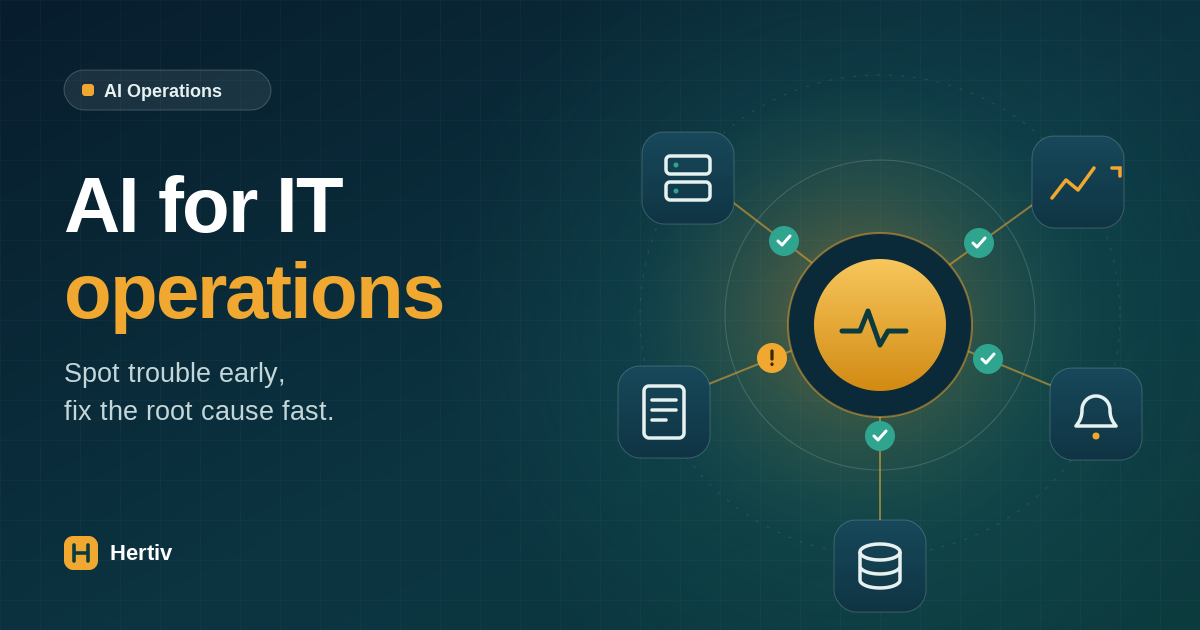
AIOps works in four stages that run in a loop: collect, spot what is unusual, connect related events, and act. Each stage feeds the next, and the results of the last stage teach the system what normal looks like for your environment.
First, the platform gathers telemetry from every part of the estate: server metrics, application logs, network events, traces from service calls, and change records from deployments. This data is normalised into one timeline so events from different tools can be compared.
Next, machine learning models flag what is unusual. A slow database query at 3 a.m. may be normal; the same slowness at midday may not be. The models learn the daily and weekly shape of each metric, so they raise fewer false alarms than fixed thresholds. Then correlation groups related signals into one incident, and automation can restart a service, scale capacity or open a ticket with the grouped evidence attached.
What data does AIOps use?
AIOps is only as good as the data it can read. Four kinds of telemetry do most of the work, and each one answers a different question about system health.
| Data type | What it shows | Example signal |
|---|---|---|
| Metrics | Numbers over time | CPU use, error rate, queue depth |
| Logs | What happened, in words | Failed login, timeout, crash trace |
| Traces | How a request travelled | Slow step in a checkout flow |
| Events | Changes and alerts | Deploy finished, alert fired |
Metrics are the easiest to model because they are numbers with a rhythm. Logs add the detail that explains a number, and traces show where time went inside a request. Events, including change records, matter because most incidents follow a change. A model that knows a deploy happened five minutes ago will look there first.
Where does AI help IT operations most?
AI helps IT operations most where the work is repetitive, noisy or time-sensitive. The biggest wins come from cutting alert volume, finding the root cause faster, and catching capacity problems before users notice them.
- Alert noise. Grouping related alerts into one incident can cut the queue a team triages each day by a large share, so real problems are not buried.
- Root cause. Correlation points at the service or change that started the chain, instead of the dozen symptoms it produced.
- Anomaly detection. Models flag slow drift, such as a disk filling over weeks or a memory leak, long before a threshold trips.
- Capacity planning. Forecasts based on real usage patterns show when a service will run out of headroom, so the team can act in a planned window.
- Routine fixes. Safe, repeatable actions such as restarting a stuck service or clearing a full queue can run without waiting for a person.
These uses share one trait: the AI narrows the work down, and a person still makes the judgement calls. That is also why predictive analytics is often the first AIOps use case teams adopt, since forecasting is easy to check against what actually happens.
How do you start using AI in IT operations?
You start using AI in IT operations by picking one painful, measurable problem and feeding it clean data, rather than buying a platform and hoping it finds value on its own.
- Pick one problem. Alert overload, slow incident triage or capacity surprises are good first targets because the result is easy to measure.
- Gather the telemetry. Make sure logs, metrics and change records flow into one place with consistent timestamps and service names.
- Set a baseline. Record how many alerts, incidents and hours the problem costs today, so you can tell whether the tool helped.
- Run a pilot on one service. Let the model learn normal behaviour for a few weeks before you trust its alerts or its automated actions.
- Put a person in the loop. Automated fixes should start as suggestions that an operator approves, and only run alone once they have proved safe.
- Review and widen. Check weekly what the system caught, what it missed and what it got wrong, then add the next service.
Teams that skip the baseline step usually cannot tell whether the tool is working. A machine learning development partner can help with the model side, but the data plumbing and the pilot discipline matter more than the model itself.
Example (hypothetical): a retailer cuts alert noise
Example (hypothetical): a retailer with 40 services gets about 1,200 alerts a week. On-call engineers spend most of their triage time deciding which alerts are the same incident, and real problems sometimes wait an hour before anyone looks at them.
The team connects its monitoring, logs and deploy records to an AIOps tool and pilots it on the checkout service. After three weeks of learning, the tool groups the 1,200 weekly alerts into about 240 incidents, five alerts per incident on average. Triage that used to take 30 minutes per incident now takes about 10 minutes, because the grouped evidence points at the likely cause.
The arithmetic is simple: 240 incidents at 30 minutes is 7,200 minutes, or 120 hours a week. At 10 minutes each it is 2,400 minutes, or 40 hours. The team saves about 80 hours a week and, more importantly, the worst incidents are now seen within minutes instead of an hour. The tool did not fix anything by itself; it gave the team a shorter, better-ordered list.
What are the common mistakes?
The most common AIOps mistakes are feeding it bad data, trusting it too early, and automating fixes before anyone has checked they are safe.
- Messy telemetry. If service names differ between tools and timestamps drift, correlation fails and the output is noise.
- No baseline. Without a before-and-after measure, the team cannot tell whether alerts fell because the tool worked or because traffic fell.
- Full automation on day one. Letting the system restart services or roll back deploys before it has earned trust can cause the outage it was meant to prevent.
- Ignoring change data. Most incidents follow a change, so a model that cannot see deploys will keep blaming the wrong service.
- Buying before piloting. A platform demo on clean data says little about how it handles your logs, so pilot on one real service first.
Keeping a person in the loop for the first months avoids most of these. For teams that also run machine learning models in production, MLOps practices cover the same discipline on the model side.
Key takeaways
- AIOps applies machine learning to logs, metrics, traces and events to cut alert noise and find root causes faster
- It works in a loop: collect telemetry, spot anomalies, correlate related events, then act or suggest an action
- The biggest wins are alert grouping, faster triage, early anomaly detection and capacity forecasting
- Start with one measurable problem, a baseline and a pilot on one service, with a person approving automated fixes
- Clean, consistently named telemetry matters more than the choice of model or platform
Frequently asked questions
What does AIOps stand for?
AIOps stands for artificial intelligence for IT operations. It is the practice of using machine learning on the logs, metrics, traces and events that systems produce, so teams spot problems early, group related alerts and respond faster than manual monitoring allows.
Does AIOps replace IT operations staff?
No. AIOps narrows the work down to fewer, clearer signals and automates routine responses, but people still make judgement calls, approve changes and handle incidents the models cannot explain. Most teams find the same staff handle more services, rather than fewer staff handling the same ones.
How is AIOps different from ordinary monitoring?
Ordinary monitoring fires alerts when a fixed threshold is crossed, which produces many alerts for one problem. AIOps learns what normal looks like for each metric, groups related alerts into one incident and points at the likely cause, so the team triages incidents instead of individual alerts.
What data does AIOps need to work?
It needs logs, metrics, traces and event records, including change and deploy records, all with consistent timestamps and service names. Without change data the models miss the most common incident trigger, and without consistent naming correlation fails.
How long does it take to see value from AIOps?
A pilot on one service usually needs a few weeks of learning before its alerts are trustworthy, and a few months before automated actions can run without approval. Teams that start with a baseline measure can judge the result in the first month.
Can small teams use AIOps?
Yes, if they start small. A small team can pilot alert grouping on one or two services using the monitoring tools it already has, and only add automation once the grouped incidents prove reliable. The cost is mostly the time to clean up telemetry, not the tool itself.