AI Tools for Developers: What They Do and How to Pick One
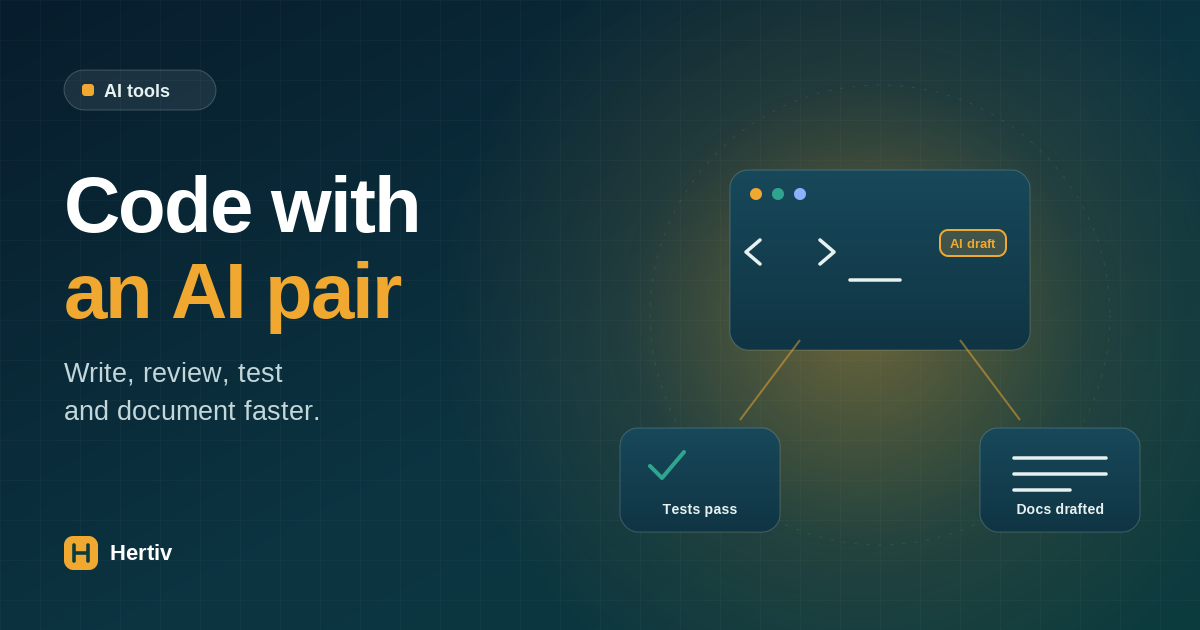
AI tools now help developers write, review, test and document code. Learn the main categories, what each one is good at, and how to pick tools your team will trust.
On this page
Short answer
AI tools for developers are software that helps write, review, test, document and understand code. They range from code completion inside the editor to review bots, test generators and documentation tools, and they work best when a developer checks what they produce.
What are AI tools for developers?
AI tools for developers are software that helps with the work of writing and maintaining code: completing lines, suggesting fixes, writing tests, reviewing changes and explaining unfamiliar code. They sit inside the editor, the version control system or the terminal, where developers already work.
Five categories cover most of the tools on the market:
| Category | What it does | Where it sits |
|---|---|---|
| Code completion | Suggests code as you type | Editor |
| Code review | Flags bugs and style issues | Pull requests |
| Test generation | Writes tests for your code | Editor or CI |
| Documentation | Drafts docs and comments | Editor or repo |
| Code search | Answers questions about a codebase | Editor or chat |
The tools differ in how much they can do on their own. Completion tools suggest and the developer accepts or rejects, while review tools comment on a change and a person decides. The safest tools are the ones that keep the developer in charge of every change that lands. Teams building their own assistant should read AI copilot development for the integration and permission model.
How do AI code completion tools work?
AI code completion tools suggest code as you type, based on the file you are editing, the surrounding code and the patterns in the codebase. They predict the next lines, the next function or a whole block, and the developer accepts, edits or ignores the suggestion.
They are strongest on boilerplate, common patterns and code that looks like code they have seen before. They are weaker on new logic, unusual business rules and anything that depends on context outside the file, such as a database schema or an external service.
The main risk is accepting plausible code that is wrong. A suggestion can look right, compile cleanly and still do the wrong thing, because the tool does not know what the code is meant to achieve. That is why completion tools need the same review as a junior developer's work.
Teams that get value from completion tools usually measure it: time to finish a task, or the share of suggestions accepted. If the tool saves little time on real tasks, it is not worth the licence, however impressive the demo. For a head-to-head of two popular tools, see Claude Code vs Cursor.
What do AI code review and testing tools do?
AI code review tools read a pull request and comment on bugs, security issues and style problems before a human reviewer opens it. They catch the obvious issues early, so human review can focus on design and intent.
They are useful for spotting common mistakes: missing null checks, unsafe string handling, exposed secrets and inconsistent naming. They are less useful for judging whether the change is the right change, which needs a person who understands the product.
AI test generation tools write tests for existing code, usually unit tests that cover the main paths. They save the boring part of testing, but the generated tests need checking: a test that passes while testing the wrong thing is worse than no test, because it gives false confidence.
A good rule is to treat generated tests like any other code: review them, run them, and keep only the ones that test something real. If a generated test is hard to read, it will be hard to fix when it breaks, so rewrite it rather than keeping it.
How do AI tools help with documentation and code search?
AI documentation tools draft docstrings, README sections and API docs from the code itself. They are good at describing what the code does, and poor at explaining why it exists, which is the part a reader usually needs most.
The drafts are a starting point, not a finished document. A developer who reads the draft, fixes the errors and adds the reasoning behind the design gets documentation that is actually useful. A team that publishes drafts unchecked ends up with docs that describe the code wrongly.
AI code search tools answer questions about a codebase in plain words: where is this feature implemented, what calls this function, what changed in this area. They save the time spent grepping through files, especially in a large codebase a developer does not know well.
Search tools depend on the code being indexed and the answers being checkable. A good tool links each answer to the code it came from, so the developer can verify it. One that answers without sources is hard to trust.
How do you pick AI tools for your development team?
You pick AI tools for your team by testing them on real work, not by comparing feature lists. A tool that helps one team may slow another down, because codebases and habits differ.
- List the pain. Pick the task that costs the most time: writing boilerplate, reviewing pull requests, writing tests, or finding code.
- Trial with a small group. Give the tool to a few developers for two weeks and measure time saved on the chosen task.
- Check data handling. Where does your code go, how long is it kept, and can it be used for training? Get the answers in writing.
- Check the workflow fit. A tool that needs a separate tab will be abandoned; one that lives in the editor will be used.
- Decide who owns it. Someone must own the rollout, the review of generated code, and the decision to renew or drop the tool.
Cost is usually per developer per month, so the trial should measure value per developer, not just total time saved. If only two developers in ten use the tool, the licence for ten is wasted. For free options in the coding-assistant category, see free AI coding assistants.
Example: a 20-person team trials AI developer tools
Example (hypothetical): a 20-person team spends about 30% of its time on boilerplate, tests and review comments. It trials a code completion tool with five developers for two weeks, measuring time on two tasks: writing a new API endpoint and adding tests for it.
Without the tool, an endpoint takes about 4 hours and its tests about 2 hours, or 6 hours in total. With the tool, the endpoint takes about 3 hours and the tests about 1.5 hours, or 4.5 hours in total. The saving is 1.5 hours per task, or about 25%.
Across five developers doing roughly two such tasks a week, the saving is about 15 hours a week. The team rolls the tool out to all 20 developers, but keeps one rule: every AI-generated change is reviewed like any other code, and generated tests must be read before they are kept.
After a month, the team checks the numbers again. The saving holds, and the review load has not grown, because the tool's suggestions are mostly small. The team renews the licence and adds a review tool for pull requests as the next trial.
What are the common mistakes with AI developer tools?
The most common AI developer tool mistakes are accepting suggestions without review, ignoring data handling, and measuring usage instead of outcomes.
- Accepting without review. Plausible code that is wrong is the main risk. Review generated code like any other change.
- Ignoring data handling. Your code may be sent to a vendor's servers. Check where it goes and whether it is used for training.
- Measuring usage, not outcomes. High usage with no time saved is a cost. Measure time on real tasks.
- Letting the tool write tests unchecked. A generated test that passes while testing the wrong thing gives false confidence.
- Publishing unchecked docs. Drafts that describe the code wrongly are worse than no docs at all.
- Rolling out to everyone at once. A small trial with a measure beats a company-wide licence nobody uses.
Key takeaways
- AI developer tools cover completion, review, testing, docs and code search
- Completion tools are strongest on boilerplate and weakest on new business logic
- Review and test tools save time, but generated tests must be read before they are kept
- Check where your code goes before adopting a tool, and get the answer in writing
- Trial with a small group and measure time saved on a real task before rolling out
Frequently asked questions
What is the best AI tool for developers?
There is no single best tool, because teams differ in language, codebase and workflow. The right tool is the one that saves time on your team's most expensive task and fits inside your editor and review process. Trial two or three options with a small group before deciding.
Are AI coding tools safe for proprietary code?
It depends on the vendor's data handling. Some tools send your code to their servers, and some offer options that keep it private. Read the terms, check where code goes, how long it is kept, and whether it is used for training, before the team starts using the tool.
Do AI tools replace junior developers?
No. The tools suggest and draft, but they cannot judge whether a change is right, understand the product, or take responsibility for a mistake. Junior developers who learn to review AI output well become more productive, not less needed.
How much do AI developer tools cost?
Most tools charge per developer per month, and many offer a free tier with limits. Prices change often, so check the vendor site for current pricing. The trial should measure value per developer, because a licence nobody uses is wasted money.
Can AI tools write tests for existing code?
Yes, test generation tools can write unit tests for existing code, usually covering the main paths. The tests need review: a generated test that passes while testing the wrong thing gives false confidence, so read each one before keeping it.
What is the difference between AI coding tools and DevOps AI tools?
Coding tools help write, review and test code, while DevOps AI tools help with deployment, monitoring and incident response. Some vendors cover both, but the tools solve different problems. For the DevOps side, see the comparison of AI tools for DevOps teams.