What Is an AI Search Engine, and How Does It Answer?
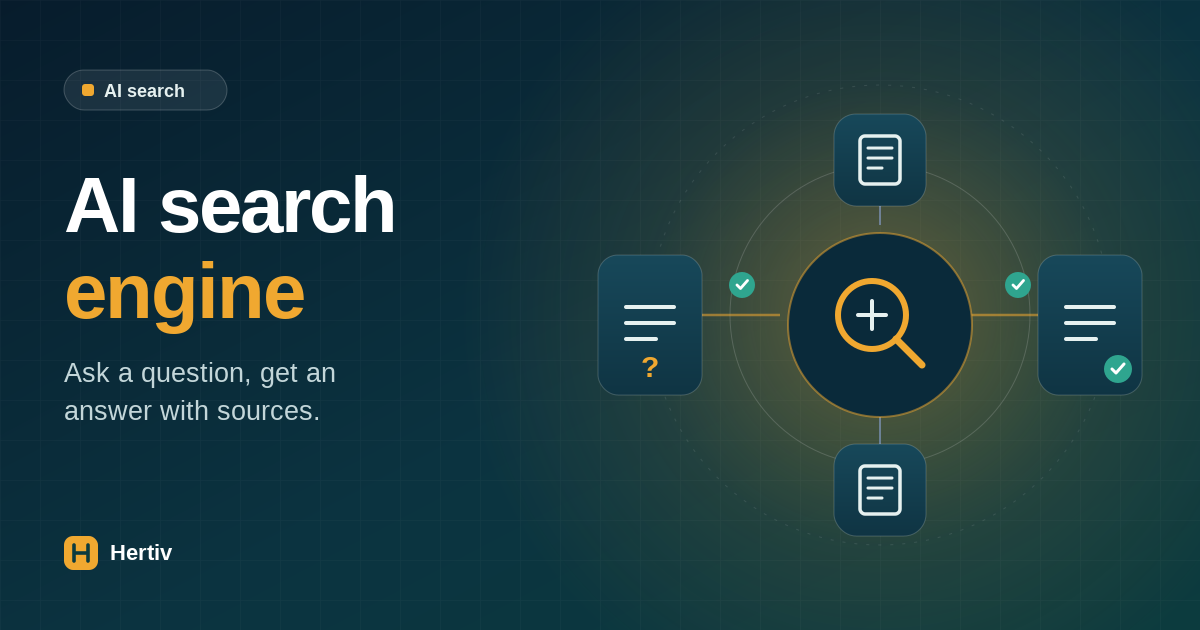
An AI search engine answers your question in plain words, with sources you can check, instead of a list of links. Learn how it works and how to check its answers.
On this page
Short answer
An AI search engine is a search tool that reads pages on the web, picks the most relevant ones for your question, and writes a direct answer in plain words, with links to the sources it used. It does the reading for you, but check its sources: it can misread a page or cite a weak one.
What is an AI search engine?
An AI search engine is a search tool that reads pages on the web and writes a direct answer to your question in plain words, with links to the sources it used. Instead of showing ten blue links and leaving the reading to you, it does the first pass itself and hands you a short answer you can check.
Well-known examples include Perplexity, Google's AI Overviews and ChatGPT search. They all work the same way at a high level: they take your question, search an index of pages, read the most relevant ones, and draft an answer grounded in what those pages say.
The table below shows how it differs from the tools around it.
| Tool | What you get | Who does the reading | Best for |
|---|---|---|---|
| Classic search engine | A ranked list of links | You do | Browsing many sources |
| AI search engine | A written answer with sources | The tool does, you check | One clear question |
| Chatbot | An answer from training data | Nobody, unless it searches | Drafting and brainstorming |
| Enterprise search | Answers over company documents | The tool does, you check | Internal knowledge |
The key difference from a chatbot is the live search step. A chatbot answers from what it learned during training, which goes out of date. An AI search engine fetches fresh pages for each question, so it can answer about things that happened yesterday. For the business side of this, see enterprise AI search software.
How does an AI search engine find its answers?
An AI search engine answers in four steps: it works out what you are asking, searches its index, reads the best pages, and writes an answer that cites the pages it used.
First it turns your question into search queries. A vague question may become two or three queries, because one search rarely covers every angle. Then it retrieves a shortlist of pages, usually the top results from its index, and ranks them by relevance to your question rather than by general popularity.
Next it reads the shortlisted pages, or the most relevant passages from them, and drafts an answer. The draft is grounded in those passages: each claim should trace back to a page, and the engine adds a link next to each claim so you can open the source and check it.
Finally it shows the answer with its sources. Good engines show which source supports which sentence, and they say when sources disagree instead of picking one quietly. The retrieval step is close to semantic search, which matches meaning rather than exact words.
What is an AI search engine good at?
An AI search engine is strongest on questions with one clear answer that lives in a few pages: facts, definitions, comparisons and short summaries.
Research is the obvious win. Instead of opening five tabs to compare how two tools differ, you ask the question and get a comparison with a link to each source. It is also good for summaries: ask for the main points of a long report or a set of release notes, and it will pull the key items together in one place.
Follow-up questions are where it beats classic search. You can ask "what about the free tier?" after a first answer, and the engine keeps the context of the first question instead of starting over. That makes it useful for working through a topic step by step.
It is weaker on questions that need judgement, taste or local knowledge. It cannot tell you which supplier is trustworthy, which design your customers will prefer, or what happened in a meeting it never saw. Those answers need a person, not a search.
Where do AI search answers go wrong?
AI search answers go wrong in four predictable ways: stale pages, weak sources, confident errors and missing context.
Stale pages are the most common problem. The engine may cite a page that was correct when written but is now out of date, for example a pricing page from last year or a guide written for an old version of a tool. The answer reads well and the citation looks real, which is what makes it easy to miss.
Weak sources are next. An answer built on a forum post, a marketing page or a single blog is only as good as that source. The engine rarely judges source quality the way a careful reader would, so a confident-sounding answer can rest on thin evidence.
Confident errors happen when the engine joins two true facts into a false claim, or misreads a number on a page. And missing context matters when the answer leaves out the condition that changes the result, such as a feature that only exists on a paid plan. That is why the check step matters more than the answer itself.
How to check an AI search answer
You check an AI search answer by opening its sources and confirming the key claims, starting with the ones your decision depends on.
- Read the cited pages. Open at least the two sources behind the main claims and check that the page actually says what the answer claims.
- Check the dates. Look at when each source was published or updated, and treat anything older than the topic as suspect.
- Ask the same question differently. Rephrase the question and see whether the new answer agrees; disagreement is a signal to dig deeper.
- Confirm numbers elsewhere. Prices, dates and limits should appear in more than one source before you rely on them.
- Look for what is missing. Ask whether the answer left out a condition, an exception or a competing view that would change your choice.
This takes a few minutes, which is still far less than reading every page yourself. The habit to build is simple: trust the answer only as far as its sources hold up. Platforms that supply the underlying data are covered in AI search data platforms.
Example: a small team checks a supplier claim
Example (hypothetical): a five-person marketing team wants a tool that writes first drafts of product descriptions. A supplier's page claims its tool saves 5 hours a week per person, and the team asks an AI search engine whether that claim holds up.
The engine answers with three sources: the supplier's own page, a review that timed the tool, and a forum thread from users. The review says a writer spends 25 minutes per description by hand and 10 minutes with the tool.
The team writes 12 descriptions a week, so by hand that is 12 times 25 minutes, or 300 minutes, which is 5 hours. With the tool it is 12 times 10 minutes, or 120 minutes, which is 2 hours. The saving is 3 hours a week, not 5.
The forum thread adds the missing context: the 10-minute figure only holds once templates are set up, and the first week costs about 4 hours of setup. So the team expects a saving of about 3 hours a week from the second week onward, and about 11 hours saved in the first month after subtracting setup time.
Without checking the sources, the team would have planned around 5 hours a week and been disappointed. With the check, they have a realistic number and a clear reason to try the tool.
What are the common mistakes?
The most common AI search mistakes are trusting the answer without opening a source, asking vague questions, and treating the answer as research instead of a starting point.
- Never opening a source. An answer without a checked source is a claim, not a finding.
- Asking vague questions. "What is the best tool?" gets a generic answer; a specific question about your case gets a useful one.
- Copying the answer into work. Unchecked text can carry a wrong number or a made-up detail into a report or a customer reply.
- Ignoring dates. An answer built on last year's pages can be wrong about price, features and availability.
- One source only. A claim that matters should appear in more than one place before you act on it.
- Forgetting the follow-up. The first answer is a draft; the follow-up questions are where the real answer usually appears.
Key takeaways
- An AI search engine writes a direct answer from live pages, with links to its sources
- It differs from a chatbot because it searches the web fresh for each question
- It is strongest on factual questions with a clear answer in a few pages
- Stale pages, weak sources and confident errors are the main failure modes
- Check the key claims in the sources before acting on an answer
Frequently asked questions
Is an AI search engine the same as a chatbot?
No. A chatbot usually answers from what it learned during training, which goes out of date. An AI search engine searches the web for each question and writes an answer grounded in the pages it found, with links so you can check each claim against its source.
Do AI search engines replace classic search?
Not entirely. Classic search is still better when you want to browse many sources yourself, compare pages side by side, or explore a topic without a single question. AI search is faster when you have one clear question and want a checked summary.
Can I trust an AI search answer without checking?
No. The answer can rest on a stale page, a weak source or a misread number, and it will still sound confident. Open the cited sources for the claims your decision depends on, and confirm prices, dates and limits in more than one place.
What is the difference between AI search and semantic search?
Semantic search is one part of the system: it matches the meaning of your question to pages, rather than exact words. An AI search engine uses semantic search to find pages, then reads them and writes an answer. Semantic search alone returns a ranked list, not a written answer.
Which AI search engines are available today?
Well-known options include Perplexity, Google's AI Overviews and ChatGPT search, each with a different interface and source mix. Enterprise teams can also add AI search over their own documents, which is a separate setup from searching the public web.
When should a business add AI search to its own product?
When users ask repeated questions that your documents already answer, and when a wrong answer would be caught by a human or a check. Start with one document set, measure how often the answers hold up against the sources, and expand only when the checks pass.