What Is Semantic Search, and How Does It Work?
Semantic search finds results by meaning, not exact words. Learn how embeddings work, how it compares with keyword search, and how to build and test it.
On this page
Short answer
Semantic search finds information by meaning: it turns queries and documents into embeddings, compares them, and ranks the closest matches first, even when the words differ. Keyword search still wins for exact codes and names.
What is semantic search?
Semantic search is a way of finding information by meaning instead of by matching exact words. A user can ask a question in plain language and get results that answer it, even when the documents use different words.
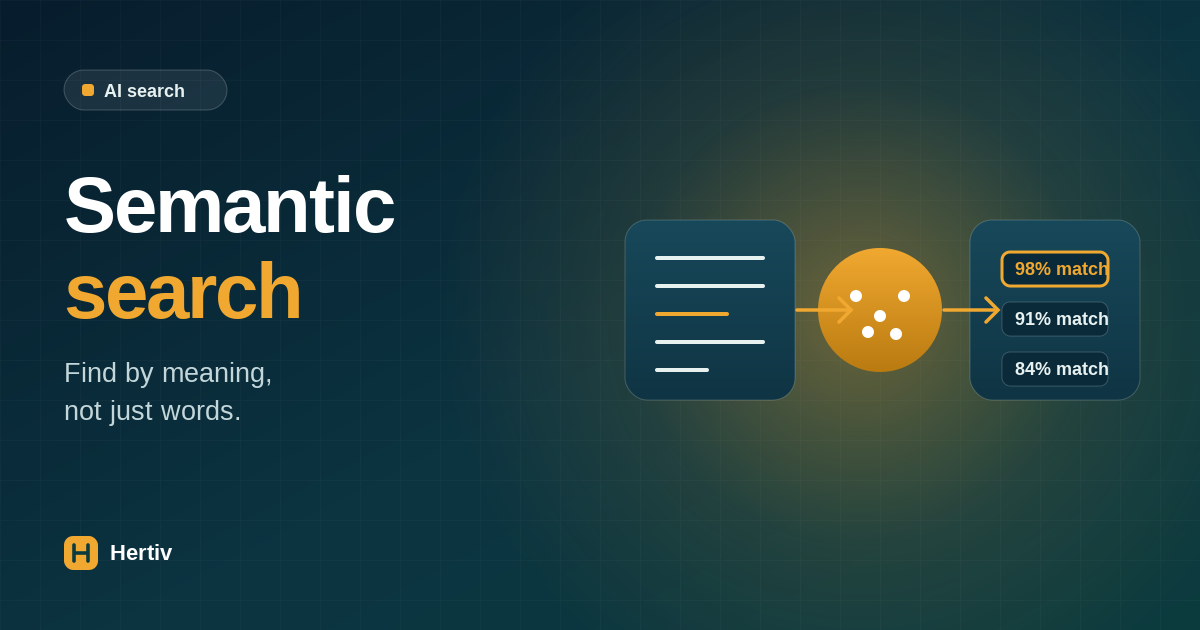
Keyword search looks for the same words in the query and the document. Semantic search turns both the query and the documents into number lists called embeddings, then compares them. Documents with a similar meaning sit close together, so the closest ones rank first.
That is why semantic search handles synonyms, typos and different phrasing better than keyword search. A query for "how to cancel a booking" can match a help page titled "refunds and changes" if the meaning lines up. You can read about the storage behind it in what a vector database is.
How do embeddings work?
Embeddings are the core of semantic search. A model reads a piece of text and returns a long list of numbers that captures its meaning, so texts with similar meaning get similar numbers.
The model is trained on large amounts of text, which teaches it that words like "car" and "vehicle" belong near each other, while "car" and "carpet" do not. The number list, or vector, is what gets stored and compared at search time.
Embedding models differ in size, speed and language support. A small model is cheaper and faster, while a larger one usually understands nuance better. Most teams start with a hosted embedding model and only switch when cost or privacy forces a change.
Semantic search vs keyword search
Keyword search is fast, exact and easy to explain. Semantic search is better at meaning, synonyms and questions asked in plain language. Most products use both and combine the scores.
| Factor | Keyword search | Semantic search |
|---|---|---|
| Matching | Same words | Similar meaning |
| Synonyms | Missed unless listed | Handled by the model |
| Typos | Often missed | Often still matched |
| Exact codes | Very strong | Can miss exact strings |
| Speed | Very fast | Needs an index and compute |
| Explainability | Easy to show why | Harder to explain a match |
A hybrid search runs both methods and merges the results, which covers the weak spots of each. For product codes, order numbers and names, keep keyword search in the mix, since semantic search can miss an exact string.
How is semantic search built?
Building semantic search takes four parts: content, embeddings, an index and a ranking step. Each part is simple on its own, and the quality of the result depends on all four working together.
- Split the content. Break documents into chunks of a few hundred words, so each chunk covers one idea.
- Create embeddings. Send each chunk through an embedding model and store the vectors.
- Build an index. Use a vector index so the system can find the nearest vectors fast.
- Rank and filter. Compare the query vector with stored vectors, then apply filters such as date or permission.
Chunk size matters more than most teams expect. Chunks that are too long mix several ideas and rank poorly, while chunks that are too short lose context. Test a few sizes on real queries before settling. See best vector databases for startups for storage options.
Where is semantic search used?
Semantic search is used anywhere people ask questions in their own words. Support search, internal knowledge bases, product search and research tools are the most common cases.
In support, it helps users find the right help article when they describe a problem instead of naming a feature. In a company knowledge base, it helps staff find a policy or a past decision without knowing the exact title. In ecommerce, it helps shoppers who describe what they want, such as "a waterproof jacket for hiking", instead of typing a product code.
It also powers retrieval for AI assistants. When a chatbot answers from company documents, semantic search finds the passages the model should use, which is the retrieval step in RAG project ideas and other retrieval-augmented generation work.
How do you measure search quality?
Search quality is measured with real queries and human judgement, not with a single score. Start with a set of questions your users actually ask, then check whether the right document appears in the top results.
Two simple checks cover most cases. First, look at the share of test queries where the right document appears in the top three results. Second, read the misses and sort them into groups, such as wrong chunk size, missing content or a query the system was never meant to answer.
Keep the test set small at first, around 50 to 100 queries, and grow it with each bug report. Re-run it after every change to embeddings, chunk size or ranking, so you can see whether the change helped or hurt. Read how to test AI models for a fuller testing method.
Example (hypothetical): a support search pilot
Example (hypothetical): a software company runs a support search pilot on 200 real user questions. Keyword search puts the right article in the top three results for 96 questions, while semantic search does it for 148 questions, a gain of 52 questions.
The team reads the 52 misses and finds three groups. About 20 questions need an exact error code, so they add keyword search back as a hybrid step. About 18 questions match the wrong chunk, so they split long articles into smaller chunks. The last 14 questions have no article at all, so the team writes new help pages.
After those fixes, the pilot reaches 164 of 200 questions in the top three. The cost is one embedding model call per query plus storage for the vectors, and the team keeps the test set to check each future change.
Common mistakes
A common mistake is treating semantic search as a drop-in replacement for keyword search. Exact codes, names and numbers still need keyword matching, so plan a hybrid setup from the start.
Another mistake is chunking content once and never revisiting it. Long pages, tables and lists chunk badly, and a few hours spent fixing chunk boundaries often beats a bigger model.
Finally, do not launch without a test set. Semantic search fails quietly: it returns confident-looking results that answer the wrong question. A small set of real queries, checked weekly, catches that drift before users complain.
Key takeaways
- Semantic search matches meaning; keyword search matches exact words.
- Embeddings turn text into number lists that capture meaning.
- Most products combine both methods in a hybrid search.
- Chunk size and a real test set matter more than a bigger model.
- Semantic search fails quietly, so check results weekly.
Frequently asked questions
How is semantic search different from Google search?
Google blends many signals, including links, freshness and user behaviour. Semantic search is one technique inside a search system: it matches meaning with embeddings, and it is usually combined with keyword search and ranking rules.
Do I need a vector database for semantic search?
You need somewhere to store vectors and search them fast, and a vector database is built for that. Small pilots can run with a simple index, but a vector database scales better once you pass thousands of documents.
Is semantic search good for exact product codes?
No, not on its own. Semantic search can miss an exact code or order number, so keep keyword search for those cases. A hybrid setup runs both and merges the results.
How much does semantic search cost to run?
The main costs are embedding calls and vector storage, plus compute for the index. Costs vary by provider and volume, so check the vendor site for current pricing before budgeting.
Can semantic search work in other languages?
Yes, if the embedding model supports the language. Multilingual models handle many languages, but quality varies, so test with real queries in each language you support before you launch the search feature.
What is a good first test set size?
Start with 50 to 100 real user questions and the document each one should find. Grow the set with each bug report, and re-run it after every change to embeddings or chunking.


