What Is an AI-Powered Streaming Service?
An AI-powered streaming service uses machine learning to recommend shows, adjust quality and search spoken words. Here is how it all works and what to check first.
On this page
Short answer
An AI-powered streaming service is a video or audio platform that uses machine learning to decide what to show each viewer, how to deliver the stream, and what to flag or remove. The AI sits behind the catalogue, the player and the moderation queue: it ranks recommendations, predicts the bitrate a connection can hold, transcribes speech so content is searchable, and screens uploads for banned material.
What is an AI-powered streaming service?
An AI-powered streaming service is a video or audio platform that uses machine learning models to personalise what each viewer sees, to deliver the stream at the right quality, and to keep the catalogue safe and searchable. The service still stores and plays media the usual way; the AI changes the decisions around it.
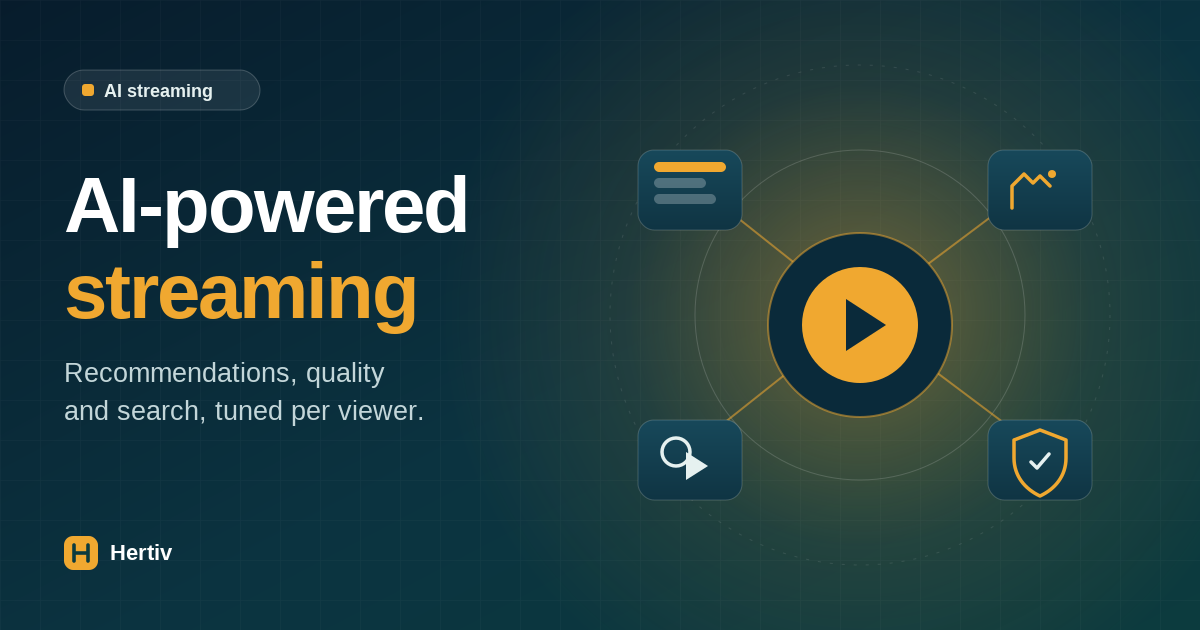
Four jobs cover most of what the AI does:
| AI job | What it does | Example |
|---|---|---|
| Recommendations | Ranks titles for each viewer | Home screen rows ordered by taste |
| Adaptive delivery | Picks bitrate for the connection | 720p on weak Wi-Fi, 4K on fibre |
| Content safety | Screens uploads and comments | Flagged clips sent to human review |
| Search and discovery | Transcribes speech and tags scenes | Search for a quoted line in a show |
Most services start with recommendations, because that is where viewers notice the difference fastest. Delivery and safety usually follow once the catalogue grows and the support team starts to feel the volume.
How do recommendations work?
Recommendations work by comparing what a viewer has watched with what similar viewers watched next, and by matching the content of each title against the viewer's taste. The model scores every candidate title and the player shows the highest scorers first, usually grouped into rows such as 'because you watched' or 'trending in your region'.
The inputs are simple: watch history, searches, ratings, how much of a title was finished, and the time of day. A viewer who finishes long documentaries at night gets different rows from one who watches short comedy clips at lunch. New titles with no history get shown to a small test group first, so the model can learn whether they are worth promoting.
Cold starts are the hard part. A new viewer has no history, so the service falls back to popular titles, a short onboarding quiz, or the country and device as weak signals. A new title has no viewers, so its description, genre tags and thumbnail carry the weight until real watch data arrives.
Good recommendation work is measured on watch time and completion, not on clicks alone. A thumbnail that earns clicks but loses viewers in the first minute teaches the model the wrong lesson, so teams track what people finish. If you are planning the build, building a video streaming app like Netflix covers the parts the AI plugs into.
How does AI adjust video quality and cost?
AI adjusts video quality by predicting what a viewer's connection can sustain over the next few seconds and picking the matching bitrate before the picture stalls. The player still switches between pre-encoded quality levels, but the model chooses the level from recent throughput, buffer health and device type instead of a fixed rule.
The same prediction helps with cost. Serving every viewer the highest quality wastes bandwidth on small phone screens and on connections that cannot show the difference. A model that picks the lowest quality a viewer cannot tell from the highest saves bandwidth on most sessions, and the savings show up directly in the content delivery bill.
Encoding is the other place AI helps. Per-title encoding analyses each video and spends bits where the eye notices them, such as faces and motion, while spending fewer bits on static backgrounds. The result is the same perceived quality at a lower average bitrate, which matters most for catalogues with thousands of hours of video.
None of this removes the need for a good content delivery network and sensible encoding presets. The model tunes the edges; the infrastructure carries the load. Teams that skip the infrastructure work and expect a model to fix buffering are usually disappointed.
What does AI do for content safety and search?
AI helps content safety by screening uploads, live chats and comments before a human sees them, and by searching the catalogue in ways a title search cannot. A model can flag graphic imagery, hate speech in audio, or copyrighted music in a clip, and send only the uncertain cases to a human reviewer.
Transcription is the quiet workhorse here. Once speech is turned into text with timestamps, a viewer can search for a quoted line inside a two-hour show, a creator can jump to the moment a topic is discussed, and the moderation team can scan a live stream for banned words without watching it end to end.
Scene tagging adds another layer. A model that labels a clip as 'goal', 'interview' or 'product demo' lets the service build highlight reels and chapter markers without manual editing. Sports services use this heavily, because a match is mostly waiting punctuated by a few minutes people want to rewatch.
Automated screening is not a verdict. False flags are common with slang, song lyrics and heated debate, so the review queue needs a human with clear rules and an appeals path. A service that auto-removes without review will eventually remove something it should not have.
How do you build an AI-powered streaming service?
You build an AI-powered streaming service by shipping a working player and catalogue first, then adding one AI job at a time, starting with recommendations. The AI is a layer on top of a solid streaming product, not a substitute for it.
- Ship the basics. Upload, encode, store and play video reliably, with accounts and a catalogue that loads fast.
- Collect clean events. Log plays, finishes, searches and skips in one place, with a viewer id and a title id on every event.
- Add recommendations. Start with a simple ranked list per viewer, then add rows and test groups once the data is flowing.
- Add transcription and tagging. Transcribe new uploads as they arrive so search and moderation can use the text.
- Add safety screening. Route uploads through a moderation model and send uncertain cases to human review.
- Tune delivery. Add bitrate prediction and per-title encoding once you have enough sessions to measure the gain.
Each step needs its own measure: recommendation quality by completion rate, transcription by search usage, moderation by false-flag rate, delivery by rebuffer rate. If a step has no measure, you cannot tell whether it helped. Music services face the same sequence, and how to build a music streaming app shows how the catalogue and player parts fit together.
Example (hypothetical): a small sports-streaming service
Example (hypothetical): a small sports-streaming service has 50,000 viewers and a catalogue of 400 matches. Its home screen shows the same ten matches to everyone, and viewers complain they cannot find their team. The team adds a recommendation model that ranks matches by the viewer's club, league and watch history.
Before the change, the average viewer watched 18 minutes per session. After four weeks with personalised rows, the average is 27 minutes, a gain of 9 minutes per session. With 50,000 viewers watching three sessions a week, that is 50,000 x 3 x 9 = 1,350,000 extra minutes a week, or 22,500 extra hours.
The team also transcribes commentary, so viewers can search for a player's name and jump to each mention. Search usage grows to 12,000 searches a week, and the moderation queue drops by a third because the model now pre-screens live chat. The lesson is that recommendations brought the viewers back, but search and moderation made the service feel finished.
What are the common mistakes?
The most common mistakes in AI-powered streaming are recommending before the data is ready, trusting automated moderation without review, and tuning the model for clicks instead of finished viewing.
- Launching recommendations on thin data. With a few hundred viewers, the model has nothing to learn from; popular lists work better until the catalogue and audience grow.
- Optimising for clicks. A row that earns clicks but loses viewers in the first minute looks good in a dashboard and hurts retention.
- Auto-removing without human review. False flags are common, and every wrongful removal costs trust that is hard to win back.
- Ignoring the cold start. New viewers and new titles need a fallback, or both get buried by the titles that already have data.
- Skipping privacy review. Watch history is personal data, so check what your privacy rules allow before you use it for personalisation.
- Treating the model as the product. If the player stalls or the catalogue is hard to browse, no recommendation model saves the service.
Streaming changed how people watch, and the AI layer is now part of that change. For the wider picture, how movie streaming apps changed the media industry explains the shift the AI is built on.
Key takeaways
- An AI-powered streaming service uses machine learning for recommendations, delivery, safety and search
- Recommendations rank titles per viewer from watch history, completion and searches
- Adaptive delivery picks the bitrate a connection can hold and cuts bandwidth waste
- Transcription makes speech searchable and gives moderation something to scan
- Build the player and catalogue first, then add one AI job at a time with its own measure
- Automated moderation needs human review, or false flags will cost viewer trust
Frequently asked questions
What is the difference between a streaming service and an AI-powered one?
A plain streaming service stores and plays video the same way for everyone. An AI-powered one personalises the home screen, adjusts quality to the connection, transcribes speech for search and screens uploads, so the experience changes per viewer.
Do small streaming services need AI recommendations?
Not at first. With a small catalogue and audience, curated lists and popular rows work better, because the model has too little data to learn from. Add recommendations once you have steady viewing history across a few thousand viewers.
How does AI improve video quality?
It predicts what bitrate the connection can sustain and picks the matching quality level before the picture stalls. It also helps encoding spend bits where the eye notices them, so the same perceived quality needs less bandwidth.
Can AI moderate live streams?
It can flag risky audio, imagery and chat in near real time and send uncertain cases to a human reviewer. It cannot make final removal decisions reliably on its own, so a human review step and an appeals path are needed.
What data does an AI streaming service need?
It needs clean playback events: what was played, how much was finished, what was searched and what was skipped, each tied to a viewer and a title. Without that event log, the recommendation and delivery models have nothing to learn from.
Is viewer watch history personal data?
In most privacy regimes it is, so check your privacy rules before using it for personalisation. Give viewers a clear way to see and delete their history, and keep the data inside the systems your policy covers.