AI-Powered Relationship Intelligence: How It Maps Networks
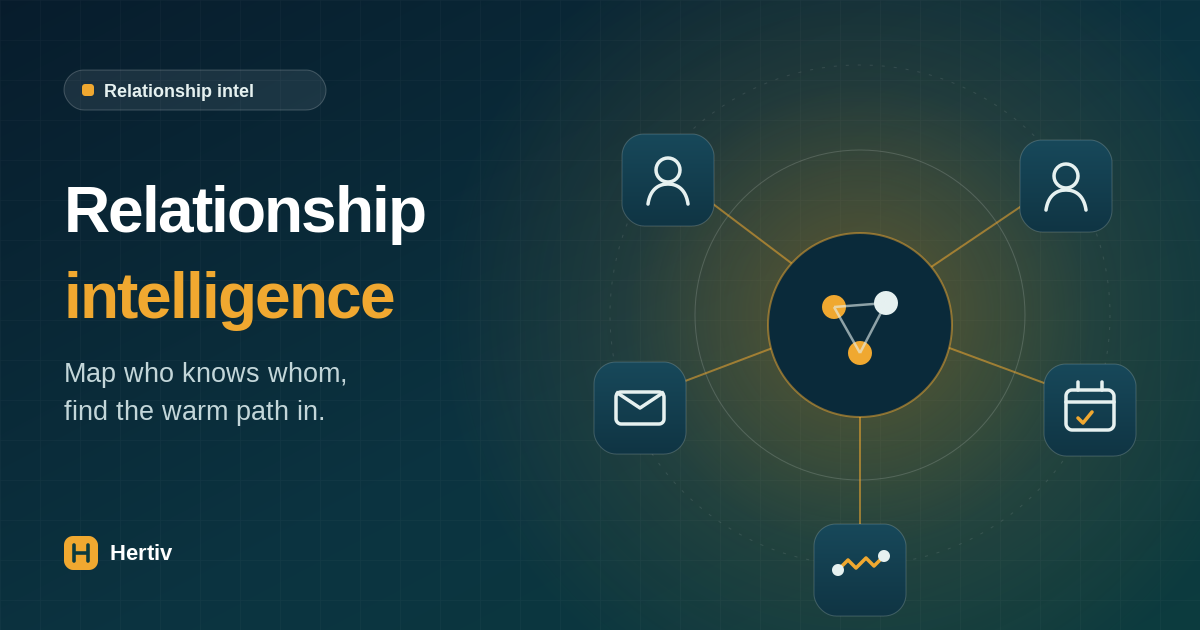
Relationship intelligence reads your emails, meetings and CRM to map who knows whom, so your team finds a warm introduction instead of a cold call.
On this page
Short answer
AI-powered relationship intelligence is software that reads a team's emails, meetings and calendar, together with the CRM, and maps who knows whom, how strong each connection is, and which contact can introduce you to the person you need. It does not sell or replace the relationship; it shows the team the shortest warm path to a prospect, partner or hire, instead of a cold call.
What is AI-powered relationship intelligence?
AI-powered relationship intelligence is software that reads a team's emails, meetings and calendar, together with the CRM, and maps who knows whom, how strong each connection is, and which contact can introduce you to the person you need. It turns the private knowledge in everyone's inbox into a shared map the whole team can use.
It differs from a CRM. A CRM records what your team did: calls made, deals opened, notes written. Relationship intelligence records who your team knows: how often two people talk, how recent the contact is, and whether the connection is warm enough for an introduction.
What it reads, and what it builds from it:
| Source | What it reads | What it shows |
|---|---|---|
| Who writes to whom, how often | Connection strength | |
| Meetings | Who meets, how recently | Warmth of the link |
| Calendar | Shared events and invites | How the link was built |
| CRM | Deals, accounts and notes | Which links matter now |
The map is only as good as the data behind it. A team that keeps its email and calendar outside the tool will get a thin map, and a map nobody checks is not a saving, it is a risk. For the wider CRM picture, see AI in customer relationship management.
How does relationship intelligence score a connection?
Relationship intelligence scores a connection from how often two people talk, how recent the contact is, and how the contact happens, then turns that into a simple strength rating the team can act on.
Frequency is the first signal. Two people who exchange emails every week have a stronger link than two who spoke once last year, and the score should reflect that. Recency is the second signal: a link that was warm two years ago may be cold now, and the score should fall as the silence grows.
Two-way contact is the third signal. A thread where both people reply counts more than a newsletter one person sends and the other never opens. Meetings count more than email, because a meeting takes real time from both sides.
Good tools show their working. A score should come with the reason behind it, such as twelve emails and three meetings in the last ninety days, so a person can judge whether the link is really warm enough for an introduction.
How do warm introductions work with it?
A warm introduction works by finding the shortest path between your team and the person you need, then asking the person in the middle to make the introduction, instead of sending a cold message.
- Name the target. Pick the person you need to reach: a prospect, a partner, a hire or an investor.
- Find the path. The tool shows who on your team knows the target, or knows someone who does, and how strong each link is.
- Check the link. Read the recent contact yourself and judge whether the link is warm enough to ask for help.
- Ask for the introduction. The person in the middle writes a short note that says who you are and why the meeting helps both sides.
- Follow up yourself. Once introduced, the conversation is yours; the tool steps aside and logs the result.
The introduction is a favour, and favours run out. Ask for them only where the meeting is worth the other person's time, and return the favour when you can. A team that asks for introductions every week will find the well runs dry.
Where does relationship intelligence help most?
Relationship intelligence helps most where the network is large and the team is spread out: sales, partnerships, venture investing and recruiting, where the best route to a person is usually through someone else.
Sales is the clearest case. When a rep needs to reach a buyer at a new account, a warm introduction from a colleague converts far better than a cold email, and the tool shows which colleague to ask. It also stops two reps from asking the same contact for the same introduction.
Partnerships are the second case. Finding the right person at a partner company is slow when it relies on memory, and the map shows who already talks to them. Recruiting is the third: a hire often comes through a former colleague, and the tool shows who that colleague is.
It helps least where the network is small or the work is new. A three-person team knows its own contacts, and a brand-new market has no links to map. There the tool adds little, and a shared list of contacts does the same job. AI agents for sales teams covers how these tools fit into the wider sales stack.
How to start with relationship intelligence
Start with one team and one clear use, not with the whole company. The steps below keep the first run small enough to check.
- Pick one team with a clear use, such as sales reaching new accounts.
- Connect only the sources that team already uses: email, calendar and the CRM.
- Set the privacy rules in writing: who can see whose map, and what stays private.
- Run it for a month and check the scores against what the team already knows.
- Ask for five introductions through the tool and track whether they land meetings.
The one-month check in step four is the most useful part. If the tool says two people are close and the team knows they barely speak, the scoring is wrong, and it is cheaper to learn that in one team than across the company.
Example (hypothetical): a sales team maps 500 contacts
Example (hypothetical): a sales team of twelve reps holds 500 contacts between them, spread across inboxes and calendars. Cold-calling all 500 takes about 500 calls at 10 minutes each, which is 5,000 minutes, or about 83 hours of calling.
The team adds relationship intelligence. The tool reads the emails, meetings and CRM, and finds that 60 of the 500 contacts have a warm link to someone on the team: a colleague who exchanged emails with them in the last three months. The team reaches out through those 60 warm links instead of cold-calling all 500.
Warm outreach to 60 contacts takes about 60 calls at 10 minutes each, which is 600 minutes, or 10 hours, instead of 83 hours of cold calls. The saving only holds because the team checks each link first: an unreviewed score is a guess with neat formatting.
What are the limits and risks?
Relationship intelligence stops at the relationship itself: it can show you a link, but it cannot make the introduction welcome, and it cannot tell you whether the other person wants to talk.
Privacy is the first risk. The tool reads emails and meetings, so the team must know what it reads, who can see the map, and what stays private. Without clear rules, staff will not connect their inboxes, and the map will stay thin.
Stale scores are the second risk. A link that was warm a year ago may be cold now, and a score that does not fall with silence will send people to ask for introductions that no longer work. Check the recency of each link before you ask.
Over-asking is the third risk. A strong link is a favour, and asking for introductions too often burns it. Keep a simple rule: ask only where the meeting helps both sides, and track who you have already asked.
Blind spots are the fourth risk. The tool only sees what is in the connected sources, so a close relationship built over phone calls or dinners may not appear at all. For the sales side of that, see AI SDR for sales automation.
What are the common mistakes?
The most common relationship intelligence mistakes are skipping the privacy rules, trusting scores without checking them, and asking for introductions too often.
- Rolling it out without privacy rules. Staff who do not know what the tool reads will not connect their inboxes, and the map stays thin.
- Trusting the score blindly. A high score can come from a newsletter thread; read the recent contact before you ask.
- Asking for too many introductions. A warm link is a favour, and too many asks will burn it.
- Ignoring stale links. A link with no contact in a year is probably cold; check recency before you ask.
- Buying for the whole company at once. Start with one team and prove the scores before you expand.
- Keeping the map to yourself. The value is in the shared map; a tool only one person uses helps only one person.
Key takeaways
- Relationship intelligence maps who knows whom from email, meetings and the CRM
- It shows the shortest warm path to a person, instead of a cold call
- A score should come with its reason, so a person can judge the link
- Privacy rules come first, or staff will not connect their inboxes
- Check each link before you ask, and ask only where it helps both sides
Frequently asked questions
What is relationship intelligence?
Relationship intelligence is software that reads a team's emails, meetings and calendar, together with the CRM, and maps who knows whom and how strong each connection is. It shows the team the shortest warm path to a prospect, partner or hire, instead of a cold call.
How is it different from a CRM?
A CRM records what your team did: calls made, deals opened and notes written. Relationship intelligence records who your team knows: how often two people talk, how recent the contact is, and whether the link is warm enough for an introduction. The two work together, not apart.
Does relationship intelligence read my private emails?
It reads the business email and calendar you connect, under rules you set. Good tools let you exclude personal mail and limit who can see whose map. Set the privacy rules in writing before anyone connects an inbox, and check what the tool stores.
Can it really find a warm introduction for me?
It can find the path: who on your team knows the person, or knows someone who does, and how strong the link is. Whether the introduction lands depends on the link itself and on the ask. Check the recent contact before you ask, and keep the ask worth the other person's time.
Who uses relationship intelligence most?
Sales teams use it to reach buyers at new accounts, partnership teams to find the right person at a partner company, investors to reach founders, and recruiters to reach candidates through former colleagues. Any team where the best route to a person runs through someone else can use it.
How long does it take to start using it?
A first run on one team can be set up in a few weeks, once the email, calendar and CRM are connected. Most of the time goes into writing the privacy rules and checking the scores against what the team already knows, not into the software itself.