AI-Powered Helpdesk: What It Does and How to Start
An AI-powered helpdesk drafts replies, routes tickets and resolves routine questions from your help centre. Here is how it works and what it should never do alone.
On this page
Short answer
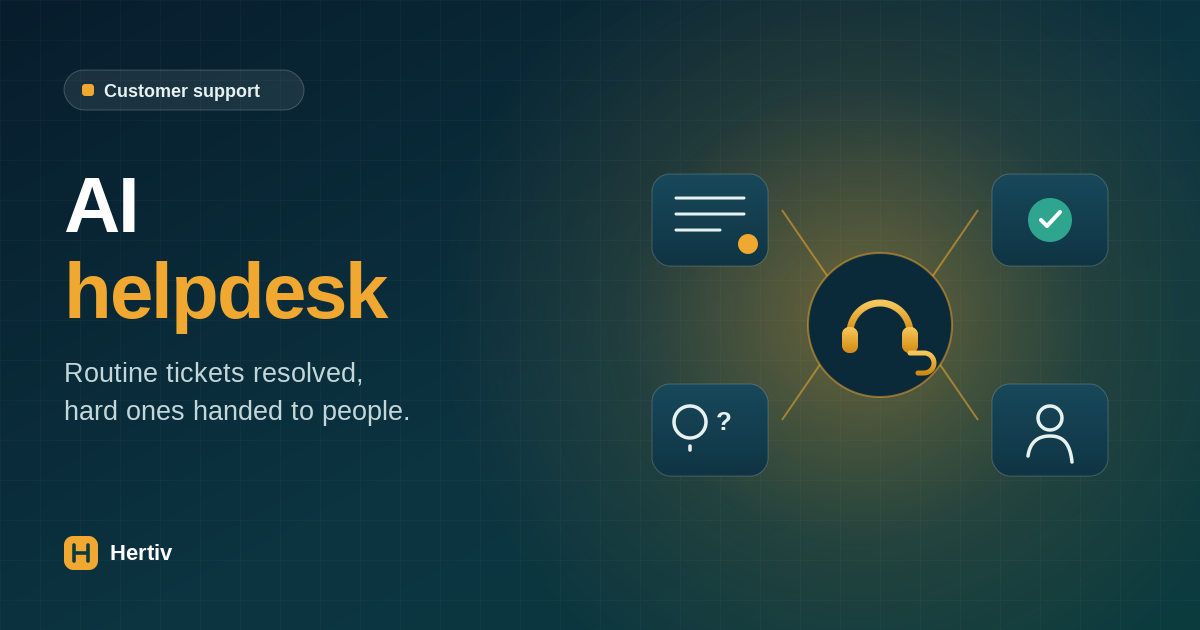
An AI-powered helpdesk is support software that uses AI to handle the routine parts of customer support: answering questions from the help centre, routing tickets to the right team, drafting replies for agents and spotting repeat problems. It resolves simple requests itself and hands the rest to a human with a draft and a summary. The help centre is its source of truth, so its quality decides the answers.
What is an AI-powered helpdesk?
An AI-powered helpdesk is support software with a model that reads your help centre and ticket history and uses them to help customers and agents. When a customer asks a question, the system finds the relevant article, drafts an answer from it, and either sends the answer or passes it to an agent to check. The goal is to resolve the routine questions fast and leave the hard ones to people.
Four jobs cover most of what it does:
| Job | What the AI does | Example |
|---|---|---|
| Answer | Resolves routine questions itself | Password reset, plan limits |
| Route | Sends each ticket to the right team | Billing vs technical vs account |
| Draft | Writes replies for agents to send | Draft with cited sources |
| Spot patterns | Flags repeat problems early | Ten tickets about one bug |
The pattern is the same as a good support agent: read the question, find the answer in the help centre, reply with a citation, and escalate when unsure. The difference is speed and volume. The AI can answer a hundred password-reset questions in an hour without getting tired, which is work no human team should be doing by hand.
How does it answer a ticket?
An AI helpdesk answers a ticket by retrieving the relevant help centre articles, drafting a reply grounded in them, and checking its own confidence before deciding whether to send it or hand it to an agent. The retrieval step matters most: if the system finds the wrong article, the draft will be wrong too, however good the model is.
The draft should cite its sources, so the customer and the agent can see where the answer came from. Citations let agents trust the draft and let the team debug failures: when an answer is wrong, the first question is which article it used. A system that answers without citations is harder to improve, because the failure has no visible cause.
The handoff rule is the safety valve. The system escalates when confidence is low, when the topic is sensitive, or when the customer asks for a person. The handoff should carry the full ticket history and the draft, so the customer does not have to repeat themselves. A handoff that drops the context is worse than no handoff at all.
After the ticket closes, the system learns from the outcome: which answers were accepted, which were corrected, and which were escalated. That feedback loop is what improves the answers over time. Without it, the system keeps making the same mistakes. For the tools that do this, AI helpdesk software compared lists eight options with what each is best for.
What should it never do alone?
An AI helpdesk should never handle refunds, complaints, safety issues or legal questions on its own. These are the cases where a wrong answer costs trust or money, and where the customer needs a person who can take responsibility. The AI can draft the reply, but a human must send it.
Refunds are the clearest case. A model that promises a refund the policy does not allow creates a commitment the company has to honour, and a model that refuses a refund the customer is owed creates a complaint that spreads. Both errors are avoidable if a person approves every money decision.
Complaints and safety issues need the same treatment. An angry customer needs to feel heard, and a safety report needs a person who understands the risk. An automated reply to either reads as indifference, even when the words are polite. The right move is a fast handoff to a person, with the ticket history attached.
The rule is simple: if the answer changes what the customer is owed, or how safe they feel, a human decides. The AI is for the routine questions where the answer is a fact from the help centre, not a judgement. Write that rule down and make it part of the handoff settings, not a habit the team remembers.
What data does it need?
An AI helpdesk needs a clean help centre, a set of past tickets with known good answers, and access to the product facts it will be asked about. The help centre is the source of truth, so duplicate and outdated articles are the first problem to fix: if the help centre has five conflicting versions of the refund policy, the model will surface all five.
Past tickets are the evaluation set. A sample of real tickets with the answers the team actually sent lets you test the system before it talks to customers, and lets you measure whether it is improving. Without that set, quality debates are anecdotal and nobody can tell whether a change helped.
Product facts are the third need: plan limits, prices, feature availability and known issues. These change often, so the system needs a way to stay current, such as reading the help centre on a schedule rather than a one-off import. A stale fact is worse than no fact, because the customer acts on it.
Privacy rules shape what the system can see. Ticket history contains personal data, so check what your privacy rules allow before connecting it, and keep the data inside the systems your policy covers. For the cloud side of the setup, the best cloud help desk software compared shows which platforms handle data well.
How do you set up an AI-powered helpdesk?
You set up an AI-powered helpdesk by cleaning the help centre first, then piloting on one channel with a human review step, and only then letting the system answer on its own. A pilot that is measured beats a full rollout that nobody can evaluate.
- Clean the help centre. Remove duplicate and outdated articles, and make sure the top twenty questions have a clear, current answer.
- Build the evaluation set. Collect fifty real past tickets with known good answers, and use them to test the system.
- Pick one channel. Start with email or chat, not both, so the team can watch the results closely.
- Set the handoff rules. Decide which topics escalate automatically, such as refunds, complaints and safety, and test the handoff.
- Run the pilot with review. Let the AI draft every reply for two weeks, with an agent checking each one before it is sent.
- Measure and widen. Compare resolution time and customer satisfaction against the old way, then let the system answer the routine questions alone.
The pilot needs a named owner and a fixed end date. Without those, the draft-review step becomes permanent and the team never learns whether the system can be trusted. The measure that matters is resolution, not speed: a fast wrong answer is worse than a slow right one.
Example (hypothetical): a 200-person software company
Example (hypothetical): a 200-person software company gets 500 support tickets a week. About 300 of them are routine: password resets, plan limits, how to export data, and where to find the billing page. Each routine ticket takes an agent about 12 minutes to handle, so the team spends 300 x 12 = 3,600 minutes, or 60 hours, a week on routine questions.
The team adds an AI helpdesk. After a month, the system resolves 180 of the 300 routine tickets on its own, and drafts replies for the other 120, which agents check and send in about 4 minutes each. The new total is 120 x 4 = 480 minutes, or 8 hours, a week of agent time on routine tickets.
The saving is 60 minus 8 = 52 hours a week, which the team uses to clear a backlog of complex tickets that had been waiting days. Customer satisfaction does not fall, because the routine answers are fast and cited, and the complex cases now get a person sooner. The help centre also improves, because the team sees which questions the system could not answer and writes those articles.
What are the common mistakes?
The most common mistakes with an AI-powered helpdesk are letting it answer from a messy help centre, skipping the handoff rules, and measuring speed instead of resolution.
- Messy help centre. Duplicate and outdated articles produce wrong answers, and the team blames the model instead of the source.
- No handoff rules. Without clear escalation rules, the system answers refund and complaint cases it should never touch alone.
- Measuring speed, not resolution. A fast reply that does not solve the problem creates a second ticket and a frustrated customer.
- No evaluation set. Without real past tickets to test against, nobody can tell whether the system is improving.
- Skipping the pilot. A full rollout on day one means the first customers meet an untested system.
- Forgetting the agents. If agents are not trained to check drafts and fix the help centre, the system slowly gets worse.
An AI helpdesk is only as good as the help centre it reads from. Get that right, pilot on one channel, and the routine work takes care of itself. For the agent side, AI agents for customer support covers the handoff and evaluation design in more depth.
Key takeaways
- An AI helpdesk answers routine questions from the help centre and routes the rest to people
- Citations matter: they let agents trust the draft and let the team debug failures
- Refunds, complaints and safety issues always need a human decision
- A clean help centre and a real evaluation set come before the tool
- Pilot on one channel with human review for two weeks before going live
- Measure resolution and satisfaction, not speed alone
Frequently asked questions
What is an AI-powered helpdesk?
It is support software that uses AI to answer routine questions from the help centre, route tickets to the right team, draft replies for agents and spot repeat problems. Simple requests are resolved by the system; the rest go to a human with a draft and a summary.
Can an AI helpdesk replace my support team?
No. It handles the routine questions, which frees the team for the complex cases, but refunds, complaints and safety issues still need a person. The team gets smaller only if the ticket mix is mostly routine, which is rarely the case.
What does an AI helpdesk need to work well?
It needs a clean help centre with current answers, a set of past tickets to test against, and clear handoff rules for the cases it must not handle alone. Without those three, the answers will be wrong and the team will not trust the system.
How do you measure an AI helpdesk?
Measure the share of tickets resolved without a person, the time to resolution, and customer satisfaction on the resolved tickets. Speed alone is not enough, because a fast wrong answer creates a second ticket.
Will customers know they are talking to AI?
They should. Be open that routine questions may be answered by an AI, and always offer a clear way to reach a person. Customers accept automated help when it is fast and accurate, and resent it when it pretends to be human.
How long does it take to set one up?
A pilot on one channel usually takes a few weeks, most of it spent cleaning the help centre and building the evaluation set. The tool itself connects quickly; the quality work is in the content it reads from.