AI-Powered Acne Detection: How It Works and Its Limits
AI acne detection reads a photo, points out likely spots and grades severity. It tracks changes, but it is not a diagnosis and cannot replace a dermatologist.
On this page
Short answer
AI-powered acne detection is software that reads a photo of a person's skin and highlights likely acne spots, then gives a rough grade of how severe the acne looks. It works by comparing the photo with patterns it learned from many labelled skin photos. It is a tracking and triage aid, not a diagnosis, and it cannot tell you what treatment to use.
What is AI-powered acne detection?
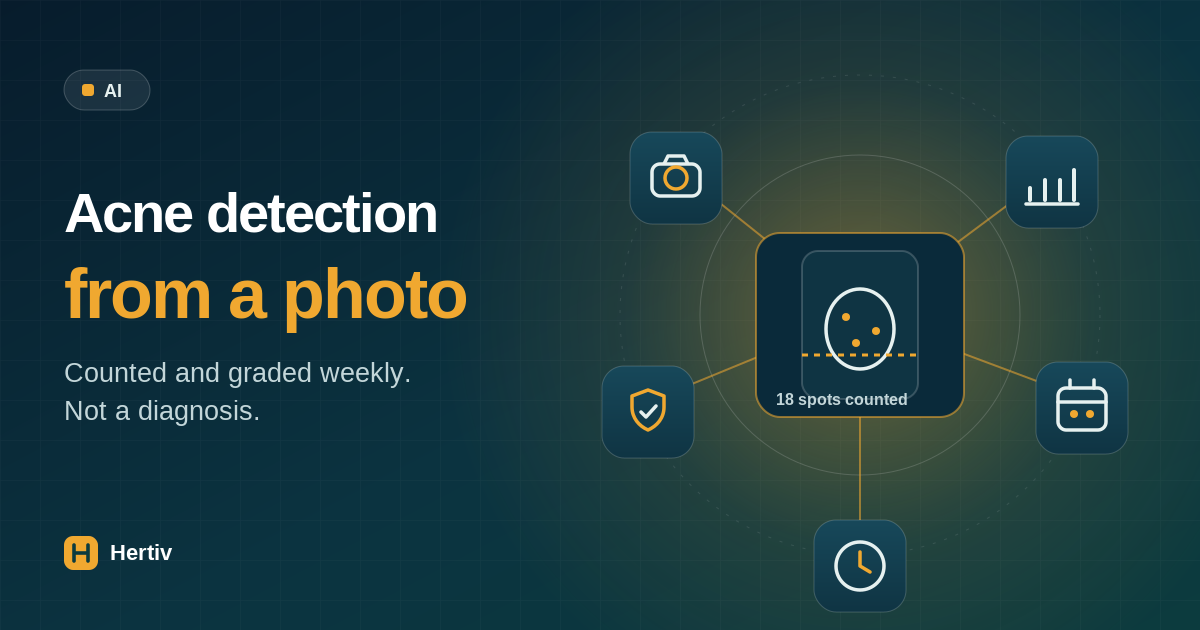
AI-powered acne detection is software that reads a photo of skin and points out likely acne spots. You take a photo with a phone, the model scans it for the shapes and colours it learned to associate with spots, and it marks them on the image with a count and a rough severity grade, such as mild, moderate or severe.
The model learns from labelled photos: thousands of images where a dermatologist or a trained labeller marked each spot. From those, it learns the patterns that separate a spot from a freckle, a scar or a shadow. When it sees a new photo, it applies those patterns and reports what it found.
The important limit is built into the idea. The model sees a flat photo, not your skin. It cannot feel a lump under the skin, ask how long a spot has been there, or know what products you already use. That is why every honest acne app describes itself as a tracking aid and tells you to see a dermatologist for a diagnosis. How the underlying technology works is covered in computer vision development.
How does it read a photo?
The model reads a photo in three passes. First, it finds the face or the skin area in the image and lines it up, so the same patch of skin is compared in the same place each time. Second, it scans that area for the visual signs of acne: raised bumps, redness, dark marks left after a spot heals, and clusters where several spots sit together.
Third, it turns what it found into a grade. That grade sums up the count, size and spread of the spots it found. Two photos of the same face taken under different light can give different counts, which is why the apps ask you to take photos in the same place, at the same distance, with the same lighting, every time.
The table below lists what the model looks for, what it means, and where it can be misled. The last column matters most in daily use, because the model's mistakes follow the same patterns again and again.
| What it looks for | What it means | Where it can be misled |
|---|---|---|
| Raised red bumps | Active spots, often sore or new | Harsh light can wash out redness |
| Dark marks | Marks left after a spot heals | Freckles and moles can look similar |
| Clusters | Several spots close together | Shadows in a crease can look like a cluster |
| Spread across the face | How wide the acne reaches | Part of the face outside the frame |
| Change over weeks | Whether spots are rising or falling | Different lighting week to week |
What can it do well?
AI acne detection does three things well. The first is counting. A person looking in a mirror counts spots by feel and memory, which changes day to day. A model counts the same way every time, so the number means the same thing this week as it did last week, as long as the photo is taken the same way.
The second is tracking. When you take a photo each week, the model builds a timeline of counts and grades, and that timeline shows whether a routine is helping or not. A slow fall in the count over a month is a clearer signal than how your skin feels on a single bad morning.
The third is triage. A sudden jump in the count, or a grade that moves from mild to severe, is a useful prompt to book a dermatologist appointment. The model does not diagnose, but it can tell you that something changed and that a human should look at it. Building this kind of product well is covered in AI product development.
What it cannot do
AI acne detection cannot diagnose you. A photo cannot show whether a spot is infected, whether it is a cyst under the skin, or whether it is something else entirely, such as rosacea or a reaction to a product. Only a dermatologist who can examine you, ask questions and, if needed, test, can make that call.
It also cannot tell you what treatment to use. Some apps suggest products, but a suggestion from a model is not a prescription, and the wrong product can make acne worse. If an app tells you to buy a specific cream or start a specific routine, treat that as marketing, not medical advice, and check with a pharmacist or a dermatologist first.
Lighting and skin tone are the third limit. Most models are trained on photos taken in good light, and they perform less reliably in dim light, with heavy shadows, or on very dark or very light skin, because the training photos did not cover those cases evenly. If the app keeps missing spots you can see clearly, the problem is usually the photo, not your skin.
Example (hypothetical): tracking a routine for eight weeks
Example (hypothetical): a student starts a new skin routine and takes a photo every Monday and Thursday, which is 2 photos a week for 8 weeks, or 16 photos in total. She takes them in the same bathroom, in the same light, holding the phone at the same distance, so the counts are comparable.
In week one the app counts 18 spots. By week four it counts 14, and by week eight it counts 11. The fall is slow \u2014 18 to 14 is 4 fewer, and 14 to 11 is 3 fewer \u2014 but it is steady, and the grade moves from moderate to mild in week six. The timeline, not any single photo, is what tells her the routine is helping.
In week five the count jumps to 16 for one photo, then falls back to 13 at the next. The jump was a bad photo: she took it under a yellow bathroom light after a shower, and the model read shadows as spots. She deletes that photo, keeps the routine, and the timeline stays smooth. One bad photo does not change the trend, which is the point of tracking over weeks rather than days.
What happens to your photos?
Your photos are health data, even if they feel casual. A face photo can identify you, and a series of skin photos shows how your body changes over time. Before you use an acne app, read how it stores photos, who can see them, and whether they are used to train the model. If the app does not say, do not use it.
Three questions are worth asking. Does the app store photos on your phone or on its own servers? Does it share photos or counts with advertisers or other companies? Can you delete your photos and your account, and does deletion actually remove them from the servers? An app that answers all three clearly is a better sign than one that hides the answers in a long policy.
Also check whether the app needs an account at all. Some apps work fully on your phone, which keeps the photos off any server. Others need an account because the model runs on their servers, which means every photo leaves your phone. Neither is automatically wrong, but you should know which one you are using. How teams handle this kind of data is covered in machine learning development.
What are the common mistakes?
Most problems with AI acne detection come from treating a photo grade as a diagnosis, or from taking photos in a way that makes the counts meaningless. The mistakes below are the ones to avoid, and all of them are easy to fix once you know what to watch for.
- Treating the app's grade as a diagnosis instead of a tracking aid
- Buying a product the app suggests without checking with a pharmacist or dermatologist
- Taking photos in different light each week, so the counts jump for no reason
- Judging a routine on one bad day instead of a trend over weeks
- Ignoring a painful, swollen or non-healing spot because the app graded it mild
- Using an app that does not explain where your photos go
Key takeaways
- The model counts and grades spots from a photo; it does not diagnose you.
- A weekly timeline of counts is more useful than any single photo.
- Take photos in the same light, distance and place every time, or the counts will jump.
- A painful, swollen or non-healing spot needs a dermatologist, whatever the app says.
- Your photos are health data: check where they are stored and whether you can delete them.
- Treat product suggestions from an app as marketing, not medical advice.
Frequently asked questions
How accurate is AI acne detection?
It is best at counting spots in a well-lit photo taken the same way each time, and weakest in dim light, with shadows, or on skin tones the training photos covered thinly. No app can diagnose you from a photo, so treat the grade as a rough guide.
Can an acne app tell me what treatment to use?
No. An app can track how your skin changes, but it cannot prescribe or recommend a treatment for you. If it suggests a product, check with a pharmacist or a dermatologist before you buy it.
How often should I take photos?
Once or twice a week is enough to see a trend, and it keeps the timeline smooth without becoming a chore. Take them in the same place, in the same light, at the same distance, so the counts stay comparable.
Why did my spot count jump suddenly?
A sudden jump is usually a bad photo: different lighting, a shadow, or the phone held closer than usual. Check the photo, delete it if the light is wrong, and look at the trend over weeks rather than a single day.
Is my face photo private in these apps?
It depends on the app. Some store photos on your phone only, while others send them to their servers and may use them to train the model. Read the privacy section before you sign up, and check whether you can delete your photos.
When should I see a dermatologist instead?
See one if a spot is painful, swollen, bleeding, or has not healed after several weeks, if your grade moves from mild to severe, or if you are thinking about starting a new treatment. A photo cannot rule out infection.