What Makes a DeFi Wallet Secure?
A secure DeFi wallet keeps your keys under your control, its code open and audited, and approvals small. Here is how to judge one before you trust it with funds.
On this page
Short answer
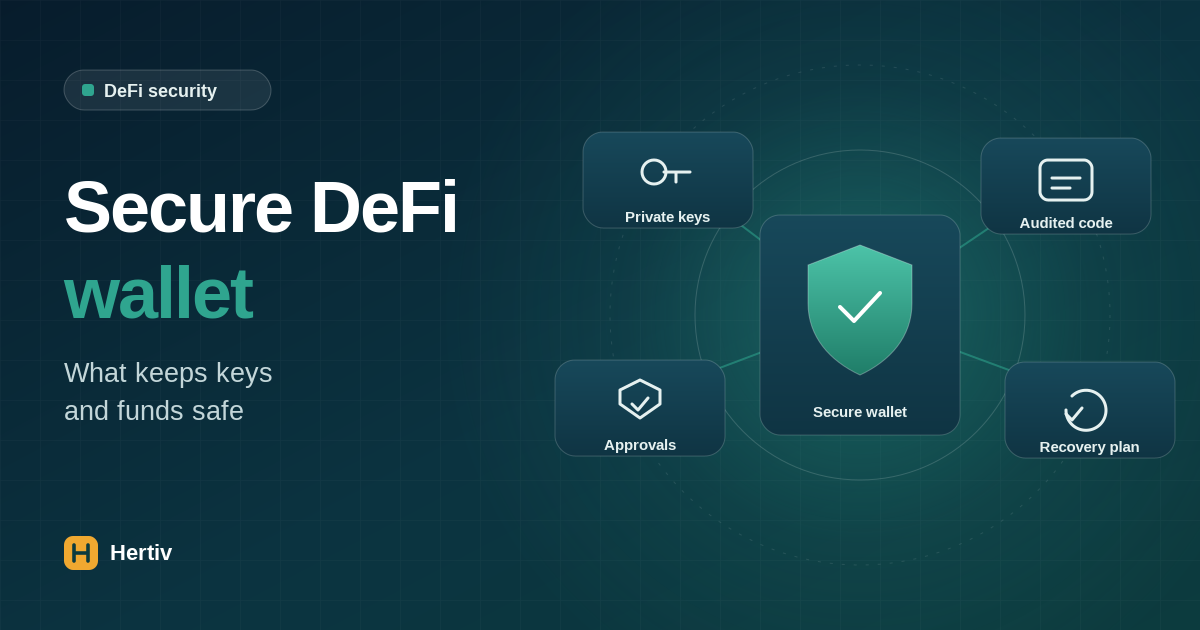
A DeFi wallet is secure when it keeps the private keys under the user's control, its code is public and independently audited, and every transaction needs a clear approval. No wallet is unbreakable, but a wallet with open code, strong key storage, transaction checks and a tested recovery path is far harder to steal from than one that hides how it works.
What is a DeFi wallet?
A DeFi wallet is a wallet that holds the keys to crypto assets and lets the owner use decentralised finance apps directly, without an exchange holding the funds. The wallet signs transactions, and the owner approves each one before it goes to the blockchain.
The key point is custody. In a non-custodial DeFi wallet, only the owner holds the private key or seed phrase. No company can freeze the funds, but no company can recover them either. If the key is lost, the funds are lost, which is why recovery is part of security.
DeFi wallets connect to lending, trading and staking apps through a browser extension or a mobile app. Each connection asks for permission, and each transaction shows what it will do before it is signed. That approval step is where most thefts happen, so it deserves the most attention.
A wallet is not secure because it says so on its website. It is secure because of how it stores keys, how its code is checked, and how clearly it shows what you are signing.
Who holds the keys?
Who holds the keys is the first security question, and the answer splits wallets into three kinds. The table below shows the trade-off each one makes.
| Key setup | Who holds the key | Main risk |
|---|---|---|
| Seed phrase | Only the owner | Key lost or stolen, no recovery |
| Multi-signature | Several keys, a set number must sign | Keys held by the wrong people |
| Multi-party computation | Key split across devices, never whole | Vendor software or setup errors |
| Custodial account | The provider holds the key | Provider hacked, frozen or closed |
A seed phrase is the simplest setup and the most common. It is also the most fragile, because one photo, one note or one phishing page can take the whole wallet. A multi-signature wallet spreads that risk: two of three keys must sign, so one stolen key is not enough.
Multi-party computation splits the key into shares that are never joined into one whole key. It suits teams and businesses, since no single device holds the full secret. See how to set up an MPC wallet for the practical steps.
Custodial accounts are easier to use and recover, but they are not DeFi wallets in the strict sense. The provider holds the key, so the provider's security becomes your security.
What security features matter most?
The features that matter most are the ones that stop a theft before it happens, not the ones that look good on a feature list. Open code, an independent audit, transaction simulation and a recovery plan are the four to check.
Open code means anyone can read how the wallet works. It does not prove the code is safe, but it lets researchers find problems instead of hiding them. A wallet with closed code asks you to trust the vendor instead of the evidence.
An independent audit is a review of the code by a security firm, published with the findings. Check the date and the scope: an audit from two years ago that covered only part of the code is not the same as a recent full audit.
Transaction simulation shows what a transaction will do before you sign it: which tokens leave, which contract is called, and whether the approval is unlimited. Many thefts happen through unlimited approvals to a malicious contract, and simulation is the check that catches them.
Recovery is the last feature. A wallet should offer a tested way back in: a seed phrase stored safely, a social recovery option, or a second device. If you have never tested recovery, you do not have it.
How do you check a wallet before using it?
Checking a wallet takes under an hour and follows six steps. Do it with a small amount first, before moving funds you care about.
- Read the audit. Find the latest audit report, its date and what it covered. If there is none, treat the wallet as untested.
- Check the code is public. Open-source wallets let anyone inspect the code. Closed code is a reason to ask more questions, not to walk away at once.
- Test recovery. Set the wallet up, write the recovery words down, delete the app, and restore from the words. If it fails, the wallet is not ready.
- Try a small transaction. Send a tiny amount, approve a small swap, and revoke the approval afterwards. Watch what the wallet shows you at each step.
- Check the approval screen. The wallet should show the contract, the token and the amount in plain terms. A screen that only shows a hex address is hiding the details.
- Look at the update history. A wallet that is updated often and fixes reported problems is safer than one that has not changed in a year.
See the practical checklist for securing a crypto wallet for the daily habits that go with these checks.
What risks remain even with a secure wallet?
Even a secure wallet leaves risks, because the wallet is only one part of the chain. The contract you approve, the site you connect to and the device you use all matter as much as the wallet itself.
Phishing is the largest risk. A fake site that looks like a real app can ask for an approval that drains the wallet, and the wallet will show the approval as a normal transaction. The defence is to check the address and the contract before signing, every time.
Unlimited approvals are the second risk. Many apps ask for permission to spend any amount of a token, forever. That is convenient, but it means a compromised contract can take everything. Approve only the amount you need, and revoke old approvals regularly.
Device risk is third. A wallet on a phone with a malicious app or a screen without a lock is only as safe as the phone. Keep the device updated, use a lock screen, and keep the seed phrase off the device entirely.
Finally, the chain itself carries risk. A bug in a lending or trading contract can lose funds even when the wallet did everything right. That is a reason to use well-known apps and to keep most funds in a separate wallet that never connects to new apps. See custodial versus non-custodial wallets for how custody changes the risk.
Example (hypothetical): a team picks a wallet for a shared treasury
Example (hypothetical): a five-person team holds $60,000 in a shared treasury and needs a wallet that no single person can drain. They choose a multi-signature wallet that needs three of five keys to sign, with keys held by three team members and two held offline by the finance lead and an adviser.
They test the setup with $100 first. Each signer approves a small transfer, then they test recovery by removing one key and adding a new one. The whole test takes two hours and costs under $5 in network fees.
After a month, one signer's laptop is stolen. The team removes that key and adds a replacement, and the treasury stays safe because two other keys are still needed to sign. With a single-key wallet, the same theft would have emptied the treasury.
What are the common mistakes?
The most common mistakes are trusting a brand name, approving without reading, and never testing recovery. Each one turns a secure wallet into an easy target.
- Trusting the brand. A well-known name is not an audit. Check the latest audit report and its date, not the logo.
- Signing without reading. Every approval should be read: the contract, the token and the amount. If the screen is unclear, do not sign.
- Unlimited approvals. Approve the amount you need, for the app you need, and revoke old approvals every few months.
- Seed phrase on the phone. A photo or a note on the same device as the wallet is the fastest way to lose everything.
- Never testing recovery. A recovery plan that has never been tested is a hope, not a plan. Test it with a small amount.
Security is a set of habits, not a product. A wallet with open code, a recent audit and a tested recovery path, used by someone who reads every approval, is the closest thing to a secure DeFi wallet that exists.
Key takeaways
- A DeFi wallet is secure when the user holds the keys, the code is public and audited, and approvals are clear
- Multi-signature and multi-party computation spread the risk of one stolen key
- Transaction simulation shows what an approval will do before you sign it
- Recovery must be tested with a small amount before funds you care about move in
- Unlimited approvals and unread approval screens are the most common ways wallets are drained
Frequently asked questions
What is the most secure type of DeFi wallet?
For most people, a non-custodial wallet with a seed phrase stored offline, plus hardware signing for large amounts, is the safest practical setup. Teams should use multi-signature wallets so no single key can move funds.
Are open-source wallets safer?
Usually, yes. Open code lets researchers inspect how the wallet works and find problems, and the audit history is public. Closed code is not proof of danger, but it asks you to trust the vendor instead of the evidence.
What is an unlimited approval?
It is permission for a contract to spend any amount of a token, forever, without asking again. It is convenient but risky, because a compromised contract can then take everything. Approve only the amount you need and revoke old approvals.
Should I keep all my crypto in one wallet?
No. Keep a small wallet for daily use and new apps, and a separate wallet for long-term holdings that rarely connects to anything. That way a bad approval can only reach the small wallet.
How often should I revoke approvals?
Every few months, or after using a new app once. Most wallets and block explorers have a page that lists your approvals, and revoking the ones you no longer need takes a few minutes.
Can a secure wallet protect me from phishing?
Only partly. A good wallet shows what you are signing, but it cannot tell you that a site is fake. Always check the address you typed and the contract shown on the approval screen before signing.


