How to Set Up an MPC Wallet Without Losing Access
An MPC wallet splits your private key into shares, so no single device can move funds alone. Follow six setup steps, pick a threshold, and test recovery first.
On this page
Short answer
To set up an MPC wallet, choose a provider, create the wallet so key shares are generated on separate devices, distribute the shares to different holders, set a threshold such as 2-of-3, test with a small transaction, and write down the recovery plan. Never fund the wallet before the test transaction and a recovery drill both work.
What is an MPC wallet?
An MPC wallet is a cryptocurrency wallet that splits a private key into shares held by different parties or devices, so no single share can move funds on its own. The shares are combined through multi-party computation to sign a transaction, and the full key is never assembled in one place.
This differs from a normal wallet, where one device holds the whole private key, and from a multisig wallet, where several separate keys must sign. In an MPC wallet there is still one key, but it exists only as pieces, which removes the single point of failure that a stolen phone or laptop would otherwise create.
MPC wallets are used by teams, funds and businesses that need shared control without giving any one person or device full power over the funds. For a deeper look at the concept itself, see what is an MPC wallet.
What do you need before setting up an MPC wallet?
Before you set up an MPC wallet, you need a provider or software, a decision on the threshold, the people or devices that will hold shares, and a recovery plan written down before any funds arrive.
Start by listing who must approve a transaction. A common setup is three shares with two required to sign, which survives one lost device while still needing two approvals. Larger teams often use five shares with three required. The threshold is a trade-off: more required signers means more security but slower approvals and a higher chance of someone being unavailable.
Decide where each share will live. Shares should sit on different devices and, for teams, with different people, so one stolen laptop or one compromised phone cannot reach the threshold. Also decide how shares are backed up: each holder needs a recovery path that does not put all shares in one place.
How to set up an MPC wallet in 6 steps
Setting up an MPC wallet takes six steps: choose a provider, create the wallet, distribute the shares, set the threshold, test a small transaction, and record the recovery plan.
- Choose a provider or software. Pick a wallet with a clear security model, a published audit history and support for the chains you use. Prices and plans vary, so check the vendor site before deciding.
- Create the wallet. Follow the provider's setup flow to generate the key shares. The software creates the shares on separate devices or with separate participants, never on one machine.
- Distribute the shares. Give each share to its holder and confirm each one is stored separately, ideally on different devices in different locations.
- Set the threshold. Choose how many shares must approve a transaction, and confirm the wallet enforces that number for every transfer.
- Test with a small amount. Send a tiny amount to the wallet, then sign a small transfer out. Confirm the approval flow works and the transaction lands.
- Record the recovery plan. Write down who holds each share, how a lost share is replaced, and who to contact if a holder leaves. Store this where the team can find it.
Do not skip the test step. A wallet that has never signed a transaction is unproven, and discovering a problem after funding it is far more expensive. If you need help choosing a setup, MPC wallet development covers the design choices in more depth.
How do you choose the threshold and the key holders?
Choose the threshold by balancing security against availability: the number of shares required should be high enough that one stolen device cannot move funds, and low enough that the team can still sign when someone is away.
For a two-person team, a 2-of-3 setup works well: two devices and one backup share, with any two able to sign. For a five-person team, 3-of-5 is common, since it survives two unavailable holders and still needs three approvals. Avoid a threshold of one, which defeats the purpose of MPC entirely.
Key holders should be people who understand the responsibility and can be reached when a transaction is waiting. Each holder needs a secure device, a way to verify transaction details before approving, and a backup of their share that only they can reach.
| Setup | Shares | Required to sign | Best for |
|---|---|---|---|
| 2-of-3 | 3 | 2 | Small teams and founders |
| 3-of-5 | 5 | 3 | Teams with several approvers |
| 2-of-2 | 2 | 2 | One person, two devices |
| 3-of-3 | 3 | 3 | Maximum control, low availability |
Revisit the threshold when the team changes. A holder who leaves should have their share rotated out promptly, and a new holder should be added through the provider's key-resharing process rather than by copying an old share.
Example (hypothetical): a three-person startup sets up an MPC wallet
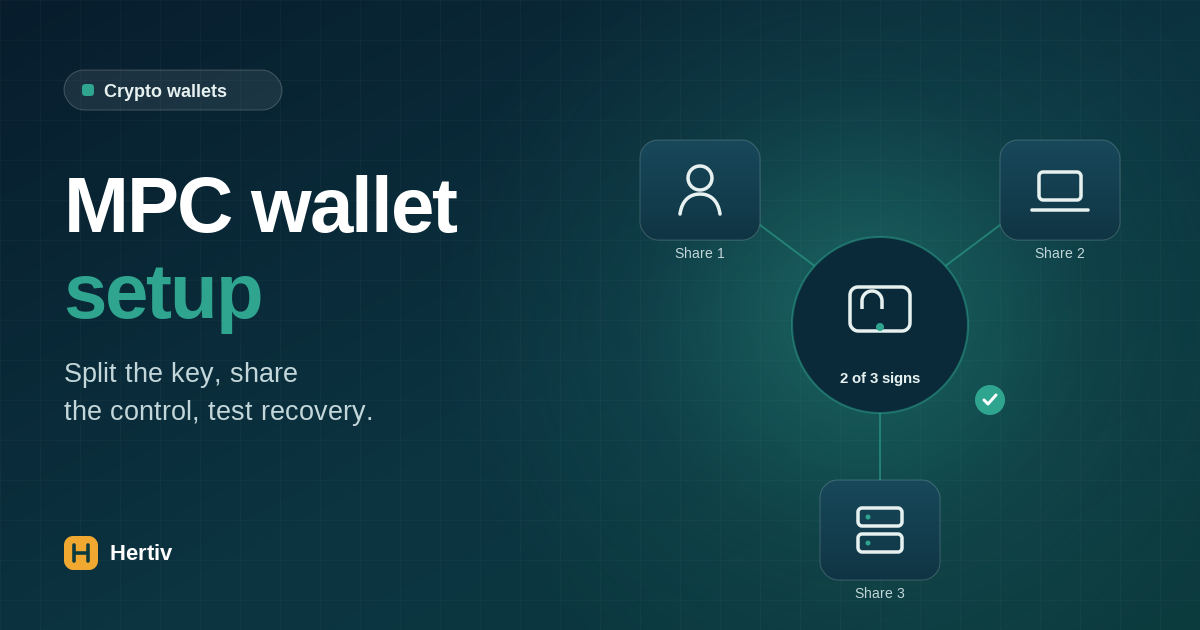
Example (hypothetical): a three-person startup wants shared control of its treasury. It chooses a 2-of-3 setup: one share on the founder's laptop, one on the finance lead's phone, and one on a hardware device kept in a locked drawer.
The team funds the wallet with a small test amount first, then signs a transfer of that amount back out to confirm the flow. Two approvals are needed, so the founder and the finance lead sign together. The hardware share stays untouched as the backup.
Three months later the finance lead loses their phone. Because only two of three shares are needed, the founder and the hardware share can still sign.
The team then runs the provider's resharing process: the lost share is retired, a new share is created for the replacement phone, and the wallet keeps working with three fresh shares. The arithmetic of the setup is simple: 2 of 3 means any two shares suffice, and losing one share never locks the funds.
The lesson is that the recovery plan matters as much as the setup. The team had written down where each share lived and how to replace one, so the loss was a day of admin work rather than a crisis.
What are the common mistakes?
The most common mistakes are setting the threshold too high, storing shares together, skipping the test transaction, and having no plan for a lost share or a departing holder.
- Threshold too high. A 3-of-3 setup locks the wallet if one holder is on holiday or loses a device.
- Shares stored together. Keeping all shares on one laptop or in one password manager defeats the split.
- No test transaction. Funding a wallet that has never signed is a gamble.
- No recovery plan. If nobody knows how to replace a share, a lost device becomes a locked wallet.
- Approving without checking. Holders should verify the destination and amount before signing, every time.
- Forgetting the provider. Some MPC wallets depend on the provider's service for signing, so check what happens if the provider is unavailable.
How do you test recovery before you fund the wallet?
You test recovery by simulating the worst case while the wallet holds only a small amount: remove one share from the setup, replace it through the provider's process, and confirm the wallet still signs.
A practical test plan has four parts. First, send a small amount in and out to confirm signing works. Second, ask one holder to pretend their device is lost and run the share replacement process. Third, confirm the old share no longer works after replacement. Fourth, check that the recovery instructions are clear enough for a new team member to follow without help.
Run this test at least once a year and after any team change. A wallet whose recovery has never been tested is a wallet whose recovery may not work when it matters most.
Key takeaways
- An MPC wallet splits one private key into shares; no single share can sign alone
- A 2-of-3 threshold suits small teams; 3-of-5 suits larger ones
- Shares must live on different devices with different holders
- Always test with a small amount before funding the wallet
- A written recovery plan turns a lost device into admin work, not a crisis
Frequently asked questions
Is an MPC wallet the same as a multisig wallet?
No. A multisig wallet uses several separate private keys, each of which must sign. An MPC wallet uses one private key split into shares, and the shares are combined to sign without ever assembling the full key. Both give shared control, but the mechanics and the recovery process differ.
How many shares should an MPC wallet have?
Three shares with two required is a good start for small teams, since it survives one lost device. Larger teams often use five shares with three required. The right number depends on how many approvers you have and how often someone is unavailable.
What happens if I lose one key share?
Nothing, as long as the remaining shares still meet the threshold. A 2-of-3 wallet keeps working with any two shares. You should still replace the lost share promptly through the provider's resharing process, so a second loss does not lock the wallet.
Can one person use an MPC wallet alone?
Yes. A 2-of-2 setup with one share on a phone and one on a laptop gives a single person protection against one stolen device. Both shares are needed to sign, so losing one device still blocks access until the share is recovered.
Does an MPC wallet work on every blockchain?
It depends on the provider. Most MPC wallets support the major chains, but support for smaller chains varies. Check the provider's chain list before choosing, and confirm that the chains you need are supported for both receiving and signing.
How is an MPC wallet different from a hardware wallet?
A hardware wallet keeps the whole private key on one device, which is simple but a single point of failure. An MPC wallet splits the key across devices, so no one device holds everything. Some teams combine both, using a hardware device as one of the MPC shares.


