What Is Smoke Testing, and How Does It Work?
Smoke testing is a short, shallow check that a new build starts and covers its main paths, so a broken build never reaches deeper testing. It takes minutes.
On this page
Short answer
Smoke testing is a quick, shallow set of checks that confirms a new software build starts up, loads its main screens and covers its critical paths. It runs after every build and before deeper testing begins. If the smoke test fails, the build is rejected and returned to development instead of wasting hours of testing time on broken software.
What is smoke testing?
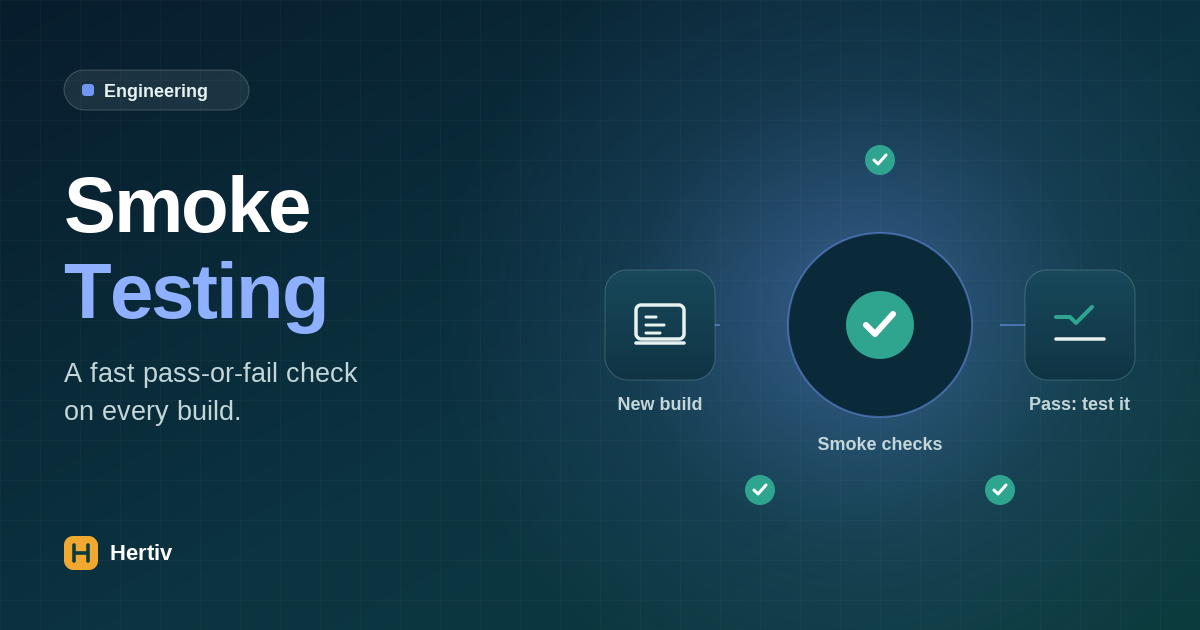
Smoke testing is a quick, shallow set of checks that confirms a new software build starts up, loads its main screens and covers its critical paths. It runs after every build and before deeper testing begins, and it gives a simple pass or fail.
The name comes from hardware testing, where a device was switched on to see if it smoked. In software the idea is the same: before you spend hours testing a build, check that it is not broken at the most basic level. If the app will not start or the login page fails, there is no point running the rest of the suite.
What does a smoke test cover?
A smoke test covers the paths every user touches: the app starts, the main pages load, login works, and one core transaction completes. It does not check edge cases or every feature; that is the job of the deeper suites that run after it.
| Area | What the check does | Pass sign |
|---|---|---|
| Startup | App starts without errors | Home page loads |
| Login | A valid user signs in | Dashboard appears |
| Main pages | Core screens load | No blank pages or errors |
| Core transaction | One end-to-end action completes | Order or record is saved |
| Key integration | Main external service responds | Data returns as expected |
| Build health | No critical errors in logs | Logs are clean |
Keep the list short. A smoke suite with six to twelve checks is typical; more than that and it stops being fast. See what is system testing for where smoke testing sits in the wider test plan.
Resist the urge to add checks for every feature. The smoke suite is a gate, not a test plan. Each check you add costs time on every build, so only a check that would stop a release belongs in the set.
How do you run a smoke test?
You run a smoke test by listing the critical paths, writing one check per path, and running the whole set automatically after every build. The pipeline runs it, reports pass or fail, and blocks deeper testing until the smoke suite passes.
- List the critical paths. Pick the six to twelve flows the product cannot ship without.
- Write one check per path. Each check asserts one visible outcome, such as a page loading or a record being saved.
- Automate the set. Wire it into the build pipeline so it runs on every build without a human starting it.
- Set the gate. A failure blocks the build from reaching deeper testing.
- Keep it fast. Aim for minutes, and move slow checks into the regression suite.
- Review failures weekly. Fix flaky checks promptly, or the team will stop trusting the gate.
Manual smoke checks work for early products, but automation keeps the gate honest as the team grows. The suite should be boring: the same checks, the same order, every build.
Example (hypothetical): a smoke test for a checkout build
Example (hypothetical): a shop ships a new build with 12 smoke checks, including login, product search, cart, checkout and payment confirmation. The suite runs in 8 minutes. On one build, 11 checks pass and the payment confirmation check fails, so the build is rejected and returned to development.
The fix takes 40 minutes, and the smoke suite passes on the rebuild. Without the gate, the broken build would have gone to the regression suite, where testers would have spent around 6 hours before finding the same failure. The smoke test saved a day of testing time for 8 minutes of pipeline time.
The lesson is not that smoke testing finds deep bugs. It is that a cheap gate at the front stops a broken build from wasting the expensive testing behind it.
Smoke testing vs other testing types
Smoke testing is the shallowest check in the test chain. It asks whether the build is worth testing at all, while other types ask whether the build is correct. Each type has a different question, a different scope and a different place in the pipeline.
Unit tests check single functions in isolation. Integration tests check that services work together. Regression tests re-run existing tests to catch breakage from recent changes. Smoke testing sits before all of them as a gate: it runs first, runs fast, and stops the chain when the build is broken. The smoke testing vs regression testing comparison sets out the two in detail.
How do you keep a smoke suite fast?
You keep a smoke suite fast by limiting it to the critical paths, using stable test data, and running checks in parallel where you can. Every check should be independent, so one failure does not block the rest, and every check should assert one outcome, not a chain of them.
Review the suite whenever it slows down. Move checks that take minutes into the regression suite, replace slow UI steps with API calls where the outcome is the same, and delete checks for features that no longer exist. A suite that takes ten minutes gets run; a suite that takes an hour gets skipped. For the wider approach, software testing methodologies covers how the suites fit together.
Run the checks in parallel where the tooling allows it, and split the suite by area so a failure in one area does not hide the results of the others. A clear report matters as much as speed: the team should see which check failed and why, without digging through logs.
What are the common mistakes?
The most common mistakes are letting the suite grow until it is slow, writing checks that fail for the wrong reasons, and ignoring failures until the gate means nothing. A smoke suite only works while the team trusts it.
- Adding every feature to the smoke suite until it takes an hour
- Flaky checks that fail on working builds, so the team ignores the gate
- Testing edge cases in smoke instead of in the deeper suites
- No owner, so broken checks stay broken for weeks
- Running smoke manually and skipping it under time pressure
- Treating a pass as proof the build is correct, rather than proof it is testable
A smoke test that passes tells you the build is worth testing. It does not tell you the build is good. Keep the suite small, fast and owned, and it will keep paying for itself on every build.
Key takeaways
- Smoke testing asks whether a build is worth testing, not whether it is correct.
- Keep the suite to six to twelve critical-path checks and run it in minutes.
- Automate it in the build pipeline so it runs on every build without fail.
- A failure blocks deeper testing and sends the build back to development.
- A pass means the build is testable; deeper suites still have to prove it is good.
Frequently asked questions
What is the difference between smoke testing and sanity testing?
Smoke testing checks whether a build is stable enough to test at all, usually right after the build. Sanity testing checks whether a specific fix or feature works after a change, and it is narrower and deeper. Smoke testing gates the build; sanity testing confirms a single change before the wider regression suite runs.
Who runs the smoke test?
Usually the build pipeline runs it automatically after every build, and the QA engineer reviews the result. Developers may also run the same checks locally before pushing code. The owner should be clear: if nobody owns the suite, it rots and starts failing for the wrong reasons.
How long should a smoke test take?
Minutes, not hours. Most teams aim for under ten minutes so the pipeline stays fast. If the suite grows past that, split it: keep the fastest, most critical checks in smoke and move the rest into the regression suite. A slow smoke test gets skipped, which defeats its purpose.
Can smoke testing be automated?
Yes, and it usually should be. The checks are the same every build, so they fit automation well: start the app, log in, load the main pages, run one core transaction. Manual smoke checks work for early products, but automation keeps the gate honest as the team grows.
What happens when a smoke test fails?
The build is rejected and returned to development, and deeper testing does not start. The team fixes the failure, rebuilds and reruns the smoke suite. Treat a failure as a signal about the build, not about the tests, unless the same check fails on builds that work.
Does smoke testing replace other testing?
No. It only proves the build is testable; it says nothing about whether features work correctly. You still need unit tests, integration tests, regression tests and exploratory testing. Smoke testing sits at the front of that chain and stops broken builds from wasting the rest of it.


