Top 8 Application Security Tools Worth Comparing
These eight application security tools cover code scanning, dependency checks and live testing. Compare what each one checks, then pick the set that fits your stack.
On this page
Short answer
Application security tools find weaknesses in your code, your libraries and your running app before attackers do. This list compares eight widely used tools, what each one checks, and where each one fits, so you can pick a small set that covers your stack without buying tools that overlap.
Which application security tools should you compare?
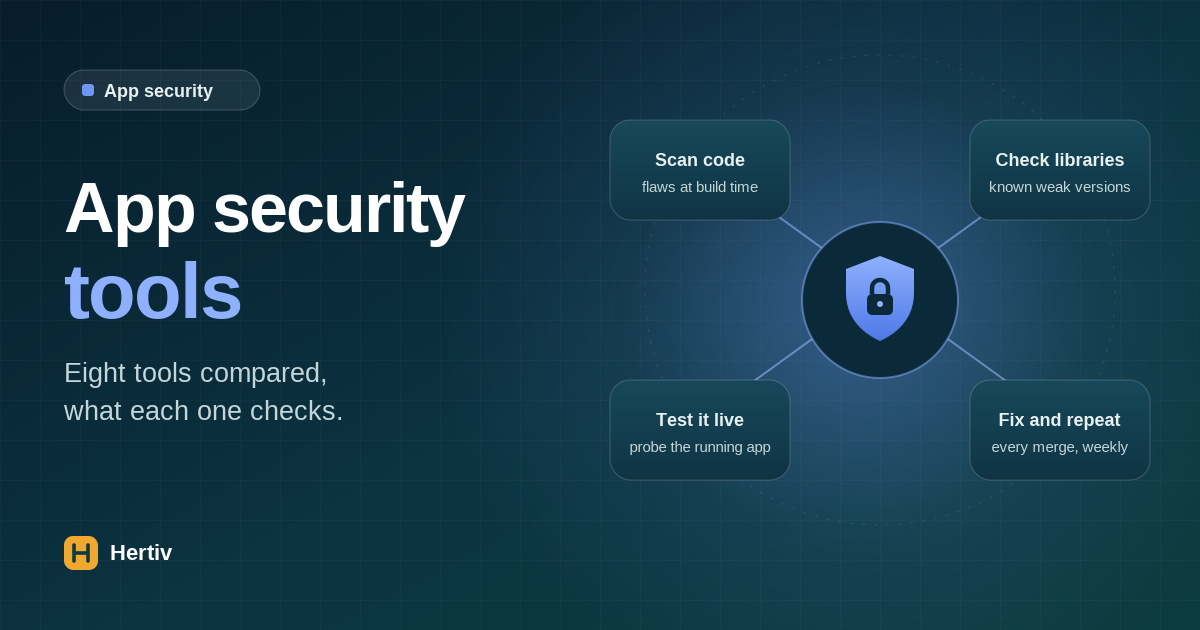
Application security tools fall into a few groups: tools that scan source code, tools that check the libraries you depend on, and tools that test the app while it runs. No single tool covers all three, so most teams use two or three together.
| Tool | Main check | Best for |
|---|---|---|
| Snyk | Dependencies and code | Teams that want fast fixes in pull requests |
| SonarQube | Source code quality and flaws | Teams that want code checks in the build |
| Checkmarx | Source code and open source | Large teams with strict review rules |
| Veracode | Code and binary scanning | Teams that need reports for audits |
| Burp Suite | Live web app testing | Security testers probing a running app |
| OWASP ZAP | Live web app testing | Teams that want a free live scanner |
| Semgrep | Code patterns and rules | Teams that write their own checks |
| GitHub Advanced Security | Code and dependencies | Teams already building on GitHub |
The table shows the main check each tool does. The sections below look at each tool in more detail, with its strengths and its limits, so you can see which ones belong in your stack.
1. Snyk: best for fixing dependencies fast
1. Snyk: best for fixing dependencies fast
Snyk scans the libraries your app depends on and flags the ones with known weaknesses. It also scans your own code and your container images, and it suggests a fix, often a newer version of the library, right in the pull request.
Its strength is speed. Developers see the problem and the fix in the same place they already work, so fixes happen during normal development instead of waiting for a security review at the end.
Pros
- Clear fix suggestions in pull requests
- Covers dependencies, code and containers
Cons
- Costs grow with the number of developers
- Deep code analysis is lighter than specialist code scanners
2. SonarQube: best for code checks in the build
2. SonarQube: best for code checks in the build
SonarQube scans source code as it is built and reports security flaws, bugs and code smells in one place. It runs in your own pipeline, so every merge gets the same checks, and it keeps a history that shows whether the code is getting safer over time.
Its strength is consistency. The same rules run on every change, and teams can set a quality gate that blocks a merge when a serious flaw appears.
Pros
- Runs on your own servers with clear history
- Quality gates block risky merges
Cons
- Needs setup and care to tune the rules
- Does not test the app while it runs
3. Checkmarx: best for large teams with strict rules
3. Checkmarx: best for large teams with strict rules
Checkmarx scans source code for security flaws and checks open source libraries for known weaknesses. It is built for large teams that need detailed reports, custom rules and a clear record of what was found and fixed.
Its strength is depth. It follows data through the code to find flaws that simpler scanners miss, such as a user input that reaches a database query through several layers.
Pros
- Deep code analysis with detailed findings
- Strong reporting for audits and reviews
Cons
- Slower to set up than lighter tools
- Results need a person to sort real flaws from noise
4. Veracode: best for audit-ready reports
Veracode scans source code and compiled binaries, so it can check apps even when the source is not available. Its reports are written for audits and vendor reviews, which is why regulated teams often choose it.
Its strength is the report. Each finding comes with a risk rating and a fix guide, and the platform tracks what was fixed across releases.
Pros
- Scans binaries when source is not available
- Clear risk ratings and audit reports
Cons
- Less direct feedback inside the developer workflow
- Pricing is on the vendor site, not a simple per-seat plan
5. Burp Suite: best for hands-on live testing
5. Burp Suite: best for hands-on live testing
Burp Suite is a toolkit for testing a running web app by hand. A tester sends requests, changes them, and watches how the app responds, which finds flaws that static scans cannot see, such as broken access rules and session problems.
Its strength is control. The tester decides what to probe and can follow a hunch, which is how the most serious live flaws are usually found.
Pros
- Full control over live testing
- Finds flaws that code scans miss
Cons
- Needs a skilled tester to use well
- Not a fit for fully automated pipelines
6. OWASP ZAP: best free live scanner
OWASP ZAP is a free, open source tool that scans a running web app for common flaws. It can run on its own or inside a pipeline, and it is a good first live scanner for teams that have never tested a running app before.
Its strength is that it costs nothing to start. Teams can learn live testing, find real flaws, and decide later whether they need a paid tool.
Pros
- Free and open source
- Runs in pipelines or on its own
Cons
- Fewer checks than paid live scanners
- Results need a person to confirm them
7. Semgrep: best for writing your own checks
7. Semgrep: best for writing your own checks
Semgrep scans code for patterns you define, which makes it useful for rules that are specific to your team, such as "never use this old library" or "always check this input". It runs fast and fits into pull requests.
Its strength is flexibility. Teams can write a rule in minutes and share it across projects, so a lesson learned in one project becomes a check everywhere.
Pros
- Custom rules are quick to write and share
- Fast scans inside pull requests
Cons
- Needs someone to write and keep the rules
- Does not check dependencies on its own
8. GitHub Advanced Security: best for teams already on GitHub
GitHub Advanced Security adds code scanning, dependency alerts and secret scanning to repositories hosted on GitHub. Because it lives where the code already is, teams get security checks without adding a new tool to learn.
Its strength is that it fits the workflow. Alerts appear in the same pull request view developers already use, and fixes can be suggested automatically.
Pros
- No new tool to learn for GitHub teams
- Code, dependency and secret checks in one place
Cons
- Only useful if your code is on GitHub
- Live testing still needs a separate tool
How to choose
Choosing starts with what you need to check, not with a tool list. Pick the checks first, then the tools that do them.
- List your checks. Write down whether you need code scanning, dependency checks, live testing, or all three.
- Start with one code scanner and one dependency checker. That pair covers the most common flaws for most teams.
- Add live testing next. A running-app scan finds the flaws that code scans miss, such as broken access rules.
- Run the tools in the pipeline. Checks that run on every merge catch flaws early, when they are cheap to fix.
- Review the results weekly. Sort real flaws from noise, fix the serious ones first, and tune the rules that keep crying wolf.
An enterprise application security program shows how these tools fit into a wider plan, from code checks to live testing.
A guide to DevSecOps explains how to keep the checks running inside normal development work.
Common mistakes
The most common mistake is buying one tool and expecting it to cover everything. A code scanner does not test a running app, and a live scanner does not check your libraries. Plan for two or three tools that cover different checks.
The second mistake is ignoring the results. Tools that flag flaws no one fixes are worse than useless, because they create a false sense of safety. Set a rule that serious findings get fixed within a set time, and track whether that happens.
The third mistake is never tuning the rules. Default rules flag many harmless patterns, and teams that do not tune them learn to ignore the alerts. Spend time each month removing the noisy rules and adding checks for the flaws you actually see.
Key takeaways
- No single tool covers code, dependencies and live testing
- Pair one code scanner with one dependency checker first
- Add live testing to catch flaws code scans cannot see
- Run checks in the pipeline so flaws are found at merge time
- Review and tune results weekly, or teams will start ignoring alerts
Frequently asked questions
What is the difference between SAST and DAST?
SAST scans source code without running it, while DAST tests the app while it runs. SAST finds flaws in the code itself, and DAST finds flaws in how the running app behaves, such as broken access rules.
Do I need both code scanning and live testing?
Yes, for most teams. Code scanning finds flaws early and cheaply, while live testing finds problems that only appear when the app runs. The two checks cover different ground, so together they give a fuller picture than either one alone.
Are free application security tools good enough?
Free tools such as OWASP ZAP and Semgrep find real flaws and are a good start. Paid tools usually add deeper analysis, better reports and support, which matter more as the team grows.
How often should I scan my application?
Scan code on every merge and run a live scan at least once per release. High-risk apps, such as payment or health systems, deserve live scans more often. Set the schedule in your team calendar, so scans happen even when releases get busy.
What should I fix first?
Fix flaws that an attacker can reach from the outside first, then flaws in code that handles money or personal data. A risk rating from the tool is a good starting point.
Do these tools replace a security review?
No. Tools find known patterns and common flaws, but a person is still needed to judge risk, test business logic and check that fixes actually work. Use the tools to find the flaws, and use people to judge which ones matter most.


