10 Ways to Speed Up Mobile App Development
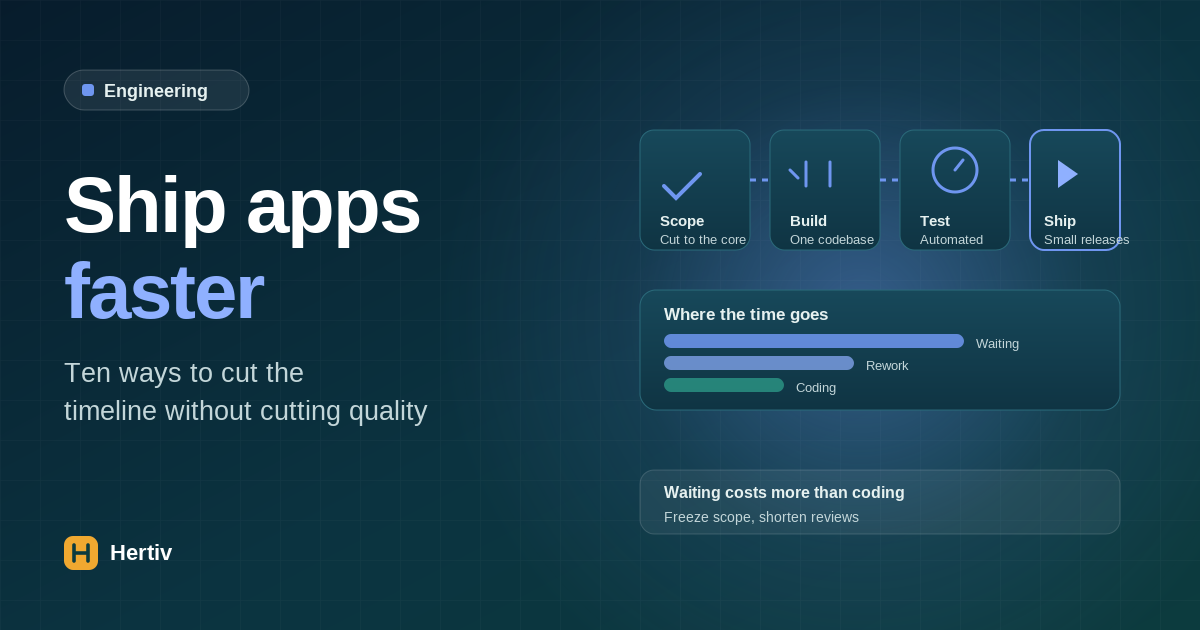
Slow app development usually comes from unclear scope, rework and slow feedback, not from slow coding. These ten ways cut the timeline without cutting quality.
On this page
Short answer
The fastest way to speed up mobile app development is to cut scope to a real minimum, reuse proven components, build and test in short cycles, and automate releases. Teams lose most time to unclear requirements, rework and waiting on reviews, not to typing code, and these ten ways attack those delays directly, so you can start with the one that hurts most.
What slows mobile app development down?
Mobile app development is slowed down most by unclear scope, rework and slow feedback, not by slow coding. Use this table to find the delay that costs your team the most, then try the ways that attack it.
Most teams blame the wrong thing when a launch slips. They assume the developers are slow, when the real delays are a scope that keeps growing, designs that arrive late, tests that run by hand, and reviews that wait days for an answer. Fixing those delays is cheaper than hiring more developers, and it works faster.
| Delay | What it looks like | Ways that fix it |
|---|---|---|
| Growing scope | New features added mid-sprint | 1, 7, 10 |
| Rebuilding the basics | Login, payments, chat built from scratch | 2, 3, 6 |
| Design and build out of step | Developers wait for screens | 4, 8 |
| Manual testing and releases | Tests run by hand, releases take days | 5, 10 |
| Slow reviews and decisions | Days waiting for an answer | 7, 9 |
No single way fixes everything. Pick the delay that costs your team the most time, try the ways listed for it, and measure the result over two or three sprints before you judge whether it worked.
Cut scope and reuse what exists
1. Cut scope to a real minimum: best for teams that keep adding features
Cutting scope means shipping the smallest version that real users can try, and leaving everything else for later. Most apps launch with features nobody asked for, and each one adds design, code, tests and bugs to the timeline.
The test is simple: for each feature, ask what happens if it is missing at launch. If the answer is that nobody notices, it can wait. A team that ships a small version in weeks learns more than a team that builds a large version in months, and the feedback from real users is worth more than any internal debate.
2. Use a cross-platform framework: best for teams that need two platforms
A cross-platform framework lets one codebase produce both iOS and Android apps, which removes the work of building and maintaining two separate apps. For most products, the shared code covers the large majority of the app, with small native parts where they are needed.
The saving is not just in writing code once. It is in testing once, fixing bugs once and releasing once, which is where the real time goes. For a comparison of the two main options, see Flutter vs React Native.
If Flutter is the option you are weighing, what Flutter is explains the framework, its language and where it fits best, so the choice is made on facts rather than on fashion.
3. Reuse proven components and libraries: best for teams rebuilding the basics
Reuse means using existing, tested pieces for the parts of an app that every app needs: login, payments, chat, maps, notifications and analytics. Writing those from scratch is slow, and each one hides edge cases that take weeks to find.
The rule is to build only what makes your product different, and to buy or borrow the rest. A payment library, a design system and a tested navigation pattern are not where your product wins, so they should not be where your time goes. Check licences and maintenance before you adopt a library, because an abandoned one costs more than writing the code yourself.
Work in parallel and automate the boring parts
4. Design and build in parallel: best for teams where developers wait for screens
Designing and building in parallel means developers start on the screens that are ready while designers finish the rest, instead of waiting for a complete design before any code is written. The two tracks move together, and the app takes shape a screen at a time.
This only works if the design system is agreed early: colours, type, spacing and the common components, so a screen built in week two still matches a screen designed in week six. Without that shared system, parallel work creates rework instead of speed.
5. Automate testing and releases: best for teams that test and ship by hand
Automating testing and releases means every change is built, tested and packaged by a pipeline, so a release is a button press instead of a day of manual steps. The pipeline runs the tests, builds the app and sends it to the store, and it does the same thing every time.
The saving is in the repetition. A manual release that takes a day and happens twice a month costs 24 days a year, while an automated release takes minutes. For how that pipeline works, see what CI/CD is. Start with the tests that catch the most bugs, and automate the release once the tests are green.
6. Use a backend-as-a-service: best for teams that need a backend fast
A backend-as-a-service gives you authentication, a database, storage and push notifications without building a server, which removes weeks of backend work from a first version. The app talks to the service through an API, and the service handles the running and scaling.
The trade-off is control. A managed backend is fast to start and easy to outgrow, so it fits a first version better than a product that needs custom logic at scale. Plan the move to your own backend before you need it, so the switch is a project and not a crisis.
Shorten feedback loops and ship in small pieces
7. Freeze scope during a sprint: best for teams where priorities change weekly
Freezing scope means that once a sprint starts, nothing is added to it until the sprint ends. New ideas go into a list for the next sprint, and the team finishes what it started instead of starting something new every few days.
This feels slow to people who want everything at once, but it is faster in practice, because half-finished work is the most expensive kind. A team that finishes ten small things ships ten things; a team that starts twenty and finishes five ships five.
8. Test on real devices early: best for teams that find bugs late
Testing on real devices early means running the app on actual phones, with real networks and real users, from the first weeks of the project. Simulators miss the problems that matter: slow networks, small screens, battery use and the way people actually hold a phone.
The cost of finding a bug grows the later it is found, so a bug caught in week three is cheap and a bug caught in week twelve is expensive. A short test with five real users will find more than a long review with none.
9. Shorten review cycles: best for teams waiting days for answers
Shortening review cycles means making decisions in hours, not days, by putting the right people in the room and giving them the information they need. Most review delays are not about the decision being hard, but about the decision maker not having the context.
A daily demo, a short written update and a named decision maker for each question will cut most of the waiting. If a review takes more than a day, the problem is usually the process, not the work.
10. Ship in small releases: best for teams that launch in one big bang
Shipping in small releases means putting each finished piece in front of users as soon as it works, instead of holding everything for one launch. A small release is easy to test, easy to roll back and easy to learn from, while a big launch hides problems until it is too late to fix them cheaply.
The habit also changes how the team works. When releases are routine, the team stops fearing them, and features arrive when they are ready instead of when the calendar says so. For what a first version should contain, see what an MVP is.
How to pick which ways to try first
You pick which ways to try first by finding the delay that costs your team the most time, then trying the ways that attack it for two or three sprints.
- Measure where the time goes. For one sprint, note how long each feature spends waiting, being built and being tested, and add up the waiting time.
- Pick the biggest delay. If waiting dominates, try ways 7 and 9. If rebuilding dominates, try ways 2, 3 and 6. If testing dominates, try way 5.
- Try one or two ways at a time. Changing everything at once makes it impossible to tell what worked, so change a little and measure.
- Check the result after three sprints. Compare the time from idea to release before and after, and keep the ways that moved the number.
- Write down what worked. A short note on which ways helped, and why, stops the team from drifting back to old habits.
That last step matters more than the first four. Speed comes from habits, not from tools, and habits only stick when they are written down and reviewed. If you are building the product itself, mobile app development teams usually start with scope and automation, because those two move the timeline most.
What are the common mistakes?
The most common mistakes when speeding up app development are cutting testing, adding people, and mistaking speed for skipping steps.
- Cutting testing to save time. An app that ships fast and breaks on launch costs more time in fixes and lost users than the testing would have cost.
- Adding people to a late project. New developers need time to learn the codebase, so adding them to a late project usually makes it later.
- Skipping design. An app built without design gets rebuilt once users see it, which is slower than designing it once.
- Chasing the newest framework. Switching tools mid-project costs weeks and rarely makes the app faster to build.
- Measuring lines of code. Speed is time from idea to working software in users' hands, not how much code was written.
Most of these mistakes come from treating speed as a property of the developers rather than of the process. The fastest teams are not the ones who type fastest, but the ones who waste the least time between steps.
Key takeaways
- Most delays come from waiting and rework, not from slow coding
- Cut scope to a real minimum and ship the smallest useful version
- Reuse proven components and automate testing and releases
- Freeze scope during a sprint and shorten review cycles
- Ship in small releases and measure time from idea to users
Frequently asked questions
How long should a mobile app take to build?
It depends on scope. A small app with a few screens and a simple backend often takes a few months with a small team, while a larger app with payments, accounts and admin tools takes longer. The ways in this article cut the timeline by removing waiting and rework, not by rushing the build.
Is cross-platform really faster than native?
Usually, yes, for a first version, because one codebase produces two apps and one set of fixes covers both. Native is faster when the app needs deep access to device features or top performance, which is why some teams mix the two. The choice should follow the product, not the trend.
Does cutting scope mean shipping a worse app?
No. Cutting scope means shipping the core of the app first and adding the rest after real users have tried it. A small app that works well beats a large app that is half finished, and the feedback from real users tells you which features to add next.
How do I convince stakeholders to accept a smaller first version?
Show them what the small version teaches. A first version that reaches users in weeks gives real evidence about what they want, while a large version built in secret gives only opinions. Agree the list of what comes next before launch, so the small version is a plan, not a cut.
What is the biggest time waster in app development?
Waiting, in most teams: waiting for designs, waiting for reviews, waiting for a decision, waiting for a test device. The work itself is rarely the slow part. That is why the ways that shorten waiting, such as freezing scope and shortening reviews, often save the most time.
Should we use a backend-as-a-service for a real product?
It fits a first version well, because it removes weeks of backend work. For a product that needs custom logic, heavy scale or strict data rules, plan the move to your own backend early, so the switch is a project you control rather than a crisis forced on you.


