Safety Adherence Software: What It Does and How to Choose
Safety adherence software tracks checklists, permits, incidents and training so teams follow safety rules every shift, with a record that proves it happened.
On this page
Short answer
Safety adherence software is a system that helps teams follow safety rules by turning procedures into checklists, permits and reminders, and by recording who did what and when. It replaces paper forms and spreadsheets with one record that managers and auditors can check.
What is software for safety adherence?
Software for safety adherence is a tool that turns written safety procedures into tasks people complete on site, such as equipment checks, permit approvals and incident reports, and keeps a dated record of each one.
The idea is simple: a rule that lives only in a handbook is easy to skip, but a rule that appears as a checklist item on a phone is hard to miss. When a worker completes a check, the system records the time, the person and the result, so the team can prove the work was done.
It is used where safety rules are strict and audited, such as construction, manufacturing, energy, transport and healthcare. The software does not replace training or supervision; it makes the routine parts of compliance visible and checkable.
What does safety adherence software track?
Safety adherence software tracks the routine safety work that must happen on schedule, and it flags anything that is late, missed or incomplete before it becomes a risk.
| What it tracks | Example | Why it matters |
|---|---|---|
| Checklists | Daily machine inspection | Faults found before use |
| Permits | Hot work permit | High-risk work approved first |
| Incidents | Near-miss report | Patterns spotted early |
| Training | Forklift refresher | Only trained staff assigned |
| Audits | Monthly site audit | Gaps closed on time |
The record matters as much as the reminder. When an auditor asks how a site proves its checks happened, a dated log with names and photos answers the question in minutes instead of days.
Who uses it, and where does it fit?
Safety adherence software fits any team where people work with machines, heights, chemicals, vehicles or patients, and where a missed check can cause harm or stop work.
Construction firms use it for site inductions, permits and daily inspections. Manufacturers use it for machine checks, lockout procedures and incident reporting. Logistics teams use it for vehicle checks and driver briefings. Hospitals use it for equipment checks and hygiene rounds.
The common thread is field work. Office teams can use the same ideas, but the value is highest where the work happens away from a desk and the record must be captured on the spot, often with poor connectivity. Offline checklists that sync later are a standard requirement in these settings.
What features matter when you choose?
The features that matter are the ones that match how your team actually works on site, not the longest feature list. A system that workers ignore is worse than a paper form they complete.
- Mobile checklists. Forms that work on a phone, with photos and signatures, and that sync when the connection returns.
- Permits and approvals. A clear flow for requesting, approving and closing permits, with expiry dates that trigger reminders.
- Incident reporting. A short form anyone can file in minutes, with photos and a follow-up trail.
- Training records. A list of who is trained for what, with expiry dates that block assignment when a certificate lapses.
- Dashboards and alerts. A view of overdue checks and open actions, so managers act before an audit finds the gap.
Ask vendors for a trial on one real site before signing. A checklist that takes two minutes in a demo can take ten in the rain with gloves on, and that difference decides adoption.
How to roll it out
You roll out safety adherence software by starting with one site and one checklist type, proving it works there, and only then adding more sites and forms.
- Pick one checklist. Choose the check that matters most, such as the daily machine inspection, and digitise that first.
- Write the forms with the workers. The people who do the checks know which steps are real and which are paperwork. Build the forms with them.
- Train on site, not in a classroom. A short session at the actual work area, using real equipment, beats a slide deck.
- Run paper and software together for two weeks. Compare the records, fix the form, and only then retire the paper version.
- Review the data weekly. Look at overdue checks and open incidents every week, and act on them visibly so the team sees the point.
- Add the next form. Once one checklist runs well, add permits, then incidents, then training records.
Rollout fails most often when forms are designed in an office and handed down. The fix is to design with the people who will fill them in, and to keep each form short enough to finish on site.
Example (hypothetical): a construction firm digitising site checks
Example (hypothetical): a construction firm with 6 sites and 120 workers replaces paper inspection forms with safety adherence software, starting with the daily scaffold and plant checks.
Each morning, the site supervisor opens the checklist on a phone, walks the site, ticks each item and photographs anything that fails. A failed item creates an action assigned to a named person with a due date, and the supervisor sees overdue actions on a dashboard.
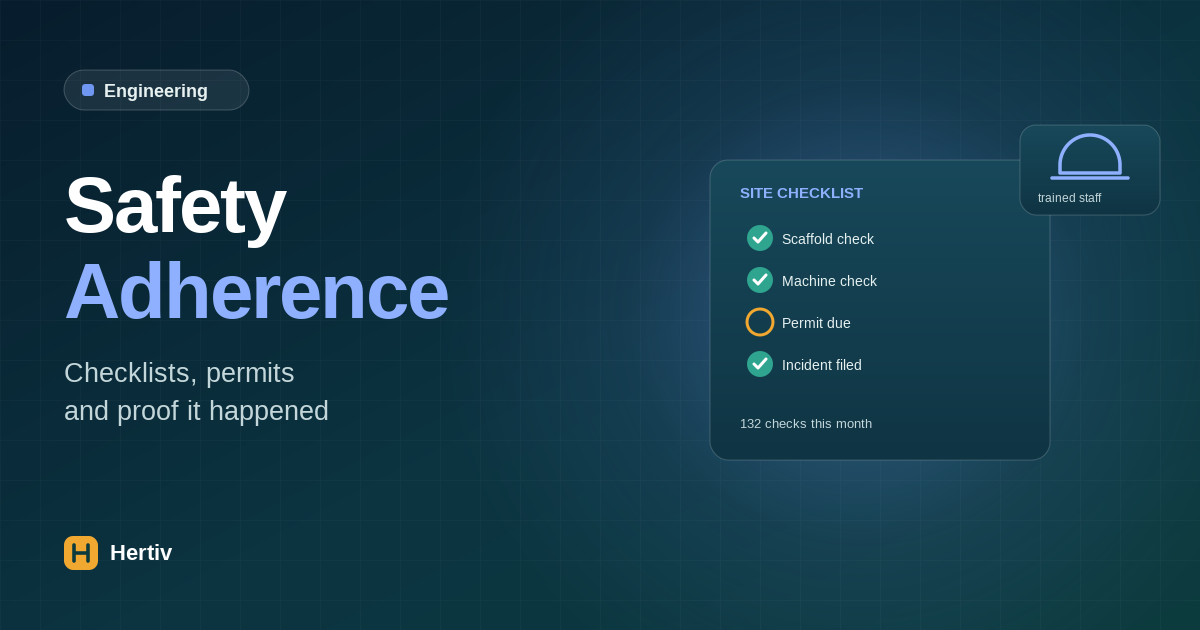
The arithmetic is simple: 6 sites × 1 checklist a day × 22 working days = 132 completed checks a month, each with a time, a name and photos. Before the change, the same checks existed on paper in 6 separate folders, and nobody could say how many were late. The firm measures overdue actions and incident reports for three months before adding permits.
What are the common mistakes?
The most common mistakes are copying paper forms into software without shortening them, rolling out to every site at once, and treating the system as a reporting tool instead of a working tool.
- Forms that are too long. A 40-item checklist on a phone will be rushed or skipped. Split it into short checks that fit the job.
- Big-bang rollout. Launching on all sites at once means every problem hits at once. Start with one site and learn.
- No offline mode. Sites with poor signal need checklists that work offline and sync later, or workers will go back to paper.
- Data nobody reviews. If overdue checks sit unread, the team stops filling them in. Review the dashboard weekly and act on it.
- Skipping training records. A checklist is only valid if the person doing it is trained. Link training expiry to who can be assigned.
Writing the requirements first helps. See how to write a software requirements document before scoping the build.
Software testing methodologies shows how to check the build works.
A partner for custom software development can build the forms around your actual site workflow.
Key takeaways
- Turn safety procedures into checklists people complete on site, with a dated record
- Track checklists, permits, incidents, training and audits in one place
- Start with one site and one checklist, and design the forms with the workers
- Offline checklists and short forms decide whether the team actually uses it
- Review overdue checks weekly, or the data stops being filled in
Frequently asked questions
What is safety adherence software?
It is software that turns safety procedures into checklists, permits and reminders, and records who completed each one and when. It replaces paper forms and spreadsheets with one auditable record that managers can check at any time.
How is it different from a safety management system?
The terms overlap. Safety adherence software focuses on the daily work: checklists, permits and incident reports. A full safety management system also covers risk assessments, policies and management reviews. Many teams start with adherence and grow into the wider system.
Does it work offline on construction sites?
Good systems do. Checklists, photos and signatures are captured offline and sync when the connection returns. If a vendor cannot show offline working on a real phone, it is not a fit for site work.
Who should own the system day to day?
A named safety lead should own the forms, the dashboard and the weekly review. Site supervisors run the daily checks, and managers act on overdue items. Without a named owner, the data is collected and never used.
Can it replace safety training?
No. It records that trained people followed the procedure, but it does not teach the procedure. Training records inside the system help by showing who is qualified for each task before they are assigned.
How do we measure whether it is working?
Track the share of checks completed on time, the number of overdue actions, and how fast incidents are reported and closed. A falling overdue count and faster incident reports are better signs than the number of forms filed.


