How to Write a Software Requirements Document
A software requirements document states what a system must do, who uses it and how success is judged. Write it in plain language, one testable point at a time.
On this page
Short answer
A software requirements document, or SRD, is a written record of what a software system must do, who will use it, and what limits it must work within. It turns a spoken idea into a list of testable requirements that developers can build and testers can check.
What is a software requirements document?
A software requirements document is a single written record of what a system must do, who uses it and how success is judged. It is often called an SRS, and it sits between the business idea and the build.
Its job is to remove guesswork. Without it, each developer fills in gaps from their own reading of the brief, and the result rarely matches what the business expected. With it, the team shares one list of facts to build against.
The document should be short enough to read in one sitting and precise enough to test. Every requirement should be written so a tester can later say yes or no to it. Teams that need help shaping the first version often work with custom software development specialists who write these documents daily.
What goes in a software requirements document?
A good SRD has the same core parts, whatever the system. It starts with purpose and scope, then describes the users, then lists what the system must do and what limits it must respect.
The purpose states the business problem in two or three sentences. The scope lists what is in the build and, just as useful, what is out of it. The user section names each group, such as admin, customer and support staff, and what each one can do.
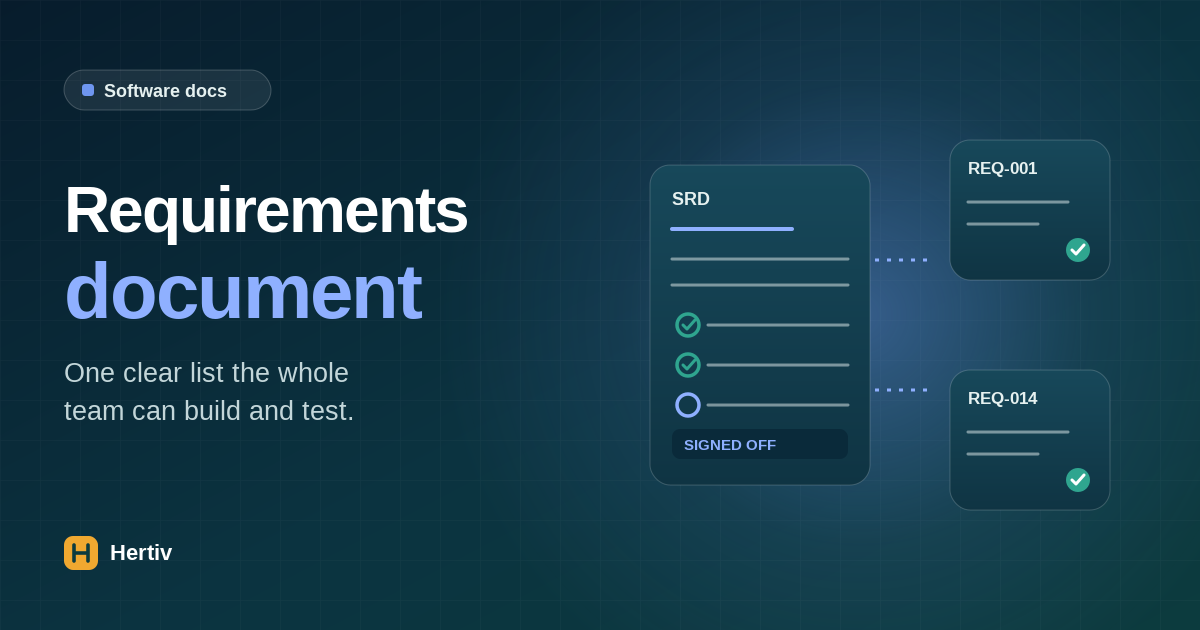
After that come functional requirements, non-functional requirements, data rules, integrations and acceptance criteria. Keep the layout plain and number every requirement, so a discussion can point at REQ-014 instead of a vague paragraph.
| Section | What it answers | Keep it to |
|---|---|---|
| Purpose and scope | Why build this, and what is in or out? | One page |
| Users and roles | Who uses it and what can each role do? | One table |
| Functional requirements | What must the system do? | Numbered, testable points |
| Non-functional requirements | How fast, safe and reliable must it be? | Numbers, not adjectives |
| Data and integrations | What data is stored, and what connects? | Fields and systems named |
| Acceptance criteria | How do we know it is done? | One check per requirement |
How do you write functional requirements?
Write each functional requirement as one sentence that states one behaviour, starting with "The system shall" and naming the actor. For example: "The system shall let a customer reset a password by email link." That is one action, one actor and one result.
Avoid vague words such as fast, easy, user-friendly and robust in this section. Those words belong in the non-functional section, where they must carry a number. A requirement that cannot be tested is a wish, not a requirement.
Group requirements by user journey, not by screen. A journey such as "book an appointment" will touch search, calendar, payment and confirmation, and grouping by journey keeps the reader close to real use. A related skill is scoping the first release, as in what an MVP is, so the document does not try to cover every idea at once.
How do you write non-functional requirements?
Non-functional requirements state how the system must behave, not what it does. They cover speed, uptime, security, accessibility and data rules, and each one needs a number or a named standard.
Write them as measurable limits. "Pages load in under 2 seconds on a 4G connection" can be tested. "The system should be fast" cannot. The same applies to security: name the rule, such as passwords stored with a named hashing method, or data kept in a named region.
Keep this section short and honest. A small team does not need five nines of uptime, and promising it will cost money the business never planned to spend. Pick limits that match the real risk of the system going slow or going down.
How do you review and sign off an SRD?
Review the SRD with the people who will live with it: the business owner, the lead developer and the tester. Each one reads for a different gap, and a one-hour review meeting catches most of them.
- Business read. The owner checks that every requirement maps to a real need and that nothing vital is missing.
- Technical read. The lead developer flags requirements that are unclear, clash with each other or need a system that does not exist yet.
- Test read. The tester checks that each requirement can be tested and writes the acceptance check beside it.
- Fix and freeze. Correct the gaps, version the document and agree that later changes go through a short change note.
- Sign off. The owner and the lead sign the version that the build will follow.
Freezing does not mean the document never changes. It means changes are visible, dated and agreed, instead of slipping in through a chat message. Teams building a first proof of concept can follow the same review habit described in how to build an AI proof of concept.
Example (hypothetical): an SRD for a booking app
Example (hypothetical): a clinic wants a booking app. The team writes 12 functional requirements, 6 non-functional requirements and 3 integration points, and numbers each one from REQ-001 to REQ-021.
The build is planned in 3 sprints of 2 weeks. Sprint 1 covers 7 requirements, sprint 2 covers 8 and sprint 3 covers 6, which adds to 21 requirements in 6 weeks. Each requirement has one acceptance check, so the tester runs 21 checks at the end.
During review the tester finds 4 requirements that cannot be tested, such as "the app should feel modern". The team rewrites them with numbers, for example "the booking screen loads in under 2 seconds". The review takes 2 hours and saves an estimated 3 days of rework later.
Common mistakes
The most common mistake is writing a wish list instead of a specification. A document that lists every idea anyone ever had will never be built, and the team will quietly pick the parts they like. Cut the list to what the first release must do.
A second mistake is copying a template and leaving its example text in place. A template is a starting shape, not content. Every section should be rewritten in the words of this business and this system.
A third mistake is skipping acceptance criteria. Without a check per requirement, "done" means whatever the developer thinks it means, and the argument happens at delivery time instead of at writing time.
A fourth mistake is letting the document rot. If the build changes and the SRD does not, the document becomes fiction. Update it with each agreed change, and keep the version number beside the title.
Key takeaways
- An SRD turns a spoken idea into testable requirements
- One requirement, one behaviour, one acceptance check
- Numbers belong in the non-functional section
- Review with owner, developer and tester before sign-off
- Freeze the version, then track changes in dated notes
Frequently asked questions
What is the difference between an SRD and a PRD?
An SRD states what a system must do and how it must behave, in testable detail for the build team. A PRD states what product to build and why, for product and business readers. Many small teams use one document that covers both.
How long should a software requirements document be?
A first release SRD is usually 8 to 15 pages, with numbered requirements and short tables. Length is less important than testability: a 30-page document full of vague wishes is worse than a 10-page one with clear checks.
Who should write the SRD?
The product owner or business analyst usually writes it, with the lead developer and tester reviewing each section. The writer needs access to the real users, because requirements guessed from a desk are usually wrong.
How do you handle changing requirements?
Log each change with a date, a reason and the requirements it touches, then update the version number. Small changes can be approved by the owner alone, while large ones need the same review as the first draft.
Do small projects need an SRD?
Small projects need a short one, not none at all. Even a 3-page list of numbered requirements with acceptance checks stops the most common arguments about what was agreed. Write it before the build starts, not after.
What tools can you use to write an SRD?
Any shared document tool works, as long as it supports version history, comments and tables. The tool matters far less than numbered requirements, named owners and a signed version. Pick the tool your team already uses every day.


