Software Documentation Intelligence: What It Is and How It Works
Software documentation intelligence reads your code, keeps docs in sync, flags stale pages and answers questions from docs and code. Here is how it works.
On this page
Short answer
Software documentation intelligence is software that reads a codebase and its changes, generates and updates documentation from the code, and answers questions by searching docs and code together. It keeps docs current instead of letting them go stale.
What is software documentation intelligence?
Software documentation intelligence is software that reads a codebase, its changes and its usage, and turns that into documentation that stays current. It generates docs from code, flags pages that no longer match the code, and answers questions by searching the docs and the code together.
Traditional documentation is written once and then goes stale. Code changes every week, but the docs change only when someone remembers to update them. Documentation intelligence closes that gap by watching the code: when a function changes, the tool can update the doc, or at least warn that the doc is now wrong.
It is different from a static docs site. A static site holds pages; documentation intelligence connects those pages to the code they describe, tracks which pages are read and which are ignored, and uses that signal to decide what to fix first.
The audience is both internal and external. Internal teams use it to onboard faster and to answer questions without interrupting senior engineers. External users get docs that match the product they actually run. The guide to document AI use cases covers the related idea of extracting meaning from documents at scale.
How does it keep docs in sync with code?
Documentation intelligence keeps docs in sync by linking each page to the code it describes and checking that link whenever the code changes.
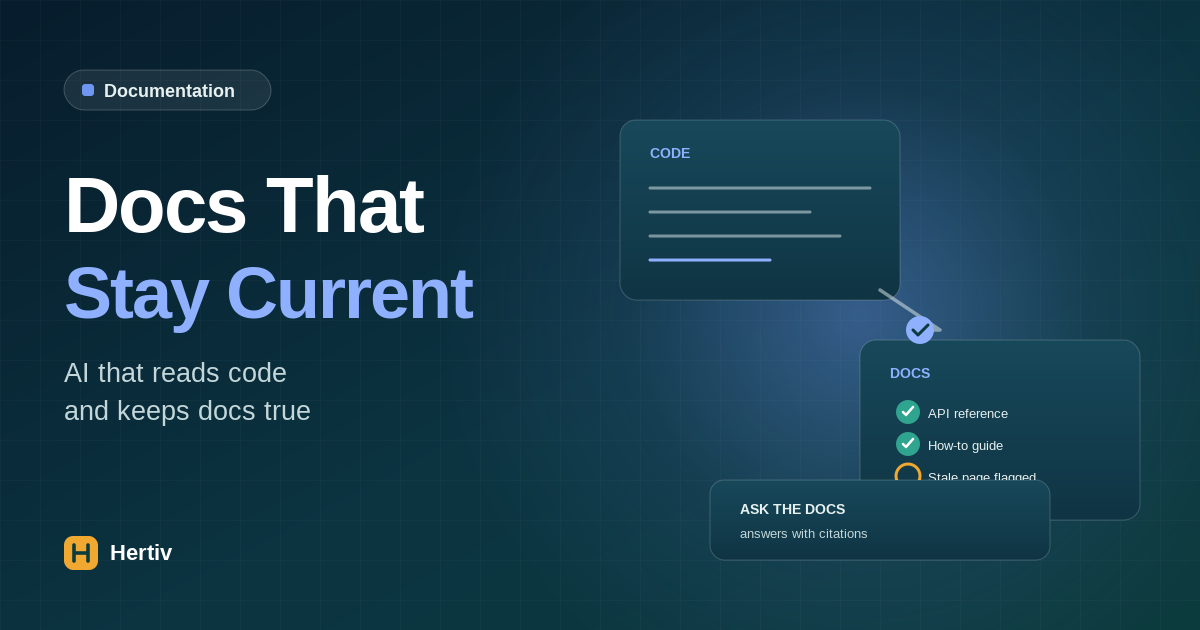
The usual flow is straightforward. The tool indexes the codebase and the docs, and it maps functions, endpoints and configuration options to the pages that mention them. When a pull request changes a function, the tool checks the linked pages and either drafts an update or flags the page as stale. The doc owner reviews the change, just as they would review code.
Some tools go further and generate the first draft of a page from the code itself: function signatures, parameters, return values and examples. A human then edits that draft for clarity and adds the context that code cannot show, such as why a design decision was made.
The check is only as good as the mapping. If a page describes a feature that no code references, the tool cannot tell whether it is stale. Teams that get the most from these tools keep their docs structured, with one page per feature or endpoint, so the mapping stays clean.
What can it generate and answer?
Documentation intelligence can generate API references, how-to guides, changelogs and onboarding paths, and it can answer questions by searching docs and code together.
API references are the easiest win. The tool reads function signatures and type definitions and produces a reference that updates itself when the code changes. How-to guides are harder, because they need judgement about what a user is trying to do, but a tool can draft the steps from code paths and tests, leaving a human to fix the wording.
| Doc type | Generated from | Human review needed |
|---|---|---|
| API reference | Function signatures and types | Examples and edge cases |
| How-to guide | Code paths and tests | Steps, order and wording |
| Changelog | Pull requests and commits | What matters to users |
| Onboarding path | Repo structure and key flows | Order and missing context |
| Troubleshooting | Error logs and past fixes | Accuracy of each fix |
Question answering is where it saves the most time. A developer asks how to call an endpoint or why a config value matters, and the tool answers with a link to the doc and the code that backs it. That is more useful than a plain search, because the answer cites the source the reader can check.
It can also report on the docs themselves: which pages are read most, which are never opened, and which are linked to code that changed recently. That report tells a team where to spend its documentation effort instead of guessing.
How does it help onboarding and support?
Documentation intelligence helps onboarding by giving new hires docs that match the code they are about to read, and it helps support by answering repeated questions from the docs instead of from memory.
New developers usually lose their first weeks to two problems: docs that describe an old version of the system, and questions that only one senior engineer can answer. A tool that keeps docs in sync and answers from the docs reduces both. The new hire reads current docs, asks the tool when stuck, and only interrupts a colleague when the answer is missing.
Support teams get a similar gain. Most support questions repeat, and the answer usually exists in a doc or a code comment. When the tool answers from the docs with a citation, the support agent can check it in seconds and send it on. When the answer is wrong, the citation shows which doc needs fixing, so the fix helps the next customer too.
The effect compounds. Every answered question that leads to a doc fix makes the next answer better, and every stale page that gets flagged makes the docs more trustworthy. For the planning side of this work, see how to write a software requirements document.
Example (hypothetical): a team with 40 services and stale docs
Example (hypothetical): a team runs 40 microservices, each with its own README and API page. The docs were written when the services launched, but the code has changed for two years and nobody has updated most pages. New hires take three weeks to ship their first change, and support agents answer the same five questions every day.
The team connects a documentation intelligence tool to its repositories and docs. In the first week the tool flags 120 pages linked to code that changed: 60 need a small update, 40 describe features that no longer exist, and 20 are never read at all. The team deletes the dead pages, updates the 60, and keeps a list of the 20 unread ones to review later.
Over the next month, the tool drafts updates from pull requests, and a tech writer reviews them in a weekly session of two hours. New hires start shipping in two weeks instead of three, and support agents answer the five repeated questions from cited docs instead of from memory. The arithmetic is simple: 120 stale pages, 60 updated, 40 deleted, 20 parked, and two hours a week to keep them current.
The team did not hire more writers. It changed who does the updating, and when.
What are the common mistakes?
Most documentation intelligence projects fail because the team buys the tool before fixing the docs, or trusts its output without review.
- Generating docs from messy code. If function names and comments are unclear, the generated docs will be unclear too. Clean the code first, or at least the public interfaces.
- Auto-publishing without review. A draft that states the wrong behaviour is worse than a stale page, because readers trust it. Keep a human review step.
- Ignoring the unread pages. Pages nobody opens are either badly titled or no longer needed. Deleting them is often the right fix.
- No owner per page. If nobody owns a page, nobody reviews its updates. Assign one owner per section, not per page.
- Measuring pages, not questions. Counting generated pages says nothing. Track how many questions the docs answer and how fast new hires ship.
- Skipping the mapping. If pages are not linked to the code they describe, the tool cannot tell when they go stale.
How to choose a documentation intelligence tool
Choose a documentation intelligence tool by how it handles your codebase, your review process and your docs format, not by its feature list.
- Check language and repo support. The tool must read the languages your team uses and work with your version control setup. If it only supports one language, it will miss half your system.
- Test the stale-page detection. Give it a repo where you know the docs are out of date, and see whether it flags the right pages. That test tells you more than a demo.
- Check the review flow. Updates should land as drafts or pull requests that a human reviews, not as silent changes to published pages.
- Test the answers. Ask it ten questions your team actually gets, and check each answer against the docs and the code. Count how many are right and how many cite a real source.
- Check where your code goes. Some tools send code to an external service. Make sure that fits your security rules and your contracts before you connect a repository.
Start with one repository and one team, and expand only when the review flow works. The testing guide for system testing has a useful pattern here too: define what good looks like before you trust the tool, then measure against it.
Key takeaways
- Documentation intelligence links docs to code and flags pages when the code changes
- It generates API references and drafts, but a human must review before publishing
- Its biggest gain is answering repeated questions from cited docs, for onboarding and support
- Start by deleting dead pages; a small set of current docs beats a large stale set
- Choose a tool by testing stale-page detection and answer accuracy on your own repos
Frequently asked questions
What is the difference from a normal docs site?
A normal docs site holds static pages that someone must update by hand. Documentation intelligence connects each page to the code it describes, checks that link when code changes, and either drafts an update or flags the page as stale.
Can it write all our documentation?
No. It handles the mechanical parts well, such as API references and change detection, but it cannot explain why a design decision was made or what a user is trying to achieve. Those parts still need people who know the product.
Does it work with any programming language?
It depends on the tool. Most support the common languages and version control systems, but some only handle one or two. Check support for every language your team uses before you buy, and test it on one of your own repositories.
Is our code safe in these tools?
It depends on where the tool runs and what it stores. Some tools send code to an external service, others run inside your own infrastructure. Check the data rules and your security requirements before connecting a repository.
How do we measure whether it works?
Track questions answered from docs, time for new hires to ship their first change, and the share of pages linked to current code. Counting generated pages says nothing; outcomes are what matter.
What should we fix first?
Delete the dead pages, then fix the pages linked to code that changed recently. A smaller set of current docs builds trust faster than a large set that readers have learned to ignore.


