Scraper API Alternatives Worth Comparing
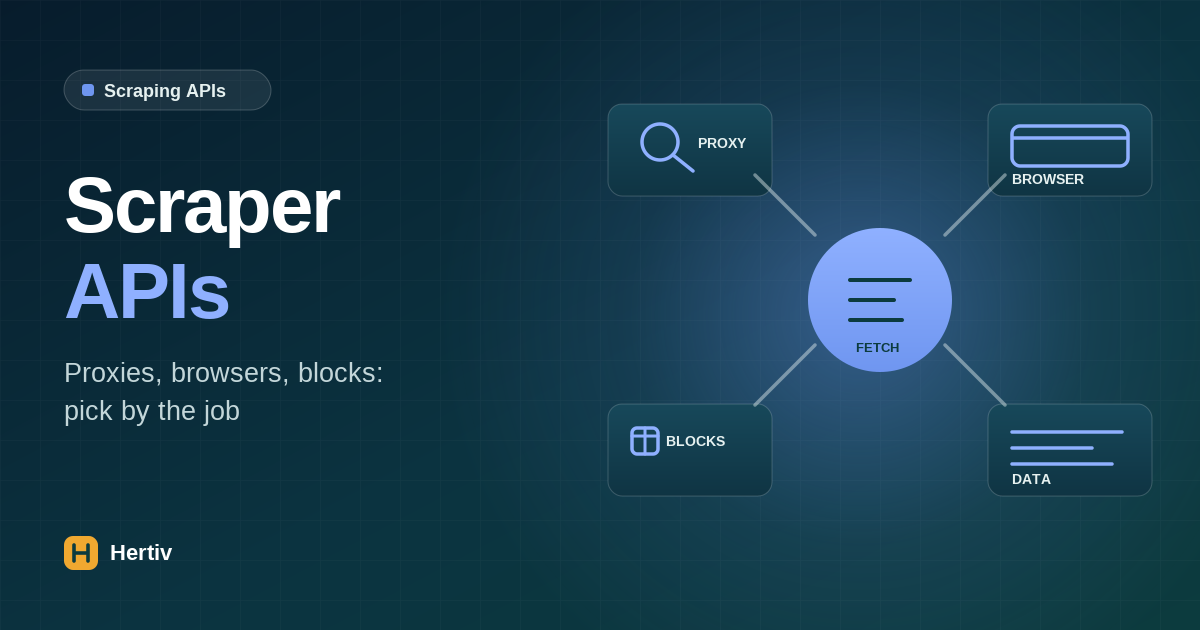
Scraper APIs handle proxies, browsers and blocks so your code gets clean pages. These six alternatives differ in scale, control and price, so pick by the job.
On this page
Short answer
A scraper API is a service that fetches web pages for you, handling the proxies, the browser, the retries and the blocks, and returns the page or the data. The alternatives below differ in how much control they give you, how much traffic they handle, and what they charge, so the right one depends on the job you are scraping for.
Which scraper API alternatives are worth comparing?
A scraper API is worth comparing when you need pages fetched at scale without running your own proxy pool and browser fleet. The six below cover the common choices, from managed scraping platforms to simple page-fetch APIs.
| Service | Best for | Control level | Starting point |
|---|---|---|---|
| Bright Data | Large, steady scraping | High | See vendor site |
| Oxylabs | Large proxy pools | High | See vendor site |
| Apify | Ready-made scrapers | Medium | See vendor site |
| ScrapingBee | Simple page fetches | Low | See vendor site |
| Zenserp | Search results at scale | Low | See vendor site |
| SerpAPI | Search results with structure | Low | See vendor site |
All six are operating today and are used by teams that scrape at scale. Prices change often, so check the vendor site before budgeting. For the search-results side of the same market, SERP API alternatives covers the search-focused services in more depth.
<h3>1. Bright Data: best for large, steady scraping</h3>
Bright Data is a scraping platform built for teams that fetch millions of pages a month. It offers residential and datacentre proxies, a browser service, and a scraping browser that handles the hard parts of a page load, plus datasets for common targets.
The platform suits a team with steady volume and a need for control over proxy type, location and session. It is a large service with many options, so a small team may find the setup heavier than a simple page-fetch API.
- Pros: Very large proxy pool; scraping browser and datasets; fine control over location and session.
- Cons: Setup takes longer than a simple API; pricing needs care at low volume.
<h3>2. Oxylabs: best for large proxy pools</h3>
Oxylabs is a proxy and scraping provider with a large residential and datacentre pool, a web scraper API that handles the browser and the retries, and a scraping browser for pages that need JavaScript.
It suits teams that already know how to write scrapers and want reliable proxies behind them. The scraper API removes the browser work, while the raw proxy service suits teams that want to run their own fetching code.
- Pros: Large, stable proxy pool; scraper API plus raw proxies; good documentation.
- Cons: Pricing is aimed at teams with real volume; small jobs may be cheaper elsewhere.
<h3>3. Apify: best for ready-made scrapers</h3>
Apify is a platform where you run ready-made scrapers, called actors, for common sites, or write your own and run them on its cloud. It handles the proxies, the browsers and the scheduling, and stores the results.
It suits a team that wants a scraper for a common site without writing one. The actor store covers many popular targets, and custom actors cover the rest. The trade-off is that you work inside Apify's platform rather than calling a plain API.
- Pros: Ready-made scrapers for common sites; scheduling and storage included; easy to start.
- Cons: Less direct control than a raw API; costs grow with the number of actors running.
<h3>4. ScrapingBee: best for simple page fetches</h3>
ScrapingBee is a simple API that fetches a page and returns the HTML, handling the proxy, the browser and the blocks. You send a URL and get the page back, with options for JavaScript rendering and screenshots.
It suits a small job: a few thousand pages a month, a simple script, and no wish to manage proxies. It does not offer the datasets or the large proxy controls of the bigger platforms, and that is the point: it does one job simply.
- Pros: Very simple to use; no proxy management; JavaScript rendering included.
- Cons: Fewer controls for large or complex jobs; no dataset service.
<h3>5. Zenserp: best for search results at scale</h3>
Zenserp is a search API that returns search results as structured data, handling the proxies and the blocks. It covers the main search engines and returns the results in a form a script can read without parsing HTML.
It suits a team that scrapes search results rather than whole sites: rank tracking, keyword research, or price checks that start from a search page. It is not a general page-fetch API, so it does not fit jobs that need the full page.
- Pros: Structured search results; simple pricing; no HTML parsing needed.
- Cons: Search results only; not a general scraping API.
<h3>6. SerpAPI: best for search results with structure</h3>
SerpAPI returns search results as structured data, covering the main search engines and their extra features such as local results, images and shopping. It handles the proxies and the blocks, and returns the data in JSON.
It suits a team that needs search data in a clean form, with the extra result types included. Like Zenserp, it is a search API rather than a general scraper, so a job that needs the full page should use a page-fetch service instead.
- Pros: Rich structured search data; covers many search engines; simple to call.
- Cons: Search results only; costs grow with the number of searches.
How to choose a scraper API
Choosing a scraper API starts with the job, not the vendor. A team that needs search results should pick a search API, while a team that needs whole pages should pick a page-fetch service.
- Define the target. List the sites and the pages you need, and whether you need the HTML or structured data.
- Count the volume. Work out the pages per month, because the price is usually per request and the volume decides the plan.
- Check the hard pages. Test the pages that need JavaScript or login, because those are the ones that fail most often.
- Test with a small run. Run a few hundred requests on the real targets and check the success rate and the data quality.
- Check the rules. Read the target site's terms and the law in your market before scraping, and respect rate limits.
The small test run is the step teams skip, and it is the one that saves the most money. A service that works on easy pages and fails on the hard ones is not the right service, whatever its price. For the testing side of any tool choice, how to test AI models shows the same test-first discipline applied to a different kind of tool.
What are the common mistakes?
The most common mistakes when choosing a scraper API are picking by price alone, skipping the test run, and ignoring the target site's rules.
- Picking the cheapest plan. A cheap plan with a low success rate costs more in failed requests and missing data than a dearer plan that works.
- Skipping the test run. A service that handles simple pages may fail on the pages you actually need. Test the real targets first.
- Ignoring the rules. Scraping a site against its terms can get the account blocked and the data lost. Read the terms first.
- Scraping everything. Fetching every page on a site wastes requests. Fetch only the pages the job needs.
For the tooling side of the same decision, software development tools shows how teams pick the tools they actually use.
Key takeaways
- A scraper API fetches pages for you, handling proxies, browsers and blocks
- Search-result jobs need a search API; whole-page jobs need a page-fetch service
- Bright Data and Oxylabs suit large, steady volume; ScrapingBee suits simple jobs
- Test the hard pages with a small run before committing to a plan
- Check the target site's terms and respect rate limits
Frequently asked questions
What is a scraper API?
A scraper API is a service that fetches web pages for you. It handles the proxies, the browser, the retries and the blocks, and returns the page or the data, so your code does not need to manage any of that itself.
How much does a scraper API cost?
Most services charge per request or per successful fetch, and the price falls with volume. Prices change often, so check the vendor site for the current plan and run a small test before budgeting for the full job.
Is web scraping legal?
It depends on the target site's terms and the law in your market. Public data is usually safer than data behind a login, and respecting rate limits and terms is part of the job. Check the rules before you scrape.
What is the difference between a scraper API and a proxy?
A proxy only routes your requests through another address, while a scraper API also runs the browser, handles retries and blocks, and returns the page or the data. A proxy suits teams that run their own fetching code.
Do I need a scraper API for a small job?
Probably not, if the job is a few hundred pages a month and the pages are simple. A small script with a simple API such as ScrapingBee is usually enough, and a full platform would cost more than the job is worth.
What should I test before choosing a scraper API?
Test the real targets, especially the pages that need JavaScript or a login, and check the success rate and the data quality. A service that works on easy pages and fails on the hard ones is not the right choice.


