Salesforce Commerce Cloud Alternatives Worth Comparing
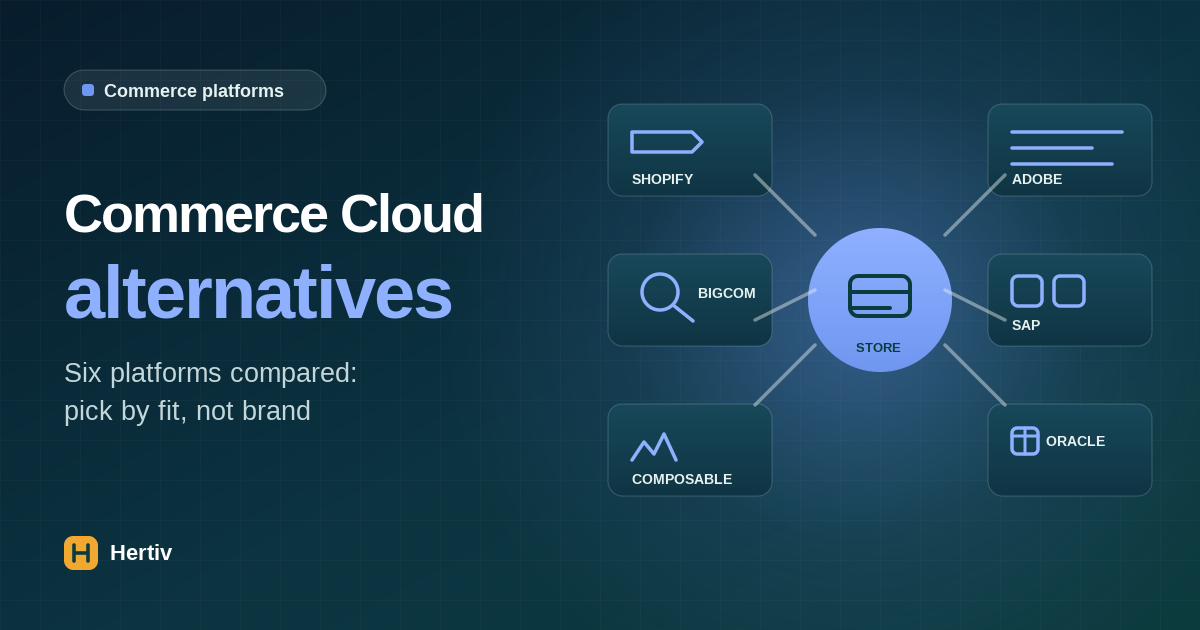
These six platforms cover the same ground as Salesforce Commerce Cloud, from hosted storefronts to composable commerce. Compare them on fit, not on brand.
On this page
Short answer
A Salesforce Commerce Cloud alternative is a platform that runs an online store with a catalogue, a cart, checkout and order management, without the cost and complexity of Salesforce. The right choice depends on the size of the catalogue, the channels you sell on, and how much custom work your store needs.
Which Salesforce Commerce Cloud alternatives should you compare?
The platforms below all run online stores with a catalogue, a cart, checkout and order management. The table gives a quick comparison; the sections after it explain what each platform does best.
| Platform | Best for | Hosting | Typical store |
|---|---|---|---|
| Shopify Plus | Fast-growing brands | Hosted | Fashion, beauty, consumer goods |
| Adobe Commerce | Complex catalogues | Self-hosted or cloud | B2B, large catalogues |
| BigCommerce | Mid-size stores | Hosted | Multi-channel retail |
| SAP Commerce Cloud | Large enterprises | Cloud | Manufacturing, B2B, global retail |
| commercetools | Composable commerce | Cloud, API-first | Custom storefronts, headless |
| Oracle Commerce | Enterprise retail | Cloud | Large retailers with Oracle systems |
Prices are not listed here because each platform prices by store size, features and contract. Ask each vendor for a quote based on your catalogue, your traffic and your channels, or check the vendor site. For the cost side of building a store, what an ecommerce app costs to build covers the build work.
<h3>1. Shopify Plus: best for fast-growing brands</h3>
Shopify Plus is the enterprise version of Shopify, a hosted platform for running an online store. It includes the storefront, the checkout, the admin tools and the apps, so a team can launch without managing servers.
It suits brands that are growing fast and want to launch quickly, such as fashion, beauty and consumer goods stores. The platform handles the hosting, the security and the checkout, so the team can focus on the products and the marketing.
Pros:
- Fast to launch, with hosting and checkout included
- Large app store for adding features
- Easy for non-technical teams to run day to day
Cons:
- Less control over the checkout than a custom build
- Costs grow with sales and added apps
<h3>2. Adobe Commerce: best for complex catalogues</h3>
Adobe Commerce, formerly Magento, is a platform for stores with large catalogues, complex pricing and business-to-business sales. It can be self-hosted or run on Adobe's cloud, and it can be customised deeply.
It suits businesses with many products, many customer groups, or complex rules, such as tiered pricing, quotes and approvals. The platform is powerful but needs a development team to build and maintain it.
Pros:
- Deep customisation for complex catalogues and B2B rules
- Strong ecosystem of developers and extensions
- Works for very large stores
Cons:
- Needs a development team to run well
- Slower and costlier to launch than a hosted platform
<h3>3. BigCommerce: best for mid-size stores</h3>
BigCommerce is a hosted platform for mid-size stores that sell on several channels at once, such as their own site, marketplaces and social media. It includes the storefront, the checkout and the admin tools.
It suits retailers that want a hosted platform with more built-in features than the simplest tools, without the cost of a fully custom build. The platform includes multi-channel selling and a set of built-in tools for search, promotions and abandoned carts.
Pros:
- Hosted, so no servers to manage
- Built-in multi-channel selling
- Good balance of features and ease of use
Cons:
- Less flexible than a fully custom platform
- Some advanced features need a higher plan; see vendor site
<h3>4. SAP Commerce Cloud: best for large enterprises</h3>
SAP Commerce Cloud is an enterprise commerce platform for large businesses, often those already running SAP for finance, warehousing or manufacturing. It covers B2B and B2C sales, product content and order management.
It suits large enterprises that need a platform tied into their SAP systems, with complex pricing, product configuration and global operations. The platform is powerful but needs a specialist team and a long implementation.
Pros:
- Deep integration with SAP systems
- Built for B2B and global operations
- Handles complex pricing and product rules
Cons:
- Long and costly to implement
- Too heavy for a small or mid-size store
<h3>5. commercetools: best for composable commerce</h3>
commercetools is a cloud platform built around APIs, where a business picks the pieces it needs, such as the cart, the catalogue and the checkout, and builds its own storefront on top of them.
It suits teams that want a custom storefront and the freedom to change each piece, such as a brand with a unique design or a business that sells across web, mobile and in-store. The platform is API-first, so the team needs developers to build and run it.
Pros:
- Pick and change each piece of the stack
- API-first, so it works with any storefront
- Scales well for large and custom stores
Cons:
- Needs developers to build and maintain the storefront
- More moving parts than a single hosted platform
<h3>6. Oracle Commerce: best for enterprise retail</h3>
Oracle Commerce is an enterprise commerce platform for large retailers, often those already running Oracle systems. It covers the storefront, the catalogue, search and order management, with tools for personalisation and promotions.
It suits large retailers that need a platform tied into their Oracle stack, with the scale to handle high traffic and large catalogues. Like other enterprise platforms, it needs a specialist team to implement and run.
Pros:
- Strong fit for retailers already on Oracle
- Built for high traffic and large catalogues
- Personalisation and promotion tools included
Cons:
- Long and costly to implement
- Too heavy for a small or mid-size store
How to choose a Salesforce Commerce Cloud alternative
Choosing an alternative starts with the store you need to run, not with the platform. A store with 100 products and one channel needs a different platform from a store with 100,000 products and five channels.
- List the must-have features. Catalogue size, B2B pricing, multi-channel selling and checkout control decide the shortlist.
- Decide hosted or custom. A hosted platform launches faster and costs less to run, while a custom or composable platform gives more control.
- Check the integrations. The platform must connect to your payments, warehouse, CRM and accounting tools, or the team will work around it.
- Count the total cost. Licence, implementation, apps and maintenance all count, not just the monthly fee. Ask each vendor for the full picture.
- Ask for a demo on your catalogue. A demo with your own products and prices shows whether the platform fits, while a generic demo hides the gaps. For the validation stage, how to validate an app idea covers testing the idea before you build.
Shortlist two or three platforms and compare them on the same facts: the features, the integrations, the total cost and the time to launch. The comparison should be written down, so the decision can be checked later.
What are the common mistakes?
The most common mistakes when replacing Salesforce Commerce Cloud are choosing on brand, underestimating the migration, and ignoring the total cost.
- Choosing on brand alone. A well-known platform is not the right one if it cannot handle your catalogue, your channels or your pricing rules.
- Underestimating the migration. Moving products, customers, orders and URLs takes longer than expected. Plan the migration as its own project.
- Ignoring the total cost. The monthly fee is only part of the cost. Implementation, apps, integrations and maintenance add up.
- Skipping the integrations check. A platform that cannot connect to your warehouse or payment provider will cost more to work around than it saves.
- No plan for the old store. The old store must keep running while the new one is built. Agree the cutover plan before the build starts.
For the build side of a store, what a minimum viable product is helps keep the first version focused on the essentials.
Key takeaways
- An alternative should be judged on fit for your catalogue, channels and pricing rules
- Hosted platforms launch faster; custom and composable platforms give more control
- Check the integrations with payments, warehouse, CRM and accounting before you choose
- Count the total cost: licence, implementation, apps and maintenance
- Demo each platform on your own catalogue, not on a sample store
Frequently asked questions
What is the cheapest Salesforce Commerce Cloud alternative?
It depends on the size of the store and the features you need. A hosted platform is usually cheaper to start than an enterprise platform, because it includes the hosting and the checkout. Ask each vendor for a quote on the same brief, or check the vendor site.
Is Shopify Plus a good Salesforce Commerce Cloud alternative?
Yes, for fast-growing brands that want to launch quickly on a hosted platform. It suits fashion, beauty and consumer goods stores. It is less suited to stores with very complex B2B pricing or catalogue rules.
Can I migrate from Salesforce Commerce Cloud to another platform?
Yes. The migration covers products, customers, orders and URLs, and it should be planned as its own project. The old store should keep running while the new one is built, with a clear cutover plan.
What is composable commerce?
Composable commerce means picking the pieces of a store separately, such as the cart, the catalogue and the checkout, and building your own storefront on top of them through APIs. It gives more control but needs developers to build and run.
Do I need developers to run a Salesforce Commerce Cloud alternative?
It depends on the platform. Hosted platforms can be run by a non-technical team, while custom and composable platforms need developers. Enterprise platforms need a specialist team to implement and maintain.
How long does it take to switch platforms?
A simple store can move in a few months, while a large store with many products and integrations takes longer. The migration, the integrations and the testing usually take more time than the storefront itself.


