8 RAG Use Cases in Insurance Worth Building
RAG pairs a language model with your own documents so answers cite real policy wording. Here are eight insurance use cases where that pattern pays off.
On this page
Short answer
The RAG use cases that work best in insurance are the ones grounded in documents your staff already trust: claims files, policy wordings, underwriting guides and regulatory notes. Retrieval-augmented generation pairs a language model with those sources, so answers cite real wording instead of guessing. Start with one high-volume question type, build a clean document set, and measure answers against known cases before you expand.
Which RAG use cases fit insurance?
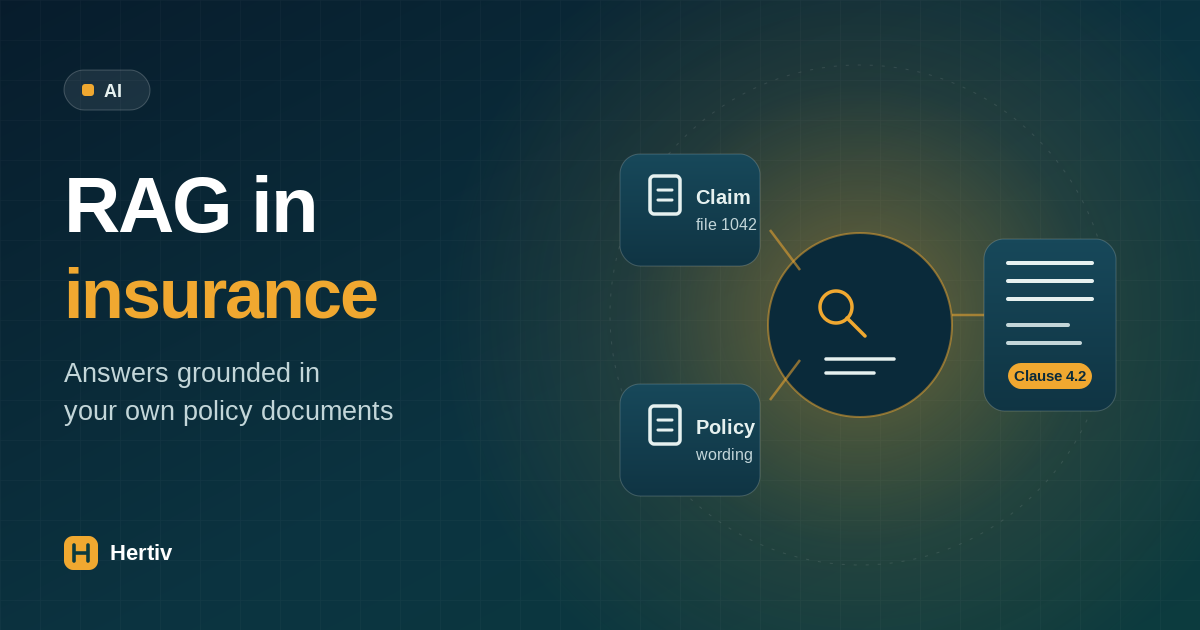
The RAG use cases that fit insurance are the ones where staff already look up answers in documents: claims files, policy wordings, underwriting guides and regulatory notes. Retrieval-augmented generation pairs a language model with those sources, so answers cite real wording instead of guessing.
Use this comparison to shortlist. Effort assumes your documents are already digital and searchable.
| Use case | What it answers | Source documents | Effort |
|---|---|---|---|
| Claims document Q&A | What is covered in this claim? | Policy wording, claim file | Medium |
| Underwriting guide lookup | Can we write this risk? | Underwriting manual, referrals | Medium |
| Policyholder Q&A | What does my policy cover? | Policy documents, endorsements | Medium |
| Agent assist | What do I tell this customer? | Product guides, scripts | Low to medium |
| Fraud-signal search | Does this pattern match past fraud? | Investigation notes, claims history | High |
| Regulatory Q&A | What does this rule require? | Regulations, circulars, filings | Medium |
| Reinsurance treaty search | What does the treaty cover? | Treaty wordings, slips | Medium |
| Onboarding document help | What do we still need from the client? | Checklists, KYC forms | Low |
Start with one row, not all eight. A single claims or underwriting use case with a clean document set teaches you more about retrieval quality than a programme across the whole company. For the underlying pattern, RAG development cost explains what a first build usually involves.
Claims document Q&A and underwriting guide lookup
1. Claims document Q&A: best for faster claim decisions
Claims handlers spend much of their day reading policy wordings and claim files to decide what is covered. A RAG assistant retrieves the relevant clauses and the matching claim history, then drafts an answer with citations so the handler can check it in seconds.
The pattern works because the answer must come from a specific document, not from general knowledge. If the policy wording does not cover the loss, the assistant should say so and point to the clause, rather than inventing a friendlier answer.
Pros: faster decisions, consistent citations, easier training for new handlers.
Cons: needs clean, current policy documents; poor retrieval on scanned files.
2. Underwriting guide lookup: best for consistent risk decisions
Underwriters check manuals, referral rules and past decisions before accepting a risk. A RAG assistant pulls the relevant sections and shows similar past cases, so two underwriters facing the same risk reach the same answer.
The value is consistency. Underwriting guides are long and change often, so a search tool that always reads the current version beats a shared drive full of outdated PDFs.
Pros: consistent decisions, faster referrals, always reads the current guide.
Cons: needs version control on guides; weak on risks with no precedent.
Policyholder Q&A and agent assist
3. Policyholder Q&A: best for cutting call volume
Policyholders ask the same questions again and again: what is covered, what is the excess, how do I claim. A RAG assistant grounded in the customer's own policy documents answers with the exact wording and the relevant clause, instead of a generic help article.
This only works when the assistant reads the right policy version for that customer. Grounding in the customer's documents is what separates it from a general chatbot, and it is also what makes the answers trustworthy.
Pros: fewer routine calls, answers tied to the customer's own policy.
Cons: needs per-customer document access; must hand off sensitive cases.
4. Agent assist: best for faster, more accurate sales conversations
Agents and brokers need product details while talking to a customer, not after the call. An agent assist tool retrieves product guides, exclusions and pricing notes as the agent types, so the answer is ready before the customer waits.
The tool should show its sources on screen. An agent who can see the clause behind an answer will trust it and repeat it correctly; one who cannot will ignore it.
Pros: answers during the call, fewer callbacks, better product knowledge.
Cons: needs fast retrieval; useless if product guides are out of date.
Fraud-signal search and regulatory Q&A
5. Fraud-signal search: best for spotting repeat patterns
Investigators compare a new claim against past investigations, looking for the same repair shop, the same wording or the same sequence of events. A RAG search over investigation notes and claims history surfaces those matches with their sources, so the investigator can judge whether the pattern is real.
This is a search and triage tool, not a verdict. The final call stays with the investigator, because a pattern match is a lead, not proof.
Pros: faster pattern matching, evidence linked to sources, better triage.
Cons: sensitive data, high effort, needs strict access control.
6. Regulatory Q&A: best for keeping answers current
Compliance teams answer questions about rules that change every year. A RAG assistant over regulations, circulars and past filings gives answers with the exact paragraph cited, so the team can check the source instead of trusting memory.
Version control is the hard part. Regulations get amended, and an assistant reading an old version gives a confident wrong answer. The document set must track which version is current.
Pros: cited answers, faster compliance checks, easier audits.
Cons: needs strict versioning; wrong when the source set is stale.
Reinsurance treaty search and onboarding document help
7. Reinsurance treaty search: best for quick coverage checks
Reinsurance treaties are long, dense and written in specialist language. When a large claim arrives, staff need to know quickly whether the treaty responds and what the retention is. A RAG assistant retrieves the relevant treaty sections and shows the numbers with their source.
The audience is small and expert, which makes this a good early use case: the users can judge answer quality themselves, and the document set is small enough to keep clean.
Pros: fast coverage checks, small expert user base, clean document set.
Cons: treaty wordings vary widely; needs expert review of answers.
8. Onboarding document help: best for fewer back-and-forths
Onboarding a new client means collecting documents, checking them against a list and chasing what is missing. A RAG assistant reads the checklist and the documents already received, then tells the handler exactly what is still needed and why.
This is the simplest use case on the list, which makes it a good first build. The documents are structured, the questions are narrow, and the success metric is easy to count: fewer messages per onboarding.
Pros: fewer follow-ups, clear success metric, low effort.
Cons: limited scope; needs clean checklists to work well.
How to choose your first RAG use case
Choose your first RAG use case by document quality and measurability, not by how impressive the demo looks. A use case with clean documents and a countable outcome will teach you more than a broad one with neither.
- List the questions your staff answer from documents every day, and count how often each one comes up.
- Check the document set for the top question: is it digital, current and in one place?
- Build a test set of real questions with known good answers, drawn from past cases.
- Ship the assistant to a small team with citations shown and a clear handoff rule.
- Measure answer accuracy and time saved for a month, then decide whether to expand.
Document quality decides the outcome. If the policy wordings are duplicated, outdated or scanned as images, fix that before you build the assistant; retrieval quality follows document quality. For the document side, document AI covers extraction and structuring.
What are the common mistakes?
Most RAG failures in insurance come from the document set, not from the model. Teams skip the cleanup, then blame the assistant for answers that cite the wrong version of a document.
- Building on stale or duplicated documents
- No citations, so staff cannot check the answer
- No handoff rule for sensitive or high-value cases
- Measuring usage instead of answer accuracy
- Giving the assistant access to documents a user should not see
- Starting with five use cases instead of one
If you are planning a RAG build, RAG use cases in legal shows how the same pattern works in a neighbouring field.
Key takeaways
- Pick use cases where the answer must come from a specific document
- Citations are what make staff trust the assistant
- Document quality decides retrieval quality
- Start with one high-volume question type and a clean document set
- Keep a handoff rule for sensitive and high-value cases
Frequently asked questions
What is RAG in insurance?
RAG, or retrieval-augmented generation, pairs a language model with your own documents. When staff ask a question, the system retrieves the relevant policy wording or claim file first, then drafts an answer that cites it, so the answer is grounded in your documents rather than guessed.
Which insurance RAG use case should come first?
Start with the question your staff answer from documents most often, provided the document set is digital, current and in one place. Claims document Q and A and underwriting lookup are common first choices because the questions repeat and the sources are well defined.
Do we need to fine-tune a model for insurance RAG?
Usually not at first. Retrieval over your own documents plus a clear prompt handles most claims, underwriting and policy questions. Fine-tuning helps later, once you have an evaluation set and a clear format requirement.
How do we stop the assistant giving wrong answers?
Show citations with every answer, keep the document set current, and route sensitive or high-value cases to a human. Measure answer accuracy on a fixed test set of real questions, and add failures to that set as you find them.
Can a RAG assistant see all our documents?
It should only see what the asking user is allowed to see. Apply the same access rules to retrieval as you apply to the document store, and keep sensitive investigation material in a separate, restricted set.
How long does a first insurance RAG use case take?
A narrow use case with clean documents typically takes a few weeks to reach a small team. The document cleanup and the test set usually take longer than the model work, so start those first.


