QR Code Alternatives: 6 Ways to Share a Link
QR codes work well, but they are not the only way to move someone from the real world to a web page or app. Here are six alternatives and when each one fits.
On this page
Short answer
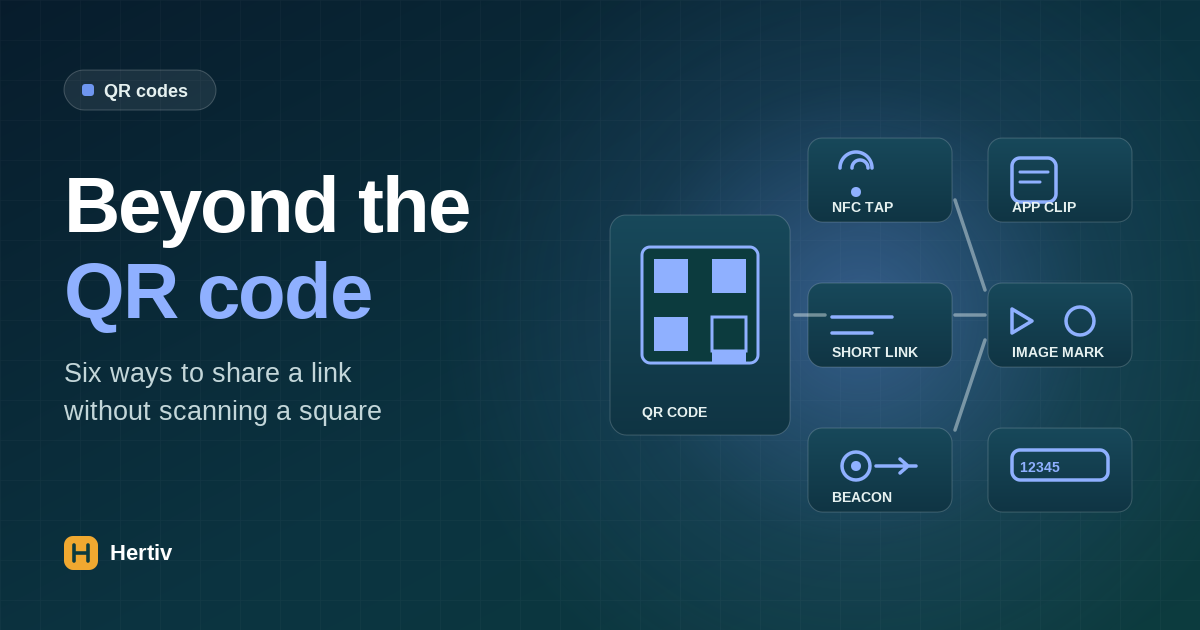
QR codes are quick and cheap, but they need a camera, good light and a printed square that people notice. Alternatives such as NFC tags, short links, Bluetooth beacons, App Clips, image markers and SMS codes can work better in the right place. The best choice depends on where people meet your link, what phone they hold, and whether you need to track the result.
Which QR code alternatives are worth using?
Six alternatives cover most cases where a QR code feels awkward or fails. The table compares them on what the user does, what it costs to set up, and where each one works best.
| Alternative | What the user does | Best for |
|---|---|---|
| NFC tag | Taps the phone on a tag | Posters, tables, tickets |
| Short link | Types or taps a short web address | Print, radio, spoken mentions |
| Bluetooth beacon | Walks past, gets a prompt | Shops, museums, events |
| App Clip / Instant App | Taps a link, tries part of the app | Payments, parking, ordering |
| Image marker | Points the camera at a picture | Packaging, exhibitions |
| SMS short code | Texts a word to a short number | TV, billboards, older phones |
None of these replaces QR codes everywhere. A QR code is still the cheapest option for a printed flyer, and it works on almost every phone. The alternatives below win when a tap, a spoken word or a walk-past beats scanning a square.
<h3>1. NFC tag: best for a tap-and-go moment</h3>
An NFC tag is a small chip, often a sticker, that opens a link when a phone taps it. The user does not open a camera app or line up a square. They hold the phone near the tag and the page opens. Tags cost little, need no battery, and work well on posters, tables, tickets and product labels.
The catch is reach. Older phones and some budget models lack NFC, and users need to know to tap. A tag also holds only a short link, so it suits one action, such as opening a menu or a payment page.
- Pros: one tap, no app needed, works in low light
- Cons: not every phone has NFC, the tag can be removed or damaged
<h3>2. Short link: best for print and spoken mentions</h3>
A short link is a brief web address, such as yoursite.com/menu, that people can type or remember. It works on every device, in every country, with no camera or special hardware. It fits on a business card, a radio ad, a slide or a spoken announcement.
The weakness is typing. A link that is hard to spell or say will lose people, so keep it to one or two short words. Short links also give you click counts, which makes it easy to compare one poster or ad against another.
- Pros: works everywhere, easy to track, costs nothing
- Cons: typing errors, slower than a tap or scan
<h3>3. Bluetooth beacon: best for places people walk through</h3>
A Bluetooth beacon is a small device that sends a signal to nearby phones, which can then show a prompt or open a page. It suits shops, museums and events, where the message should arrive when a person reaches a spot, not when they choose to scan something.
Beacons need an app on the user's phone to receive the signal, which limits their reach. They also need batteries and upkeep, so they suit a fixed venue more than a one-off flyer.
- Pros: reaches people without any action from them, works by location
- Cons: needs an app installed, needs battery and upkeep
<h3>4. App Clip and Instant App: best for a one-time task</h3>
App Clips on iPhone and Instant Apps on Android let someone use part of an app without installing it. A tap on a link, an NFC tag or a code opens a small slice of the app, such as paying for parking or ordering food, and the user can install the full app later if they want.
The trade-off is build cost. Your team must carve out a small, fast slice of the app, and keep it under the size limit the store sets. For a task people do once, such as paying a bill, that effort pays off in fewer dropped users.
- Pros: no install needed, fast first use, good for payments
- Cons: extra build work, limited to one task
<h3>5. Image marker: best for packaging and displays</h3>
An image marker uses a picture, a logo or a package design as the trigger. The user points the camera at the image, and an app opens a page, a 3D view or extra content. It turns the product itself into the link, with no square code printed on it.
This option needs an app that can read markers, and it works best when the image is clear and well lit. It suits packaging, exhibitions and printed guides, where the design should stay clean and a QR code would spoil the look.
- Pros: no visible code, ties content to the product itself
- Cons: needs a marker-reading app, fails in poor light
<h3>6. SMS short code: best for TV and billboards</h3>
An SMS short code is a short number, such as 12345, that people text a word to. The reply can hold a link, a voucher or a sign-up confirmation. It works on every phone, including old ones, and it works from a TV ad or a billboard where no one can scan a code.
The cost is the catch. Short codes are rented, and each message has a price, so the model fits campaigns with a clear return, not everyday links. Rules about consent and opt-out also apply, so the sign-up wording must be clear.
- Pros: works on any phone, good for broadcast media
- Cons: rental and message costs, needs clear consent wording
How to choose a QR code alternative
Choosing the right alternative starts with where people meet your link. Follow these five steps to pick one that fits the moment.
- Find the moment. Note where the person is and what they hold: a poster, a table, a TV screen, a shop floor.
- Count the steps. Pick the option with the fewest actions between seeing the trigger and reaching the page.
- Check the phones. If many users have older phones, skip NFC and beacons and use a short link or SMS.
- Test in the real place. Try the tag, link or beacon where it will live, in the light and noise of that place.
- Track the result. Give each placement its own link or code, so you can see which one brings clicks.
When in doubt, keep the QR code as a backup. A small code next to an NFC tag costs nothing and catches the phones that cannot tap. For app teams weighing what to build first, what an MVP is helps to keep the first version small.
What are the common mistakes?
The most common mistakes when replacing QR codes are picking a method your users cannot use, hiding the trigger, and never testing it where it will live.
- Picking tech your users lack. NFC tags fail if most visitors carry phones without NFC.
- No visible cue. A tap target with no sign is invisible. Say "tap here" in plain words.
- Long short links. A link that is hard to type or say loses the people it was made for.
- Skipping the test. A beacon that works in the office may fail in a busy hall full of people.
- No tracking. Without a distinct link per placement, you cannot tell which one works.
Before building a custom flow around any of these, check that the idea is worth the effort. How to validate an app idea shows a short way to test demand with a small group first.
For the app side of the work, a mobile app development checklist covers the groundwork that applies to any app build.
Key takeaways
- QR codes are cheap, but a tap or a typed link can fit the moment better
- NFC suits posters and tables; short links suit print and spoken mentions
- Beacons and image markers need an app, so they fit fixed venues
- App Clips suit one-time tasks such as paying or ordering
- Test the trigger in the real place, with the phones visitors carry
- Track each placement with its own link, so you know what works
Frequently asked questions
Are QR codes still the best option?
Often, yes. QR codes cost nothing, work on almost every phone and need no app. The alternatives in this article win in specific places, such as a dark room where scanning fails, a TV ad no one can scan, or a payment flow where a tap is faster.
Do NFC tags work on iPhones?
Yes, on iPhones from the iPhone 7 onward, as long as the phone runs a recent iOS version. The user taps the phone on the tag and the link opens. Older models may need the user to open a reader first, so test with the phones your visitors carry.
What is the cheapest QR code alternative?
A short link costs nothing to create and works on every device. It suits print, radio and slides, where a QR code would be hard to scan. The cost is typing: keep the link to one or two short words that are easy to spell.
Can a QR code alternative track scans?
Yes, if each placement uses its own link. Short links and SMS codes give click and message counts by placement. NFC tags and beacons can carry distinct links too, so you can compare one poster, table or room against another.
Do I need an app for a Bluetooth beacon?
Yes. A beacon sends a signal, but the phone needs an app that listens for it and shows the prompt. That is why beacons suit venues with their own app, such as a museum or a shop chain, rather than a one-off flyer.
When should I keep using QR codes?
Keep them for printed flyers, menus and tickets, where scanning is fast and every phone can do it. They also make a good backup next to an NFC tag or a short link, catching the users whose phones cannot tap or who prefer to scan.


