Optimistic Rollup Best Practices for Teams That Run One
Running an optimistic rollup well means watching the sequencer, keeping fraud proofs ready and planning upgrades in advance. Here is how each part works.
On this page
Short answer
Optimistic rollup best practices cover how to run the sequencer, post transaction data, monitor for invalid batches, set the challenge window, and upgrade contracts safely. The core idea is simple: assume batches are correct, but keep the tools and the people ready to prove a bad batch wrong inside the challenge window. Teams that follow these practices catch problems early and keep withdrawals working.
What is an optimistic rollup?
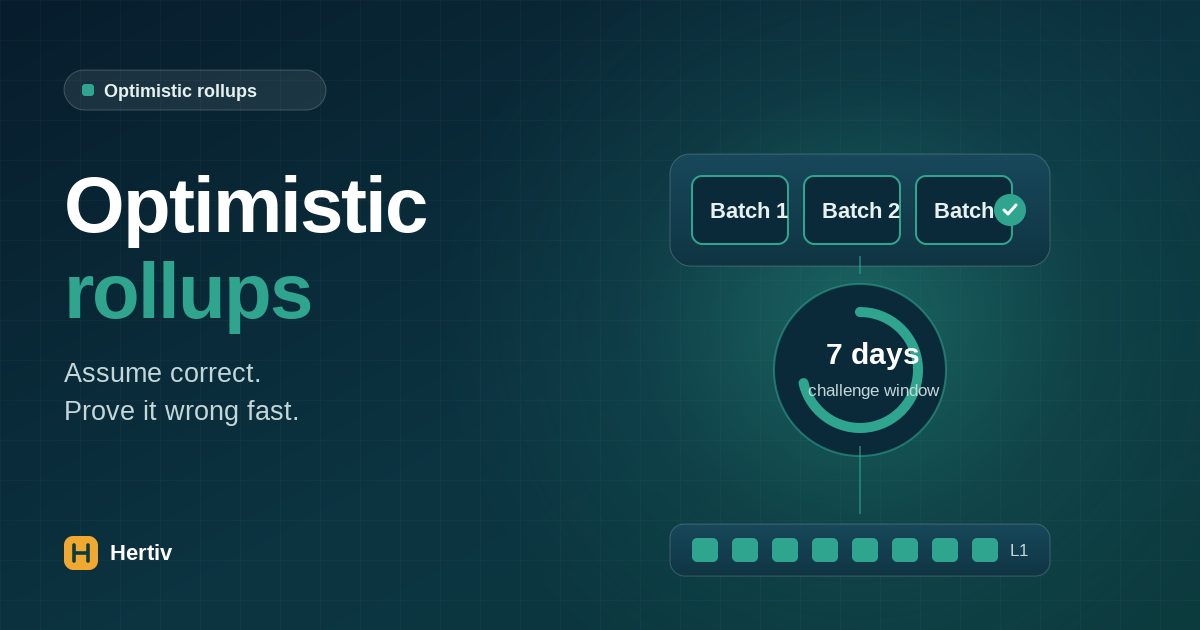
An optimistic rollup is a layer 2 chain that posts transaction data to layer 1 and assumes each batch is correct unless someone proves otherwise. A batch can be challenged during a window, usually about seven days, and a fraud proof can remove a bad batch and penalise the party that posted it.
Best practice starts from that design. The sequencer must keep working, the data must stay available, someone must watch every batch, and the contracts must allow an upgrade without breaking withdrawals. If any one of those fails, the rollup stops being safe to use.
| Part | What it does | What good practice looks like |
|---|---|---|
| Sequencer | Orders transactions and builds batches | Monitored, with a fallback plan |
| Batch poster | Posts data to layer 1 | Funded, with alerts on failure |
| Proposer | Claims a new state root | Bonded, so a false claim costs money |
| Challenger | Checks batches and proves fraud | Always running, even if independent |
| Bridge | Moves assets between layers | Respects the challenge window |
| Upgrade keys | Change the contracts | Timelocked, with a public delay |
Read what is an optimistic rollup for the full mechanics before you run one, and treat this article as the operations checklist that sits on top of it.
How do you run the sequencer well?
Run the sequencer as a service with monitoring, not as a script on a single machine. The sequencer orders transactions, so if it stops, users cannot transact. Track its health, its backlog and its response time, and alert a person the moment it falls behind.
Plan for the sequencer going down. Users should still be able to submit transactions directly to layer 1, through a forced inclusion path, so a sequencer outage does not freeze the chain. Test that path before you need it, because an untested fallback is not a fallback.
Keep the sequencer's funds topped up. The batch poster pays layer 1 fees to post data, and if its wallet runs dry, batches stop landing. Set an alert when the balance drops below a threshold, and keep a second funded wallet ready to take over.
Separate the sequencer from the proposer if you can. When one party both orders transactions and claims state roots, a single failure or a single bad actor has more room to cause harm. Separation is a small cost for a real gain in safety.
How do you keep fraud proofs ready?
Keep fraud proofs ready by running a challenger that checks every batch against the layer 2 state. The challenger replays transactions, compares the result with the claimed state root, and raises the alarm when they differ. If nobody watches, a bad batch can pass the challenge window unchallenged.
Do not rely on a single challenger. Run your own, and make it easy for others to run theirs by publishing the data and the tools they need. Independent challengers are the safety net of an optimistic rollup, and they only work if the data to check is public and complete.
Test the fraud proof path on a test network with a deliberately bad batch. The team should know exactly how to submit a proof, how long it takes, and what it costs in gas. A proof that has never been run in practice is a risk, not a safeguard.
Watch the challenge window itself. If a batch is posted just before a holiday or a weekend, the window still runs, so someone must be on call. Set alerts for every new state root claim, and make sure the on-call person can act within the window.
How long should the challenge window be?
Set the challenge window long enough for a challenger to notice a bad batch, gather the proof and submit it, even if something goes wrong along the way. About seven days is the common choice, because it covers weekends, holidays and a slow response from a single challenger.
A shorter window makes withdrawals faster, which users like, but it leaves less time to catch fraud. A longer window is safer but slower. Do not shorten the window to win users, because the window is the security of the whole rollup.
Tell users plainly how long withdrawals take and why. A bridge that waits out the challenge window is not slow by accident; it is waiting because that is what keeps deposits safe. Clear messaging avoids support tickets and avoids users trying risky shortcuts.
Review the window when the chain changes. If the rollup adds a new feature, such as a new transaction type or a new bridge, check whether the challenger still has enough time. A window that was right at launch can become too short as the system grows.
Where should transaction data live?
Post transaction data to layer 1, where anyone can read it and rebuild the layer 2 state. That is what lets independent challengers check batches and lets users leave the rollup even if the sequencer disappears. Data kept only on your own servers does not give those guarantees.
Watch the cost of posting data. Layer 1 fees move, and a busy day can make posting expensive. Compress batches, post on a regular schedule, and set a budget alert so a fee spike does not silently drain the poster wallet.
Keep a copy of the data yourself as well. If layer 1 is slow or your own node falls behind, a local copy lets you rebuild state quickly. The local copy is a convenience, not a replacement for posting to layer 1.
Check data availability after every upgrade. A change to the batch format or the compression scheme can break the tools that read the data. Re-run the rebuild from layer 1 data after each change, and confirm the state matches before you call the upgrade done.
How do you handle upgrades safely?
Handle upgrades safely with a timelock and a public delay. When the contracts change, users and challengers need time to read the change, check it, and leave if they do not like it. A timelock of days, not hours, is the norm for a rollup that holds real value.
Put the upgrade keys under more than one person. A single key holder can push a bad upgrade, while a multi-signature setup with independent signers makes that much harder. Publish who holds the keys and what the delay is, so users can judge the risk for themselves.
Test upgrades on a test network first, with the same data and the same contracts as production. Run the full flow: post batches, challenge a bad batch, withdraw through the bridge, and confirm the state rebuilds from layer 1 data. An upgrade that passes those checks is ready; one that skips them is not.
Keep a pause option for emergencies, but make it narrow. A pause that stops deposits while withdrawals keep working is safer than a full stop. Write down who can pause, when it is allowed, and how it is lifted, before the first emergency happens.
Example (hypothetical): a payments team launches a rollup
Example (hypothetical): a payments team launches an optimistic rollup for small transfers. The sequencer posts a batch every 10 minutes, and each batch holds about 1,000 transfers. Over a day, that is 144 batches and about 144,000 transfers, all posted to layer 1 as data.
The team runs its own challenger, which replays each batch within 15 minutes of posting. With a seven-day challenge window, a bad batch would be spotted in under an hour, leaving more than six days to submit the fraud proof. The team also keeps a second challenger on a separate server, so one machine failing does not leave batches unchecked.
Withdrawals take seven days, and the team tells users that plainly in the app. For users who cannot wait, the team offers a liquidity provider who pays out early and takes the wait instead. The provider charges a small fee, and the user chooses whether the wait or the fee is worth it.
Common mistakes
The most common mistake is running a rollup with no independent challenger. If only the team watches batches, a bug in the team's own code can pass unnoticed. Publish the data and the tools, and let others watch too.
- Letting the batch poster wallet run dry, so batches stop landing without anyone noticing
- Shortening the challenge window to speed up withdrawals, which weakens the whole design
- Upgrading contracts without a timelock, so users have no time to leave
- Never testing the fraud proof path, so the first real challenge is also the first test
- Keeping transaction data only on your own servers, so nobody else can rebuild the state
For the step-by-step build, how to implement an optimistic rollup covers the setup.
The ZK side has its own checklist in ZK rollup best practices. The theme is the same in both: assume the happy path, but keep the tools ready for the bad one.
Key takeaways
- An optimistic rollup is safe only if someone checks every batch inside the challenge window.
- Run the sequencer as a monitored service, and keep a forced inclusion path for outages.
- About seven days is the common challenge window, because it covers weekends and slow responses.
- Post transaction data to layer 1, and test the fraud proof path before you need it.
- Upgrade with a timelock and multi-signature keys, so users have time to leave.
Frequently asked questions
What is an optimistic rollup?
An optimistic rollup is a layer 2 chain that posts transaction data to layer 1 and assumes each batch is correct unless someone proves otherwise. A batch can be challenged during a window of about seven days, and a fraud proof can remove a bad batch and penalise the party that posted it.
How long is the challenge window on an optimistic rollup?
About seven days is the common choice. It gives challengers enough time to notice a bad batch, gather the proof and submit it, even over a weekend or a holiday. A shorter window makes withdrawals faster but leaves less time to catch fraud.
Who checks batches on an optimistic rollup?
Challengers check batches by replaying transactions and comparing the result with the claimed state root. The rollup team should run its own challenger, and independent challengers should be able to run theirs too, using the public data posted to layer 1.
What happens if the sequencer stops working?
Users should still be able to submit transactions directly to layer 1 through a forced inclusion path, so the chain does not freeze. The team should monitor the sequencer, alert on failure, and test the fallback path before it is needed.
Can you upgrade an optimistic rollup safely?
Yes, with a timelock and a public delay so users can read the change and leave if they do not like it. Upgrade keys should sit under a multi-signature setup, and every upgrade should be tested on a test network first, including fraud proofs and withdrawals.
Why do withdrawals take seven days?
Withdrawals wait out the challenge window, because that is what keeps deposits safe: a bad batch can still be challenged and removed during that time. Some teams offer a liquidity provider who pays out early for a small fee, so users can choose between waiting and paying.


