Open Source LangChain Alternatives: 6 Worth Comparing
LangChain is not the only way to build LLM apps. Here are six open source alternatives, what each one does best, and how to pick between them.
On this page
Short answer
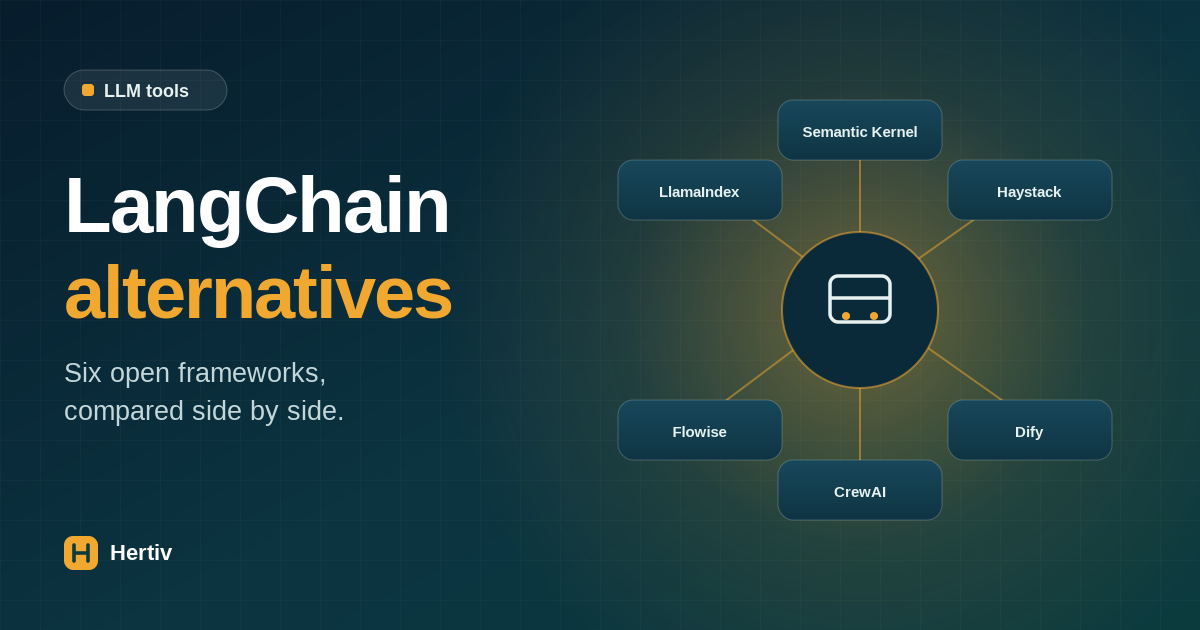
Open source LangChain alternatives include LlamaIndex, Haystack, Semantic Kernel, Flowise, Dify and CrewAI. Each one covers a different part of building language model apps, from retrieval and data pipelines to multi-agent teamwork, so the right choice depends on whether your main job is search, agents or shipping a full app.
Open source LangChain alternatives worth comparing
LangChain is a popular framework for building applications with large language models, but it is not the only option. Open source alternatives differ in how they handle retrieval, agents, observability and deployment, and the right one depends on what you are building.
| Tool | Best for | Licence style | Standout feature |
|---|---|---|---|
| LlamaIndex | Retrieval and data pipelines | Open source | Data connectors and indexing |
| Haystack | Search and document pipelines | Open source | Pipeline-based retrieval |
| Semantic Kernel | Microsoft stack apps | Open source | Plugins and planners |
| Flowise | Visual low-code building | Open source | Drag-and-drop flow builder |
| Dify | Full app workspaces | Open source | Built-in app hosting and prompts |
| CrewAI | Multi-agent teamwork | Open source | Role-based agent crews |
No tool on this list is a drop-in copy of LangChain. Each one solves a narrower problem well, so pick by the job in front of you rather than by the size of the community. For a plain retrieval app, a data-focused tool may be simpler; for agents that call tools, an agent-first framework may fit better.
<h3>1. LlamaIndex: best for retrieval and data pipelines</h3>
LlamaIndex is built around getting your own data into a language model: loading documents, splitting them into chunks, indexing them and answering questions over them. If your app is mostly search over private documents, it gives you that path with less code than a general framework.
Pros: strong data connectors, clear indexing and retrieval steps, good fit for document question-answering. Cons: less focus on agents and multi-step tool use, so agent-heavy apps need extra work.
LlamaIndex works best when the hard part is the data, not the agent logic. Teams that already have a document store and want grounded answers usually reach it first. Compare it with the other retrieval-first option in the LlamaIndex vs LangChain comparison.
<h3>2. Haystack: best for search and document pipelines</h3>
Haystack treats retrieval as a pipeline: a retriever finds documents, a reader extracts answers, and the stages can be swapped without rewriting the app. That structure suits teams that want to test different retrievers and rankers on the same data.
Pros: modular pipelines, easy to swap components, solid for evaluation and testing. Cons: more setup than a single-purpose tool, and the agent features are thinner than agent-first frameworks.
Haystack fits search-heavy products where retrieval quality is the metric that matters. If you plan to run retrieval experiments and compare results, its pipeline shape helps. It is a natural pick for teams with a machine learning development background.
<h3>3. Semantic Kernel: best for Microsoft stack apps</h3>
Semantic Kernel is Microsoft's open source SDK for adding language models to applications, with plugins that wrap your own functions and planners that chain steps together. It fits teams already running on .NET, Python or Java in Azure, where the surrounding services are familiar.
Pros: clean plugin model, strong Microsoft integration, supports several languages. Cons: smaller community than LangChain, and the retrieval tooling is less deep than data-first frameworks.
Choose Semantic Kernel when your app lives in the Microsoft stack and you want model calls to sit next to your existing code. It is less useful as a pure retrieval engine, so pair it with a vector store or search service for document-heavy work.
<h3>4. Flowise: best for visual low-code building</h3>
Flowise is a visual builder for language model flows: you drag nodes for models, retrievers, memory and tools onto a canvas and connect them. It is the fastest way to prototype a working chain and show it to a non-technical stakeholder.
Pros: visual building, quick prototypes, easy to demo and hand over. Cons: large or branching flows get hard to manage, and production deployment needs care.
Flowise suits prototypes, demos and internal tools where speed matters more than scale. When a flow grows complex, teams often rebuild the proven design in code. It pairs well with a simple vector store and a hosted model.
<h3>5. Dify: best for full app workspaces</h3>
Dify is an open source platform for building language model apps with a workspace: prompts, datasets, workflows and a hosted app surface in one place. It covers more of the product than a library does, which suits small teams that want to ship an app without assembling every part.
Pros: prompts, data and hosting in one place, friendly for small teams. Cons: less flexible than a code-first framework, and the opinionated layout can fight unusual designs.
Dify fits teams that want an app, not a framework: a support bot, an internal search tool or a document assistant. If you need deep custom logic, a code-first tool gives you more room. Read how teams test models before launch in how to test AI models.
<h3>6. CrewAI: best for multi-agent teamwork</h3>
CrewAI organises language model agents into crews with roles, goals and tasks, so several agents can work on one job in sequence. It fits use cases where the work naturally splits: research, drafting and checking, for example.
Pros: clear role-based design, good for multi-step agent work, readable task flow. Cons: overkill for single-step apps, and debugging a crew takes more effort than debugging one call.
CrewAI is the pick when the product is a team of agents, not a single prompt. For a simple chatbot or a retrieval app, it adds structure you do not need. Keep the crew small at first: two or three roles are easier to test than six.
How to choose a LangChain alternative
Choose a LangChain alternative by matching the tool to the job, not by the size of its community. A short test on your own data beats a long comparison of feature lists.
- Name the main job. Retrieval, agents, visual building or a full app workspace are different jobs.
- Try the top two on real data. Build the same small task in each and compare effort and output quality.
- Check the maintenance load. Look at release activity, documentation and how breaking changes are handled.
- Test the deployment path. Make sure the tool runs where your app runs, with the model provider you use.
- Plan the exit. Keep prompts and data outside the framework so switching later is not a rewrite.
Most teams end up with one framework for the main app and a second tool for a specific job, such as evaluation or visual prototyping. That mix is normal, and it is better than forcing one tool to do everything.
What are the common mistakes?
The most common mistakes are picking by popularity, rebuilding a retrieval app as an agent app, and locking prompts inside a framework.
- Choosing by stars alone. A popular framework can still be the wrong fit for a retrieval-only app.
- Using agents for a search job. A retriever and a prompt often answer a document question better than a crew of agents.
- Skipping the evaluation step. Without a test set, you cannot tell whether a switch made the app better or worse.
- Hard-coding prompts in the framework. Keep prompts in files or a store so they survive a framework change.
- Ignoring hosting costs. A visual platform and a self-hosted library have very different running costs.
Start small, test on real data and keep the pieces you would need to swap. A grounded retrieval setup is described in what retrieval-augmented generation is.
Key takeaways
- LangChain alternatives split into retrieval-first, agent-first, visual and full-platform tools
- LlamaIndex and Haystack fit search and document pipelines; Semantic Kernel fits the Microsoft stack
- Flowise is fastest for prototypes, Dify ships a whole app workspace, CrewAI organises agent teams
- Test two tools on the same real task before committing
- Keep prompts and data outside the framework so switching later is not a rewrite
Frequently asked questions
Is LangChain open source?
Yes, LangChain is open source, and so are the alternatives in this article. The difference is not the licence but the design: each tool makes a different job easy, so pick by the job rather than by the licence alone.
Which LangChain alternative is best for RAG?
LlamaIndex and Haystack are the strongest picks for retrieval-augmented generation, because both are built around data loading, indexing and retrieval. LlamaIndex is simpler for document question-answering, while Haystack gives you more control over the retrieval pipeline.
Can I replace LangChain with LlamaIndex?
You can for retrieval-heavy apps, since LlamaIndex covers loading, indexing and answering over your data. For agent-heavy apps that call many tools, LlamaIndex is thinner, so an agent-first framework or a mix of tools fits better.
What is the easiest LangChain alternative to start with?
Flowise is the easiest to start with, because you build flows on a canvas instead of writing code. Dify is also friendly, since it adds prompts, datasets and hosting in one place. Both are good for a first prototype you can show to a team.
Do these alternatives work with any LLM?
Most of them work with several model providers, including hosted APIs and open-weight models you run yourself. Check the provider support for the tool you pick, and confirm the model you plan to use is supported before you build.
Should I switch away from LangChain?
Switch only if a specific job is painful: slow retrieval, hard agent debugging or a prototype that takes too long to build. If LangChain is working, the cost of switching is rarely worth it. Test the alternative on one real task first.


