Open Source Hugging Face Alternatives: 6 to Compare
These six open source tools run and serve models without Hugging Face's hosted platform. Compare what each one does best before you switch.
On this page
Short answer
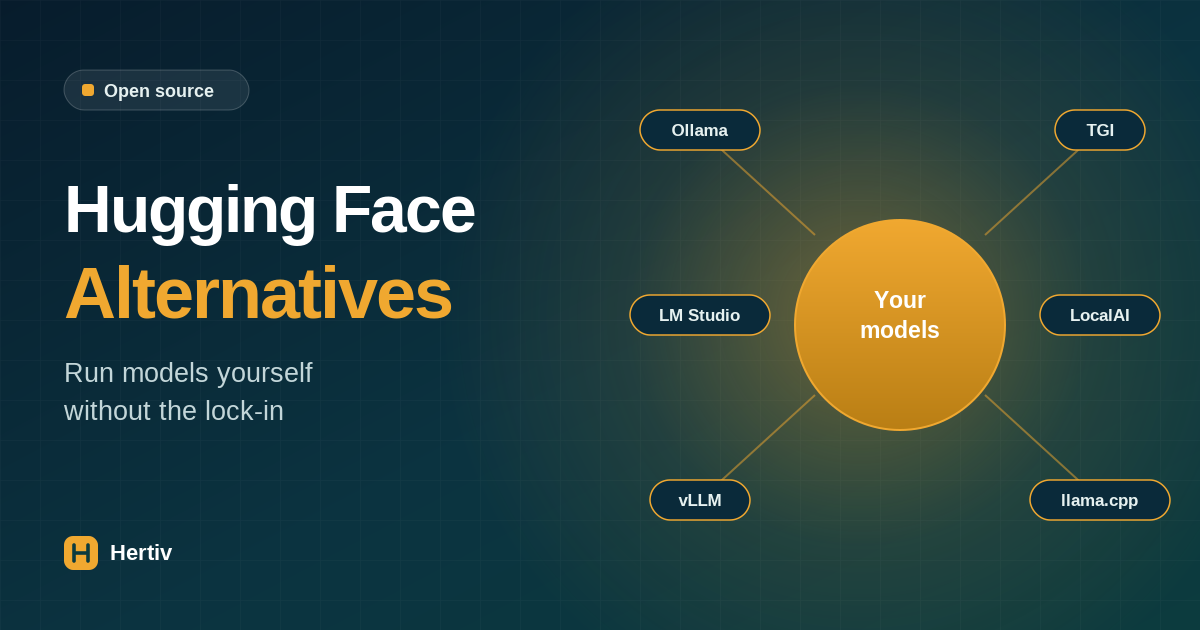
Open source Hugging Face alternatives are tools that run, serve or manage machine learning models without relying on Hugging Face's hosted platform. The six below cover the main jobs: running models on your own machine, serving them to an app, and fine-tuning them on your own data.
Which open source Hugging Face alternatives are worth comparing?
Compare an open source Hugging Face alternative by the job you need done. Some tools run models on a laptop, some serve them to many users at once, and some help you fine-tune a model on your own data. No single tool does all three well, so pick by the job, not by popularity.
Hugging Face itself is a platform for sharing models, datasets and hosted endpoints. The alternatives below are open source projects you run yourself, which suits teams that need data to stay on their own machines, want to avoid hosted fees, or need a setup they can change. The table below compares the six at a glance.
| Tool | Main job | Runs on | Best for |
|---|---|---|---|
| Ollama | Run models locally | Laptop, server | Quick local testing |
| LM Studio | Run models locally | Desktop | Non-technical users |
| vLLM | Serve models fast | GPU server | High-volume serving |
| Text Generation Inference | Serve models fast | GPU server | Production APIs |
| llama.cpp | Run models on little hardware | CPU, laptop, edge | Low-resource machines |
| LocalAI | Drop-in local API | Server, laptop | Replacing a hosted API |
Ollama and LM Studio: best for local testing
1. Ollama: best for quick local testing
Ollama runs open models on your own machine with a single command, and it works on a laptop or a server. You download a model, run it, and talk to it through a simple local API. It is the fastest way to try a model without a hosted account or a cloud setup.
Ollama fits best for testing and small projects: a developer trying a model before building around it, or a small team running a model on one machine. It is not built for serving many users at once, so a production app with real traffic needs a serving tool instead.
- Pros: simple to install, runs on a laptop, wide model support
- Cons: not built for high-volume serving, limited tuning options
2. LM Studio: best for non-technical users
LM Studio is a desktop app that runs open models locally with a point-and-click interface. You pick a model from a list, download it, and chat with it in a window, without touching a terminal. It also offers a local server mode so other apps on the same machine can call the model.
LM Studio fits best for people who want to try models without setting up a server: writers, researchers and product teams testing what a model can do. It is a testing and learning tool, not a production server, so do not build a customer-facing app on it.
- Pros: friendly interface, no terminal needed, easy model downloads
- Cons: desktop only, not built for production traffic
vLLM and Text Generation Inference: best for serving
3. vLLM: best for high-volume serving
vLLM is a serving engine that runs open models on GPU servers and answers many requests at once. It is built for speed: it batches requests together and manages memory so a server can handle far more traffic than a simple local runner. Teams use it behind an API that their app calls.
vLLM fits best for production apps with real traffic, such as a support tool that answers hundreds of questions an hour. It needs a GPU server and someone who can run it, so it is not a laptop tool. If your traffic is small, a simpler runner will do.
- Pros: very fast serving, handles many requests at once, production-ready
- Cons: needs a GPU server, takes setup and care to run
4. Text Generation Inference: best for production APIs
Text Generation Inference, known as TGI, is a serving toolkit from Hugging Face itself that is open source and runs on your own servers. It turns a model into a fast HTTP API with features production teams need, such as streaming replies, safe handling of long prompts and support for popular model formats.
TGI fits best when you want a production API without a hosted platform: your app calls the API, and the model runs on hardware you control. It is a good middle ground between a local runner and a full serving platform. It still needs a GPU server and someone to run it.
- Pros: production features, streaming replies, runs on your hardware
- Cons: needs a GPU server, fewer tuning options than a full platform
llama.cpp and LocalAI: best for light hardware and APIs
5. llama.cpp: best for low-resource machines
llama.cpp runs models on ordinary hardware, including laptops without a GPU and small edge devices. It is a plain C++ project that squeezes a model into less memory, so a model that needs a large GPU elsewhere can run on a normal machine, more slowly but still usefully.
llama.cpp fits best when hardware is the limit: a laptop demo, a device in the field, or a test setup with no GPU. It is a building block rather than a finished product, so most teams use it inside another tool rather than on its own. If you need speed, a GPU server will serve the same model faster.
- Pros: runs on CPUs and small devices, very efficient, widely used
- Cons: slower than GPU serving, needs technical setup
6. LocalAI: best for replacing a hosted API
LocalAI gives you a local API that looks like the hosted APIs your app already calls. You point your code at LocalAI instead of a cloud provider, and it runs an open model on your own machine to answer. That makes it easy to swap a hosted model for a local one without rewriting your app.
LocalAI fits best for teams that want to move off a hosted API but keep their code the same. It runs on a server or a laptop, and it supports text, image and audio models. It is newer than the other tools here, so check that the model you need is supported before you commit.
- Pros: drop-in replacement for hosted APIs, runs on your hardware, multi-model
- Cons: newer project, model support varies by type
How to choose a Hugging Face alternative
Choose a Hugging Face alternative in five steps, starting from where the model will run.
- Define the job. Testing, serving an app, or replacing a hosted API each point to a different tool.
- Check your hardware. A laptop suits Ollama or LM Studio; a GPU server suits vLLM or TGI; no GPU at all points to llama.cpp.
- Test with your own data. Run the same 40 examples through two tools and compare usable answers, not speed alone.
- Check the licence and support. Confirm the model licence allows your use, and that the tool is still maintained.
- Plan the switch. Move one job at a time, keep the hosted option running until the local setup proves itself.
Keep the hosted platform running while you test. A local setup that works in a demo can still fail under real traffic, and the fallback saves you. Self-hosting LLMs: what it costs explains the hardware and running costs to budget for.
What are the common mistakes?
The most common mistake is picking a tool by popularity instead of by job. A serving engine is wasted on a laptop test, and a local runner will fall over under production traffic. Match the tool to the job first.
The second mistake is forgetting the running cost. A local model is not free: the GPU server, the electricity and the person who runs it all cost money, and for small volumes a hosted API can be cheaper. Compare the full cost, not just the licence price. LLM API cost per month shows how hosted costs add up.
The third mistake is ignoring the model licence. Open models come with different licences, and some restrict commercial use. Check the licence before you build a product on a model, or you may have to rebuild later.
Key takeaways
- Pick the tool by the job: test, serve or replace
- Ollama and LM Studio suit local testing
- vLLM and TGI suit production serving on GPUs
- llama.cpp suits machines with little hardware
- Check licences and full running costs before switching
Frequently asked questions
What is Hugging Face?
Hugging Face is a platform for sharing machine learning models, datasets and hosted endpoints. Teams use it to find models, test them, and run them through hosted APIs without managing their own servers.
Why look for an open source alternative?
Teams switch to open source tools when they need data to stay on their own machines, want to avoid hosted fees, or need a setup they can change. Running your own tools also removes dependence on one provider.
Can I run these tools on a normal laptop?
Yes, for testing. Ollama, LM Studio and llama.cpp all run on a normal laptop, though larger models run slowly and need enough memory. Production serving with real traffic needs a GPU server.
Do I still need Hugging Face to use these tools?
Not always. Many of these tools can download models from other sources, but Hugging Face is still the largest place to find open models, so most teams keep it as a model source even after switching.
Which alternative is best for production?
vLLM and Text Generation Inference suit production best, because they serve many requests at once on GPU servers. Test both with your own traffic before choosing, and keep a fallback ready.
Are open source models as good as hosted ones?
It depends on the job. Open models handle many routine jobs well, and they keep improving. For the hardest jobs, a large hosted model may still do better, so test on your own examples before deciding.


