LLM API Costs Per Month: How to Estimate Your Bill
An LLM API bill is driven by tokens: how many requests you make, how long the prompts are and which model you call. Here is how to estimate it.
On this page
Short answer
An LLM API has no fixed monthly price: you pay per token, so the monthly cost is the sum of every request your product makes. A small internal tool can cost a few dollars a month, while a customer-facing assistant can cost hundreds. The bill depends on request volume, prompt and reply length, and which model you call.
What does an LLM API cost per month?
An LLM API costs whatever your usage adds up to in a month, because providers charge per token rather than per month. There is no single monthly price: a small internal tool can cost a few dollars, while a customer-facing assistant can cost hundreds or thousands. The bill is the sum of every request your product made, measured in input and output tokens.
Tokens are small chunks of text, roughly three quarters of a word each in English. Every prompt you send is counted as input tokens, and every answer the model generates is counted as output tokens. Output tokens usually cost more than input tokens, because generating text takes more work than reading it.
Your monthly cost therefore depends on four things: how many requests you make, how long the prompts are, how long the answers are, and which model you call. A support assistant that answers 1,000 questions a day will cost far more than a weekly report summariser, even on the same model.
| Cost driver | What it means | Effect on the bill |
|---|---|---|
| Request volume | How many calls you make per month | Doubling calls roughly doubles the bill |
| Input tokens | Prompt, history and attached documents | Long prompts cost more on every call |
| Output tokens | Length of the generated reply | Long answers cost more per token than input |
| Model tier | Flagship or compact model | Flagship models cost many times more per token |
| Retries | Failed calls tried again | Each retry is billed as a new request |
How LLM API pricing works
LLM API pricing is usually quoted per million tokens, split into input and output rates. A provider might charge one rate for tokens you send and a higher rate for tokens the model returns. Some providers also charge less for cached input, or use a different unit for image and audio inputs.
Context length matters because the whole conversation history is often sent with each new request. A chat that keeps 20 earlier turns in context sends far more input tokens than a single-turn request. Long documents attached to a prompt have the same effect: every token in the document is billed on every call that includes it.
A few providers also offer batch pricing, where requests that can wait are charged less, or committed-use discounts for steady volume. These options only help if your workload fits the pattern, so check the vendor's pricing page before assuming a discount applies. See vendor site for current rates.
If you want a quick estimate before you build, the LLM API cost calculator can turn token counts into a monthly figure. It is a planning aid, not a quote, and the vendor's pricing page is the final word.
What drives your monthly bill
Volume is the biggest driver. Doubling the number of requests roughly doubles the bill, unless caching or shorter prompts offset it. A feature that runs on every page load will cost far more than the same feature behind a button click.
Model choice is the second driver. A flagship model can cost many times more per token than a compact model from the same provider. The compact model is often good enough for classification, extraction and short drafting, while the flagship model earns its price on reasoning-heavy work.
Prompt design is the third driver. Long system prompts, few-shot examples and full document dumps inflate input tokens on every call. Trimming a system prompt from 2,000 tokens to 500 tokens cuts input cost by three quarters on every request, with no change to the product.
Retries and errors are the hidden driver. A request that fails and is retried three times is billed three times, and a loop that calls the model until it succeeds can run away. Timeouts, rate limits and vague error handling all show up on the bill.
How to estimate your monthly cost
You can estimate your monthly cost in five steps, and the estimate is usually close enough to plan a budget.
- Count expected requests per month. Use analytics, sign-ups or a launch forecast.
- Measure average input tokens per request. Log token counts from a sample of real traffic.
- Measure average output tokens per reply. Take the mean from the same sample.
- Multiply by the vendor's per-token rates. Use current rates from the vendor's pricing page.
- Add a margin for retries, growth and testing. A 20 to 30 percent margin covers most surprises.
Measure with real traffic, not guesses. Run the feature for a week with a small group, log token counts per request, and take the average. Averages hide spikes, so also note the busiest day: a launch or a marketing push can triple daily volume.
Keep the estimate in a spreadsheet you update monthly. When the model changes, the prompt changes or volume grows, the estimate changes too. A monthly review takes an hour and stops the bill from surprising you.
Ways to cut the bill without losing quality
The cheapest token is the one you never send. Cache repeated content such as system prompts and reference documents where the provider supports it, and reuse it across requests instead of sending it fresh each time.
Route simple requests to a smaller model and reserve the flagship model for hard ones. A classifier or a short extraction task rarely needs the largest model, and the smaller model is often faster as well as cheaper.
Shorten outputs by asking for what you need and nothing more. A summary that must fit in three sentences costs less than an open-ended answer, and it is usually more useful. Limit the reply length in the request so a runaway answer cannot bill you for thousands of tokens.
Batch work that does not need an instant answer. Nightly summaries, bulk classification and report generation can often run at batch rates. Set a monthly budget alert with the provider so a bug or a spike is caught in days, not at the end of the month. Running the model on your own servers is a different trade-off, covered in what self-hosting an LLM costs.
Example (hypothetical): a support assistant's monthly bill
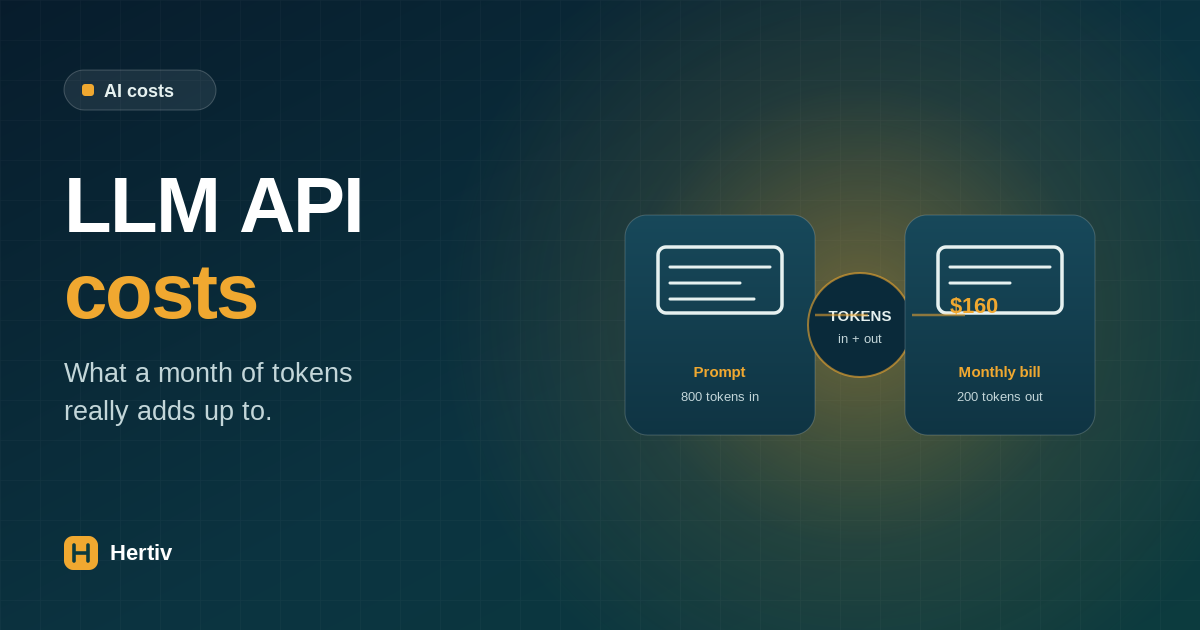
Example (hypothetical): a small company runs a support assistant that answers 50,000 questions a month. Each question sends about 800 input tokens, including the help-centre snippets, and the answer averages 200 output tokens.
Assume rates of $2 per million input tokens and $8 per million output tokens for this example. Input: 50,000 times 800 equals 40,000,000 tokens, or 40 million, at $2 per million, which is $80. Output: 50,000 times 200 equals 10,000,000 tokens, or 10 million, at $8 per million, which is $80. Total: $80 plus $80 equals $160 per month.
If the team caches the help-centre snippets and halves the input tokens, the input bill falls to $40 and the total to $120 a month. If volume doubles to 100,000 questions, the bill doubles to about $320. The arithmetic is simple; the hard part is measuring the real averages first.
Common mistakes with LLM API costs
The most common LLM API cost mistakes are paying for context you do not need, choosing the flagship model by default, and having no budget alert.
- Sending the full conversation history every time. Trim history to the turns that matter.
- Choosing the flagship model by default. Test the compact model first on real tasks.
- No budget alert or usage cap. A bug can run up a bill in hours.
- Trusting vendor benchmarks for your cost. Benchmarks measure quality, not your token mix.
- Forgetting test and development traffic. Test suites and staging can cost as much as production.
- Ignoring retries. A retry loop without a limit is an open tap.
If the monthly bill is hard to justify, it is worth checking the return as well: how to measure AI ROI shows which numbers to track.
For a full build, LLM development covers the design and cost trade-offs.
Key takeaways
- LLM API costs are token costs, not a fixed monthly fee
- Your bill is volume times token counts times the model rate
- Output tokens cost more than input tokens on most providers
- Long prompts and full chat history inflate every request
- A one-week traffic sample gives a usable monthly estimate
- Caching, smaller models and shorter replies cut the bill most
Frequently asked questions
What is the cheapest way to use an LLM API?
Use a compact model for simple tasks, cache repeated prompts, shorten replies and batch work that is not urgent. These four moves usually cut the bill more than changing providers, and none of them needs a new integration.
Do LLM APIs have a monthly subscription?
Most providers charge per token with no monthly fee, so a quiet month costs little and a busy month costs more. Some offer monthly plans or committed-use discounts, but the per-token meter is the usual model. See vendor site for current plans.
How many tokens is 1,000 words?
Roughly 1,300 tokens in English, since a token is about three quarters of a word. That is a planning figure only: code, long words and other languages change the ratio, so measure your own traffic for an accurate estimate.
Why did my LLM API bill jump suddenly?
The usual causes are a traffic spike, a longer prompt shipped by mistake, a retry loop, or a switch to a more expensive model. Check request counts and average tokens per request first; the answer is almost always in one of those two numbers.
Is self-hosting an LLM cheaper than an API?
It depends on volume. At low volume an API is almost always cheaper, because you pay only for what you use. At high, steady volume, self-hosting can win, but you take on servers, updates and monitoring. Compare both on your own token counts.
Can I set a spending limit on an LLM API?
Most providers let you set monthly budget alerts and some offer hard caps. Set the alert at a level that gives you time to act, and review usage weekly while a feature is new.


