Multimodal AI Applications: Where They Work Best
Multimodal AI applications read text, images, audio and video together, so one system can answer questions about a photo or a call. Here is where they work best.
On this page
Short answer
A multimodal AI application is software that takes in more than one kind of input, such as text, images, audio or video, and uses them to do a task. It can read a photo and answer a question about it, transcribe a call and pull out the action items, or watch a video and write a summary. One system handles the job instead of separate tools for each input type.
What are multimodal AI applications?
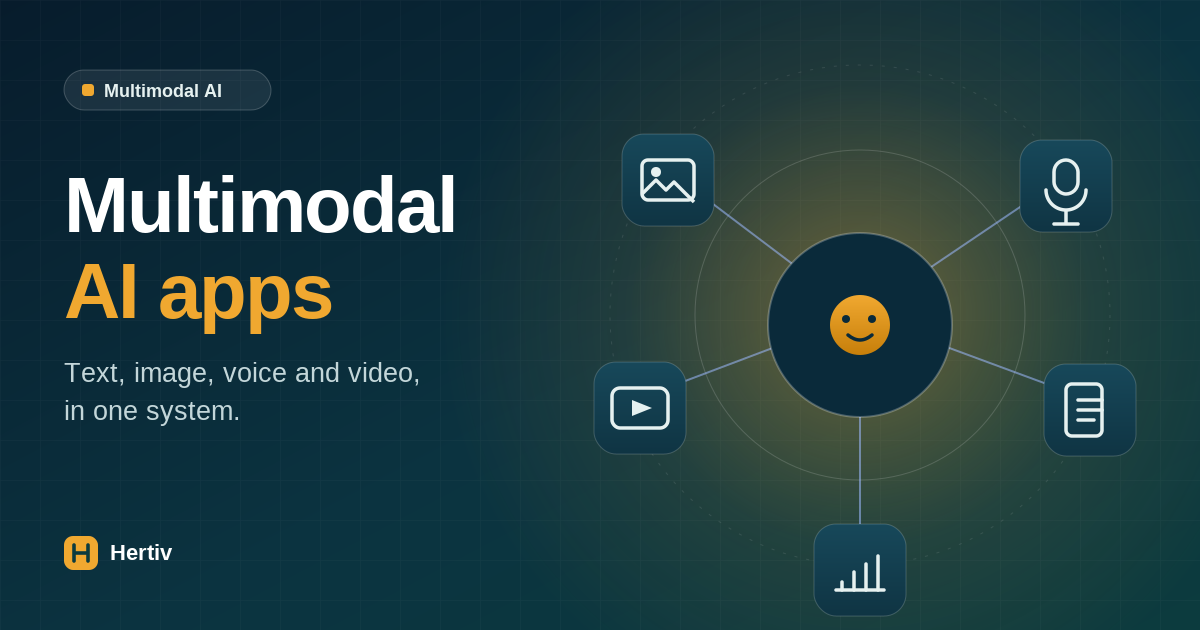
A multimodal AI application is software that accepts several kinds of input at once, such as text, images, audio and video, and reasons across them in one pass. Instead of a text model that only reads words, or an image model that only labels pictures, it combines the inputs so the answer can draw on all of them.
The inputs it handles fall into a few groups:
| Input type | What the system reads | Typical task |
|---|---|---|
| Text | Messages, notes, forms, reports | Answering questions, drafting replies |
| Image | Photos, scans, diagrams, charts | Describing, comparing, checking details |
| Audio | Calls, voice notes, meetings | Transcribing, summarising, spotting issues |
| Video | Recordings, camera feeds, demos | Captioning, summarising, finding moments |
| Sensor data | Location, motion, temperature | Monitoring equipment and spaces |
The value is in the combination. A photo of a damaged parcel plus the customer's message tells the support team more than either one alone, and a system that reads both can draft a useful reply in one step. What is multimodal AI explains the underlying idea in full.
How do multimodal AI applications work?
A multimodal AI application works by turning each input into the same internal form, then letting one model reason across them before it produces an answer. Each input type has its own encoder, and the model combines the results.
A typical flow looks like this:
- Collect. The application gathers the inputs for one task, such as a photo, a voice note and a short text note.
- Encode. Each input is converted into a shared representation the model can compare and combine.
- Reason. The model works across the combined inputs to answer the question or complete the task.
- Answer. It returns text, a label, a summary or an action, with the source input it relied on.
- Check. A person or a rule reviews the answer before it reaches a customer or a record.
The check step matters because errors can come from any input: a blurry photo, a noisy call or a misleading caption. Applications that skip it tend to fail quietly, with a confident answer built on a bad input.
Where are multimodal AI applications used in healthcare?
Multimodal AI applications in healthcare combine clinical notes, images and voice to cut the admin work around care. A doctor's dictated note, a scan and the patient's written history can feed one summary instead of three separate systems.
Common uses include:
- Visit notes. Turning a recorded consultation into a structured note, with the clinician checking it before it is filed.
- Image triage. Flagging scans that need a closer look, while the final call stays with a radiologist.
- Patient messages. Reading a photo of a rash or a wound alongside the patient's description, then routing it to the right team.
- Discharge summaries. Pulling together notes, test results and spoken instructions into one document.
Privacy rules shape every one of these uses. Health data needs consent, access control and audit logs, and the model should run where the data is allowed to live. RAG in healthcare covers how clinical knowledge is kept current and traceable.
Where do they help in retail and customer service?
Multimodal AI applications help retail and customer service teams when the customer's problem is easier to show than to describe. A photo of a broken product or a wrong delivery plus a short message gives the agent everything it needs in one go.
Typical uses include:
- Returns and damage claims. A photo plus the order details lets the system check the claim and draft the reply.
- Product search. A customer uploads a photo of an item they like and finds matching products without knowing the name.
- Voice support. Calls are transcribed and summarised, so the next agent sees the history instead of asking the customer to repeat it.
- Store checks. Shelf photos are compared with the planned layout to spot gaps and misplaced stock.
The gain is speed and fewer repeated questions, not removing people. The cases that need judgement, such as a refund outside policy or an angry customer, still go to a human.
Which other industries use multimodal AI most?
Multimodal AI is used most where work already mixes documents, pictures and voice: logistics, field service, education and media. In each case the application replaces several single-purpose tools with one flow.
A few concrete examples:
- Logistics. A driver photographs a damaged parcel, dictates a note, and the system files the claim with the right reference numbers.
- Field service. A technician photographs equipment, and the system pulls the manual section and the part number for that model.
- Education. A student uploads a photo of handwritten working plus a typed question, and the tutor system points to the step that went wrong.
- Media. A video is transcribed, captioned and summarised in one pass, with key moments marked for the editor.
The pattern is the same in each: the inputs already exist, they are messy, and combining them removes a handoff. Computer vision development covers the image side of these systems in more depth.
Example: a warehouse team files damage claims faster
Example (hypothetical): a warehouse receives 200 deliveries a week, and about 40 of them arrive with visible damage. Each claim used to take a worker 30 minutes: photograph the damage, write a description, find the order number, and email the supplier.
With a multimodal application, the worker photographs the damage and dictates a one-sentence note. The system reads the label in the photo, matches the order number, drafts the claim and files it for review. Review takes 5 minutes per claim.
The old way cost 40 x 30 = 1,200 minutes, or 20 hours a week. The new way costs 40 x 5 = 200 minutes of review, or about 3 hours and 20 minutes, plus the few minutes to photograph and dictate. The team saves roughly 16 hours a week, and the claims carry a photo, so suppliers dispute fewer of them.
What are the common mistakes?
The most common mistakes with multimodal AI applications are feeding them poor inputs, trusting them on tasks that need a human, and forgetting that each input type fails in its own way.
- Bad inputs in, confident answers out. A blurry photo or a noisy recording produces a wrong answer that still sounds certain.
- No human check. Letting the system act on customers or records without review is how errors become incidents.
- One model for everything. A general model may handle text well and images badly; test each input type on its own.
- Ignoring privacy. Photos and voice are personal data, and they need the same consent and access rules as any other record.
- Measuring the demo, not the job. A polished demo on clean inputs says little about a warehouse floor or a busy call queue.
If you want help scoping a first application, generative AI development covers the design and the data work behind it.
Key takeaways
- A multimodal AI application reads text, images, audio and video together in one pass
- The value is in the combination: a photo plus a message tells the team more than either alone
- Healthcare, retail, logistics, field service, education and media are the heaviest users
- Each input type needs its own encoder, and each fails in its own way
- A human check before the answer reaches a customer or a record is not optional
Frequently asked questions
What is a multimodal AI application?
It is software that takes in more than one kind of input, such as text, images, audio or video, and uses them together to do a task, such as answering a question about a photo or summarising a call.
How is it different from a normal AI chatbot?
A chatbot works with text only, while a multimodal application can read a photo, a voice note or a video alongside the text, so it can handle tasks where the key detail is not in the words.
Do multimodal AI applications need special data?
They need examples that pair the inputs together, such as a photo with its description or a call with its summary. Paired examples teach the system how the inputs relate, which is the hard part.
Are multimodal AI applications accurate enough for healthcare?
They can help with admin work such as visit notes and triage, but the final clinical call stays with a person. Privacy rules, consent and audit logs apply, and answers should always be checked before filing.
What does a multimodal AI application cost to build?
It depends on the inputs, the volume and the review step. A narrow pilot that handles one task, such as damage claims or visit notes, is the usual starting point before a wider rollout.
Can a small team use multimodal AI?
Yes, through hosted models and APIs that handle the encoding and the model. The team's work is the workflow around it: clean inputs, a review step and a way to measure whether it saves time.


