What Is Multimodal AI, and How Does It Work?
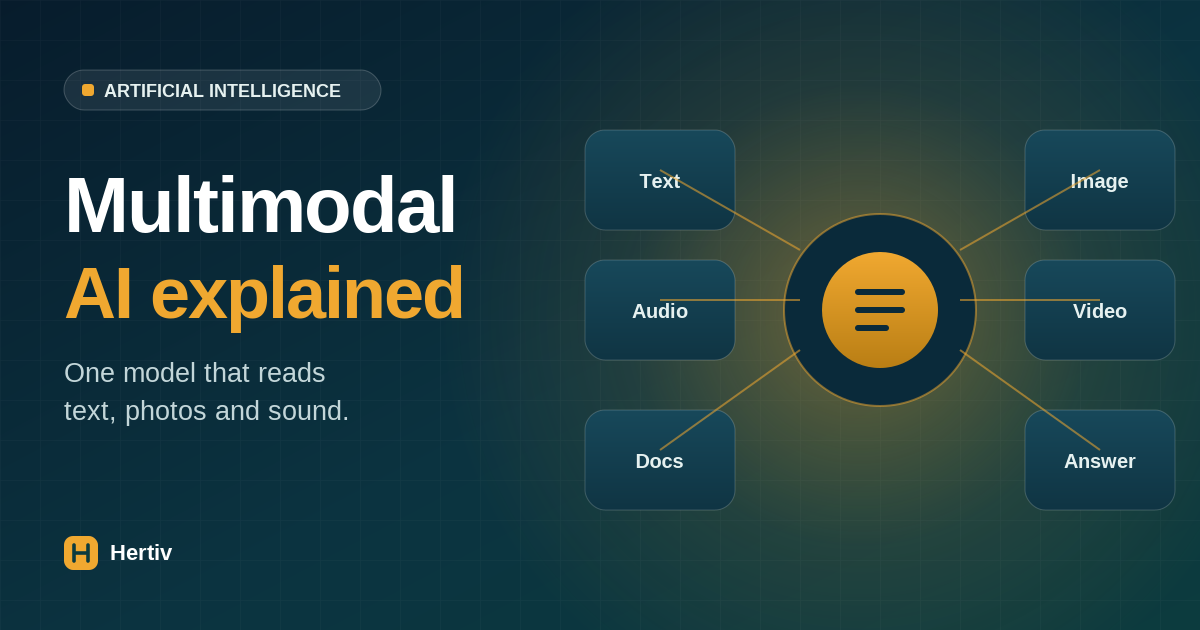
Multimodal AI reads text, images, audio and video together, so one model can answer questions about a photo, a recording or a document in the same conversation.
On this page
Short answer
Multimodal AI is a kind of artificial intelligence that takes in more than one type of input, such as text, images, audio and video, and reasons across them together. A single model can read a photo, hear a voice note and follow written instructions at the same time, then answer in words. Older AI used one model for text and a separate one for images, with nothing shared between them.
What is multimodal AI?
Multimodal AI is artificial intelligence that accepts several kinds of input at once, most often text, images, audio and video, and produces answers that draw on all of them. A multimodal model can look at a photo of a broken machine, read the written error report, and listen to a short voice note from the technician, then suggest what to check first.
The key idea is a shared understanding. The model turns each input into the same internal form, so a word and a picture of the same thing sit close together inside it. That lets the model connect what it sees with what it reads, instead of treating each input as a separate job.
| Input type | What the model reads | Example use |
|---|---|---|
| Text | Words, numbers, code | Answering questions about a document |
| Image | Photos, scans, diagrams | Describing what is in a photo |
| Audio | Speech, sounds, music | Transcribing and summarising a call |
| Video | Moving pictures and sound | Finding a moment in a long recording |
| Documents | Layout plus words | Reading a form with tables and stamps |
Most products do not need every input type. A support tool may need text and images, while a meeting tool needs audio and video. Teams should pick the inputs their users actually send, and add more only when a real task needs them.
How does multimodal AI combine different inputs?
A multimodal model combines inputs by first encoding each one separately, then letting the encodings meet in a shared space. A text encoder turns words into numbers, an image encoder turns pixels into numbers, and an audio encoder turns sound into numbers. The model is trained so that matching items, such as a photo of a dog and the word dog, land in the same place.
Training uses pairs of inputs that belong together, such as a photo and its caption, or a video clip and its spoken words. The model learns to predict one from the other, and over many examples it builds a map between what things look like, sound like and are called. That map is what lets it answer a question about an image in plain words.
There are two common designs. Early fusion mixes the inputs at the start, so the model sees text and image together from the first step. Late fusion keeps them apart until the end, then combines the separate results. Early fusion is stronger when the answer depends on fine detail, while late fusion is simpler to build and easier to test. For how teams test these models, see how to test AI models.
Where is multimodal AI used today?
Multimodal AI is used where a task naturally involves more than one kind of input. Support teams use it to read a photo of a damaged product together with the customer's message, so the agent can name the fault without asking for more photos. Doctors' offices use it to read scanned forms alongside typed notes, and shops use it to let customers search with a photo instead of words.
Education is another common use. A student can photograph a maths problem, ask a question in writing, and get a step-by-step answer that refers to the photo. Meeting tools use it to transcribe speech, read slides shown on screen, and produce a short summary of what was decided.
Factories use it for inspection: a camera watches a production line, the model compares what it sees with the written specification, and flags parts that do not match. The pattern is the same in every case: the model removes a step where a person used to copy information from one form into another.
What are the main types of multimodal models?
Multimodal models fall into a few types, and the choice depends on what the product must do with the inputs. Some models only read other kinds of input and answer in text, while others also produce images or sound.
| Type | Inputs | Outputs | Best for |
|---|---|---|---|
| Vision-language | Text and images | Text | Answering questions about photos and documents |
| Speech models | Audio and text | Text or speech | Call summaries and voice assistants |
| Video models | Video, audio and text | Text | Searching and summarising recordings |
| Image generation | Text | Images | Draft visuals from a written brief |
| Any-to-any | Text, image, audio, video | Text, image, audio | Products that mix many inputs in one flow |
For most teams, a vision-language model covers the work: it answers questions about images and documents, which is the most common multimodal task. Speech and video models are added only when the product has to handle calls or recordings. The any-to-any models are the most flexible, but they are also the hardest to test, because a wrong answer can come from any input.
What data does a multimodal model need?
A multimodal model needs paired examples: inputs that belong together, such as a photo with its caption, a form with its filled-in values, or a call recording with its transcript. The pairs teach the model how the different inputs relate, and the quality of the pairs matters more than the count.
Teams that build their own multimodal product usually start with a ready-made model and add their own examples on top. A support team might collect 500 real cases of a photo plus a customer message plus the correct answer, and use those to check the model and to write better prompts. That is cheaper and faster than training a model from scratch.
Data rules still apply. Photos and recordings often contain personal information, such as faces, names and addresses, so the team needs clear rules about what is stored, who can see it, and how long it is kept. A simple rule is to keep only what the task needs and to delete the rest. For the retrieval side of this work, see what retrieval augmented generation is.
Example (hypothetical): a support team reads photos and text together
Example (hypothetical): a support team for a home appliance company handles 1,000 tickets a week. Before multimodal AI, an agent spent 6 minutes on each ticket that included a photo, because the agent had to open the photo, read the message, and look up the fault in a manual. That is 1,000 x 6 minutes = 6,000 minutes, or 100 hours a week.
With a multimodal model, the system reads the photo and the message together and drafts the likely fault and the next step. An agent now spends 2 minutes checking and sending each draft, so the same 1,000 tickets take 1,000 x 2 minutes = 2,000 minutes, or about 33 hours a week. The team saves 100 - 33 = 67 hours a week, which it spends on the hard tickets the model cannot solve.
The saving only holds if the drafts are good. The team checks 100 drafts a week against the correct answer, and if more than 10 are wrong, it adds those cases to its test set and fixes the prompt. Measuring the error rate is what turns a demo into a working tool.
What are the common mistakes?
The most common multimodal AI mistakes are adding input types nobody needs, trusting the model's description of an image, and forgetting that photos and recordings carry personal data.
- Adding every input type. A product that accepts text, image, audio and video is harder to test than one that accepts two. Start with the inputs users actually send.
- Trusting image descriptions. A model can describe a photo confidently and still be wrong about a detail, such as a part number. Check the details that matter.
- Ignoring privacy. Photos and voice recordings often contain personal information. Decide what is stored and for how long before launch.
- Skipping the test set. A model that works on ten demo photos may fail on real ones. Keep a test set of real cases and run it after every change.
- No fallback. When the model cannot read an input, the product should ask the user for a clearer photo or a written description, not guess.
Key takeaways
- Multimodal AI reads text, images, audio and video in one model, not in separate ones
- Each input is encoded and mapped to a shared space, so words and pictures of the same thing meet
- The most useful first step is a vision-language model for photos and documents
- Paired examples, such as a photo with its caption, are what teach the model the links
- Photos and recordings carry personal data, so storage rules matter from day one
Frequently asked questions
How is multimodal AI different from a chatbot?
A chatbot reads and writes text only, while a multimodal model also reads images, audio or video. A chatbot can answer a question about a written fault report, but it cannot look at a photo of the fault. A multimodal model can do both in the same conversation, which matters when the user's problem is easier to show than to describe.
Do I need to train my own multimodal model?
Almost never. Most teams use a ready-made model and adapt it with their own examples and prompts. Training a model from scratch needs huge amounts of paired data and computing power. The work that pays off is collecting good examples from your own users and testing the model against them.
Can multimodal AI read handwriting?
It can read clear handwriting in a photo or scan, but accuracy falls with messy writing, unusual layouts or poor lighting. Teams that depend on handwriting usually check the model's reading against the original image and let a person correct the uncertain cases, rather than trusting the reading outright.
Is multimodal AI more expensive to run than text-only AI?
Yes, usually, because images and audio take more computing power to process than words. The cost depends on the size and number of inputs: one photo per request costs far less than a ten-minute video. Teams control the bill by shrinking images, limiting video length and using a smaller model for simple checks.
What is the hardest part of building a multimodal product?
The hardest part is testing. A wrong answer can come from the image, the text, or the way the two were combined, and the team has to find which one failed. A test set of real cases, with the correct answer written down, is what makes the failures visible and fixable.
Can multimodal AI work offline on a phone?
Small models can run on a phone for simple tasks, such as reading a short label or transcribing speech, but the larger models that read images and video well usually run in the cloud. On-device use suits tasks where the input is small and the answer is simple, while cloud models suit harder tasks.


