What Does It Cost to Build a Mobile App in the Netherlands?
A mobile app built in the Netherlands costs more than a simple website but far less than a large platform. Here is what drives the price and how to budget for it.
On this page
Short answer
The cost of building a mobile app in the Netherlands depends on what the app does, how many platforms it covers, and how much design and testing it needs. A simple app with a few screens costs far less than a marketplace or banking app with payments, accounts and live data. This guide explains the main cost drivers and works through a realistic first-version budget.
What does a mobile app cost to build in the Netherlands?
Mobile app development cost in the Netherlands is the total spend to design, build, test and launch an app for Dutch users, including the team, tools and store fees. The cost varies widely because a simple booking app and a payment app are very different products, even when they look similar on a phone screen.
Most of the cost is people. A small team of a designer, two developers and a tester working for a few months will cost far more than the app store fees or the server bill. Dutch teams tend to charge higher rates than teams in some other markets, which is why many companies compare a local quote with a remote one before deciding.
Costs in other markets follow the same pattern, as a mobile app budget in Spain shows. The drivers are the same everywhere: features, platforms, design quality and testing.
The rest of this guide breaks the cost into its parts, shows what each type of app usually needs, and works through a first-version budget you can adapt. All figures in the worked example are labelled hypothetical, because real quotes depend on the scope you agree with your team.
What drives the cost of a mobile app?
Five factors drive most of the cost. The feature list matters most: every account, payment step, chat or live map adds design, code and testing. The number of platforms matters next, because iOS and Android roughly double the work unless you use one shared codebase.
| Cost driver | What it changes | Typical effect |
|---|---|---|
| Features | Accounts, payments, chat, maps, notifications | More features, more build time |
| Platforms | iOS, Android, or both | Two native apps cost more than one shared app |
| Design | Screens, branding, Dutch and English text | Custom design adds weeks |
| Back end | Servers, databases, admin panel, integrations | A complex back end can cost as much as the app |
| Testing | Devices, languages, payment flows | More cases to test, more time |
Design deserves a closer look. An app for the Netherlands often needs Dutch and English text, which means longer words in places and careful layout. That is real extra work, not a copy-and-paste job, and it should be in the quote from the start.
The back end is the part buyers most often forget. The app on the phone is only the front door; the servers, database, admin panel and payment connections behind it can take as much time to build as the screens themselves.
How much does each type of app cost to build?
App types fall into a few bands, and the band tells you more about the budget than the number of screens does. A simple app that shows content and takes bookings is a very different job from a marketplace that moves money between buyers and sellers.
| App type | What it includes | Relative effort |
|---|---|---|
| Content or booking app | Browse, search, book, pay once | Low |
| Account app | Profiles, history, settings, notifications | Medium |
| Marketplace app | Buyers, sellers, payments, reviews, disputes | High |
| Finance app | Accounts, transactions, identity checks, reporting | High |
The band also decides the team. A content app can be built by a small team in a few months. A marketplace needs a back-end developer, a payment specialist and more testing time, because money moving between people must be right every time.
Do not judge effort by screens alone. A checkout screen looks simple, but behind it sit payment rules, refunds, receipts and fraud checks. Ask any vendor to list what each screen connects to before you accept a fixed price.
How do Dutch rules and payments affect the budget?
Dutch rules and payment habits affect the budget in a few practical ways. The Netherlands has strong data protection rules under European law, so an app that stores personal data needs clear consent, proper storage and a way for users to delete their data. Building those controls after launch costs more than including them from the start.
Payments matter too. Dutch users expect iDEAL, the local bank payment method, alongside cards. Adding iDEAL means an extra integration and extra testing, but skipping it can cost you conversions. If your app takes subscriptions, you also need to handle failed payments, renewals and cancellations cleanly.
Language is a third factor. Many Dutch users read English well, but a consumer app in Dutch usually converts better and feels more trustworthy. Budget for professional translation and for screens that fit longer Dutch words. Machine translation is not a substitute when the text handles money or health.
None of these are reasons to avoid the Dutch market. They are line items to put in the quote so the total does not surprise you later.
How to plan a first-version budget
Planning a first-version budget starts with a short feature list, not with a price. List what the app must do on day one, what can wait, and what you will measure. Everything that is not needed to test the idea goes in the second release.
- Write the feature list. Keep it to the smallest set that solves one real problem for one group of users.
- Split design from build. Get screens designed and agreed before coding starts, so changes are cheap.
- Ask for a breakdown. A quote should show design, front end, back end, testing and launch separately.
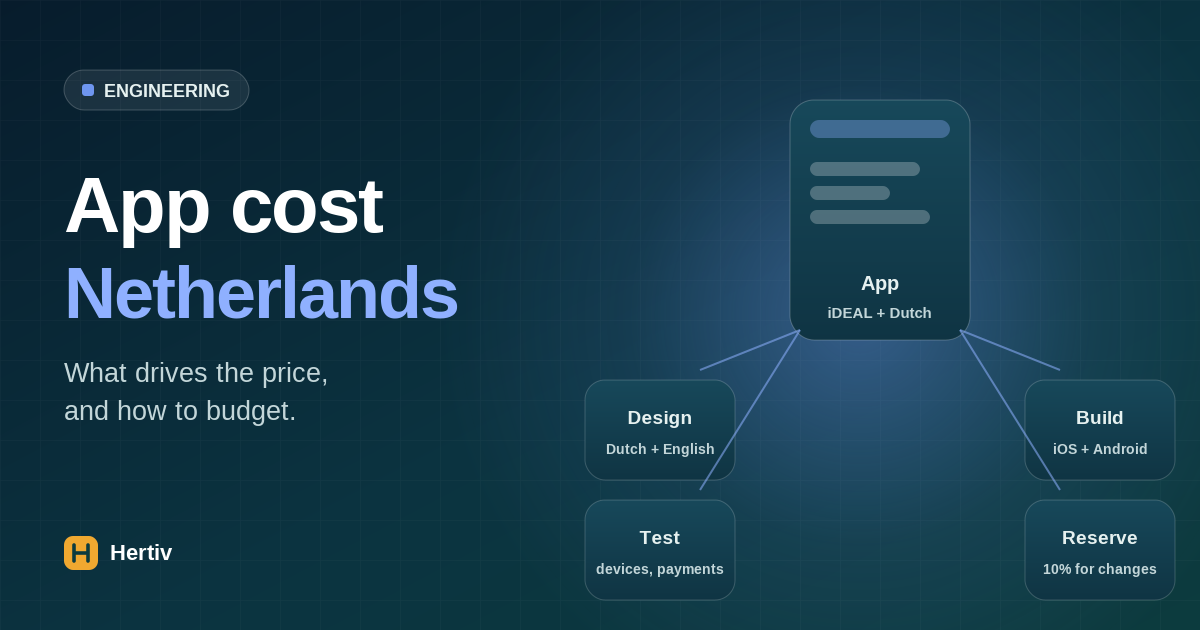
- Add a reserve. Keep 10% aside for fixes and small changes found during testing.
- Budget for running costs. Servers, store fees, monitoring and support continue after launch.
Validate the idea before building the full app, as a guide to how to validate an app idea explains. A landing page, a clickable prototype and a few user interviews can save months of building the wrong thing.
Compare at least two quotes with the same feature list. If one is far cheaper, ask what is missing: usually it is testing, the back end or the Dutch language version.
Example (hypothetical): a first version for a Dutch clinic
Example (hypothetical): a clinic in Utrecht wants an app where patients book appointments, see opening hours and receive reminders. The first version has 14 screens, accounts, booking, reminders and an admin panel for staff.
The team is one designer, two developers and one tester for 12 weeks. At 40 hours a week, that is 1,920 hours. At a blended rate of $80 an hour, the team costs $153,600. Design tools, store fees and test devices add $6,000, and the iDEAL payment integration adds $4,000. The total is $163,600, plus a 10% reserve of $16,360, giving $179,960.
Running costs after launch are modest: servers and monitoring about $400 a month, plus a few hours a month for small fixes. The clinic expects 300 bookings a week through the app within six months, which would save reception staff about 15 hours a week on phone bookings.
The arithmetic is simple and the numbers are invented for illustration. The point is the method: hours times rate, plus integrations, plus a reserve, plus running costs. Any quote that skips one of those lines is incomplete.
Common mistakes
The most common mistakes in app budgeting are starting with the full feature list, skipping the back end, and forgetting running costs. Each one turns a manageable project into an expensive one.
- Building everything at once. A long feature list hides the one feature users actually need. Ship the small version first.
- Forgetting the back end. The admin panel, database and integrations are half the work in most apps.
- Ignoring Dutch language and payments. iDEAL and Dutch text added late cost more than planned early.
- No testing budget. Testing on real devices with real payment flows finds the bugs users would find first.
- No reserve. Without 10% set aside, every fix becomes a negotiation.
- Choosing on price alone. The cheapest quote often leaves out testing, support or the back end.
If you are planning an app and want a realistic budget, AI app development cost gives a similar breakdown for apps with AI features, and the same budgeting method applies.
Key takeaways
- Mobile app cost in the Netherlands is driven by features, platforms and testing, not by screens alone.
- Most of the budget is people, so the team size and duration matter more than store fees.
- Dutch users expect iDEAL and Dutch text; both should be in the quote from the start.
- A first version should solve one problem well, with the rest planned for later releases.
- Budget hours times rate, plus integrations, plus a 10% reserve, plus running costs.
Frequently asked questions
How much does a simple app cost to build in the Netherlands?
A simple content or booking app with a few screens and one platform costs far less than a marketplace or finance app. The main cost is the team's time over a few months, plus design, testing and a small server bill. A fixed quote should list design, build, testing and launch separately.
Do I need iDEAL in a Dutch app?
Most consumer apps that take payments in the Netherlands should offer iDEAL, because many Dutch users expect it and may not complete a card-only checkout. It adds an integration and testing time, but it is usually worth it for conversion. Business apps can sometimes start with cards only.
Should I build for iOS, Android, or both?
It depends on your users. If most of your audience uses one platform, start there. If you need both, a shared codebase usually costs less than two separate native apps, though it can limit some platform-specific features. Ask your team which approach fits your feature list.
Why are Dutch development rates higher than in some other markets?
Rates reflect local salaries, office costs and the cost of hiring experienced developers in the Netherlands. Remote teams can be cheaper, but a local team is easier to meet, test with Dutch users and support in the same time zone. Many companies compare both and pick based on the whole picture, not the hourly rate alone.
What running costs should I expect after launch?
Expect servers and monitoring, app store fees, support time and small fixes. A simple app may cost a few hundred dollars a month to run. Apps with payments, accounts or live data cost more, because they need monitoring, backups and someone to handle issues when they appear.
How long does it take to build a first version?
A small first version usually takes two to four months with a small team, depending on features and how quickly decisions are made. Marketplaces and finance apps take longer because of payments, identity checks and testing. Design approval is often the slowest step, so agree screens early.


