How to Implement Graph RAG Step by Step
Graph RAG answers questions from a knowledge graph, not plain chunks. Build the graph, retrieve the relevant subgraph, and let the model answer from it.
On this page
Short answer
Graph RAG is a retrieval method that answers questions from a knowledge graph: a network of entities and the relationships between them, built from your documents. To implement it, extract entities and relationships from your sources, store them in a graph database, retrieve the subgraph around the question, and pass that subgraph to the language model so it answers from connected facts rather than isolated passages.
What is Graph RAG?
Graph RAG is a retrieval method that answers questions from a knowledge graph rather than from plain text chunks. A knowledge graph stores facts as entities, such as people, products and places, connected by relationships, such as works for, supplies, or depends on. When a question arrives, the system finds the entities it mentions and pulls in the facts connected to them.
It differs from ordinary retrieval-augmented generation, which splits documents into chunks and returns the chunks most similar to the question. That works well for single facts, but it struggles with questions that need several connected facts, such as why a supplier delay affects a product launch. A graph follows the connections and returns the whole chain.
Graph RAG suits knowledge that is naturally connected: company structures, product dependencies, regulations, supplier networks and research. If your documents are mostly standalone facts, plain retrieval is simpler and cheaper.
How does Graph RAG differ from plain RAG?
Graph RAG and plain RAG solve the same problem, which is grounding a language model in your own content, but they store and search that content differently. The choice depends on whether your questions need connections or single passages.
| Aspect | Plain RAG | Graph RAG |
|---|---|---|
| Storage | Text chunks with embeddings | Entities and relationships in a graph |
| Best questions | Single facts and definitions | Multi-hop and connected questions |
| Build effort | Low: chunk and embed | Higher: extract and clean the graph |
| Update cost | Re-chunk the changed document | Update the affected nodes and edges |
| Failure mode | Returns the wrong chunk | Missing or wrong relationships |
Many teams run both: plain retrieval for simple questions and the graph for connected ones. For the basics of the idea, see what is Graph RAG.
The cost side is covered in Graph RAG cost.
Building the knowledge graph
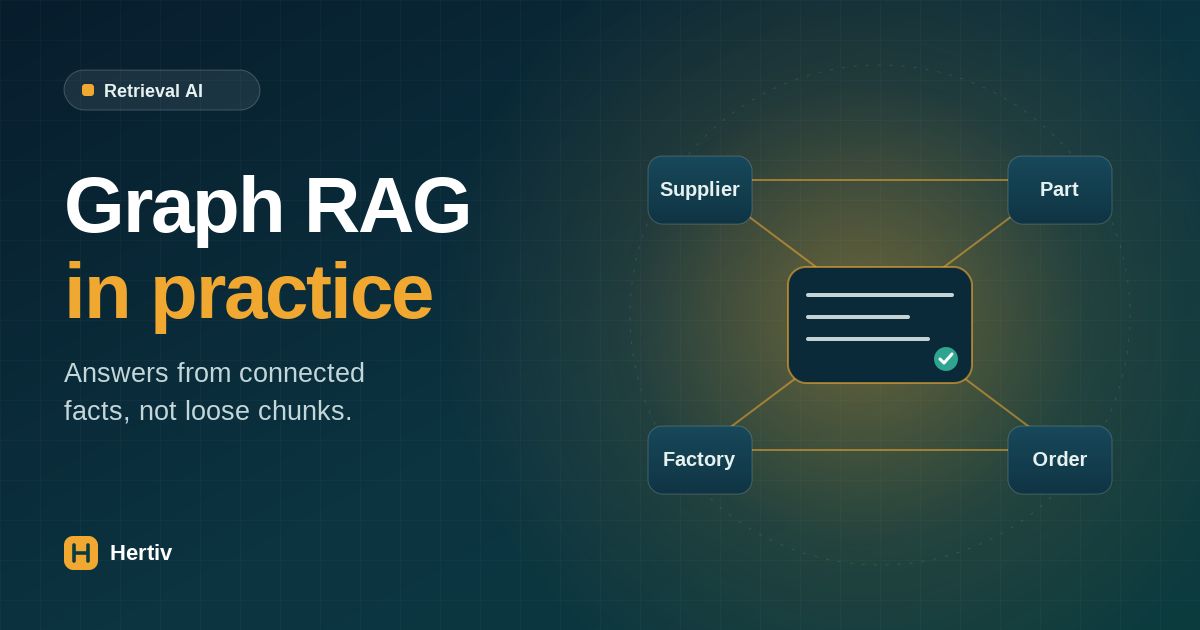
Building the knowledge graph starts with deciding what counts as an entity and a relationship in your domain. For a supplier network, entities might be suppliers, parts, factories and contracts, with relationships such as supplies, depends on and is certified by. Write this schema down before extracting anything, because changing it later means rebuilding the graph.
Extraction usually uses a language model to read each document and pull out entities and relationships in the agreed schema. The model will make mistakes, so add a validation pass: check that every entity has a type, that relationships link real entities, and that duplicates are merged. A graph with three spellings of the same supplier is worse than no graph.
Store the graph in a graph database or a graph layer over your existing store. The choice matters less than the schema and the cleaning process, so pick a tool your team already knows how to operate.
Retrieving answers from the graph
Retrieval starts by finding the entities in the question. A question about a supplier delay names a supplier and a product, so the system looks those up in the graph and pulls in the facts connected to them: which parts the supplier provides, which factories use them, and which orders depend on them.
Two retrieval patterns cover most cases. Local retrieval pulls the neighbourhood around the named entities, which answers questions about a specific thing. Global retrieval summarises whole communities of related entities, which answers broad questions such as what the main risks in the network are. Most systems use local retrieval first and add global summaries for overview questions.
The retrieved subgraph is then passed to the language model with the question. Keep the subgraph small: a few dozen facts is usually enough, and a large subgraph wastes context and invites the model to invent connections that are not there.
How to implement Graph RAG step by step
Implement Graph RAG as a small pipeline with a clear test set, not as a single big build. Each step can be checked on its own before moving to the next.
- Pick one question type. Choose questions that need connections, such as tracing a delay through a supply chain, and collect 20 real examples with known good answers.
- Write the schema. List the entity types and relationship types for your domain, with a short definition of each.
- Extract and clean. Run extraction over a small set of documents, merge duplicate entities, and check the result by hand before scaling up.
- Build retrieval. Implement local retrieval first: find the entities in the question and return their neighbourhood.
- Generate and check. Pass the subgraph to the model, and score the answers against your test set, including whether the cited facts are really in the graph.
- Add global summaries. Once local retrieval works, add community summaries for broad questions, and measure whether they help.
For the cost side of the same pipeline, see RAG development cost.
The plain RAG version is covered in how to implement RAG.
Example: a support team answers connected questions
Example (hypothetical): a support team answers questions about a product with 400 parts from 60 suppliers. Plain retrieval returns the manual page for a part, but it cannot say which orders are affected when that part is delayed. The team builds a graph with 400 part nodes, 60 supplier nodes and 1,200 order nodes.
A customer asks which orders are affected by a delay to one supplier. The system finds the supplier node, follows the supplies relationships to 8 parts, then follows the used in relationships to 46 orders. It passes those 46 order numbers and the 8 part names to the model, which drafts an answer listing them.
The team tests the system on 100 past questions. It answers 82 correctly at first. After fixing 12 duplicate supplier names and 9 wrong relationships, it answers 94 correctly. The fix took one afternoon, and it shows why cleaning the graph matters more than tuning the model.
What are the common mistakes?
The most common mistakes are building a graph before writing a schema, skipping the cleaning pass, and passing too much of the graph to the model.
- No schema first. Extracting without an agreed schema produces a messy graph that is hard to query and harder to fix.
- Skipping entity cleaning. Duplicate and misspelled entities split the graph, so retrieval misses facts that are really there.
- Retrieving too much. A large subgraph wastes context and lets the model invent connections that the graph does not contain.
- No test set. Without real questions and known good answers, there is no way to tell whether a change helped.
- Using a graph for simple questions. Single-fact questions are faster and cheaper with plain retrieval, so route them there.
Key takeaways
- Graph RAG answers connected questions that plain chunk retrieval struggles with
- Write the entity and relationship schema before extracting anything
- Cleaning duplicate entities matters more than tuning the model
- Retrieve a small subgraph: a few dozen facts is usually enough
- Test on real questions with known good answers before scaling up
Frequently asked questions
When should I use Graph RAG instead of plain RAG?
Use Graph RAG when your questions need several connected facts, such as tracing a delay through suppliers and orders, or summarising risks across a network. Use plain RAG for single-fact questions, definitions and summaries of one document, where it is faster and cheaper.
Do I need a graph database for Graph RAG?
Not always. A graph database is the natural store, but a small graph can live in a relational store or even in files. Choose the store your team can operate and back up, and focus your effort on the schema and the cleaning process.
How is the knowledge graph built?
Usually by running a language model over your documents to extract entities and relationships in an agreed schema, then cleaning the result: merging duplicates, fixing wrong links and checking types. The cleaning pass is essential, because extraction always makes mistakes.
How much does Graph RAG cost to run?
The main costs are extraction, which runs once per document, and the model calls for each question. Extraction is the larger cost at first, while question answering is similar to plain RAG. See Graph RAG cost for the cost drivers in more detail.
Can Graph RAG work with my existing documents?
Yes, if the documents contain the connections you need. Unstructured text, PDFs, wikis and tickets all work as sources. The graph is only as complete as the sources, so gaps in the documents become gaps in the graph.
What is the hardest part of implementing Graph RAG?
Agreeing the schema and cleaning the graph. The model and the retrieval code are the easier parts. Most failed projects spend too little time on the schema and discover the graph is too messy to query.


