How to Develop an Advanced LLM-Powered Chatbot
An advanced LLM chatbot answers from your own documents, remembers the conversation and hands off to a person when needed. Here is how to build one step by step.
On this page
Short answer
An advanced LLM-powered chatbot is a chat system that uses a large language model to answer questions from your own documents, remember what was said earlier in the conversation, and take simple actions such as booking or checking an order. It differs from a simple bot because it understands free-form questions instead of matching fixed keywords.
What is an advanced LLM-powered chatbot?
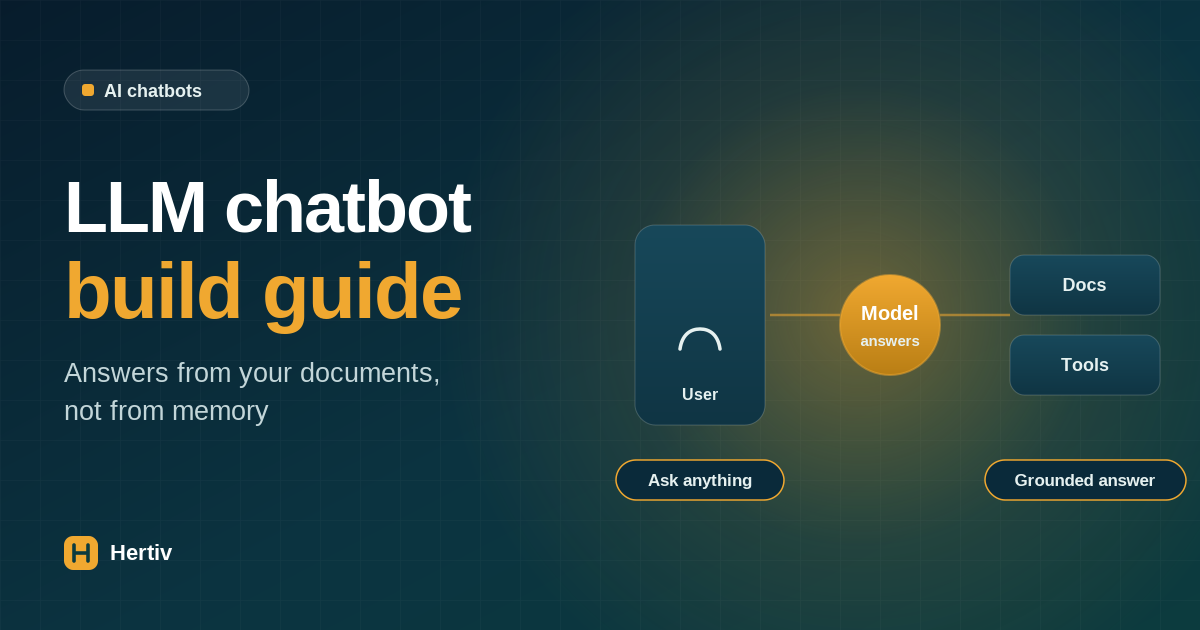
An advanced LLM-powered chatbot is a chat system that uses a large language model to understand free-form questions and answer them from your own documents. A simple bot matches keywords and gives a canned reply. An advanced chatbot reads the question, looks up the relevant facts, and writes an answer in its own words.
It also remembers the conversation. If a customer asks about a delivery and then says "what about the second one?", the chatbot knows which order they mean, because it keeps the context of the chat. That memory is what makes the conversation feel natural instead of starting over each time.
| Part | What it does | Why it matters |
|---|---|---|
| Language model | Understands and writes replies | Handles questions you did not plan for |
| Knowledge base | Stores your documents | Answers stay true to your facts |
| Retrieval | Finds the right documents | Stops the model guessing |
| Memory | Keeps the chat context | Follow-up questions work |
| Tools | Books, checks and updates | The bot does work, not just talk |
| Guardrails | Blocks unsafe answers | Protects users and your brand |
Advanced does not mean complicated for the user. The user sees a normal chat window. The advanced part is behind the scenes: grounding, memory, tools and checks. For the grounding method, read what retrieval-augmented generation is.
How do you plan the chatbot before you build?
You plan the chatbot by choosing one job it must do well. A bot that tries to answer everything will answer most things badly. Pick the job that takes the most staff time, such as answering delivery questions, booking appointments or explaining prices, and build for that first. The range of jobs a bot can take is shown in AI agent use cases.
Next, list the questions users actually ask. Read your support inbox, your call logs and your chat history, and take the top 30 questions. Those questions decide what documents the bot needs and what tests you will run later.
Then decide what the bot may and may not do. A bot can check an order status, but it should not promise a refund or change a price. Write those limits down before you build, because they shape the tools and the guardrails you need.
How do you connect the model to your own data?
You connect the model to your own data by building a knowledge base from your documents. Collect the pages, guides and policy documents that answer the top questions, clean them up, and split them into short chunks that each cover one topic.
When a user asks a question, the system searches the knowledge base for the most relevant chunks and gives them to the model with the question. The model then writes an answer based on those chunks, and it can show the source so a user or a staff member can check it.
Keep the knowledge base small and current. A few hundred good chunks beat thousands of stale ones. Review the documents each month, remove what is out of date, and add the new answers that support staff keep giving by hand.
How do you keep answers safe and accurate?
You keep answers safe by giving the model a clear rule: answer only from the documents, and say you do not know when the answer is not there. That one rule stops most invented facts, because the model no longer has to guess.
You also add checks around the model. A filter can block rude or unsafe content, and a second check can catch prices, dates and policy statements before the user sees them. High-risk answers, such as refunds or medical advice, should go to a person instead of being answered by the bot.
Log every conversation. When a user corrects the bot or a staff member fixes an answer, find the document that caused the error and fix it. A chatbot that learns from its own mistakes gets better each month, while one that is never reviewed stays wrong.
How do you test and launch the chatbot?
You test the chatbot with real questions before you launch it, then release it to a small group first and widen the audience as the answers improve.
- Build a test set. Take 50 real questions from your support inbox, with the right answers written down, and run the bot against them.
- Score the answers. Count how many are right, how many are wrong, and how many the bot refused. Fix the worst failures first.
- Test the edges. Try angry messages, typos, two questions at once and questions outside the bot's job, and check it hands off cleanly.
- Launch to a small group. Give the bot to a tenth of your users and watch the logs daily for a week.
- Widen slowly. When the error rate is low and handoffs work, open the bot to everyone and keep reviewing the logs.
Do not launch on a Friday. Launch on a quiet day, with a staff member watching the logs, so a problem can be fixed before it reaches many users. For testing methods, read how to test AI models.
Example (hypothetical): a clinic booking chatbot
Example (hypothetical): a clinic gets 300 calls a week about bookings. Staff spend about 5 minutes on each call, which is 25 hours a week. The clinic builds a chatbot that answers booking questions from its own pages and books appointments through its booking tool.
In the first month the bot handles 180 of the 300 weekly requests, and staff handle the other 120. Each bot booking takes about 1 minute of staff review, so the team spends 3 hours a week on bot bookings and 10 hours on the rest. That is 13 hours, down from 25, saving about 12 hours a week.
The team checks 100 bot answers and finds 4 wrong ones. Two are about opening hours that changed, so the team updates the page. One is about a service the clinic no longer offers, so the team removes that page. After the fixes, the next check finds 1 wrong answer in 100, and the bot stays live.
What are the common mistakes?
The most common mistakes when building an LLM chatbot are skipping the knowledge base, letting the bot guess, and launching without a handoff.
- No grounding. A chatbot that answers from memory will invent facts; give it documents to read.
- No limits. A bot with no rules will promise refunds and prices you never agreed to.
- No handoff. If the bot cannot pass a frustrated user to a person, the user leaves angry.
- Stale documents. An answer is only as good as the page it came from, so keep the knowledge base current.
- No logging. If you never read the conversations, you never find the errors.
Key takeaways
- An advanced chatbot answers from your own documents, not from memory
- Memory lets it handle follow-up questions without starting over
- Grounding and a do-not-know rule stop most invented facts
- Tools let the bot book, check and update, not just talk
- Test with real questions, launch small, and review the logs every week
Frequently asked questions
How much does an advanced LLM chatbot cost to build?
It depends on the scope. A simple bot grounded in your documents can be built in weeks by a small team, while a bot with tools, memory and safety checks takes longer. The main costs are building the knowledge base, connecting the tools and testing, not the model itself. Ask vendors for a written scope before you compare prices.
Do I need to train my own model?
No, in most cases. A general model plus your documents is enough for support, booking and sales questions. Fine-tuning only makes sense when the bot must write in a very specific style or handle a narrow expert topic that a general model handles badly.
How do I stop the chatbot from inventing answers?
Ground it in your documents and add a rule that it must say it does not know when the answer is not there. Then test with real questions and check the logs. Grounding plus a do-not-know rule removes most invented facts, and logging catches the rest.
Can the chatbot take actions like booking an appointment?
Yes, if you connect it to your booking tool with a clear set of actions it may take. The bot should confirm the details with the user before it acts, and any action that moves money or changes a record should be logged so staff can check it later.
How long does it take to build one?
A first version for one job usually takes a few weeks, including the knowledge base and testing. Adding tools, memory and safety checks takes longer. Start with one job, launch it to a small group, and add more jobs once the first one works well.
What is the difference between an LLM chatbot and a rule-based chatbot?
A rule-based chatbot matches keywords and gives canned replies, so it fails on questions you did not plan for. An LLM chatbot understands free-form questions and writes answers from your documents, so it handles wording you never expected, as long as the answer is in its sources.


