8 Gemini Competitors Worth Comparing
Gemini is strong on Google services, but eight rivals may fit your work better. Here is how ChatGPT, Claude, Copilot and five more compare, and how to pick one.
On this page
Short answer
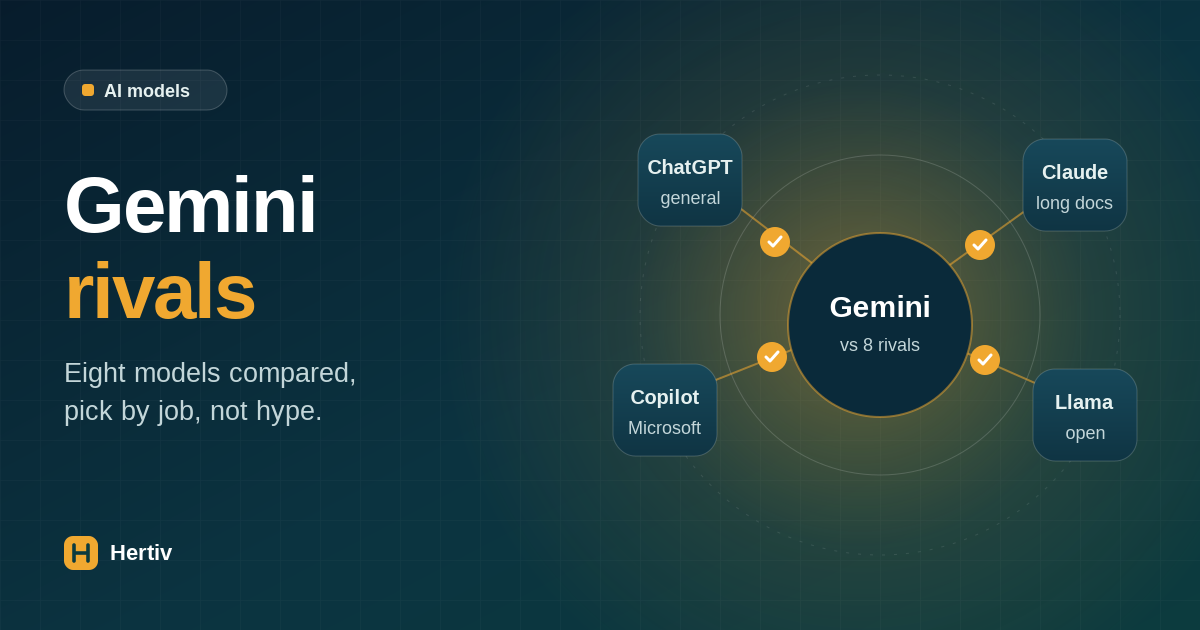
The main Gemini competitors are ChatGPT, Claude, Microsoft Copilot, Mistral AI, Meta Llama, Grok, Perplexity and DeepSeek. Each fits a different job: ChatGPT and Claude lead on general writing and coding help, Copilot fits Microsoft shops, Llama and Mistral suit self-hosted work, and Perplexity and DeepSeek suit research and cost-sensitive teams.
Gemini competitors at a glance
Gemini is Google's AI model family, built into Search, Gmail, Docs and Android. It is a strong default if your team already lives in Google tools, but eight rivals cover the same ground and each one has a different strength.
The table below compares the eight on who makes them, what they are best for and what sets them apart. Use it to shortlist two or three, then test them on your own tasks before you commit. For prices, check each vendor's own pricing page, as plans change often.
| Tool | Maker | Best for | Standout strength |
|---|---|---|---|
| ChatGPT | OpenAI | General writing and coding | Wide tool and plugin range |
| Claude | Anthropic | Long documents and careful drafting | Long context and steady tone |
| Microsoft Copilot | Microsoft | Microsoft 365 shops | Built into Word, Excel and Teams |
| Mistral AI | Mistral | European and self-hosted work | Open-weight models |
| Meta Llama | Meta | Custom builds and research | Open weights, broad community |
| Grok | xAI | Real-time topics on X | Live data from the X platform |
| Perplexity | Perplexity | Research with sources | Answers cite their sources |
| DeepSeek | DeepSeek | Cost-sensitive coding work | Low price per use, see vendor site |
No single model wins every job. The right pick depends on your tools, your data rules and the tasks you repeat most. The sections below take the eight in pairs, with the strengths and limits of each.
1. ChatGPT: best for general writing and coding
1. ChatGPT: best for general writing and coding
ChatGPT is OpenAI's chat product, and it is the most widely used rival to Gemini. It handles drafting, editing, brainstorming, code help and data questions in one place, and it connects to a large range of tools and third-party apps.
For a team that wants one AI assistant for many jobs, ChatGPT is the safe shortlist pick. It is strong on follow-up questions, it keeps context well across a long chat, and its code answers usually run on the first try with small fixes.
- Pros: broad skills, large tool range, strong code help, easy to learn.
- Cons: can be wordy, needs checking on facts, pricing varies by plan, see vendor site.
2. Claude: best for long documents and careful drafting
Claude is Anthropic's model family, known for long context and a careful, plain style. It reads long documents, keeps track of detail across many pages, and drafts text that needs little editing.
Claude suits teams that work with contracts, reports and research notes. It is less likely to invent a detail in a long document, and it asks for clarification instead of guessing when a request is unclear.
- Pros: long context, steady tone, good on long documents, careful with unclear requests.
- Cons: smaller tool range than ChatGPT, fewer integrations, slower on some tasks.
3. Microsoft Copilot: best for Microsoft 365 shops
3. Microsoft Copilot: best for Microsoft 365 shops
Microsoft Copilot is the AI assistant built into Word, Excel, Outlook and Teams. If your team already works in Microsoft 365, Copilot reads your documents and mail and drafts inside the apps you already open each day.
Its main strength is context: it can summarise a meeting from Teams, draft a reply from an email thread, and build a table from a spreadsheet without copying text between apps. That saves the copy-paste step that other tools need.
- Pros: built into Microsoft 365, uses your own documents, strong on meetings and mail.
- Cons: weak outside Microsoft tools, needs a Microsoft 365 licence, see vendor site.
4. Mistral AI: best for European and self-hosted work
Mistral AI is a European model maker whose models are known for speed and for open weights. Teams can run some Mistral models on their own servers, which suits strict data rules and offline work.
Mistral suits teams that want a smaller, faster model for a defined job, such as sorting tickets or drafting replies, rather than a general assistant. Its models are also popular as the base for custom fine-tuned systems.
- Pros: fast, open-weight options, European base, good for custom builds.
- Cons: smaller ecosystem, fewer ready-made apps, needs technical skill to self-host.
5. Meta Llama: best for custom builds and research
5. Meta Llama: best for custom builds and research
Meta Llama is Meta's family of open-weight models. Anyone can download the weights and run them, fine-tune them or build them into a product, which makes Llama the default base for custom AI work.
Llama suits research teams and product teams that need full control over the model. You choose the hosting, the data and the guardrails, and you are not tied to one vendor's pricing or policy changes.
- Pros: open weights, full control, large community, no per-use vendor fee.
- Cons: you run the servers, you handle safety, quality varies by model size.
6. Grok: best for real-time topics on X
Grok is xAI's model, built into the X platform. Its main edge is live data: it can answer questions about events happening now, using posts and links from X as they appear.
Grok suits teams that follow fast-moving topics, such as news, markets and public debate. For slower, document-based work, the other models on this list are usually a better fit.
- Pros: live data from X, strong on current events, direct and short answers.
- Cons: tied to the X platform, weaker on long documents, smaller tool range.
7. Perplexity: best for research with sources
7. Perplexity: best for research with sources
Perplexity is a search-first AI tool that answers questions with citations. Every claim in an answer links to a source page, so you can check the facts instead of trusting the model.
Perplexity suits research, competitor checks and fact-finding. It is the tool to reach for when the answer must be traceable, such as a market claim in a report or a product fact in a sales note.
- Pros: cites sources, good for research, fast answers, clear source list.
- Cons: weaker on creative writing, weaker on long drafting, needs the web to work.
8. DeepSeek: best for cost-sensitive coding work
DeepSeek is a model maker known for low-cost, capable models, especially for code. Teams that run a lot of model calls, such as coding assistants and data pipelines, use DeepSeek to cut the bill without losing much quality.
DeepSeek suits cost-sensitive teams and developers who want a strong open-weight coding model. Check the vendor's own page for current prices and terms, as both change often.
- Pros: low cost per use, strong on code, open-weight options, fast.
- Cons: smaller ecosystem, fewer business integrations, data rules need checking.
How to choose
Picking a Gemini rival is a test, not a debate. Shortlist two or three from the table, run them on your real tasks for a week, and keep the one that saves time without new errors.
- List your top five tasks. Writing, coding, research, meetings or support: the tasks decide the tool, not the brand.
- Check your tools. If your team lives in Google, Gemini may win; in Microsoft 365, Copilot; on your own servers, Llama or Mistral.
- Test with real documents. Give each model the same long report and the same code task, then compare the results side by side.
- Check data rules. Confirm where your data is stored, who can see it, and whether the vendor trains on it. See each vendor's own terms.
- Price the real usage. Count your monthly calls and users, then compare plans on the vendor sites. A cheap plan with a low limit can cost more than a dearer one.
Keep the test small and honest. One week on real work tells you more than a month of reading reviews. Open source Gemini alternatives covers the self-hosted side of the same choice in more detail.
Common mistakes
The most common mistake is picking a model for its brand instead of its fit. A model that tops a benchmark may still be the wrong pick for your documents, your tools and your data rules.
- Trusting answers without checking. Every model on this list can invent a fact; check numbers and quotes before you publish them.
- Ignoring the tool fit. A model outside your office suite costs your team a copy-paste step on every task.
- Skipping the data check. Some plans let the vendor train on your inputs; confirm the setting before you paste company data.
- Paying for seats nobody uses. Start with a small pilot group, then buy seats for the teams that actually use it.
- Switching every month. Each switch costs training time; give a pick at least a month of real work.
Compare Gemini with the same test you use for its rivals. Google Gemini vs ChatGPT shows how the top two differ head to head.
OpenAI vs Claude vs Gemini adds the third model to the same comparison.
Key takeaways
- ChatGPT and Claude are the strongest general rivals to Gemini.
- Copilot wins inside Microsoft 365; Gemini wins inside Google tools.
- Llama and Mistral suit self-hosted and custom builds.
- Perplexity is best for research with cited sources.
- DeepSeek and Grok suit cost-sensitive coding and live topics.
- Test two or three models on your real tasks before you commit.
Frequently asked questions
What is the best Gemini alternative?
There is no single best pick. ChatGPT suits general work, Claude suits long documents, Copilot suits Microsoft shops, and Llama suits custom builds. Test two or three on your real tasks and keep the one that saves time.
Is ChatGPT better than Gemini?
It depends on the job. ChatGPT has a wider tool range and strong code help, while Gemini is built into Google Search, Gmail and Docs. If your team lives in Google tools, Gemini may be the easier pick.
Are there free Gemini competitors?
Most rivals offer a free tier or trial, but limits differ and change often. Check each vendor's own pricing page for the current free tier, and confirm what data the free plan can access.
Can I self-host a Gemini alternative?
Gemini itself is not self-hosted, but Llama and Mistral offer open-weight models you can run on your own servers. Self-hosting needs technical skill and hardware, but it gives full control over data.
Which Gemini rival is best for research?
Perplexity is the strongest for research because its answers cite sources you can check. Claude is also good for long documents, and Grok suits fast-moving topics with live data from the X platform.
Do I need to switch from Gemini?
No. If Gemini works inside your Google tools and meets your needs, switching adds training time for little gain. Switch only when a rival clearly saves time or money on your main tasks.


