Google Gemini vs ChatGPT: Which One Fits Your Work?
Gemini and ChatGPT are the two best-known AI chatbots, but they fit different workflows. Here is how they compare on writing, coding, files and everyday use.
On this page
Short answer
Google Gemini and ChatGPT are both AI assistants that answer questions, draft text, write code and work with files, but they come from different companies and fit different workflows. Gemini is Google's model family and sits inside Google products such as Docs and Gmail, while ChatGPT is OpenAI's chatbot with its own apps and add-ons. This guide compares them so you can pick the one that fits your work.
What are Google Gemini and ChatGPT?
Google Gemini is a family of AI models from Google, offered through a chatbot, a mobile app and inside Google Workspace products such as Docs, Sheets and Gmail. ChatGPT is a chatbot from OpenAI built on its GPT models, offered through a website, mobile apps and a desktop app.
Both tools work the same way at the core: you type or speak a request, and the model drafts an answer, summarises a document, writes code or plans a task. The difference is less about raw ability and more about where each tool lives and what it connects to.
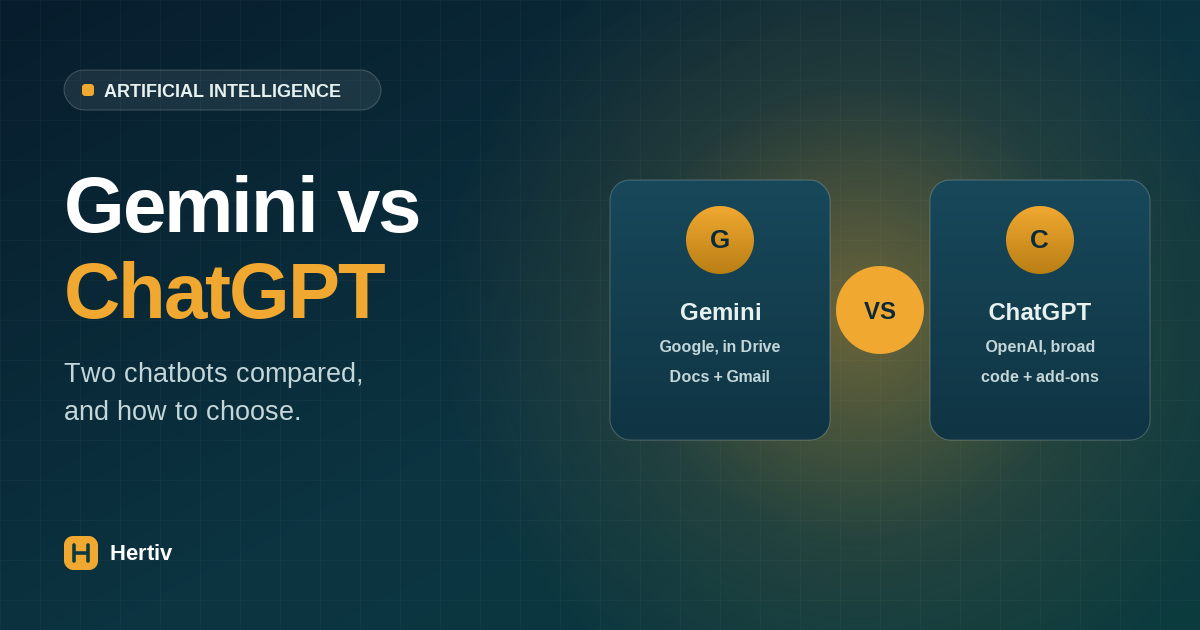
Gemini's strength is its home inside Google. If your files, mail and calendar already live in Google, Gemini can reach them with less copying and pasting. ChatGPT's strength is its breadth: it has a large catalogue of add-ons, a code interpreter and a long history of third-party integrations.
What is Google Gemini good at?
Gemini fits best where Google products already run the work. It can summarise a long email thread, draft a reply in Gmail, turn notes into a document in Docs, or pull numbers from a Sheet without you exporting files first.
It also handles images, audio and video as inputs, which suits tasks such as describing a photo, transcribing a meeting or pulling the key points from a recorded call. For research, its live web access can check current information rather than relying only on what the model was trained on.
Gemini's free tier covers everyday use, while paid plans add larger limits and deeper Workspace integration. Prices and limits change, so check the vendor site before you budget for a team.
What is ChatGPT good at?
ChatGPT fits best where the work is open-ended and the toolset matters. It drafts long documents, writes and explains code, plans projects and builds small tools, and its add-ons extend it into areas such as data analysis, image generation and web browsing.
Its coding support is a common reason teams pick it. ChatGPT can explain an error, suggest a fix, write tests and walk through a codebase, which makes it a daily tool for many developers. Its memory of past chats also helps with ongoing work, since it can pick up context from earlier sessions.
ChatGPT also has a large community around it, which means more guides, prompts and shared workflows. For a team that wants one tool that covers many jobs, that breadth is hard to match. OpenAI vs Claude vs Gemini compares the three-way choice in more detail.
Google Gemini vs ChatGPT: side by side
The table below compares the two tools on the points that matter most to everyday users. Both are strong, and the winner changes with the task.
| Point | Google Gemini | ChatGPT |
|---|---|---|
| Home products | Docs, Sheets, Gmail, Drive | Own apps, many add-ons |
| Writing | Strong, good for short drafts | Strong, good for long documents |
| Coding | Good for scripts and review | Strong, with tests and debugging |
| Files | Reads Drive files in place | Uploads files for analysis |
| Web access | Live search built in | Live search in paid plans |
| Images and video | Strong multi-modal input | Strong image generation |
Read the table as a guide to fit, not as a score. A writer who lives in Google Docs will feel the difference more than a developer who only needs code help.
Which one should you choose?
Choose Gemini if your work already lives in Google. The time saved by not copying files between tools adds up fast, and the integration keeps your documents where your team already works.
Choose ChatGPT if you want one tool that covers many jobs. Its add-ons, coding help and large community make it the safer pick for mixed work that spans writing, code, data and planning.
Many people end up using both: Gemini inside Google for mail and documents, and ChatGPT for coding and longer writing. That is a fair answer too, as long as the team agrees which tool holds which work, so nothing gets lost between them. Testing AI models before you roll one out to a team is worth the hour it takes.
Price is rarely the deciding factor, since both tools have free tiers and similar paid plans. The real cost is the time your team spends learning the tool and the time lost when work is split across two places, so pick the tool that fits the work your team already does.
Example (hypothetical): a support team tests both for a week
Take a hypothetical support team of five people who answer 400 customer questions a day. They test both tools for one week on the same 100 questions, scoring each draft for correctness and tone.
Gemini answers 78 of the 100 correctly and needs an edit on the other 22. ChatGPT answers 82 correctly and needs an edit on 18. The gap is small, so the team looks at speed instead: Gemini saves about 3 minutes per question inside Gmail, while ChatGPT saves about 2 minutes per question in its own app.
At 400 questions a day, Gemini's 3 minutes save 20 hours a day across the team, while ChatGPT's 2 minutes save about 13 hours a day. The team picks Gemini because their mail and docs already live in Google, and the integration is worth more than the small accuracy gap. Retrieval-augmented generation would close the gap further, since both tools answer better from the team's own help centre.
Common mistakes
The most common mistake is picking on brand alone. Gemini and ChatGPT are both strong, and the right choice depends on where your files live and what your team does all day, not on which name is more familiar.
Another mistake is trusting either tool with facts it cannot check. Both can write confident-sounding answers that are wrong, so any answer that goes to a customer or into a document needs a human check against a real source.
A third mistake is paying for a team plan before testing the free tier. A week of real work on the free tier tells you more about fit than any comparison article, including this one.
Finally, do not split a team across both tools without a rule. If half the team writes in Gemini and half in ChatGPT, prompts and drafts live in two places and nobody can find them. Pick one home for shared work.
Key takeaways
- Gemini fits best inside Google; ChatGPT fits best as a general tool.
- Both handle writing, code and files, but their integrations differ.
- Test both on your real work for a week before paying.
- Check every customer-facing answer against a real source.
- Pick one home for shared work so drafts do not scatter.
Frequently asked questions
Is Google Gemini free?
Yes, Gemini has a free tier that covers everyday chatting, drafting and image work. Paid plans add higher limits, larger models and deeper integration with Google Workspace. Check the vendor site for current prices and limits.
Is ChatGPT better than Gemini for coding?
ChatGPT is usually the stronger coding tool, with better debugging help, test writing and code explanation. Gemini handles scripts and code review well, but most developers who compare the two pick ChatGPT for daily coding work.
Can Gemini use my Google Drive files?
Yes. Gemini can read files stored in Google Drive and use them when drafting or summarising, which is its main advantage for teams that already work in Google. You control which files it can see.
Which is better for writing long documents?
ChatGPT is usually better for long documents, since it holds context well across many pages and drafts in a steady voice. Gemini is strong for short drafts and for turning notes into a first version inside Docs.
Do I need to pay for either tool?
Not to start. Both have free tiers that cover everyday use, including chatting, drafting and image work. Paid plans make sense once you hit the free limits, need team features or want the newest models.
Can I use both Gemini and ChatGPT?
Yes, and many people do. Use Gemini where Google products run the work and ChatGPT where you need its add-ons or coding help. Agree as a team which tool holds shared work, so nothing is lost.


