Gas Fees Best Practices for Everyday Transactions
Gas fees are lowest when you read the fee estimate first, time the transaction for a quiet hour and use a layer 2 chain. Here is how to do each one.
On this page
Short answer
Gas fees are the cost of running a transaction on a blockchain, and they change with demand, so the same transfer can cost a few cents or many dollars depending on when and where you send it. Check the fee estimate before you confirm, time the send for a quiet hour, use a layer 2 chain when it fits, and set the priority fee instead of accepting a wallet default.
What are gas fees, in one paragraph?
Gas fees are the payment a blockchain charges to run a transaction, measured in units of work called gas and priced in the chain's own coin. Every action, from sending coins to swapping tokens or minting an NFT, uses some gas, and the total fee is the gas used multiplied by the price per unit at that moment.
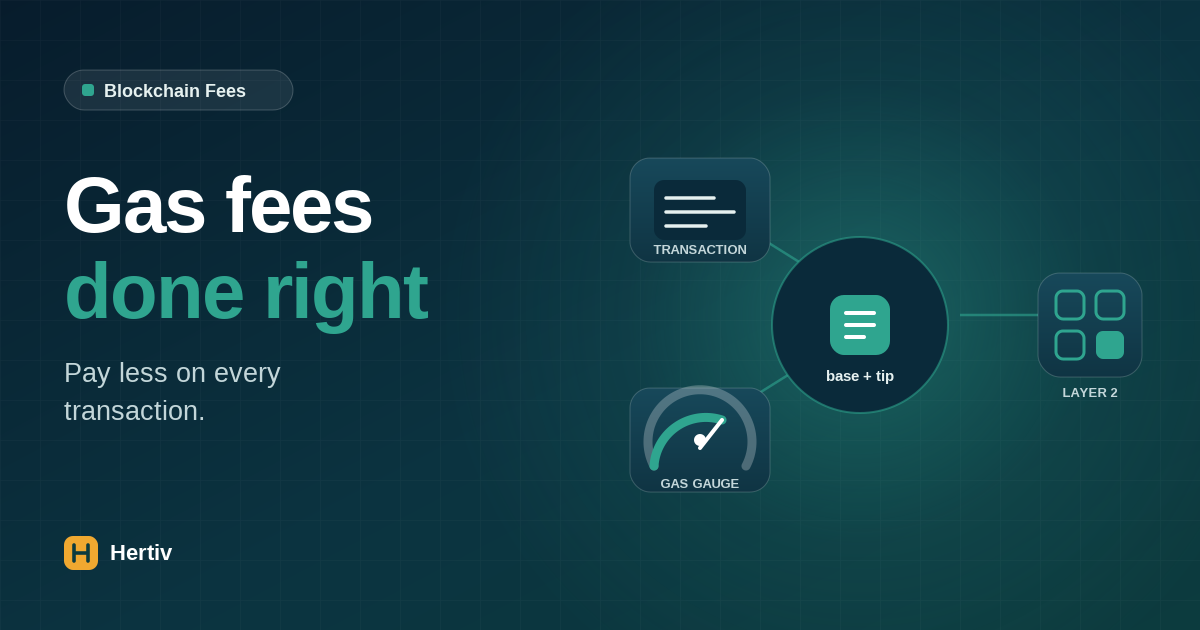
On Ethereum-style chains the price per unit has two parts since the EIP-1559 change: a base fee that rises and falls with how full each block is, and a priority fee, or tip, that you offer to the validator to include your transaction sooner. The base fee is burned, so it does not go to the validator, while the tip does. Your wallet adds both parts together into the total you see before you confirm.
Fees exist to stop spam and to pay for the work of running the chain. A chain with no fee would be flooded with free transactions, so the fee is both a cost and a filter. If you want the full background, what gas fees are and how they work covers the basics.
How do you read a gas fee before you send?
You read a gas fee before you send by looking at the estimate your wallet shows and checking it against a gas tracker. A good wallet shows the total cost in the chain's coin and in dollars before you confirm, along with the base fee and the priority fee it plans to use.
If the wallet shows only a coin amount, convert it: multiply the fee by the current coin price so you know what the transaction really costs.
A gas tracker shows the current base fee and the priority fee that gets a transaction included quickly, at a normal speed, or slowly. Use it to judge whether the wallet's suggestion is fair. A wallet default that is far above the tracker's fast rate is wasting your money, and one far below the slow rate may leave your transaction waiting.
Check the fee every time, even for a transaction you have sent before. The same transfer can cost several times more at a busy hour than at a quiet one, and a fee you accepted yesterday is no guide to today. Never confirm a transaction without reading the total first: a rushed click is how small transfers end up costing more than the amount they move.
When should you send a transaction?
You should send a transaction when the network is quiet, because the base fee follows demand block by block. Fees rise when many people transact at once, such as during a popular token launch, a market crash or a big NFT mint, and fall when activity drops, often late at night or early in the morning in the regions where most users live.
If the transaction is not urgent, wait. A transfer that can wait a few hours can often be sent for a fraction of the busy-hour price, and the saving is larger on bigger transactions. Set a reminder to check the tracker later rather than paying the peak price now.
If the transaction is urgent, pay the priority fee the tracker suggests for fast inclusion and move on. The mistake is paying a fast fee for a slow job: a token approval that can wait until tomorrow does not need the highest tip. Match the fee to the urgency, and keep a note of the quiet hours for the chains you use most.
How do layer 2 chains cut gas fees?
Layer 2 chains cut gas fees by doing most of the work off the main chain and sharing the cost. A rollup batches many transactions together, posts a compressed summary to the main chain, and splits the main-chain fee across all of them, so each transaction pays only a small share. That is why a transfer on a rollup can cost far less than the same transfer on the main chain.
The trade-off is that you need to move funds onto the layer 2 first, which itself costs a main-chain fee, and some applications only exist on one chain. It pays to use a layer 2 when you transact often: the bridge fee is paid once, and every later transaction is cheaper. For a single, one-off transfer, the bridge fee can wipe out the saving.
| Where you transact | Typical fee | Best for |
|---|---|---|
| Main chain | Highest | Large, one-off or high-value moves |
| Optimistic rollup | Much lower | Everyday transfers and swaps |
| ZK rollup | Much lower | Frequent small transactions |
| Sidechain | Lowest | Games and high-volume activity |
Check that the token and the application you need exist on the layer 2 before you bridge. If you want the background, what layer 2 is explains the designs.
For the engineering side, how to implement layer 2 covers how teams build on one.
How do you set the gas limit and priority fee?
You set the gas limit and the priority fee to match the transaction, not to the largest numbers your wallet allows. The gas limit is the maximum units of work you will pay for. A limit far too high does not cost extra, because you only pay for the gas actually used, but a limit too low fails the transaction and still burns the gas used up to that point.
Start with the wallet's suggested limit for the same kind of transaction, then check it against the tracker's estimate. A simple transfer uses far less gas than a token swap or a contract call, so a limit copied from a swap will be far too high for a transfer, and one copied from a transfer will fail a swap. Keep a short note of the limits your usual transactions need.
For the priority fee, use the tracker's slow rate when you can wait and the fast rate when you cannot. A small tip is enough when the network is quiet, so do not accept a wallet default that is far above the current base fee. If a transaction is stuck, you can usually speed it up by sending the same transaction again with a higher priority fee, rather than sending a second, separate one.
Example (hypothetical): moving tokens on a busy evening
Example (hypothetical): a user needs to send 20 small token transfers in a month, and each one costs $12 in gas on the main chain during busy hours. That is 20 times $12, or $240 a month in fees alone.
Instead, the user bridges the tokens to a rollup once, paying a $15 bridge fee, and sends the 20 transfers there at $0.40 each. That is $15 plus 20 times $0.40, which is $15 plus $8, or $23 in total. The saving is $240 minus $23, or $217 a month, and the transfers arrive faster as well.
The same logic applies to timing. Sending half of those transfers during quiet hours, when the main-chain fee is $4 instead of $12, would cost 10 times $4, or $40, instead of 10 times $12, or $120.
The habit that saves the most money is not a clever setting: it is checking the fee before every send and choosing the cheaper hour or the cheaper chain. NFT transfers follow the same rules, as NFT gas fees explains.
What are the common mistakes?
The most common gas fee mistakes are accepting a wallet default without reading it, setting the gas limit too low, and paying a fast fee for a slow job. Each one is easy to avoid once you know to look.
- Accepting the default fee blindly. Wallet defaults are often set high to make sure the transaction goes through, which means you pay more than you need to.
- Setting the gas limit too low. A failed transaction still burns the gas it used, so a limit that is too low costs money and achieves nothing.
- Paying for speed you do not need. A token approval that can wait until tomorrow does not need the highest priority fee.
- Sending during a launch or a crash. Fees spike when everyone transacts at once, so an urgent-looking job is often cheaper a few hours later.
- Bridging for a single transfer. The bridge fee can cost more than the saving on one transaction, so use a layer 2 when you transact often.
Key takeaways
- Gas fees are gas used multiplied by the price per unit at that moment
- Read the wallet estimate and check it against a gas tracker every time
- Send during quiet hours and match the priority fee to the urgency
- Layer 2 chains share the main-chain fee across many transactions
- A gas limit too low fails the transaction and still burns the gas used
Frequently asked questions
What is the difference between the base fee and the priority fee?
The base fee is set by how full each block is and is burned, so it does not go to the validator. The priority fee, or tip, is what you offer the validator to include your transaction sooner. Your wallet adds both parts together into the total you see before you confirm.
How can I pay less in gas fees?
Send during quiet hours, use a layer 2 chain for frequent transactions, batch actions into one transaction where possible, and set the priority fee yourself instead of accepting a wallet default. Checking a gas tracker before every send is the single habit that saves the most.
Why did my transaction fail but still cost gas?
A transaction that runs out of gas fails, but the work done up to that point still has to be paid for, so the gas used is burned. This usually happens when the gas limit is set too low for the action, such as using a transfer limit for a token swap.
Are gas fees lower on layer 2 chains?
Yes, usually much lower. A rollup batches many transactions together and posts one compressed summary to the main chain, so each transaction pays only a small share of the main-chain fee. You pay a bridge fee once to move funds onto the layer 2, so it pays off when you transact often.
What gas limit should I set?
Start with the wallet's suggested limit for the same kind of transaction, then check it against a gas tracker. A simple transfer uses far less gas than a token swap or a contract call, so do not copy a limit from a different kind of transaction.
Do gas fees change during the day?
Yes. The base fee follows demand block by block, so fees rise during busy periods such as token launches or market crashes and fall during quiet hours. The same transfer can cost several times more at a busy hour than a few hours later.


