How to Evaluate and Optimise an Enterprise AI Solution
Evaluate an enterprise AI solution on accuracy, cost, speed and fit, then improve it step by step with measured changes.
On this page
Short answer
To evaluate an enterprise AI solution, measure it against the job it is meant to do: accuracy on real work, cost per task, speed, and how well it fits the systems and rules around it. To optimise it, change one thing at a time, measure the result, and keep only the changes that improve the number that matters.
What does it mean to evaluate an enterprise AI solution?
Evaluating an enterprise AI solution means checking whether it does its job well enough, cheaply enough and safely enough to keep using. The check uses real work from the business, not a demo, and it measures outcomes the business cares about, such as correct answers, time saved or errors avoided.
The evaluation should cover four things: how often the output is right, how much each task costs, how fast it answers, and whether it follows the rules for data, privacy and sign-off. A solution that is accurate but too slow or too costly for daily use is not ready, and neither is a fast one that gives wrong answers.
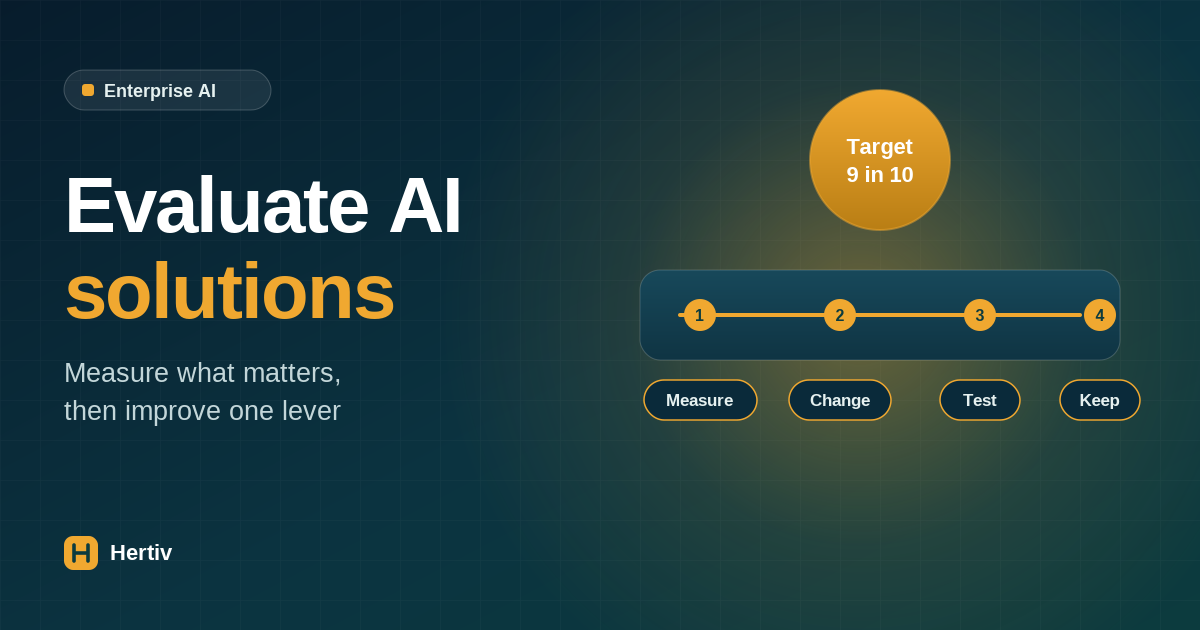
Start by writing down what good looks like before you measure anything. A target such as "at least 9 in 10 answers correct, checked by staff" is useful; "better than before" is not. For the building blocks, see how to build an AI proof of concept.
What should you measure?
Measure the things that decide whether the solution earns its keep. Accuracy comes first, but cost and speed decide whether it can run every day, and fit decides whether staff will actually use it.
| Measure | What it tells you | How to check it |
|---|---|---|
| Accuracy | How often the output is right | Staff check a sample of real outputs |
| Cost per task | What each answer costs to run | Model and hosting bills divided by tasks |
| Response time | How long users wait | Time from request to answer |
| Coverage | How much work it handles alone | Share of tasks needing no human help |
| Error cost | What a wrong answer costs | Time to fix and impact on the customer |
| Fit | Whether it works with your systems | Time to connect and keep it running |
Build an evaluation set: a fixed collection of real examples with known correct answers. Run the same set after every change, so improvements are real and not a lucky sample. Testing AI models properly starts with that set.
How do you evaluate accuracy honestly?
Accuracy is only honest if the test uses real work and the answers are checked by someone who knows the job. Testing on examples the team wrote to show the product off tells you nothing about how it handles the messy cases that arrive on a Tuesday.
Take a sample of real inputs from the last month, remove anything that identifies a customer, and have the people who do the job today mark the correct answer for each one. Then run the solution on the same sample and compare. The gap between the two is the real accuracy, and it is usually lower than the demo number.
Split the results by type. A support tool can be excellent at password resets and poor at refund questions, and the average hides that. Fix the weak type first, because that is where users notice the mistakes.
How do you optimise an AI solution?
Optimising means changing one thing at a time and measuring the result on the same evaluation set. Change the prompt, the data, the model or the workflow, but never two at once, because then you cannot tell which change helped.
The usual levers, in the order most teams try them, are: better instructions for the model, better retrieval of the documents it reads, cleaner data, a smaller or cheaper model for easy cases, and a human check on the risky ones. Each lever is cheap to try and easy to reverse, which is the point.
Cost is often the easiest win. Many solutions send every question to the most expensive model, when a smaller model answers most of them just as well. Routing easy questions to the cheaper model and hard ones to the stronger model can cut the bill without touching accuracy. See how AI is used in customer service for a typical routing pattern.
Example: a support team improves its AI assistant
Example (hypothetical): an enterprise support team runs an AI assistant that answers 300 customer questions a day. Staff check a sample and find 240 answers correct, or 8 in 10, and the team wants 9 in 10 before expanding it.
The team first fixes the retrieval step, so the assistant reads the right help articles. Accuracy rises from 240 to 258 correct out of 300, or 86 in 100. Next it adds a human check on refund questions, the weakest type, and accuracy reaches 273 out of 300, or 91 in 100.
Cost falls too. Easy questions are routed to a cheaper model, cutting the daily run cost from $60 to $42, a saving of $18 a day, or about $390 a month on working days. The team keeps the changes because both numbers moved the right way on the same test set.
What are the common mistakes?
The most common mistakes are measuring on a demo instead of real work, changing several things at once, and optimising for cost before accuracy is good enough.
- Testing on easy examples. A demo set flatters the model and hides the cases users actually send.
- Changing everything at once. Three changes and a better score tell you nothing about which one worked.
- Chasing cost first. A cheaper model that gives wrong answers costs more in fixes and lost trust.
- No fixed evaluation set. Without the same test each time, every score is a different test.
- Ignoring the error cost. A 95% accurate tool is a failure if the 5% of errors are the expensive ones.
How do you keep the solution improving?
Improvement is a routine, not a project. Review the evaluation set monthly, add the new kinds of mistakes that appear, and retire examples that no longer match the work. A set that never changes slowly stops measuring the real job.
- Review monthly. Check accuracy, cost and response time on the same set.
- Add new failures. Every real mistake that reaches a user goes into the set.
- Test one change at a time. Keep the change only if the number improves.
- Watch the cost per task. Usage grows, and a small cost per task becomes a large bill.
- Keep a human in the loop. Risky cases still need a person to check the answer.
If the numbers stop improving, the limit is usually the data or the task itself, not the model. At that point the honest answer is to narrow what the solution does, or to fix the data it reads from, rather than buying a bigger model.
Key takeaways
- Evaluate on real work with a fixed test set, not on a demo
- Measure accuracy, cost per task, speed, coverage and error cost together
- Change one thing at a time and keep only what improves the target number
- Fix the weakest type of question first, because that is where users notice mistakes
- Review monthly and add every real failure to the evaluation set
Frequently asked questions
What is the first step in evaluating an enterprise AI solution?
Write down what good looks like, then build a fixed set of real examples with known correct answers. Run the solution on that set and have staff check the outputs. That gives an honest accuracy number before any optimisation begins.
How do you measure the cost of an AI solution?
Add up the model, hosting and maintenance bills for a month and divide by the number of tasks the solution handled. That cost per task is the number to watch, because it grows with usage and decides whether the solution can run every day.
Should you optimise for cost or accuracy first?
Accuracy first. A cheaper model that gives wrong answers costs more in fixes, rework and lost trust than the saving is worth. Once accuracy meets the target, route easy questions to a cheaper model to cut the bill.
How often should an enterprise AI solution be re-evaluated?
Monthly, on the same fixed set of examples, plus a check after any change to the model, the data or the workflow. Add new real failures to the set each month so the test keeps matching the work.
What is a good accuracy target for enterprise AI?
It depends on the cost of a mistake. For drafting and summarising, 9 in 10 correct with a human check is often enough. For anything that moves money or gives advice, the target should be higher, and risky cases should stay with a person.
When should you stop optimising and narrow the scope?
When accuracy stops improving despite changes, the limit is usually the data or the task itself. Narrowing what the solution does, or fixing the data it reads from, is then more useful than trying a bigger model.


