Enterprise AI Agents: Deployment, Results and ROI
Enterprise AI agents only pay off when deployment is planned and results are measured. Here is how teams deploy them, track the return, and avoid the usual waste.
On this page
Short answer
An enterprise AI agent is software that carries out a multi-step business task on its own, such as handling a support ticket from first message to resolution, using the company's systems and rules. It earns its keep when the work it finishes is measured against the cost of running it, and the gap between the two is the return on investment.
What is an enterprise AI agent?
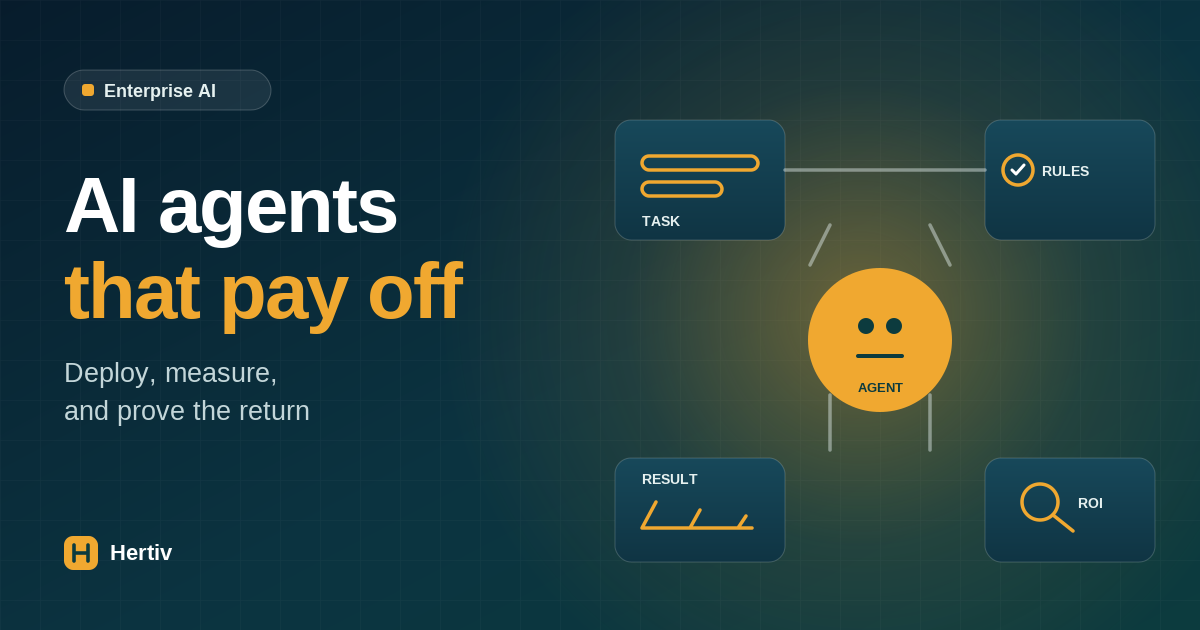
An enterprise AI agent is software that carries out a multi-step business task on its own, inside a company's own systems. It reads a request, checks the rules and the records, takes the next action, and hands the result back or asks a person when the case is outside its limits.
It is different from a chatbot, which answers one question at a time, and from a simple automation, which follows a fixed script. An agent decides the order of the steps, uses tools such as a CRM, a ticket system or a document store, and keeps working until the task is done or it reaches a point where a person must decide.
The agent runs inside the company's guardrails: who it may contact, what it may change, and what it must never do. Those guardrails are the product, not an extra. For the range of tasks agents already take on, AI agents use cases shows where teams start.
Which enterprise tasks do AI agents take on?
Enterprise AI agents take on tasks where the work is repetitive, the rules are written down, and the result can be checked. The table below shows the common starting points and what each agent actually does.
| Task | What the agent does | How the result is checked |
|---|---|---|
| Support triage | Reads tickets, classifies them, drafts replies | Deflection rate and customer replies |
| Document review | Reads contracts and invoices, extracts fields | Field accuracy against a human sample |
| Sales preparation | Summarises accounts, drafts follow-ups | Time saved per rep, reply rates |
| Finance close | Matches invoices, flags exceptions | Exceptions found, close time |
| IT helpdesk | Resets access, guides fixes, routes incidents | Tickets closed without a human |
| Procurement checks | Compares quotes and supplier terms | Savings found, review time |
The best first task is one the team already measures. If nobody knows how long a task takes today, there is no baseline to compare the agent against, and the return cannot be shown. Pick a task with a queue, a timer and a clear outcome.
How do you deploy an AI agent in an enterprise?
Deploying an enterprise AI agent follows a fixed order, and the permission and data steps come before the build.
- Pick one task and one owner. Choose a single workflow with a named owner who can say whether the agent's work is right.
- Map the steps and the rules. Write down every step the task takes today, the systems it touches, and the rules that decide each step.
- Connect the systems read-only first. Give the agent read access to the records it needs, and test it on past cases before it changes anything.
- Set the guardrails. Decide what the agent may do alone, what needs a human check, and what it must never do, then write those limits into the system.
- Run a small pilot. Let the agent handle a limited share of real cases with a human reviewing the output every day.
- Measure, then widen. Compare the pilot results against the baseline, fix the failures, and only then raise the share of cases the agent handles.
The pilot is where most deployments are won or lost. A pilot that runs for two weeks on real cases, with daily review, finds the failure modes that a demo never shows. For the proof-of-concept stage, how to build an AI proof of concept covers the same discipline in more detail.
How do you measure the ROI of an AI agent?
The return on investment of an AI agent is the value of the work it finishes, minus the cost of running it, measured over the same period. The value is usually time saved, errors avoided, or revenue the team would otherwise have missed.
Start with the baseline: how long the task takes a person today, how often it happens, and what it costs when it goes wrong. Then measure the same numbers with the agent running, including the time a human still spends checking its work. The difference, minus the build and running costs, is the return.
Three numbers matter most. First, the share of cases the agent finishes without human help. Second, the accuracy of its work, checked against a human sample. Third, the full running cost, including the model, the tools, the review time and the maintenance. An agent that finishes 80% of cases at 95% accuracy is worth more than one that finishes everything at 80% accuracy, because fixing wrong work costs more than doing it by hand.
Example (hypothetical): a support agent's first quarter
Picture a support team that receives 1,000 tickets a month. Each ticket takes a person 12 minutes on average, so the team spends 200 hours a month on tickets. The team deploys an agent that handles the simple half of the queue.
In the first quarter the agent finishes 400 of the 1,000 monthly tickets without human help, and a person checks the rest. The 400 tickets would have taken 80 hours of human time, and the checking takes 20 hours, so the team saves 60 hours a month. At $50 an hour, that is $3,000 a month of time saved.
The agent costs $1,200 a month to run, including the model and the tools, and the build cost $9,000 once. In the first quarter the saving is $9,000 and the cost is $3,600 running plus $9,000 build, so the project is $3,600 behind. In the second quarter the saving is again $9,000 against $3,600 running cost, so the project moves ahead by $5,400. The payback point is the fifth month.
What are the common mistakes?
The most common mistakes when deploying enterprise AI agents are skipping the baseline, giving the agent too much freedom too early, and measuring activity instead of results.
- No baseline. A team that never timed the task before the agent cannot show any return. Time the task first.
- Too much freedom. An agent that can change records or contact customers from day one will make a costly mistake. Start read-only, then widen.
- Counting messages, not outcomes. An agent that answers 1,000 tickets badly is worse than one that answers 400 well. Measure finished tasks and accuracy.
- Ignoring the review cost. If a human must check every answer, the saving is smaller than it looks. Count the review time in the cost.
- Scaling a broken pilot. A pilot with low accuracy will not get better by handling more cases. Fix the failures first, then scale.
For examples of agents that did work in production, real-world AI agent examples shows six deployments and what made each one hold up.
When should you not deploy an agent yet?
An enterprise should not deploy an AI agent yet when the task has no written rules, the data is not clean, or nobody owns the outcome. An agent built on unwritten rules will guess, and the guesses will be wrong in ways nobody can predict.
Start with the paperwork instead. Write the rules, clean the records the agent will read, and name the person who decides whether its work is right. Those three steps usually take longer than the build, and they decide whether the deployment works.
A small pilot is still useful in this situation, but only as a test of the rules, not as a launch. Run it on past cases, read every answer, and fix the rules until the answers are right. When the pilot passes on old cases, it is ready for live ones.
Key takeaways
- An enterprise AI agent carries out a multi-step task inside the company's own systems and rules
- Deploy in order: one task, one owner, read-only first, guardrails, small pilot, then widen
- ROI is the value of finished work minus the full running cost, measured against a baseline
- Measure finished cases and accuracy, not how many cases the agent touched
- Do not scale a pilot that has low accuracy; fix the failures first
Frequently asked questions
What is the difference between an AI agent and a chatbot?
A chatbot answers one question at a time, while an agent carries out a multi-step task: it reads a request, checks the rules and the records, uses company systems, and keeps working until the task is done or a person must decide.
How long does it take to deploy an enterprise AI agent?
A small pilot usually takes four to eight weeks from the first meeting to live cases, including the rules, the system connections and the guardrails. The rules and data work often take longer than the build itself.
What does an AI agent cost to run?
Running costs include the model, the tools it uses, the time a human spends reviewing its work, and the maintenance. A team should count all four, because the review time is often larger than the model cost.
How do you know if an AI agent is working well?
Check three numbers: the share of cases it finishes without human help, the accuracy of its work against a human sample, and the full running cost. If accuracy is low, fix it before handling more cases.
Do AI agents replace support staff?
No, they take on the repetitive part of the work, and staff move to the cases that need judgement, such as angry customers, unusual requests and decisions the agent is not allowed to make.
What is the biggest risk when deploying an AI agent?
Giving the agent too much freedom too early. An agent that can change records or contact customers from day one can make a costly mistake, so start read-only and widen the limits only when the pilot proves it is safe.


