Real-World AI Agent Examples: 6 That Work in Production
AI agents run multi-step jobs on their own, from handling a refund to triaging an outage. Here are six running in production, with the checks that keep them safe.
On this page
Short answer
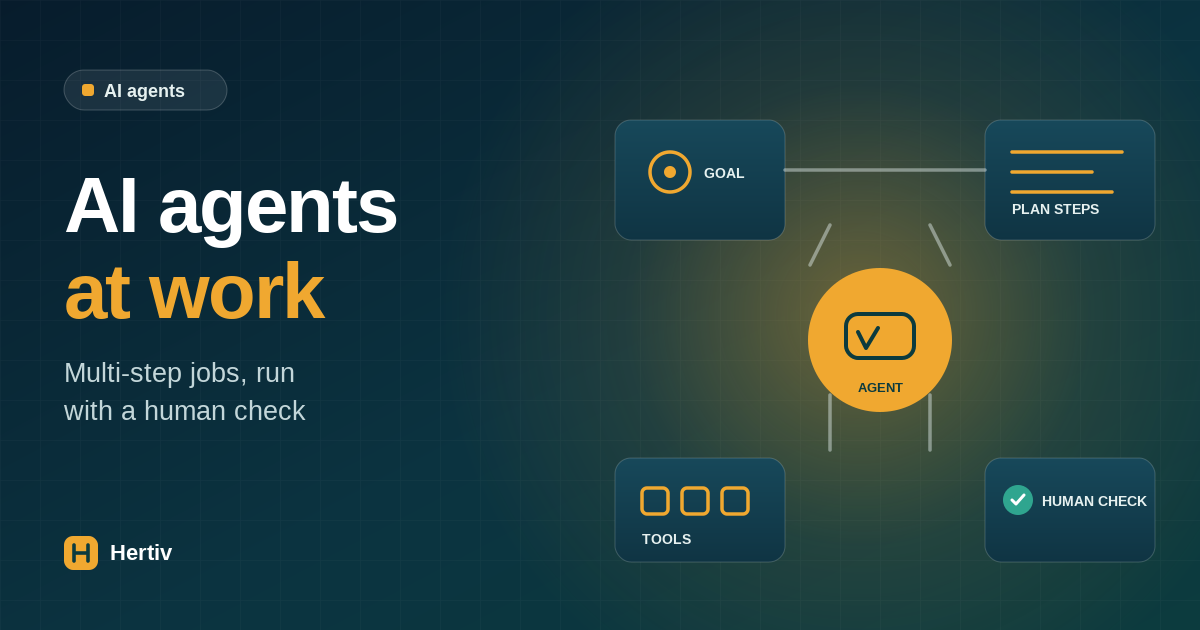
AI agents are software systems that run multi-step jobs on their own, using tools and data to reach a goal a person sets. Unlike a chatbot that answers one question at a time, an agent plans the steps, calls the tools, checks the results and only asks a person when a decision needs one. The six examples below run in production today, each with a human check where it matters.
Which AI agents are working in production?
The AI agents working in production are the ones with a narrow job, clear tools and a human check on the steps that matter. The six below run multi-step workflows on their own, rather than answering single questions.
Use this comparison to shortlist. The difference from a chatbot is the scope: an agent runs a whole job, not one reply.
| Agent | Job it runs | Steps it runs alone | Human check |
|---|---|---|---|
| Refund handling | Processes a return | Check order, check policy, pay refund | Refunds over a set amount |
| Research | Briefs a market or supplier | Read sources, compare, draft brief | Before the brief is sent out |
| Procurement | Buys repeat supplies | Check stock, compare prices, order | Orders over a set amount |
| Incident triage | Sorts an outage alert | Read logs, find the cause, page the owner | Before any fix is applied |
| Scheduling | Books field visits | Check calendars, offer slots, confirm | Changes to a booked visit |
| Compliance check | Reviews a document | Read the file, flag issues, draft a report | Before the report is filed |
Start with one agent, not all six. The pattern is the same each time: a narrow job, tools the agent can call, and a human check on the step that costs money or carries risk. For the general use cases behind these, AI agent use cases covers the broader picture.
<h3>1. Refund handling agent: best for support teams that process returns</h3>
A refund handling agent takes a return request from start to finish. It reads the order, checks the return policy, confirms the item was received, and pays the refund, all without a person touching the case. The customer gets an answer in minutes instead of days.
The agent works because the job is narrow and the rules are written down. It only refunds inside the policy, and any case over a set amount, or with a mismatch in the order, goes to a person. The team measures it on refund time and on the share of cases that need a human, not on how many it closes.
Pros:
- Refunds processed in minutes, day and night
- Consistent policy checks on every case
- Humans only handle the exceptions
Cons:
- Needs a clear, written return policy
- Policy changes must be updated in the agent too
<h3>2. Research agent: best for teams that brief on a market or supplier</h3>
A research agent prepares a brief on a market, a supplier or a competitor. It reads the sources the team trusts, pulls out the facts that matter, compares them, and drafts a brief with links back to each source. A person reviews the brief before it is used.
The agent works because the sources are fixed and the output is a draft, not a decision. The team chooses which sites and databases the agent may read, so the brief never rests on a random web search. The human review is the quality control: the reviewer checks the facts against the sources, not against the agent's confidence.
Pros:
- Briefs ready in hours instead of days
- Every claim links back to a source
- Same sources used every time
Cons:
- Needs a curated list of trusted sources
- Drafts must be checked before they are used
<h3>3. Procurement agent: best for finance teams that buy repeat supplies</h3>
A procurement agent buys repeat supplies without a person raising each order. It watches stock levels, compares prices from the approved suppliers, places the order when stock runs low, and logs the spend against the budget. The finance team sees every order in a dashboard.
The agent works because the rules are simple: buy from the approved list, stay inside the budget, and stop at a set amount. Orders over that amount go to a person for approval. The team measures it on stock-outs avoided and on time saved, not on how much it buys.
Pros:
- Repeat orders placed without manual work
- Stock-outs caught before they happen
- Every order logged against the budget
Cons:
- Needs an approved supplier list and budget rules
- Price changes can trigger orders at the wrong time
<h3>4. Incident triage agent: best for on-call teams</h3>
An incident triage agent sorts the first minutes of an outage. It reads the alert, pulls the recent logs, compares them with past incidents, names the likely cause, and pages the engineer who owns the service. The engineer arrives with a starting point instead of a blank alert.
The agent works because it never applies a fix on its own. It gathers evidence and suggests a cause, and the engineer decides what to do. That limit is what makes the team trust it: a wrong suggestion costs a few minutes, while a wrong fix could cost the service.
Pros:
- First minutes of an outage handled in seconds
- Engineer arrives with evidence, not a blank alert
- Past incidents used as the reference
Cons:
- Needs clean logs and a record of past incidents
- Must never apply a fix without a person
<h3>5. Scheduling agent: best for operations teams that book field visits</h3>
A scheduling agent books field visits for engineers, technicians or sales staff. It checks the calendars, finds a slot that fits the job and the travel time, offers it to the customer, and confirms the booking once the customer accepts. Changes to a booked visit go to a person.
The agent works because the rules are clear: travel time, working hours and job length are all numbers the agent can check. The customer gets a quick answer, and the team spends less time on the back-and-forth of finding a slot.
Pros:
- Bookings confirmed without back-and-forth
- Travel time and hours checked automatically
- Team spends less time on scheduling
Cons:
- Needs accurate calendars and travel times
- Changes to a booking need a person
<h3>6. Compliance check agent: best for regulated teams that review documents</h3>
A compliance check agent reads a document, such as a contract or a filing, and flags the parts that may break a rule. It compares the text with the rulebook, lists the issues with the exact lines, and drafts a report for the reviewer. The reviewer decides what to do about each flag.
The agent works because it never files anything on its own. It finds and flags, and a person decides. The team measures it on the issues it catches and the false flags it raises, and it tunes the rules until the false flags are low enough to trust.
Pros:
- Documents reviewed in minutes, not days
- Every flag points to the exact line
- Reviewer decides, the agent only flags
Cons:
- Needs the rulebook written as checkable rules
- False flags need tuning before teams trust it
How to choose an AI agent to build first
Choose the agent with the narrowest job, the clearest rules and the lowest cost of a mistake. A refund under a set amount is a safer first agent than a pricing decision, because a wrong refund costs little and a wrong price costs trust.
- Pick a job with written rules. If the rules are not written down, the agent cannot follow them. Write them first.
- Check the tools exist. The agent needs tools it can call, such as an order system or a calendar. If the tools do not exist, build them first.
- Set the human check. Decide which step needs a person, and at what amount. The check should be on the step that costs money or carries risk.
- Run it on past cases. Feed the agent old cases and compare its answers with what the team did. If it matches most of the time, it is ready for a small live trial.
- Measure and tune. Track how often the agent is right, how often a person steps in, and how much time it saves, then adjust the rules.
Starting small is the point. A team that builds an AI proof of concept first can prove one agent works before committing to a bigger programme.
A partner for AI agent development can help set up the tools and the checks once the first agent proves itself.
What are the common mistakes?
The most common mistakes with AI agents are giving them too wide a job, letting them act without a check, and skipping the test on past cases.
- Too wide a job. An agent that handles refunds, pricing and complaints will do all three badly. Start with one job.
- No human check. An agent that can spend money or change records without a person will eventually do so wrongly. Set the check first.
- Skipping the past-cases test. Running the agent on old cases shows its real accuracy before it touches a live customer.
- Unwritten rules. If the policy lives in someone's head, the agent cannot follow it. Write the rules down.
- No logging. An agent that does not log its steps cannot be audited. Log every tool call and every decision.
- Trusting confidence. An agent that sounds sure is not necessarily right. Check its answers against the sources, not its tone.
Key takeaways
- An agent runs a whole multi-step job, not one reply like a chatbot
- The six examples all have a narrow job, clear tools and a human check
- The human check sits on the step that costs money or carries risk
- Test the agent on past cases before it touches a live customer
- Log every tool call so the agent's work can be audited
Frequently asked questions
What is the difference between an AI agent and a chatbot?
A chatbot answers one question at a time, while an AI agent runs a multi-step job, such as processing a refund or booking a visit. The agent plans the steps, calls tools and checks the results, and only asks a person when a decision needs one. A chatbot is a conversation; an agent is a worker with a goal.
Do AI agents need a human in the loop?
Yes, for the steps that cost money or carry risk. The usual pattern is that the agent runs the routine steps on its own and a person checks the decision step, such as a refund over a set amount or a fix to a live service. The human check is what makes the team trust the agent.
How do you test an AI agent before it goes live?
Run it on past cases and compare its answers with what the team actually did. If it matches most of the time, run a small live trial with a human checking every case, then loosen the check as the results stay good. Track how often the agent is right, how often a person steps in, and the time it saves.
What tools does an AI agent need?
It needs the tools for its job: an order system for refunds, a calendar for scheduling, a log reader for incident triage. The tools should be the same ones the team already uses, with permissions limited to what the agent needs. If a tool does not exist, build it before building the agent.
Can a small team use AI agents?
Yes, if the job is narrow. A small team can start with one agent, such as refund handling or scheduling, using the tools it already has. The cost is in writing the rules and setting the human check, not in the size of the team. Start with the job that takes the most routine time.
What happens when an AI agent makes a mistake?
The human check should catch it before it matters, and the logs should show exactly what the agent did. The team then fixes the rule that let the mistake through, and re-runs the past cases to confirm the fix. A mistake that is logged and fixed makes the agent better; a mistake that is hidden does not.


