Diffusion Models for Brand Success: How Teams Use Them
Diffusion models turn text prompts into on-brand images, so a brand team can make product shots and campaign visuals faster. The work is in the prompts and review.
On this page
Short answer
A diffusion model is an image model that starts from random noise and refines it step by step into an image that matches a text prompt. For a brand team, that means product shots, campaign visuals, social content and packaging mockups can be produced in minutes instead of days, as long as the prompts, style rules and human review keep the output on brand.
What is a diffusion model, for a brand team?
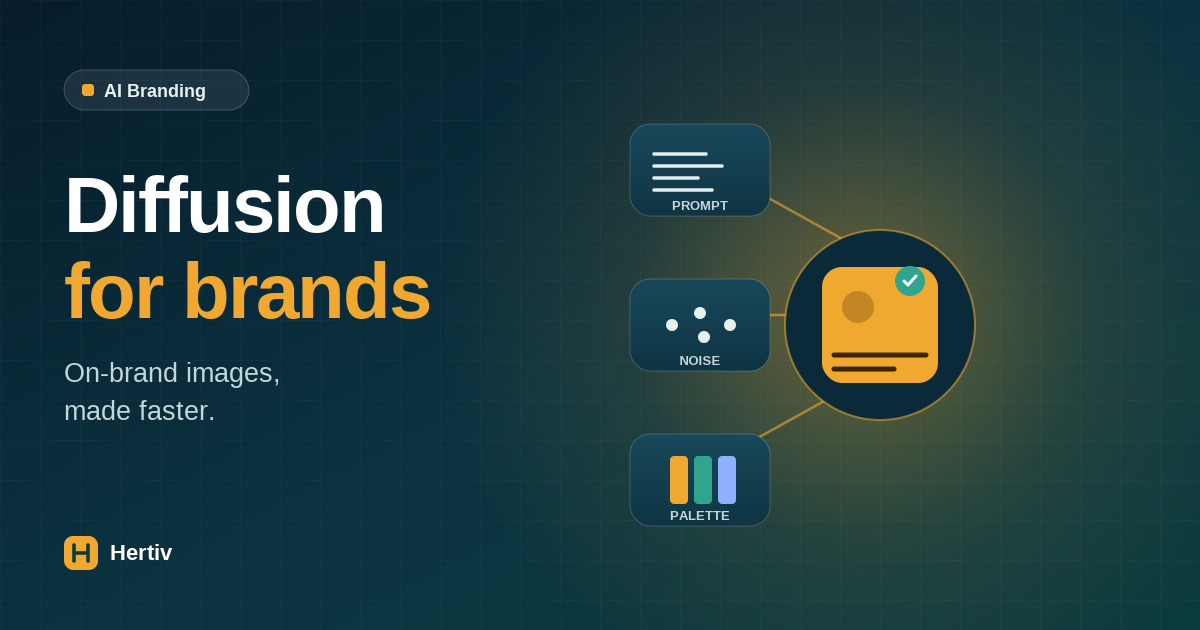
A diffusion model is an image model that turns a text prompt into an image by starting from random noise and refining it, step by step, until the picture matches the description. You describe what you want in words, and the model produces an image you can edit, regenerate or use as a draft.
For a brand team, the useful part is not the technology itself but the speed. A product shot that once needed a photographer, a studio and a day of editing can now start as a generated image in minutes. The model does not replace the photographer or the designer: it gives them more starting points, faster, so they spend their time on the choices that matter rather than on the first draft.
Diffusion models are already a normal part of marketing toolkits. The models themselves vary in quality and style, and choosing between them is a separate decision: the best Stable Diffusion models for every use case compares the main options.
For a model tuned on your own images, how to train a diffusion model covers fine-tuning.
Where do diffusion models help a brand?
Diffusion models help a brand wherever images are needed in volume and on a deadline. The strongest uses are product imagery, campaign visuals, social content, packaging mockups and seasonal variants, because each of these needs many images that look like they belong to the same brand.
Product shots are the most common starting point. A team can generate a product in different settings, seasons or colourways without a new shoot for each one, then pick the best and retouch it. Campaign visuals come next: a concept that would take a week to shoot can be tested as a generated image in an afternoon, so the team can try five directions and show the best two to stakeholders.
| Use case | What it replaces | Watch out for |
|---|---|---|
| Product shots | Repeat studio shoots | Wrong product details |
| Campaign visuals | Slow concept art | Style drifting between images |
| Social content | Stock photos | Generic-looking images |
| Packaging mockups | Physical prototypes | Unreadable label text |
| Seasonal variants | Reshoots per season | Losing the brand palette |
Social content is where the volume matters most. A brand that posts daily needs a steady supply of images, and generated images fill the gaps between shoots. The risk is sameness: if every image comes from the same prompt, the feed starts to look generic, so the team needs to vary the prompts and keep a human in the loop.
How do you keep the images on brand?
You keep generated images on brand by writing the brand into the prompt and checking every image against a short style list. The prompt should name the brand palette, the lighting, the setting and the mood, not just the subject. A prompt that says 'a skincare bottle on a marble shelf, soft daylight, warm beige background' will stay closer to the brand than one that says 'a skincare bottle'.
Keep a shared prompt library. When a prompt produces an image the team likes, save it with the image, so the next person starts from a working version instead of from scratch. Over time the library becomes the brand's visual recipe book, and new team members can produce on-brand images on their first day.
Human review is the part that cannot be skipped. Every generated image should be checked for the product's details, the logo, the colours and any text, because models still get small details wrong: a label with garbled letters, a hand with the wrong number of fingers, a logo that is almost right.
A short checklist, checked by a person, catches those errors before the image goes live. For the wider picture, generative AI in marketing covers how teams fit these tools into their work.
What does a brand image workflow look like?
A brand image workflow with diffusion models has five steps: brief, generate, select, refine and publish. The brief comes first and is written in words, not in pictures: what the image is for, where it will appear, what it must show and what it must avoid. A clear brief makes the generation step faster, because the prompt is already half written.
- Brief. Write the goal, the placement, the subject, the palette and the mood in one short paragraph.
- Generate. Produce several variants from the brief, varying one thing at a time, such as the setting or the lighting.
- Select. Pick the two or three images that match the brand best, and discard the rest without debating them.
- Refine. Fix details in an editor: correct the label, adjust the colours, crop to the format you need.
- Publish. Save the prompt with the final image, so the same look can be repeated next month.
The step that most teams skip is the last one. Saving the prompt with the image is what turns a one-off success into a repeatable process, and it is what keeps the next campaign looking like the same brand.
How do you measure whether it works?
You measure whether diffusion models work for a brand by comparing time, cost and consistency against the old way of making images. Time is the easiest to see: count the hours from brief to finished image before and after the team starts generating, and the difference is usually large for product shots and social content.
Cost follows the same logic. A generated image costs far less than a studio shoot, but the saving only matters if the image is actually used. Track how many generated images make it to publication and how many are discarded, because a workflow that produces ten images and uses one is not saving anything.
Consistency is the measure that matters most for a brand. Check whether the images still look like they belong to the same brand a month later: same palette, same lighting, same tone. If the images drift, the prompt library and the review checklist need work. Audience response matters too, but it is hard to separate from the campaign itself, so treat it as a signal, not as proof.
Example (hypothetical): a skincare brand's launch
Example (hypothetical): a small skincare brand needs 40 product images for a launch: different scents, different settings and different formats for the website and social channels. A studio shoot would take about 3 hours per finished image, so 40 images take 40 times 3, or 120 hours of work.
With diffusion models, the team generates drafts at about 30 minutes per image, including prompt writing and selection. That is 40 times 0.5, or 20 hours, and a designer then spends a further 10 hours refining the best images and fixing labels. The total is 30 hours instead of 120, saving about 90 hours.
The saving is only real if the images are good enough to publish. The team checks every image against its style list, fixes the labels by hand and discards any image where the bottle looks wrong. About a quarter of the drafts are discarded, which is normal: the workflow is fast because generation is cheap, and the quality comes from the selection and the human review, not from the model alone.
What are the common mistakes?
The most common diffusion model mistakes for brands are trusting the first image, letting the style drift, and publishing images with wrong details. Each one is easy to avoid with a short checklist and a human review.
- Publishing the first image. The first generation is a draft, not a final image. Generate several variants and pick the best.
- Letting the style drift. If prompts are not saved and reused, the images slowly stop looking like the same brand.
- Ignoring the details. Models still get labels, logos and hands wrong, so check every image closely before it goes live.
- Using generic prompts. A prompt with no palette, lighting or mood produces a stock-photo look that could belong to any brand.
- Skipping the rights check. Check the model's terms for commercial use before using generated images in paid campaigns.
Key takeaways
- A diffusion model refines noise into an image that matches a text prompt
- Product shots, campaign visuals and social content are the strongest brand uses
- The brand lives in the prompt: palette, lighting, setting and mood
- Save working prompts with the final image so the look can be repeated
- Human review catches wrong labels, logos and details before publication
Frequently asked questions
What is a diffusion model in simple terms?
A diffusion model is an image model that starts from random noise and refines it step by step into a picture that matches a text prompt. You describe what you want in words, and the model produces an image you can edit, regenerate or use as a draft for a designer.
Can diffusion models replace product photography?
Not fully. They are best for drafts, variants and images where a full shoot would be slow or expensive. The product's real details still need checking, and a hero image for a flagship product usually still deserves a real shoot with a photographer.
How do I keep generated images on brand?
Write the brand palette, lighting, setting and mood into the prompt, keep a shared library of prompts that worked, and check every image against a short style list. Saving the prompt with the final image is what makes the same look repeatable next month.
Are images from diffusion models safe to use commercially?
It depends on the model's terms, so check them before using generated images in paid campaigns. Some models allow commercial use freely, while others have limits, and the rules can change. Keep a record of which model made each published image.
Why do generated images sometimes have wrong text or hands?
Diffusion models learn patterns from images, not the rules of language or anatomy, so they can produce letters that look right but spell nothing, and hands with the wrong number of fingers. Human review catches these errors, which is why every image should be checked before publication.
How many images should I generate for one final image?
Generate several variants and pick the best, rather than publishing the first one. Vary one thing at a time, such as the setting or the lighting, so you can tell which change improved the result. Discarding most drafts is normal and part of the workflow.


