What Does an App Like Zalando Cost to Build?
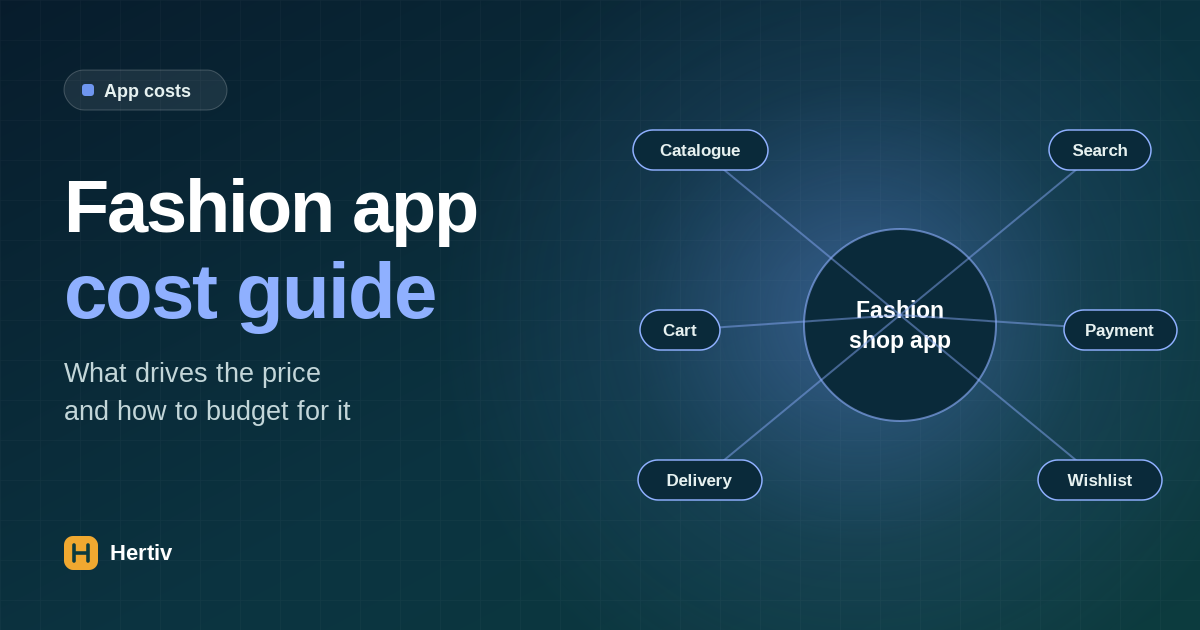
An app like Zalando is a fashion shopping app with a catalogue, search, cart and payments. Its cost depends on how many parts you build in the first version.
On this page
Short answer
An app like Zalando is a fashion e-commerce app where shoppers browse a product catalogue, filter by size, save items, pay in the app and track delivery. Building one costs what the design, the shop features, the back end, testing and launch add up to. A small first version costs far less than a full marketplace with sellers, returns and recommendations, because each extra part adds work.
What does an app like Zalando cost to build?
An app like Zalando is a fashion shopping app with a large product catalogue, search and filters, a basket, checkout, payments and order tracking. The cost of building one is the sum of the work for each part: design, the shopping features, the back end that holds products and orders, testing and the launch.
There is no single price for this kind of app, because the scope decides the bill. A first version with a catalogue, search, cart and card payment is a much smaller job than a full marketplace with seller accounts, returns, reviews and a recommendation engine. The table below shows the main cost parts.
| Cost part | What it covers | How it affects the total |
|---|---|---|
| Design | Screens, product pages, checkout flow | Grows with screen count |
| Catalogue and search | Products, filters, size and brand search | Grows with catalogue size |
| Cart and checkout | Basket, payment, order confirmation | Core part, always needed |
| Back end | Products, orders, stock, accounts | Grows with rules and integrations |
| Testing | Devices, payments, edge cases | Grows with feature count |
| Launch | Store listings, analytics, fixes | Small share of the total |
Ask for a quote per part, not one lump sum. That way you can see which feature drives the price and cut it if you need to. If you are new to scoping a first version, start by reading what an MVP is.
What drives the cost up or down?
The biggest cost driver is scope: how many features the first version has. A catalogue with 200 products and three filters is a different job from a catalogue with 50,000 products, ten filters and live stock from three warehouses. Every feature adds design, code and testing.
Payments and shipping also move the price. Card payment alone is simple, but adding wallets, pay-later options, split payments and returns adds work at the back end. The same goes for accounts, wishlists, reviews and push notifications: each one is a small system on its own. Teams that want a clear picture of this trade-off often read what an MVP app costs before they fix the scope.
Design quality matters too. A clean design built from a ready-made component set costs less than a fully custom design with animations on every screen. The platform choice matters as well: one shared codebase for iOS and Android usually costs less than two separate native apps.
Features your first version needs
A first version needs the shopping flow and nothing else. Shoppers must be able to find a product, see its sizes and price, add it to a basket, pay and get an order confirmation. If any of those steps is missing, the app cannot sell.
On top of that flow, add a small set of helpers: search with filters, a wishlist, order tracking and a way to contact support. These are the features shoppers expect from a fashion app, and they are all well-understood work. Leave seller dashboards, a loyalty programme, live chat and a recommendation engine for later versions.
Keep the catalogue simple at first. Start with the products you can photograph and describe well, and add more once orders are flowing. A small, tidy catalogue sells better than a large one with missing photos and wrong sizes.
Example (hypothetical): a small fashion shop app
Example (hypothetical): a small fashion shop wants an app like Zalando for its own range. The team lists the work: design takes 90 hours, the catalogue and search take 120 hours, cart and checkout take 110 hours, the back end takes 130 hours, and testing takes 70 hours. That is 520 hours in total.
At $60 an hour, 520 hours cost $31,200. The team adds $4,000 for payment and shipping integrations and $3,000 for store listings, analytics and launch. The total is $38,200. They add a 10% reserve of $3,820 for fixes and small changes, which brings the budget to $42,020.
The example shows why the hours matter more than the headline price. If the team adds a recommendation engine at 80 hours, the bill grows by $4,800 before any extra testing. Cutting one feature is the fastest way to cut the budget.
How to estimate your own budget
Start with a short list of features and rank them by what shoppers need first. Write each feature on one line with a plain description, such as "filter by size and colour" or "pay by card". This list becomes the scope your estimate is built on.
- List the must-have features for the first version.
- Ask your team or vendor for hours per feature.
- Multiply the hours by the hourly rate you were quoted.
- Add the cost of payment, shipping and store fees.
- Add a 10% reserve for fixes and small changes.
Check the estimate against the scope. If the number is higher than your budget, cut a feature and re-estimate instead of cutting testing. Testing is what keeps the checkout working on launch day. Teams that plan a first version often read how to build an MVP to keep the scope small.
Running costs after launch
The build cost is only the first bill. After launch you pay for hosting, payment fees, push notifications, analytics and app store fees. You also pay for fixes, small improvements and support for new phone models and system versions.
Payment fees are usually a small share of each order, charged by the payment provider. Hosting grows with the number of shoppers and the size of the catalogue, so a quiet shop pays little and a busy one pays more. Plan a monthly budget for these items before launch so the first bill does not surprise you.
Set aside time for updates as well. New phone systems arrive every year, and an app that is not updated can break. A small monthly maintenance plan keeps the app working and lets you add one small feature at a time.
Common mistakes
The most common mistake is copying every feature of a large fashion app into the first version. A big retailer built those features over years, with a large team. A new app that tries to match them runs out of budget before launch.
Another mistake is skipping the reserve. Every build finds something unexpected, such as a payment rule or a shipping case nobody planned for. Without a reserve, those fixes come out of the next feature's budget.
A third mistake is judging the price by the cheapest quote alone. A low quote often leaves out testing, store listings or support. Ask what is included in each quote, and compare the same scope across vendors before you choose.
Key takeaways
- A fashion shopping app's cost is set by its scope, not by its name.
- Cut features before cutting testing — testing keeps checkout working.
- Ask for a quote per part so you can see what drives the price.
- Add a 10% reserve for fixes and small changes.
- Plan for monthly running costs: hosting, payment fees and updates.
Frequently asked questions
How long does it take to build an app like Zalando?
A small first version with a catalogue, search, cart and payment usually takes ten to fourteen weeks with a small team. A full marketplace with sellers, returns and recommendations takes far longer, because each extra part adds design, code and testing time.
Do I need a separate app for iOS and Android?
No. Most new shopping apps use one shared codebase that runs on both systems, which costs less than two native apps. Separate native apps make sense only when you need deep access to a phone feature that a shared codebase cannot reach.
What is the cheapest way to start?
Start with the core shopping flow: catalogue, search, cart, payment and order tracking. Leave wishlists, reviews, loyalty and recommendations for later versions. A small first version lets you test whether shoppers buy before you spend more.
How much does it cost to run the app each month?
Monthly costs cover hosting, payment fees, push notifications, analytics and app store fees, plus time for fixes and updates. The total grows with shoppers and catalogue size, so a quiet shop pays little and a busy one pays more.
Should I build the app in-house or hire a team?
Hire a team if you need to launch fast and your own staff has no app experience. Build in-house if you plan to keep adding features for years and can hire developers. Either way, keep the scope in writing so both sides agree on what will be built.
Can I add a recommendation engine later?
Yes. Start with simple sorting and filters, then add recommendations once you have order data. A recommendation engine needs real shopping history to work well, so building it before launch adds cost without adding much value.


