What Does a Corporate Wellness App Cost to Build?
A corporate wellness app for a mid-size employer needs a focused first version: challenges, content, tracking and admin reporting. Learn what drives the cost.
On this page
Short answer
A corporate wellness app is a mobile and web product that helps an employer run wellbeing programmes: step challenges, mindfulness content, health tips, rewards and reporting for HR teams. The cost depends on the features, the integrations and the compliance work around employee health data.
What is a corporate wellness app?
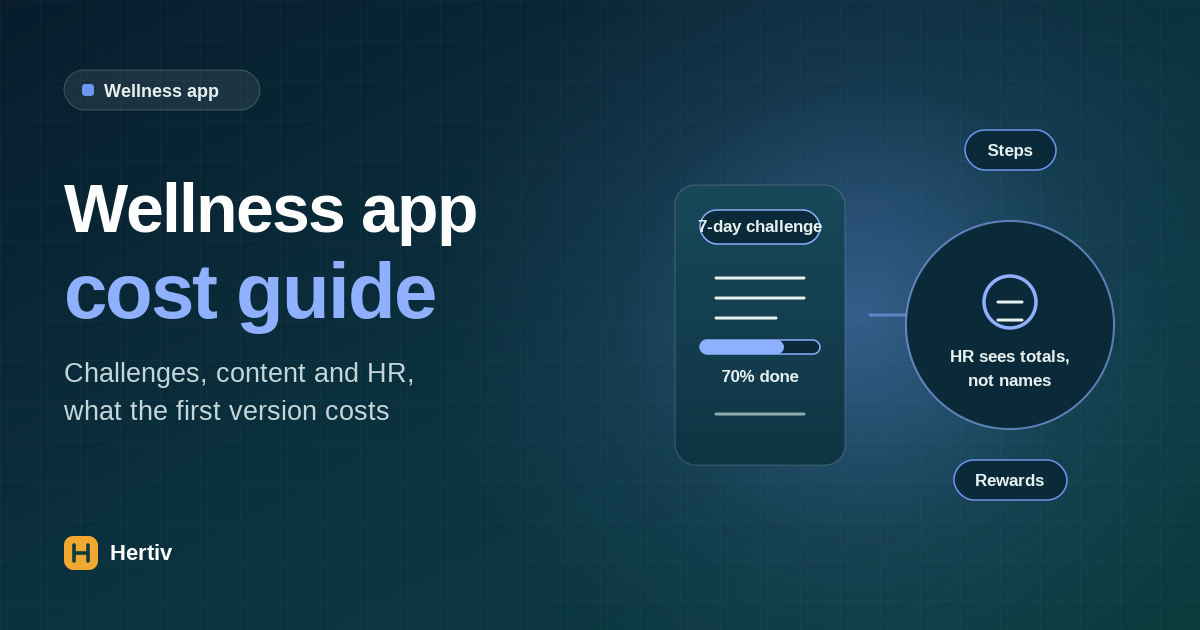
A corporate wellness app is software an employer gives staff to support health and wellbeing at work. It typically covers activity challenges, guided sessions, habit tracking, rewards and a dashboard where HR teams see participation without seeing individual health details.
The audience is different from a consumer fitness app. The buyer is the employer, the users are employees, and the app must work for a whole workforce, including people who are not fitness enthusiasts. That shapes the features: simple onboarding, low-effort daily actions and content that fits a workday.
Most corporate wellness apps share the same core: a content library, a challenge engine, activity tracking, notifications, a rewards system and an admin dashboard. The differences are in the integrations and the reporting, which is where the cost varies most.
What are the parts of a corporate wellness app?
A wellness app is built from six parts, and each one adds cost. The table shows what each part does and what drives its price.
| Part | What it does | Cost driver |
|---|---|---|
| Mobile app | Challenges, content, tracking | Platforms and design polish |
| Admin dashboard | HR reporting and content control | Report depth and roles |
| Content library | Sessions, articles, videos | Volume and production quality |
| Wearable sync | Steps and activity from devices | Number of platforms |
| Rewards engine | Points, badges, prizes | Rules and fulfilment |
| Security and privacy | Consent, access, audit logs | Compliance scope |
The admin dashboard often surprises teams. HR teams need participation reports, content scheduling and role-based access, and each report adds design and testing work. Keep the first version to the three reports HR actually uses each month.
What drives the cost of a wellness app?
Four factors drive most of the cost. The first is the number of platforms: one mobile platform plus a web dashboard is the usual first version, while adding a second mobile platform adds design, build and testing time. The second is integrations: syncing with wearables, HR systems and single sign-on each adds work and ongoing maintenance.
The third is content. A library of guided sessions needs recording, editing and a content plan, and that work continues after launch. The fourth is privacy and compliance. Employee health data needs consent flows, access controls and audit logs, and the scope depends on the regions where staff work.
Content and compliance are the two costs teams most often underestimate. Both are ongoing, not one-off, so the budget should include monthly amounts for each. For a sense of how app features shape cost in general, see how to create a mobile app for business.
What should the first version include?
The first version should cover one complete loop: an employee joins a challenge, logs activity, sees progress and earns a reward, while HR sees participation. Everything else can wait until that loop works for real users.
A workable first version includes user accounts with single sign-on, two or three challenge types, a small content library, step sync from one wearable platform, notifications, a simple rewards system and an admin dashboard with participation reports. That is enough to run a real programme and learn what staff actually use.
Leave out social feeds, live classes, AI coaching and deep HR system integrations in the first version. Each one is a project on its own, and none of them matters if the basic challenge loop is not used. Add features in order of measured use, not by request volume.
How do you estimate the cost in 5 steps?
Estimating the cost is a short exercise once the scope is fixed. The steps below give a number you can defend, because each step ties to a concrete list of work.
- List the features. Write the first-version features as a numbered list, with one line each. If a feature needs more than a line to describe, split it.
- Estimate hours per feature. Ask the team to estimate design, build and testing hours for each item, then add 10% as a reserve for fixes.
- Multiply by the hourly rate. Use the rate your vendor or team charges, and keep the rate the same across features so the total is comparable.
- Add content and compliance. Add the monthly content budget and the one-off privacy and security work as separate lines.
- Add running costs. Hosting, store fees, push notifications and support are monthly costs, not build costs, so list them separately.
The result is two numbers: the build cost and the monthly running cost. Present both, because a low build cost with high running costs is a different decision from a higher build cost with low running costs. For the MVP framing behind this, see what is an MVP.
Example: a first version for a 400-person company, worked out
Example (hypothetical): a 400-person company wants a wellness app with challenges, a small content library and an admin dashboard. The team lists 12 features and estimates 520 hours of design, build and testing at $60 an hour.
The arithmetic is: 520 hours at $60 is $31,200. Content production adds $4,000 for the first 20 sessions, and privacy and security work adds $3,000. That gives $38,200, and a 10% reserve of $3,820 brings the build total to $42,020.
Running costs are $900 a month for hosting, notifications and support, plus $1,500 a month for new content. The company plans a three-month pilot with 100 staff, then decides on a full rollout from participation data. The pilot keeps the first spend small while the team learns what staff actually use.
What are the common mistakes?
The most common mistakes in corporate wellness apps are building too many features, treating privacy as an afterthought, and measuring downloads instead of participation.
- Building every feature at once. Social feeds and live classes can wait. Launch the challenge loop first and add what staff use.
- Weak privacy design. Individual health data must stay private. Aggregate reports only, with clear consent and access rules.
- No content plan. A library that never grows loses users. Budget monthly content from day one.
- Measuring downloads. Downloads say nothing about use. Track weekly active users and challenge completion instead.
- Ignoring non-fitness staff. If the app only serves runners, most of the workforce will not open it. Include low-effort options such as sleep and breathing sessions.
What does it cost to run after launch?
Running costs are monthly and easy to miss in the build budget. Hosting and databases scale with users, push notifications and email cost per message, and the app stores take a cut of any in-app purchases. Support is a real cost too: staff will ask about login, sync and rewards.
Content is usually the largest running cost. Fresh sessions, articles and challenges keep people opening the app, and producing them takes staff time or a vendor. A small monthly content budget beats a large one-off library that goes stale.
Plan for updates as well. Mobile platforms change each year, wearable APIs change, and store rules change. Budget a small monthly amount for maintenance, or the app will slowly stop working. For how app costs are usually broken down, see MVP app development cost.
Key takeaways
- A corporate wellness app serves the employer as buyer and employees as users
- The first version should cover one complete loop: join, track, earn, report
- Content and privacy are ongoing costs, not one-off build costs
- Estimate in hours, add a 10% reserve, and present build and running costs separately
- Measure weekly participation and challenge completion, not downloads
Frequently asked questions
How much does a corporate wellness app cost?
A focused first version for a mid-size employer typically takes a few hundred hours of design, build and testing, plus content and privacy work. The total depends on platforms, integrations and content volume, so a fixed estimate needs a fixed feature list first.
Do employees need a wearable to use the app?
No. Step counting from the phone is enough for most challenges, and manual logging covers activities a phone cannot track. Wearable sync is a convenience, not a requirement, and it can be added after launch.
How is employee health data kept private?
Individual health data should be visible only to the employee. HR teams see aggregate participation, such as how many staff joined a challenge, without names attached. Consent, access controls and audit logs are part of the build, not an add-on.
What features matter most in a wellness app?
Challenges, simple tracking, a small content library and rewards cover most use. An admin dashboard with participation reports matters just as much, because HR teams need to see whether the programme is working.
How long does it take to build a wellness app?
A focused first version usually takes a few months from a fixed feature list to a pilot. Content production and privacy review often take longer than the app build itself, so start those early.
Can a wellness app connect to our HR system?
Yes, through single sign-on and directory sync, but integrations add cost and maintenance. Start with single sign-on only, and add deeper HR integrations after the pilot proves the programme works.


