How to Build AI Agents for Insurance
Build AI agents for insurance by connecting a model to policy documents and claims systems, with human review. Start with one workflow: first notice of loss.
On this page
Short answer
To build AI agents for insurance, pick one narrow workflow such as first notice of loss or document intake, connect the agent to the policy documents and claims system it needs, add retrieval so answers cite real sources, and put a human in the loop for payments and coverage decisions. Test on past claims with known outcomes before any customer sees the agent.
What is an AI agent in insurance?
An AI agent in insurance is software that takes a task, such as reading a claim or answering a policy question, gathers what it needs from documents and systems, and drafts the next step for a human to approve. It is not a chatbot with a wider brief: it has a defined job, defined data, and a defined handoff.
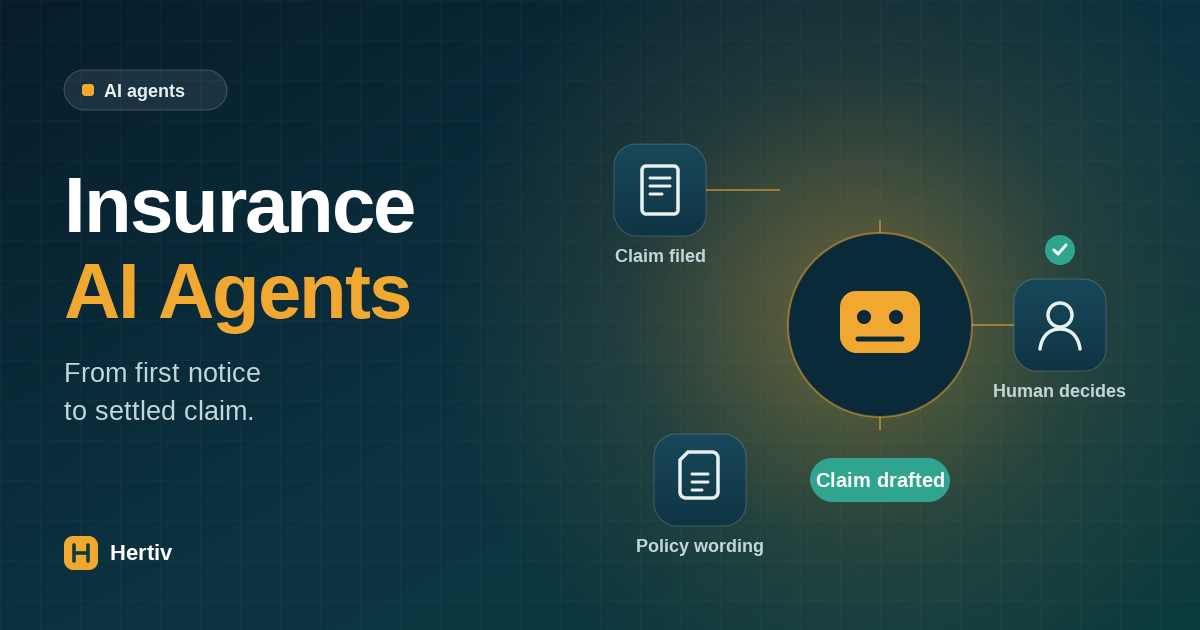
The agent works in a loop. It reads the request, retrieves the relevant policy wording or claim history, drafts a summary or a reply, and passes it to a handler with its sources attached. Payments and coverage decisions stay with people; the agent does the reading, the sorting and the drafting.
Which insurance workflows fit agents best?
The workflows that fit agents best are narrow, repetitive and already checked by a human. First notice of loss and document intake lead the list, because the inputs are standard and the output is easy to judge.
| Workflow | What the agent does | Data it needs | Human check |
|---|---|---|---|
| First notice of loss | Collects facts, drafts the claim file | Policy, claim form, photos | Handler reviews every file |
| Document intake | Sorts and extracts key fields | Letters, invoices, reports | Staff confirm extracted fields |
| Policy questions | Answers from policy wording | Policy documents, FAQs | Agent cites the section used |
| Underwriting support | Summarises risk information | Applications, external data | Underwriter decides |
| Renewal reminders | Drafts personalised reminders | Policy dates, contact history | Staff approve the message |
| Fraud triage | Flags unusual patterns for review | Claim history, rules | Investigator decides |
Start with one row. An agent that does first notice of loss well teaches you more about your data and controls than five agents launched at once. See AI agents use cases for how agents work in other industries.
How do you build an insurance AI agent?
You build an insurance AI agent by scoping one workflow, connecting it to the documents and systems it needs, and testing it on past cases before any customer sees it. The model is the smallest part of the work; data, integration and controls take most of the effort.
- Pick one workflow. Choose a narrow task with a clear output, such as first notice of loss.
- Map the data. List the policy documents, claim forms and systems the agent must read.
- Add retrieval. Connect the agent to the policy wording so answers cite real sections.
- Set the permissions. Give the agent read access first; write access comes later, with approval.
- Build the handoff. Define exactly when the agent escalates to a handler.
- Test on past cases. Run the agent on claims with known outcomes and score it.
Keep the first version read-only where possible. An agent that drafts and routes is useful and safe; an agent that writes to the claims system needs far stronger controls.
What data and integrations does the agent need?
The agent needs policy documents, past claims with known outcomes, product rules and access to the claims system. Clean, current policy wording matters most: if the documents are outdated, the agent will cite the wrong terms and handlers will stop trusting it.
Integration usually means three connections: the document store for retrieval, the claims system for reading and updating records, and the communication channel where the agent meets customers or staff. Start with one product line and one channel, not the whole book, and add more once the first workflow is measured.
Sequence the connections by risk. Connect the document store first, since reading policy wording is low risk and high value. Add the claims system next, read-only at first, and only grant write access once the agent has proven itself on real cases with a handler checking every draft.
Example (hypothetical): a first notice of loss agent
Example (hypothetical): an insurer receives 300 first-notice claims a month. Handlers spend 20 minutes on each one, which is 300 x 20 = 6,000 minutes, or 100 hours a month. The agent drafts the claim file for 240 of them, and handlers spend 8 minutes checking each draft, which is 240 x 8 = 1,920 minutes, or 32 hours.
The remaining 60 claims still take 20 minutes each, which is 20 hours, so the new total is 32 + 20 = 52 hours against 100 hours before. That saves 48 hours a month, and every draft carries its sources, so handlers can check the work instead of redoing it. The saving only holds if the drafts are accurate, which is why the evaluation set matters.
The insurer keeps payments and coverage decisions with handlers. The agent saves time on reading and drafting, and the human keeps the decisions that carry legal and financial weight.
How do you test and control the agent?
You test an insurance agent on a fixed set of past claims with known outcomes, and you score whether it found the right policy section, drafted an accurate summary and routed the case correctly. Keep testing after launch on new cases, and review every case the agent flags as uncertain.
Controls are not optional in insurance. Log every action the agent takes, mask data the task does not need, limit what the agent can see to the fields the workflow requires, and give handlers a one-click way to take over. A privacy and compliance review should come before the first pilot, not after it. For support-specific design, customer service chatbots for insurance covers the handoff in more depth.
Keep an audit trail that a regulator or a manager can follow: the input, the sources the agent used, the draft it produced and the handler decision. If you cannot reconstruct why the agent did something, the control is not strong enough for insurance work.
What are the common mistakes?
The most common mistakes are starting too broad, skipping the evaluation set, and giving the agent write access before the controls exist. Insurance punishes all three, because a wrong coverage answer or a bad payment is expensive to fix.
- Launching five workflows at once instead of one
- No evaluation set, so quality debates are anecdotal
- Letting the agent answer from memory instead of retrieved policy wording
- Giving write access to the claims system in the first version
- Skipping the privacy review until after the pilot
- Measuring usage instead of accuracy and handler time saved
If you need help scoping the first workflow, AI agents for customer support sets out the handoff and evaluation design.
Key takeaways
- Pick one narrow workflow, such as first notice of loss, and do it well.
- Retrieval from real policy wording keeps answers grounded and checkable.
- Handlers keep payments and coverage decisions; the agent drafts and routes.
- Test on past claims with known outcomes before launch, and keep testing after.
- Controls, logging and a privacy review come before the first pilot, not after.
Frequently asked questions
What is the best first AI agent to build in insurance?
First notice of loss is a strong first agent: the workflow is narrow, the inputs are standard, and every output can be checked by a handler. Document intake is another good start. Avoid payment and coverage decisions at first, since those need the strictest controls.
Do insurance AI agents replace handlers?
No. They draft, summarise and route, while handlers keep the decisions. The agent handles the repetitive reading and form-filling, and the handler reviews, approves and talks to the customer. Teams that keep this split see the best results and the fewest errors.
What data does an insurance agent need?
It needs the policy documents, past claims with known outcomes, product rules and the claims system it will read and write. Clean, current policy wording matters most: if the documents are outdated, the agent will cite the wrong terms. Start with one product line, not the whole book.
How do you test an insurance AI agent?
Build a set of past claims with known outcomes and run the agent against them before launch. Score whether it found the right policy section, drafted an accurate summary and routed correctly. Keep testing after launch on new cases, and review every case the agent flags as uncertain.
How do agents handle sensitive customer data?
Limit what the agent can see to the fields the task needs, log every access, and mask data that is not required. Keep customer data inside your own systems where possible, and check your vendor contracts for data handling and retention rules. A privacy review should come before the first pilot.
How long does it take to build one?
A narrow agent with clean data can reach a pilot in a few weeks. Production takes longer because of integration, evaluation and compliance review. Plan for the controls to take as much time as the agent itself, and start with one workflow rather than five.


