Blockchain in Your Business App: How to Add It Without Rebuilding
Adding blockchain to a business app means putting only the records that need shared proof on a ledger, while the app keeps its normal screens, login and database.
On this page
Short answer
Blockchain implementation in a business app means adding selected on-chain features, such as signed receipts, wallet sign-in, token payments or certificates, to an app people already use. The app keeps its database and login, and the chain stores only the records where a shared, tamper-resistant proof adds real value.
What does blockchain implementation in a business app mean?
Blockchain implementation in a business app means adding blockchain features to an app people already use, so that records, payments or ownership are stored on a shared ledger instead of only in the company's own database.
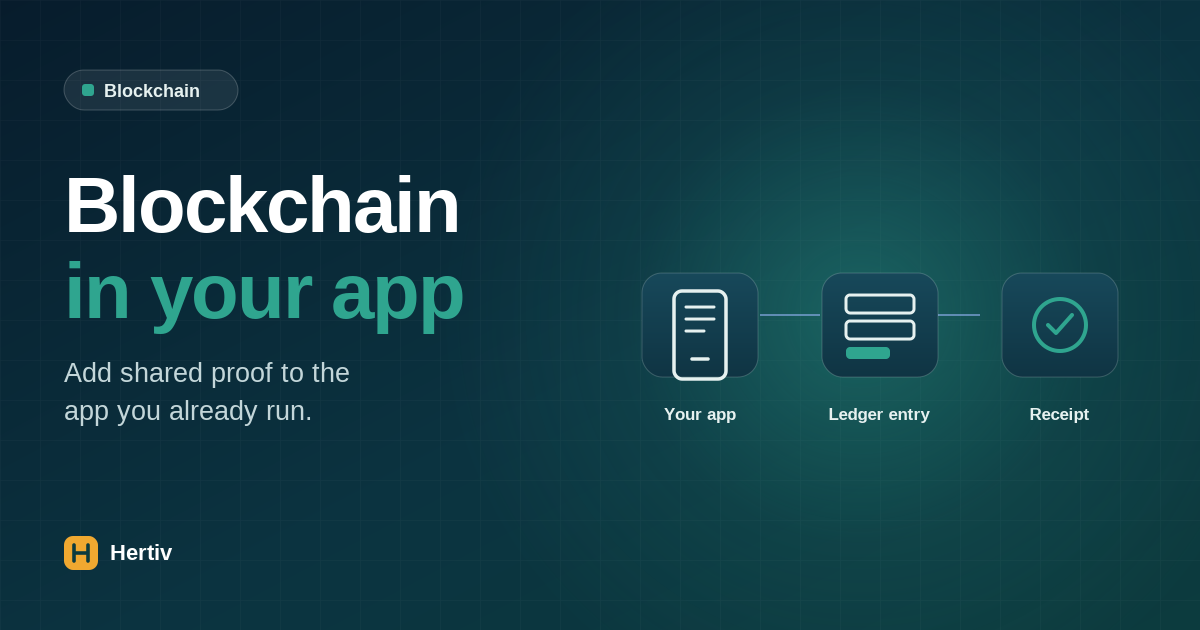
The app itself stays familiar: users still sign in, tap buttons and see the same screens. Behind the scenes, a few actions also write to a shared ledger. A delivery confirmation, a payment or a certificate becomes a ledger entry that no single party can quietly change afterwards.
This is different from building a new blockchain platform from scratch. The app keeps its existing database, login and business logic, and the chain handles only the parts where a shared, tamper-resistant record adds real value. A delivery app, a booking app or a certification app can all gain from this approach without changing how users experience the product.
Which blockchain features fit in a business app?
Not every app needs a chain. The features worth adding are the ones where users, partners or auditors need to trust a record without trusting one company alone. A short list of the common fits keeps the scope honest.
| Feature | What it does in the app | When it fits |
|---|---|---|
| On-chain receipts | Stores a signed record of a delivery, payment or agreement | Proof matters to a second party |
| Wallet sign-in | Lets users sign in with a wallet instead of a password | Users already hold wallets |
| Token payments | Moves value in tokens or stablecoins inside the app | Cross-border or instant settlement helps |
| Certificates | Issues a checkable certificate, ticket or licence | Forgery or fake copies are a real problem |
| Audit trail | Logs key events in order for later review | Regulators or partners ask for proof |
Start with one feature, prove it works for real users, and only then add a second. Apps that try to put everything on-chain at once usually ship late and confuse their users.
How do you connect the app to a chain?
There are three common ways to connect an app to a chain, and the choice shapes cost, speed and who holds the keys. Most teams pick the simplest option that meets their trust needs.
In the direct wallet pattern, the user's own wallet signs each on-chain action, which a smart contract then carries out, and the app only prepares the transaction. In the backend signer pattern, the company's server signs on behalf of users after they approve in the app. In the API service pattern, a third-party service handles the chain work and the app talks to that service.
Direct wallets give users the most control but ask the most of them. A backend signer feels like a normal app but puts trust back in the company. An API service is the fastest to build, yet it adds a vendor the team must rely on. Pick the pattern that matches what your users will actually accept.
How do you handle wallets and keys for users?
Wallets and keys are where most business-app blockchain projects stumble, because ordinary users do not think in seed phrases. The app must make key handling boring and safe.
For most business apps, the practical answer is a custodial or semi-custodial wallet: the company or a licensed provider holds the keys, and the user signs in with the app's normal login plus a second check. Users who already hold their own wallets can connect one as an option.
Whatever the setup, the rules are the same: keys are never stored in plain text, never shown in logs, and never emailed. Recovery must be tested before launch, because a lost key with no recovery path means a locked-out user and a support ticket nobody can fix.
How do you implement blockchain in a business app, step by step?
A careful rollout beats a big launch. These steps keep the chain work small enough to test with real users before it touches money or legal records.
- Pick one feature and one user group. Choose the record or payment where a shared ledger clearly helps, and a small group of users willing to try it.
- Choose the chain and the connection pattern. Match fees, speed and finality to the feature, then pick direct wallet, backend signer or API service.
- Build the off-chain app first. Keep the normal screens, database and login working without the chain, so the app still works if the chain is slow.
- Add the on-chain step behind a flag. Ship the feature to the test group only, and record each on-chain result next to the matching database row.
- Test failure cases. Try a rejected transaction, a slow network and a wrong network, and check the app explains each one clearly.
- Launch, watch and audit. Track success rates and fees for a few weeks, and keep an audit log of every on-chain action.
Example (hypothetical): a delivery app adds proof of delivery
Example (hypothetical): a small delivery app with 40 couriers adds on-chain proof of delivery. Each completed delivery writes a signed record with the order number, time and courier ID to the chain, and the customer sees a receipt link in the app.
Before the change, the team handled 25 disputed deliveries a month, and each dispute took about 40 minutes to resolve, or roughly 17 hours of staff time a month. After three months with on-chain receipts, disputes fall to 9 a month, or about 6 hours, saving around 11 hours a month.
The cost side stays visible: each receipt costs a small chain fee, and 1,200 deliveries a month at that fee stays well below the staff time saved. The team keeps the normal delivery flow unchanged, so a slow chain never blocks a courier from finishing a job.
What are the common mistakes?
The most common mistake is putting the wrong thing on-chain. Personal data, large files and anything that must be deleted do not belong on a public ledger. Store a fingerprint of the data on-chain and keep the data itself in the app's database.
The second mistake is ignoring fees and speed. A feature that writes to the chain on every tap can cost more than it saves and make the app feel slow. Batch small events, or write only the events that need proof.
The third mistake is skipping the fallback. If the chain is down or a transaction fails, the app must still record the event locally and retry later, with a clear message to the user. An app that freezes when the chain hiccups will lose users faster than any ledger can win them back.
Key takeaways
- Add blockchain to one feature at a time, starting where shared proof clearly helps.
- Keep the app working without the chain, so a slow network never blocks users.
- Choose the connection pattern that matches what your users will accept.
- Store a fingerprint on-chain and keep personal data and large files off the ledger.
- Test failure cases and recovery before the feature touches money or legal records.
Frequently asked questions
What does blockchain implementation in a business app mean?
It means adding blockchain features, such as on-chain receipts, wallet sign-in or token payments, to an app people already use. The app keeps its database and login, and only selected records are written to a shared ledger.
Which blockchain feature should a business app add first?
Start with the record where shared proof helps most, such as a delivery receipt, a payment or a certificate. Pick one feature and one small user group, prove it works, and only then add a second feature.
Do users need their own crypto wallet?
Not always. Many business apps use a custodial wallet held by the company or a licensed provider, so users sign in normally. Users who already hold wallets can usually connect one as an option.
Is putting data on a blockchain expensive?
It depends on the chain and how often the app writes. Writing only the events that need proof, and batching small events, keeps fees low. Always compare the chain fees with the staff time or disputes the feature saves.
What should never go on a blockchain?
Personal data, large files and anything that must be deleted do not belong on a public ledger. Store a fingerprint of the data on-chain and keep the data itself in the app's own database.
What happens if the blockchain is down?
The app should record the event locally, retry the on-chain write later and tell the user what happened. A good fallback keeps deliveries, payments and records moving even when the chain is slow.


