Best Project Management Scheduling Software: 8 to Compare
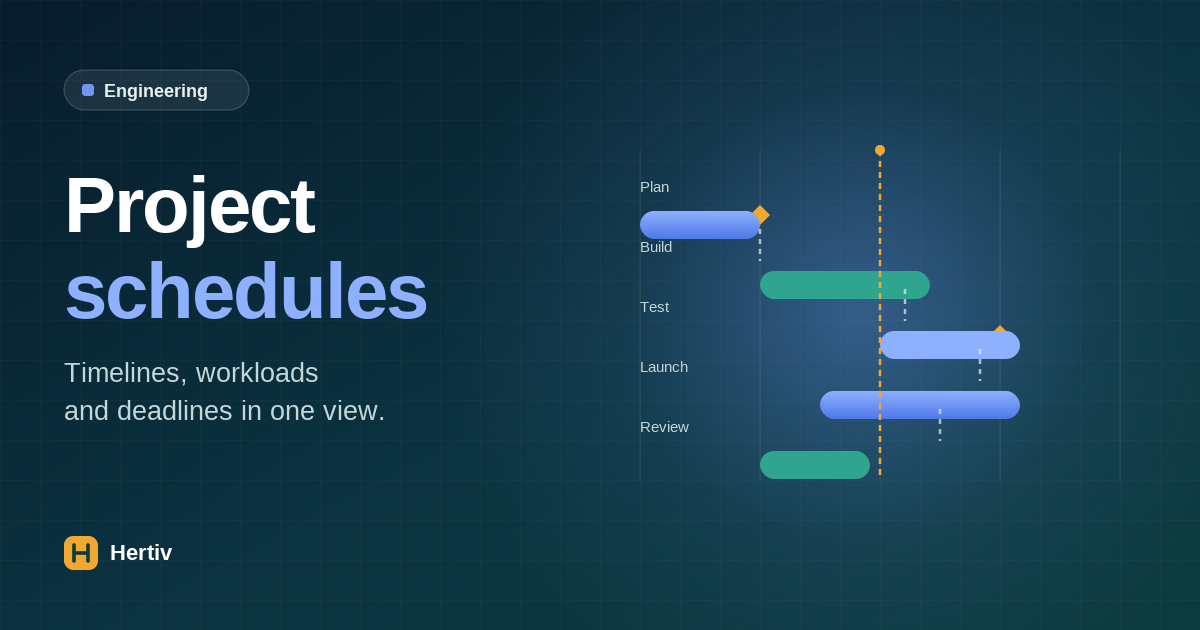
The best project management scheduling software makes timelines, workloads and deadlines visible in one place. Compare 8 tools built for Gantt charts.
On this page
Short answer
The best project management scheduling software is the one that shows your timeline honestly: tasks with real dates, dependencies that hold, and workloads that match the people available. The eight tools below are built for scheduling first, not as an add-on to a task board.
Which project management scheduling software should you compare?
Project management scheduling software is built around time: Gantt charts, dependencies, milestones and workloads. The tools below all put the schedule first, so you can see what is late, what is blocked and who is overloaded without digging through lists.
| Tool | Best for | Scheduling strength | Starting point |
|---|---|---|---|
| TeamGantt | Simple Gantt planning | Clean timelines, drag and drop | See vendor site |
| Smartsheet | Spreadsheet-style plans | Gantt, dependencies, baselines | See vendor site |
| LiquidPlanner | Uncertain estimates | Range-based dates, priorities | See vendor site |
| Float | Team capacity planning | Workload view, time off | See vendor site |
| Resource Guru | Small team scheduling | People and equipment booking | See vendor site |
| Wrike | Cross-team programmes | Gantt, workload, approvals | See vendor site |
| Microsoft Project | Complex, large plans | Critical path, baselines | See vendor site |
| GanttPRO | Visual Gantt sharing | Timelines, export, templates | See vendor site |
Prices change often, so check the vendor site for current plans. The notes below focus on how each tool handles the schedule itself: dependencies, workloads and what happens when a date slips. For price comparisons across the general tools, top project management software pricing covers the same tools by cost.
TeamGantt and Smartsheet
TeamGantt is a focused Gantt tool: you build a timeline, add tasks and dependencies, and drag bars to move dates. There is little else to learn, which suits teams that want a shared plan without a full project suite.
It works well for small teams and client-facing plans because the timeline is easy to share and read. It is less suited to teams that need budgets, time tracking or deep reporting inside the same tool.
Pros: fast to set up; clear shared timelines; easy guest sharing.
Cons: limited reporting; no built-in budgeting; small template library.
Smartsheet looks like a spreadsheet and acts like a project tool. Each row is a task with dates, owners and dependencies, and the Gantt view is generated from the same data. Teams that live in spreadsheets usually adopt it quickly.
It scales further than a pure Gantt tool: baselines, critical path and dashboards are available, and forms can collect requests into the plan. The trade-off is complexity, so small teams may find it heavier than they need.
Pros: familiar grid layout; baselines and critical path; strong dashboards.
Cons: takes time to configure; pricing rises with add-ons; Gantt view can feel crowded.
LiquidPlanner and Float
LiquidPlanner is built for work where estimates are ranges, not fixed dates. You enter a best case and a worst case for each task, and the schedule shows a date range instead of a single deadline. That fits consulting, research and product work.
Its priority engine reorders work when a task slips, which keeps the schedule honest instead of letting dates drift silently. The interface is less visual than a pure Gantt tool, so teams that want a pretty timeline may prefer another option.
Pros: honest date ranges; automatic reprioritising; good for services teams.
Cons: less visual than Gantt-first tools; learning curve for new users; fewer templates.
Float is a capacity planner first and a task tool second. You see each person's week as a set of booked hours, so over-allocation is visible the moment a task is assigned. Time off and public holidays are built in.
It suits agencies and services teams that sell hours and need to know who is free next week. It is not a full project manager: task detail, documents and approvals live elsewhere.
Pros: clear workload view; time-off handling; fast to update.
Cons: light on task detail; no Gantt dependencies; needs another tool for docs.
Resource Guru and Wrike
Resource Guru books people and equipment on a simple calendar. You drag a booking onto a person or a machine, set the hours, and the tool shows clashes at once. It is one of the simplest tools on this list.
It fits small teams that schedule people across projects or book shared equipment. It does not try to manage task detail, so teams usually pair it with a task tracker.
Pros: very simple to use; clash detection; books people and equipment.
Cons: no task management; no dependencies; limited reporting.
Wrike combines Gantt charts, workload views and approval workflows in one tool. A programme manager can see the timeline, the team load and the sign-off status without switching tools, which suits larger organisations with several teams on one plan.
It is configurable to a fault: almost every field and view can be changed, which is powerful once set up and slow before that. Small teams may find it more than they need.
Pros: Gantt plus workload plus approvals; strong permissions; good for large teams.
Cons: setup takes time; interface can feel busy; pricing rises with features.
Microsoft Project and GanttPRO
Microsoft Project is the classic scheduling tool for large, complex plans. It handles critical path analysis, baselines, resource levelling and thousands of tasks, and it is still the default in construction, engineering and government programmes.
That power comes with weight: it takes training to use well, and sharing a plan with people outside the team usually needs a viewer or a cloud version. It is overkill for a small team with a simple timeline.
Pros: full critical path and levelling; baselines; handles very large plans.
Cons: steep learning curve; hard to share outside the team; heavy for small plans.
GanttPRO is a visual Gantt tool with templates for common project types. You pick a template, fill in tasks and dates, and share a clean timeline link with clients or stakeholders who do not need an account.
It works well when the schedule itself is the deliverable, such as a client timeline or a launch plan. It is lighter on workload management and reporting than the bigger tools on this list.
Pros: clean, shareable timelines; good templates; quick to start.
Cons: light workload views; limited reporting; fewer integrations.
How to choose project management scheduling software
Choose by the shape of your work, not by the feature list. A tool that fits your planning style will be used; one that fights it will be abandoned. AI features are a secondary question, and AI project management explains where they actually help.
- List your scheduling needs. Do you need dependencies, baselines, workload views or just a shared timeline?
- Check who updates the plan. If many people update it, pick a tool they can learn in an hour.
- Test with a real project. Load one current plan and move a date to see what breaks.
- Check sharing. Confirm clients and stakeholders can view the timeline without a paid seat.
- Confirm the price. Count the seats you need, then check the vendor site for the current plan.
For a broader comparison of project tools, best project management tools for developer startups covers the general-purpose options.
What are the common mistakes?
The most common mistakes are building a plan nobody updates, hiding overload, and picking a tool for features you will never use.
- Dates nobody maintains. A schedule that is out of date is worse than no schedule, because people trust it anyway.
- Ignoring workload. A plan can look on time while one person carries three weeks of work in one.
- No dependencies. Without links between tasks, a slip in one task never shows up in the others.
- Too many tools. Running the schedule in one tool and the tasks in another guarantees drift.
- Choosing on price alone. The cheapest tool that nobody uses costs more than the one the team updates.
Key takeaways
- Scheduling software puts time first: Gantt charts, dependencies and workloads
- TeamGantt and GanttPRO suit simple shared timelines; Smartsheet and Wrike suit bigger programmes
- Float and Resource Guru are the clearest for who is overloaded and when
- Microsoft Project fits large, complex plans; it is overkill for small teams
- A schedule only works if the team updates it every week
Frequently asked questions
What is project management scheduling software?
Project management scheduling software plans work over time: it shows tasks on a timeline, links dependencies, tracks milestones and shows who is doing what. It differs from a task board, which lists work without showing when it happens.
What is the difference between a Gantt chart and a task board?
A Gantt chart shows tasks on a timeline with dates and dependencies, so you can see what is late and what blocks what. A task board shows work by status, such as to do, doing and done, without showing dates.
Which scheduling tool is best for a small team?
TeamGantt or GanttPRO usually fit small teams best, because they are quick to set up and easy to share. Resource Guru works well if the main job is booking people rather than managing task detail.
Do I need Microsoft Project for a small project?
Usually not. Microsoft Project is built for large, complex plans with critical path analysis and resource levelling. A small team will move faster with a simpler Gantt tool and a weekly review.
How do dependencies work in scheduling software?
A dependency links two tasks so the second cannot start, or finish, until the first is done. When the first task slips, the schedule moves the second task automatically and shows the new end date.
Can scheduling software show team workload?
Yes, most tools on this list have a workload view that shows booked hours per person per week. Float and Resource Guru are built around it, while Smartsheet, Wrike and Microsoft Project include it as part of a larger tool.