Best Price Monitoring Software: 8 Tools to Compare
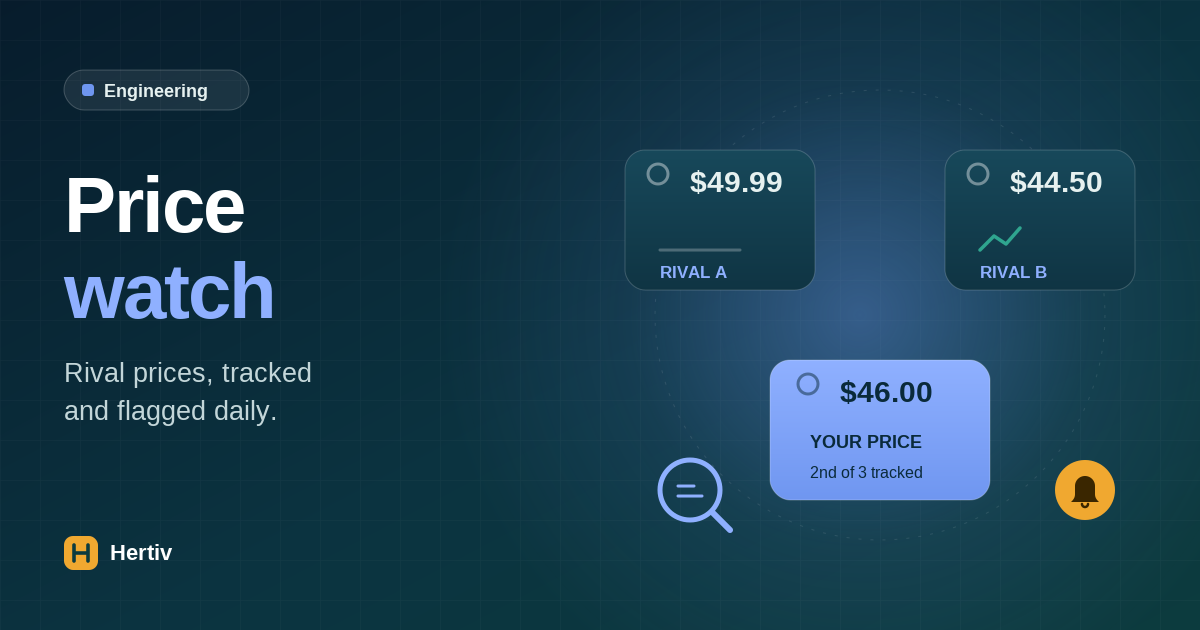
Price monitoring software tracks rival prices, flags changes and shows where your prices sit in the market. Eight tools compared, and how to choose one.
On this page
Short answer
Price monitoring software tracks competitor prices across websites and marketplaces, alerts you when they change, and shows how your prices compare. This guide compares eight tools on coverage, alerts, reporting and ease of setup, so you can pick one that fits your catalogue and team. Prices are listed as see vendor site, since plans change often.
Which price monitoring software should you compare?
Price monitoring software watches the prices your rivals charge and tells you when they move. For an ecommerce or retail team, that means knowing the same day a competitor cuts a price, rather than finding out from a lost sale weeks later.
The eight tools below all track prices across websites and marketplaces, but they differ in coverage, matching quality, alerts and reporting. Prices are listed as see vendor site, since vendors change plans often and rarely publish the same tiers for long.
| Tool | Best for | Coverage | Price |
|---|---|---|---|
| Prisync | Small ecommerce teams | Websites, marketplaces | See vendor site |
| Competera | Large retailers | Websites, marketplaces | See vendor site |
| Price2Spy | Frequent checks | Websites, marketplaces | See vendor site |
| Minderest | Assortment and price gaps | Websites, marketplaces | See vendor site |
| NetRival | Multi-country tracking | Websites, marketplaces | See vendor site |
| Wiser | Brands and MAP checks | Websites, marketplaces | See vendor site |
| Omnia Retail | Dynamic pricing | Websites, marketplaces | See vendor site |
| Intelligence Node | Product matching at scale | Websites, marketplaces | See vendor site |
Read the table as a shortlist, not a ranking. The right tool depends on how many products you track, how often prices change in your market, and whether you need repricing or just monitoring. The sections below cover each tool in turn.
Prisync and Competera
1. Prisync: best for small ecommerce teams
Prisync tracks competitor prices and stock for online stores, and sends alerts when a rival changes a price. It is built for small teams: setup is a product list and a set of rival URLs, and the dashboard shows your price position at a glance.
Its main strength is simplicity. A team with a few hundred products can be running in days, and the alerts are easy to act on. It suits shops that need to know where they stand, not a full pricing department.
Pros:
- Quick setup for small catalogues
- Clear price-position dashboard
- Stock alerts alongside price alerts
Cons:
- Less depth for very large catalogues
- Repricing options are basic
2. Competera: best for large retailers
Competera combines price monitoring with demand-based pricing suggestions, aimed at retailers with large catalogues. It tracks rival prices, then suggests price moves based on demand, stock and margin rules the retailer sets.
Its main strength is scale. It handles tens of thousands of products and many markets, and the pricing suggestions are tied to rules the retailer controls. It suits teams that already have a pricing process and want data to feed it.
Pros:
- Built for large catalogues and many markets
- Pricing suggestions tied to your rules
- Strong reporting for pricing teams
Cons:
- More setup than a simple tracker
- Overkill for a small shop
Price2Spy and Minderest
3. Price2Spy: best for frequent checks
Price2Spy monitors competitor prices with frequent checks and detailed change history, and can push price changes back into a store through repricing rules. It is a long-running tool in this market, and its history view is one of its best features.
Its main strength is the record it keeps. Every price change is logged with a date, so a team can see how a rival has moved over months, not just today. That history is useful in negotiations with suppliers and in planning promotions.
Pros:
- Detailed price-change history
- Frequent checks on key products
- Repricing rules included
Cons:
- Interface feels dated next to newer tools
- Matching needs checking on large lists
4. Minderest: best for assortment and price gaps
Minderest tracks prices and assortment, showing not only what rivals charge but also which products they stock that you do not. That gap view is its main difference: it answers the question of what you are missing, not just what you charge.
Its main strength is the assortment lens. A retailer can see where a rival's range is wider and decide whether to add products, rather than only reacting to price moves. It suits teams that plan range and price together.
Pros:
- Assortment gaps alongside prices
- Good for range planning
- Clear market-position views
Cons:
- Less focus on automated repricing
- Needs a clean product list to work well
NetRival and Wiser
5. NetRival: best for multi-country tracking
NetRival monitors prices across countries and currencies, and compares your prices with rivals in each market. It is built for sellers who trade in several countries and need to know whether a price that is fair in one market is too high in another.
Its main strength is the country view. Prices, currencies and availability are shown per market, so a team can set different rules for each one. It suits cross-border sellers and marketplaces with international rivals.
Pros:
- Per-country price comparison
- Currency handling built in
- Marketplace coverage included
Cons:
- Less depth on dynamic pricing
- Smaller tool than the big suites
6. Wiser: best for brands and MAP checks
Wiser tracks prices across retailers and marketplaces, and is often used by brands to check minimum advertised price compliance. When a retailer sells below the agreed price, the brand sees it quickly and can act.
Its main strength is the brand view. It shows where a brand's products are sold, at what price, and which sellers break the rules. It suits manufacturers and brands that sell through many retailers.
Pros:
- Strong MAP and compliance checks
- Wide retailer coverage
- Alerts when a seller breaks price rules
Cons:
- Less suited to a single small store
- Brand focus over retailer repricing
Omnia Retail and Intelligence Node
7. Omnia Retail: best for dynamic pricing
Omnia Retail combines price monitoring with dynamic pricing, changing prices automatically within rules the retailer sets. It watches rivals, stock and demand, then moves prices up or down inside a floor and a ceiling.
Its main strength is the automation. Once the rules are set, prices move without daily manual work, and every change is logged. It suits retailers with fast-moving prices who cannot check each product by hand.
Pros:
- Dynamic pricing with clear rules
- Full change log for every move
- Built for retail, not just tracking
Cons:
- Needs good rules before it helps
- More setup than a tracker
8. Intelligence Node: best for product matching at scale
Intelligence Node focuses on matching products across retailers, so a team can compare like with like even when product names and codes differ. That matching is the hard part of price monitoring at scale, and it is where this tool puts its effort.
Its main strength is the match rate on large catalogues. With tens of thousands of products, manual matching is impossible, and a bad match makes the price comparison useless. It suits large retailers and marketplaces with messy product data.
Pros:
- Strong product matching at scale
- Good for large, messy catalogues
- Assortment and pricing data together
Cons:
- Overkill for a small catalogue
- Matching quality still needs spot checks
How to choose price monitoring software
You choose price monitoring software by matching the tool to your catalogue size, your markets and how much automation you actually want. A tool that is right for a 500-product shop is wrong for a 50,000-product retailer.
- Count your products and rivals. Write down how many products you track, in how many countries, and against how many rivals. That number rules out half the list at once.
- Check the matching. Trial the tool on 50 of your hardest products and count how many it matches correctly. A bad match makes every price comparison wrong.
- Decide how often prices change. If your market moves daily, you need frequent checks. If it moves monthly, weekly checks are enough and cheaper.
- Choose monitoring or repricing. Some teams only want alerts; others want the tool to change prices inside rules. Decide before you buy, since the price differs.
- Test the alerts for two weeks. Run the trial on real products and see whether the alerts are useful or just noise. A tool that cries wolf every day will be ignored within a month.
Ask each vendor how they handle blocked sites, out-of-stock rivals and currency changes, since those three issues cause most of the bad data in price monitoring. A vendor that answers clearly is usually one whose data you can trust.
What are the common mistakes?
The most common mistakes in price monitoring are tracking the wrong rivals, trusting bad matches, and reacting to every price move. Each one wastes time or money.
- Tracking the wrong rivals. A luxury brand and a discount store are not rivals. Compare against sellers your customers actually consider.
- Trusting bad matches. A price comparison between two different products is worse than no comparison. Spot-check matches every week.
- Reacting to every move. A rival's one-day promotion is not a new price level. Wait for the pattern to hold before you move.
- Ignoring stock. A rival's low price means little if the product is out of stock. Track availability alongside price.
- No rules for repricing. Automated price changes without a floor will eventually sell a product at a loss. Set the floor first.
Key takeaways
- Price monitoring turns rival prices into alerts you can act on the same day
- Matching quality matters more than the number of features
- Track availability alongside price, since an out-of-stock rival is not a rival
- A one-day promotion is not a new price level
- Set a price floor before any automated repricing
Frequently asked questions
How often should competitor prices be checked?
It depends on your market. Fast-moving markets such as consumer electronics need daily checks, because prices can move several times a week. Slow markets such as furniture or industrial goods can be checked weekly without missing much. Start with daily checks on your top 50 products and weekly checks on the rest, then adjust.
What is MAP monitoring?
MAP stands for minimum advertised price, the lowest price a brand allows retailers to advertise. MAP monitoring checks whether retailers sell below that price and alerts the brand when they do. It is mainly used by manufacturers and brands that sell through many retailers, and it is a common feature in tools such as Wiser.
Can price monitoring software change my prices automatically?
Some tools can, through repricing rules you set: a floor price, a ceiling price and a rule such as stay 2% below a named rival. The tool then moves prices inside those limits and logs every change. Tools that only monitor do not change prices at all; they send alerts and leave the decision to you.
What is product matching in price monitoring?
Product matching is linking the same product across different stores, even when the name, code or pack size differs. It is the hardest part of price monitoring, because a bad match compares two different products and produces a wrong price gap. Good tools match most products automatically, but every tool needs spot checks.
Do I need price monitoring for a small shop?
It depends on how many rivals you have and how often they move. A shop with 200 products and three rivals can check prices by hand once a week. A shop with 2,000 products and ten rivals cannot, and that is where a tool pays for itself in time saved and lost sales avoided.
Why do price monitoring tools show different prices for the same product?
Prices differ because tools check at different times, from different locations, and against different sellers. A price checked on Monday may differ from one checked on Friday, and a price shown to a visitor in one country may differ from another. Compare tools on the same products, on the same day, before judging.