Best Free GPU Cloud Providers: 6 to Try First
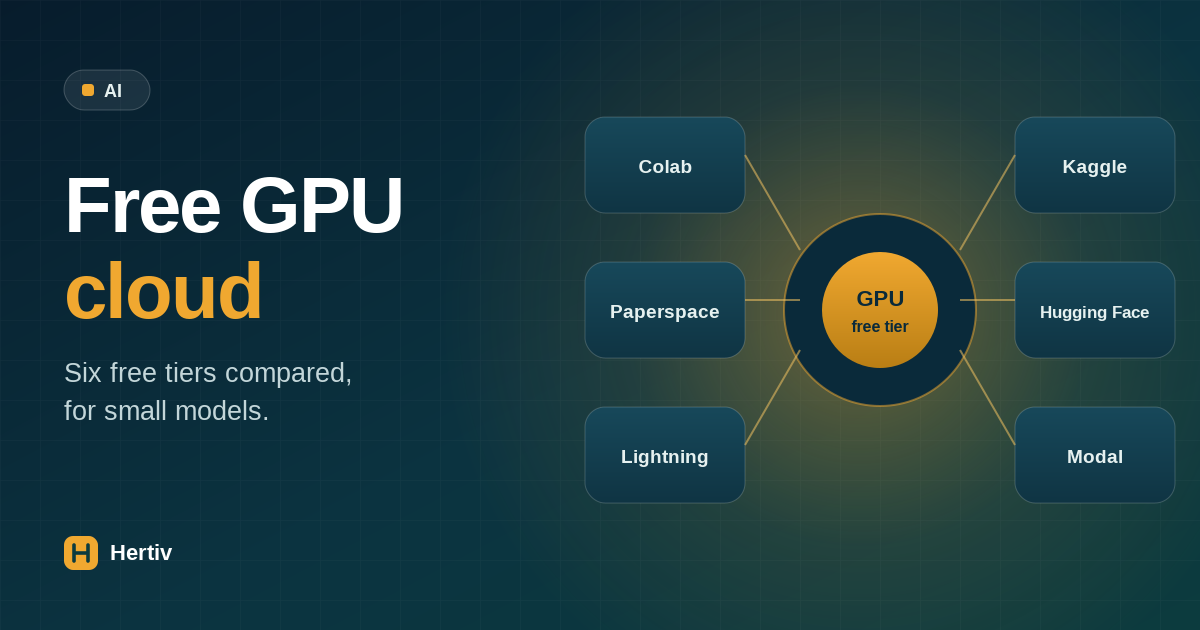
Free GPU cloud providers let you train small models without paying. Compare Colab, Kaggle, Paperspace, Hugging Face Spaces, Lightning AI and Modal.
On this page
Short answer
The best free GPU cloud providers are Google Colab, Kaggle, Paperspace, Hugging Face Spaces, Lightning AI and Modal, because each offers free GPU time or credits for small models and notebooks. Colab and Kaggle suit learning and quick tests, while Paperspace and Modal suit projects that need a hosted notebook or API. Free tiers have session limits and queues, so check the vendor site for limits before committing.
Which free GPU cloud providers are worth trying?
The free GPU cloud providers worth trying are the ones with a real free tier, not a short trial that ends after a few hours. Google Colab, Kaggle, Paperspace, Hugging Face Spaces, Lightning AI and Modal all give you GPU time without a card on file or with only free credits.
Free tiers are built for learning, small experiments and prototypes. They cap session length, put you in a queue at busy times and give you older or shared GPUs, so they are not a home for a production model. Use the table to shortlist, then test two of them on the same small job.
| Provider | Free offer | Best for | Main limit |
|---|---|---|---|
| Google Colab | Free notebooks with GPU | Learning and quick tests | Session length and queues |
| Kaggle | Free notebooks with GPU | Data work and competitions | Weekly GPU hours |
| Paperspace | Free tier notebooks | Hosted notebooks | Free machines are limited |
| Hugging Face Spaces | Free CPU, paid GPU upgrades | Sharing small demos | Free tier has no GPU |
| Lightning AI | Free credits on sign-up | Studio notebooks | Credits run out fast |
| Modal | Free monthly credits | Running code as functions | Credits cover small jobs only |
Free offers change often, so confirm the current limits on the vendor site before you build around one. A provider that is free today may charge for the same GPU next quarter.
Google Colab and Kaggle
1. Google Colab: best for learning and quick tests
Google Colab is a hosted notebook service that gives you a GPU in the browser with no setup. You open a notebook, pick a GPU runtime and run Python code, which makes it the easiest way to try a small model or follow a tutorial.
Colab suits learning, coursework and quick experiments. Sessions end after a few hours, busy periods put you in a queue, and the GPU you get varies, so it is not a place to run long training jobs or a service your users depend on.
Pros:
- No setup, GPU in the browser in a minute
- Free tier with no card needed
- Easy to share notebooks with a link
Cons:
- Sessions end and idle notebooks disconnect
- GPU type and availability vary
2. Kaggle: best for data work and competitions
Kaggle gives you free notebooks with GPU access, plus public datasets and competitions to practise on. The notebook environment is similar to Colab, with a weekly allowance of GPU hours instead of a per-session limit.
Kaggle suits data science work, model comparisons and learning from public notebooks. The weekly allowance is generous for practice but too small for a large training run, and the environment is built for notebooks rather than hosted services. For testing ideas before you commit, how to test AI models explains how to set up a fair comparison.
Pros:
- Weekly GPU hours for notebooks
- Large library of datasets and examples
- Good for practising model building
Cons:
- Weekly allowance caps long jobs
- Not built for hosting a live service
Paperspace and Hugging Face Spaces
3. Paperspace: best for hosted notebooks
Paperspace offers hosted notebooks with a free tier, plus paid machines for larger work. The free tier gives you a notebook environment you can return to, which suits a small project that needs more than a one-off session.
Paperspace suits developers who want a persistent workspace without managing a server. Free machines are limited in power and availability, so a training job that needs a large GPU will need a paid machine. Check the vendor site for the current free tier before planning around it.
Pros:
- Persistent hosted notebooks
- Clear path to paid machines
- Simple interface for small teams
Cons:
- Free machines are low powered
- Availability varies at busy times
4. Hugging Face Spaces: best for sharing small demos
Hugging Face Spaces lets you publish a small app or demo for free, usually on CPU, with paid GPU upgrades. It is the simplest way to share a model demo with a link, and the community around it makes it easy to find example projects.
Spaces suits demos, prototypes and portfolio pieces rather than training. The free tier has no GPU, so a demo that needs a model running will be slow unless you pay for a GPU upgrade or use a small model that runs on CPU.
Pros:
- Free hosting for small demos
- Easy to share with a link
- Large community of example projects
Cons:
- Free tier has no GPU
- Paid GPU upgrades needed for real models
Lightning AI and Modal
5. Lightning AI: best for studio notebooks
Lightning AI offers a cloud studio for machine learning work, with free credits when you sign up. The studio gives you notebooks, training jobs and a way to deploy small apps, all from one interface.
Lightning AI suits teams that want a full studio rather than a single notebook. The free credits run out quickly on GPU work, so it works best for short tests and small projects, with paid plans for anything larger.
Pros:
- Studio with notebooks, training and deploy
- Free credits to try it out
- Good for small team projects
Cons:
- Free credits cover only small jobs
- GPU work uses credits fast
6. Modal: best for running code as functions
Modal lets you run Python functions on cloud GPUs without managing servers, and it gives you free monthly credits. You write a function, call it, and Modal runs it on a GPU and charges the credits used.
Modal suits developers who want to run a model on demand, such as a nightly job or an API behind a small app. The free credits cover small jobs, but a job that runs for hours every day will need a paid plan. For cost planning, self-hosting LLMs shows what running models yourself usually involves.
Pros:
- No servers to manage
- Free monthly credits
- Good for scheduled or on-demand jobs
Cons:
- Credits cover small jobs only
- Needs some code to get started
How to choose a free GPU provider
Choose a free GPU provider by matching the free tier to the job you actually have, then testing two providers on the same small task before you commit.
- Define the job. A notebook experiment, a demo, a scheduled job or a small API each point to a different provider.
- Check the free limits. Session length, weekly hours, GPU type and queue behaviour matter more than the headline offer.
- Run the same small job twice. Time it on two providers and note which one finished faster and with less waiting.
- Check the upgrade path. When the free tier runs out, the paid price should be clear and affordable for your budget.
- Plan the exit. Keep your code and data portable, so you can move to another provider without rewriting everything.
For a paid comparison once you outgrow the free tier, top GPU cloud providers compares the main paid options.
What are the common mistakes?
The most common mistakes with free GPU providers are building a production service on a free tier, ignoring session limits, and assuming the free offer will stay the same.
- Running production on a free tier. Free tiers can end sessions and queue you at busy times, which breaks a live service.
- Ignoring session limits. A training job that needs 10 hours will not finish in a session that ends after a few hours.
- Not checking the GPU type. The GPU you get varies, so a job that runs in an hour today may take three tomorrow.
- Storing data only on the provider. Free workspaces can be wiped, so keep your data and code in your own storage.
- Assuming the offer is permanent. Free tiers change, so check the vendor site before you plan a project around one.
Key takeaways
- Colab and Kaggle suit learning and quick tests; Modal suits on-demand jobs
- Free tiers cap session length, weekly hours and GPU power
- Hugging Face Spaces is best for sharing demos, not training
- Check the vendor site for current limits before planning around a free tier
- Keep code and data portable so you can move providers
Frequently asked questions
Which free GPU provider is best for beginners?
Google Colab is the easiest starting point, because it gives you a GPU in a browser notebook with no setup. Kaggle is a close second for data work, with free notebooks and a large library of datasets and example projects to learn from.
Can I train a model for free on a GPU cloud?
Yes, for small models. Free tiers give you enough GPU time for short training runs, tutorials and small fine-tuning jobs. Large models and long training runs need a paid plan, because free tiers cap session length and weekly hours.
Is Google Colab really free?
Colab has a free tier that gives you GPU access in notebooks with no card needed. Sessions end after a few hours and busy periods can queue you, and paid plans offer longer sessions and better GPUs. Check the vendor site for the current limits.
What is the catch with free GPU tiers?
Free tiers limit session length, weekly hours, GPU power and availability, and they can change without notice. They are built for learning and small experiments, not for production services that need to stay up.
Can I host a live app on a free GPU provider?
You can host a small demo, such as a Hugging Face Space, but a live app that needs a GPU will be slow or unreliable on a free tier. For a real service, budget for a paid GPU plan or a small CPU model.
How do I move from free to paid GPU cloud?
Keep your code and data in your own storage, test the same job on a paid machine, and compare the time and cost. A paid comparison of the main providers helps you pick the right one for the job size.


