AI Tools vs Custom AI: Which One Fits Your Team?
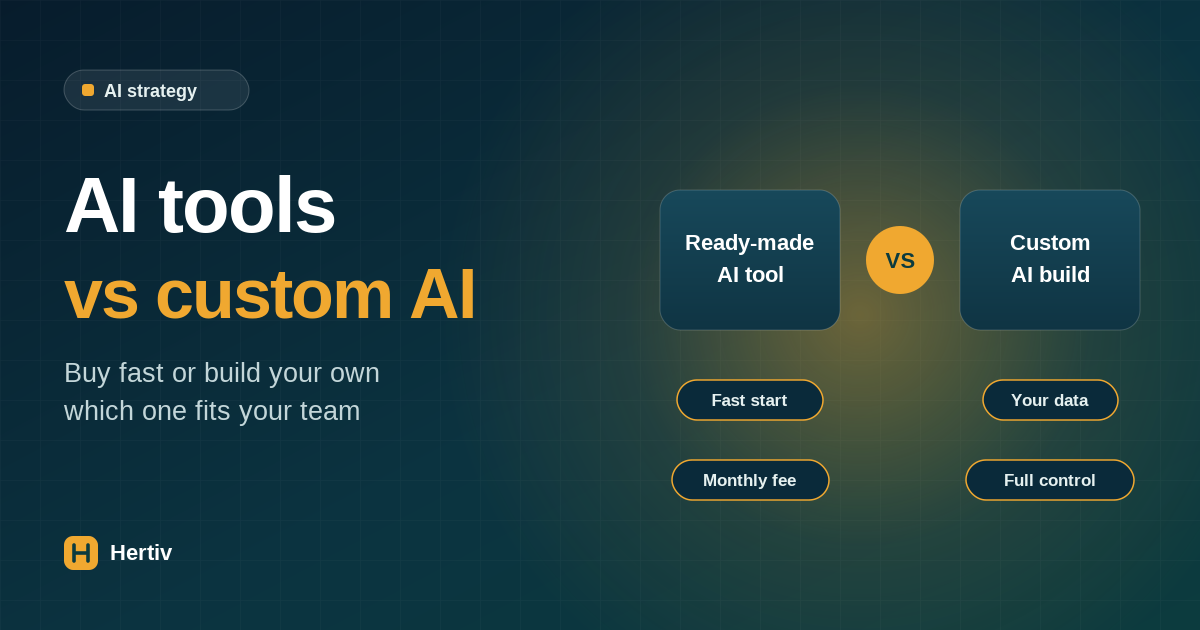
Ready-made AI tools work fast and cost little to start. Custom AI fits your own data and rules, but it takes longer to build and more work to keep running.
On this page
Short answer
AI tools are ready-made products you buy and use, such as a chatbot, a writing assistant or a document reader. Custom AI is software built for your team, trained or tuned on your own data and your own rules. The right choice depends on how special your task is, how much control you need, and how much time and money you can spend before the tool pays for itself.
What is the difference between AI tools and custom AI?
AI tools are ready-made products that solve a common job, such as answering support questions, drafting emails or sorting documents. You sign up, connect your data and start using them, often on the same day. You pay a monthly fee, and the vendor handles the model, the servers and the updates.
Custom AI is built for one team and one job. It uses your data, your rules and your wording, and it plugs into your own systems. It takes weeks or months to build, and your team owns the result, including the work of keeping it running and accurate.
| Factor | Ready-made AI tool | Custom AI |
|---|---|---|
| Time to start | Days | Weeks to months |
| Up-front cost | Low, monthly fee | High, build cost |
| Fit to your data | General, limited tuning | Built on your data |
| Control | Vendor decides updates | You decide everything |
| Data handling | Vendor servers | Your own systems |
| Maintenance | Included in the fee | Your team's job |
Most teams do not pick one side for everything. They use ready-made tools for common jobs and build custom AI only where the job is special enough to justify the cost.
When ready-made AI tools are the right pick
Ready-made tools are the right pick when the job is common and the tool already does it well. Support replies, meeting notes, email drafts, document summaries and image tagging are all jobs where a good tool exists today. If a tool covers 80% of what you need, it is usually cheaper to use it than to build your own.
They also suit teams that need results this month. A support team can connect a chatbot to its help centre and see shorter reply times within weeks, without hiring engineers. The monthly fee is easy to compare with the hours saved, so the decision is simple to explain.
Try a tool on a small job first. Give it one team, one kind of request and a clear way to check its answers. If the answers are good and the team saves time, roll it out wider. If not, you have spent a month, not a year. Teams testing a tool should also read how to test AI models before trusting its answers in front of customers.
When custom AI makes sense
Custom AI makes sense when your data or your rules are unusual. A law firm that works with its own contract templates, a factory that reads its own machine logs, or a clinic that uses its own forms will find that a general tool misses too much. In those cases, a model trained on your own examples answers better.
It also makes sense when control matters. If your data cannot leave your own servers, or if you must explain every decision the model makes, a ready-made tool may not give you that control. Custom AI lets you choose where data lives, what the model can see and how its answers are checked.
Build custom AI only after a ready-made tool has failed on your real examples. Gather 50 to 100 real cases, run them through a tool, and count how many answers are good enough. If the failure rate is high and the job matters, that is the case for building your own.
What each option costs over time
Ready-made tools cost a monthly fee that grows with users or usage. The fee covers the model, the servers, updates and support, so your team pays nothing extra to keep it running. The cost is easy to predict, but it never goes away, and it grows as your team grows.
Custom AI costs a build fee first, then a running cost for servers, data and maintenance. The build is the big bill, and the running cost is smaller but never zero. Over two or three years, custom AI can cost less than a tool fee for a large team, but only if the build goes well and the team keeps using it.
Compare the two on the same job. Add up the tool fee for two years and compare it with the build cost plus two years of running costs. Include the time your own staff spends on each option, because that time is also a cost. Prices change often, so check the vendor's own pricing page, or write "see vendor site" in your plan.
If you want a sense of what a general model can do before you compare prices, read what GPT is.
Example (hypothetical): a support team chooses
Example (hypothetical): a support team handles 300 tickets a day. Each ticket takes 5 minutes of staff time, which is 25 hours a day. The team tests a ready-made chatbot on 100 real tickets and finds that 60 are answered well enough to send, while 40 still need a person.
With the chatbot, staff time drops to 40 tickets times 5 minutes, which is about 3 hours and 20 minutes a day, plus about 1 hour a day checking the bot's answers. That saves roughly 20 hours a day. The tool fee is small next to that saving, so the team keeps the tool.
A custom system would have cost months of build time before saving a single hour. For this team, the ready-made tool wins. The team keeps a note of the 40 tickets the tool handles badly, because those are the cases that might justify custom work later.
How to decide in five steps
Start from the job, not from the technology. Write down what the AI must do, who will use it and how you will know it works. A clear job description makes the choice much easier.
- Write the job in one sentence, with a clear result to check.
- Test a ready-made tool on 50 to 100 real examples.
- Count how many answers are good enough to use.
- Compare the tool fee with the hours saved.
- Build custom AI only if the tool fails on work that matters.
Keep the test honest. Use real examples from your own work, not the vendor's demo cases, and let the people who will use the tool judge the answers. A tool that looks good in a demo can still fail on your real data. A short proof of concept, like the one in how to build an AI proof of concept, is a good way to run this test.
Common mistakes
The most common mistake is building custom AI before testing a ready-made tool. Teams spend months on a build, then find that a tool they could have bought does the same job for a small monthly fee. Always test the tool first.
Another mistake is judging a tool by its demo. Demos use clean examples. Your real data is messier, with typos, missing details and odd cases. Test with your own examples before you sign a contract.
A third mistake is ignoring maintenance. A custom model needs fresh data, checks and fixes as your work changes. If nobody owns that job, the model's answers drift and the team stops trusting it. Plan who will maintain the system before you build it.
Key takeaways
- Ready-made tools suit common jobs; custom AI suits unusual data and rules.
- Test a tool on 50 to 100 real examples before you buy or build.
- Compare two years of tool fees with build plus running costs.
- Custom AI needs an owner for data, checks and fixes.
- Most teams use both: tools for common jobs, custom AI where it matters.
Frequently asked questions
Can I use a ready-made tool and custom AI together?
Yes. Many teams use a ready-made tool for common jobs, such as drafting replies, and build custom AI only for the one job where their data is unusual. The two can share the same data checks, so answers stay consistent across both.
How much data does custom AI need?
It depends on the job, but you need enough real examples to test and to train. A small pilot can start with a few hundred examples. If you have only a handful, a ready-made tool is a better first step while you collect more.
Is my data safe with a ready-made AI tool?
It depends on the vendor. Read the vendor's data terms before you connect real customer data. Check where data is stored, whether it is used to train models, and how you can delete it. If the terms do not fit, look for another tool.
How do I know if a tool's answers are good?
Test it on real examples and have your own staff judge the answers. Set a clear pass mark, such as at least 80 out of 100 answers good enough to send. If the tool cannot reach that mark on your data, it is not ready for customers.
What does custom AI cost to maintain?
Maintenance covers fresh data, accuracy checks, fixes and server costs. It is smaller than the build cost but it never stops. Plan for a named owner and a regular check, such as a monthly review of a sample of answers.
When should I revisit the decision?
Revisit it when your work changes, when a new tool appears, or when the tool fee grows past the cost of building. A yearly review is enough for most teams. Keep the test examples so you can compare a new option on the same cases.


